
Sarrera
Welcome to your Timex Classic Digital 34mm Watch. This timepiece combines a timeless retro design with essential modern features, including a chronograph, alarm, and the signature INDIGLO night-light. This manual will guide you through the setup, operation, and care of your watch to ensure optimal performance and longevity.
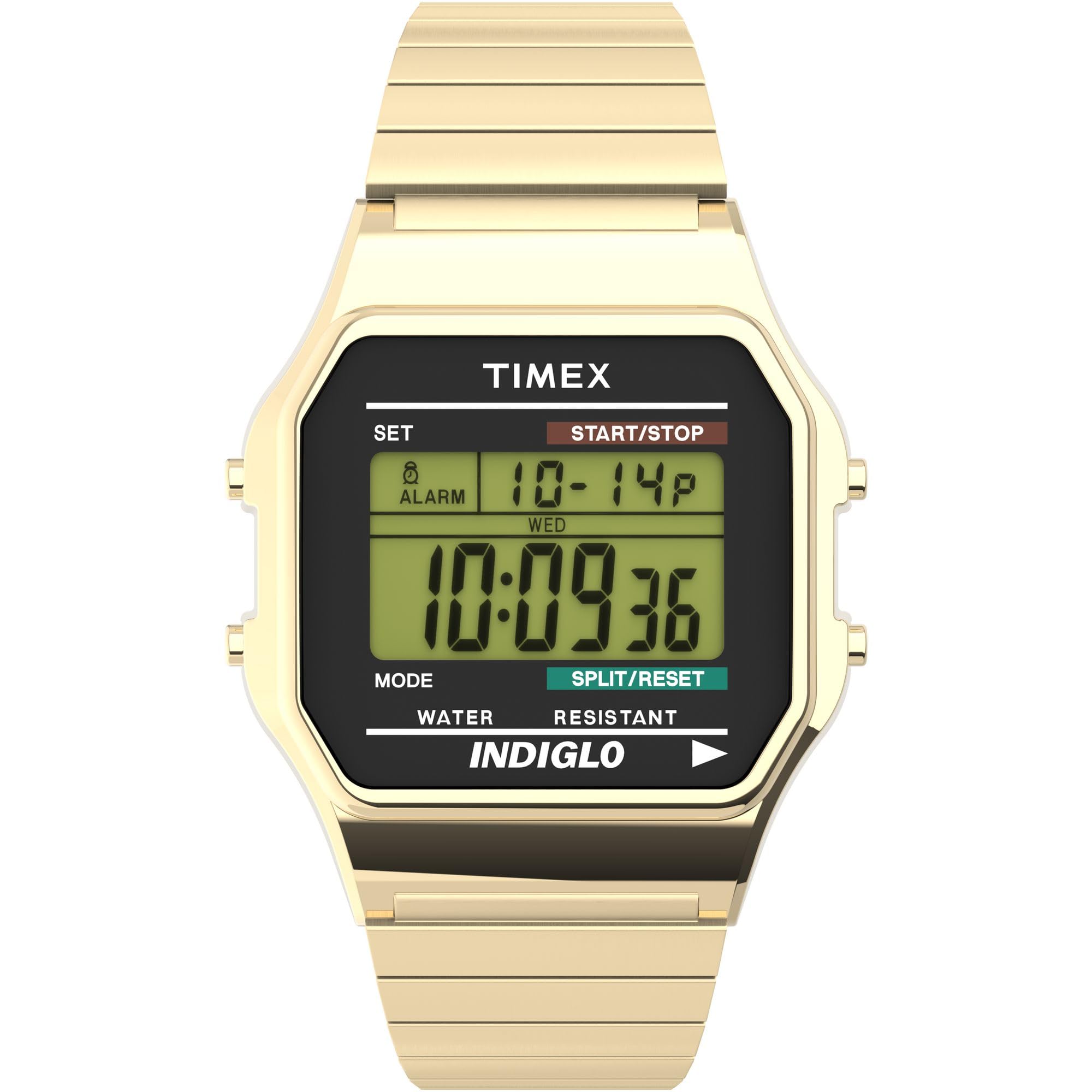
Aurrealdea view of the Timex Classic Digital 34mm Watch, showcasing its gold-tone finish and digital display.
Konfigurazioa
Before using your watch, it is important to set the correct time, date, and configure any desired features.
1. Ordua eta data ezartzea
- Sakatu EZARTU button (top left) once to enter time setting mode. The seconds will begin to flash.
- Sakatu MODUA button (bottom left) to cycle through the settings: seconds, hours, minutes, month, date, day of the week.
- Erabili HASI/GELDITU button (top right) to adjust the flashing value.
- Ezarpen guztiak zuzenak direnean, sakatu botoia EZARTU botoia berriro sakatu ezarpen modutik irteteko.

Aldea view of the watch, highlighting the control buttons for setting and operation.
2. Alarma ezartzea
- Ordu-pantaila arruntetik, sakatu MODUA botoia sakatu pantailan "ALARMA" agertu arte.
- Sakatu EZARTU button. The alarm hour will flash.
- Erabili HASI/GELDITU botoia alarma ordua doitzeko.
- Sakatu MODUA minutuak hautatzeko, eta gero erabili HASI/GELDITU doitzeko.
- Sakatu EZARTU to confirm and exit alarm setting mode.
- Alarma aktibatzeko/desaktibatzeko, sakatu HASI/GELDITU button while in alarm mode. An alarm icon will appear when active.
3. Using 24-Hour (Military) Time Mode
Your watch supports both 12-hour (AM/PM) and 24-hour (military) time formats. To switch between modes, enter time setting mode (as described in "Setting Time and Date"), and when the hour is flashing, press the HASI/GELDITU button to toggle between 12-hour and 24-hour display.
Funtzionamendu-argibideak
1. Using the INDIGLO Night-Light
The INDIGLO night-light illuminates the watch display for easy viewing in low-light conditions. To activate, press and hold the INDIGLO button (bottom right). The light will remain on as long as the button is pressed.
2. Kronografoa erabiltzea (kronometroa)
- Ordu-pantaila arruntetik, sakatu MODUA button until "CHRONO" or "STOPWATCH" appears.
- Sakatu HASI/GELDITU botoia sakatu kronografoa abiarazteko.
- Denbora zati bat grabatzeko, sakatu tekla ZATITU / RESET button (bottom right) while the chronograph is running. The display will show the split time, while the chronograph continues to run in the background. Press ZATITU / RESET berriro exekuzio-denborara itzultzeko.
- Sakatu HASI/GELDITU kronografoa pausatzeko.
- To reset the chronograph to zero, press ZATITU / RESET while the chronograph is paused.
3. Urarekiko erresistentzia
Your Timex watch is water resistant to 30 meters (100 feet). This means it is suitable for splashes, rain, or brief immersion in water. It is ez da gomendagarria for swimming, diving, or showering, as prolonged water exposure or high-pressure water jets can compromise the water resistance seals.
Mantentzea
1. Bateria ordezkatzea
The watch uses one Lithium Metal battery. When the display becomes dim or the functions stop working, it's time to replace the battery. Due to the specialized tools and procedures required to maintain water resistance, it is highly recommended to have the battery replaced by an authorized Timex service center or a professional watch repairer.
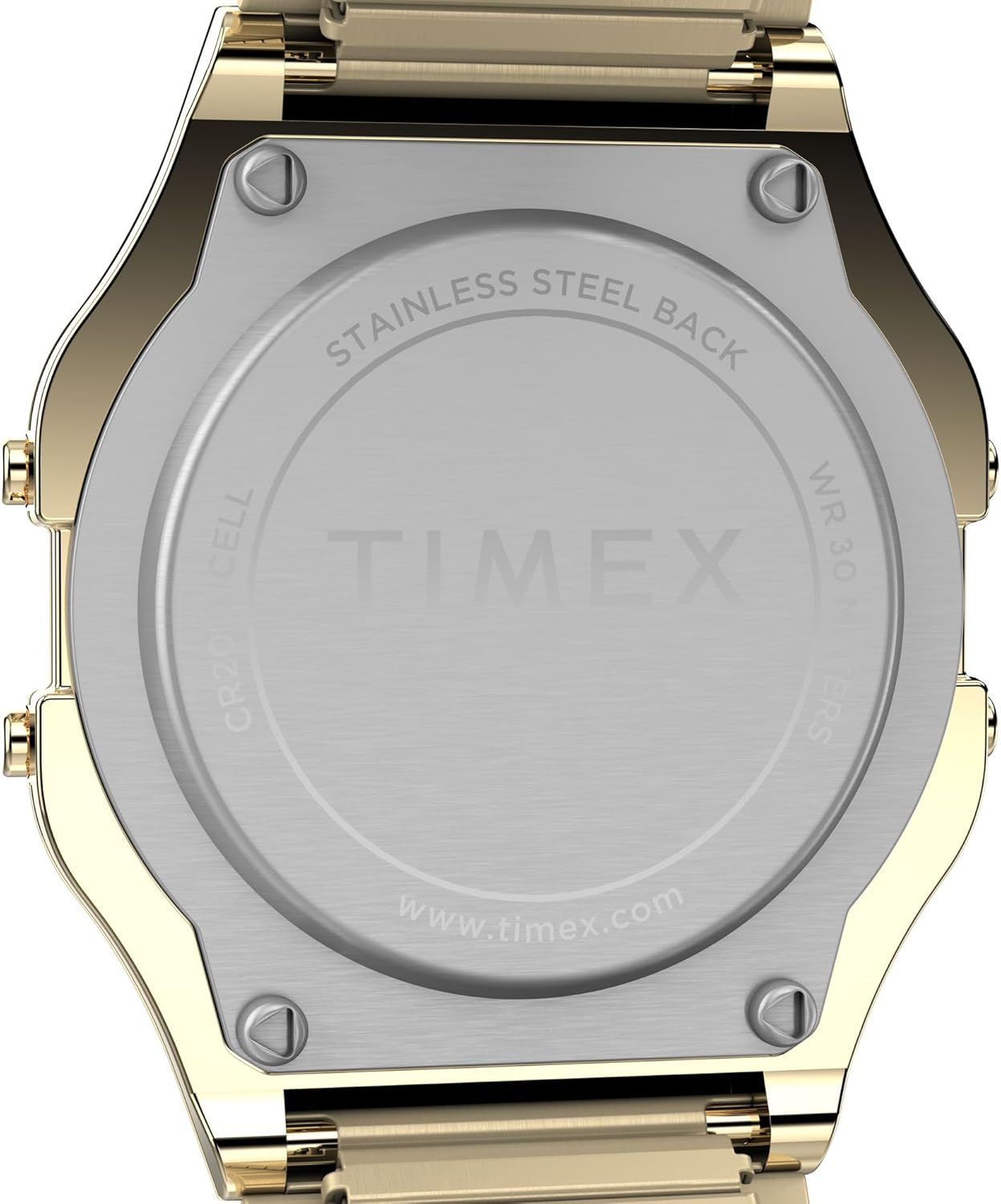
Atzekoa view of the watch, showing the stainless steel back plate.
2. Erlojua garbitzea
Erlojua garbitzeko, garbitu astiro-astiro zapi leun batekin,amp cloth. Avoid using harsh chemicals, solvents, or abrasive cleaners, as these can damage the watch's finish or seals.
3. Bandaren zaintza
The expansion band is designed for comfort and durability. To clean the band, you can gently stretch it and wipe between the links with a soft, damp cloth. Ensure it is completely dry before wearing. Avoid excessive stretching or bending that could damage the links.
Arazoak konpontzea
- Pantaila hutsik edo ahul dago: This usually indicates a low battery. Refer to the "Battery Replacement" section for guidance.
- Buttons are Unresponsive: Try pressing the buttons firmly. If the issue persists, a battery replacement might be needed, or contact customer support.
- Ordua okerra da: Re-set the time and date as described in the "Setting Time and Date" section. Ensure the 12/24-hour mode is set correctly.
Zehaztapenak
| Modelo zenbakia | T786779J |
| Kasuaren Diametroa | 34mm (Resin) |
| Bandaren Zabalera | 18mm (Stainless Steel Expansion Band) |
| Mugimendu Mota | Kuartzoa |
| Bistaratzeko mota | Digital (Green) |
| Uraren Erresistentzia | 30 metro (100 oin) |
| Ezaugarri bereziak | INDIGLO Night-Light, Chronograph, Alarm, Month/Day/Date Calendar, 24-Hour Mode |
| Bateria mota | Litio metal 1 (barne) |
| Elementuaren pisua | 1.6 ontza |
Produktuen bideoak
Timex Sizing Chart
This video provides a visual guide to Timex watch sizing, demonstrating how different case sizes appear on various wrist sizes.
Timex Men's T78677 Classic Digital Gold-Tone Stainless Steel Expansion Band Watch Overview
Funtzionario bat gainezka.view bideo emanaldiaasing the features and design of the Timex Classic Digital Gold-Tone Stainless Steel Expansion Band Watch.
Bermea eta Laguntza
Bermearen informazioa
Your Timex watch is covered by a manufacturer's warranty. Please refer to the warranty card included with your purchase for specific terms, conditions, and duration. Keep your proof of purchase for warranty claims.
Bezeroarentzako Arreta
For further assistance, technical support, or service inquiries, please visit the official Timex website or contact their customer service department. Contact information can typically be found on the Timex webgunean edo ontziratze-materialetan.