
Sarrera
The BoxWave EverTouch Capacitive Stylus is designed to provide a precise and comfortable interaction with your touchscreen devices. Featuring a durable FiberMesh tip, this stylus offers enhanced accuracy and responsiveness for various tasks, from navigation to drawing and writing. This manual provides instructions for setup, operation, maintenance, and troubleshooting to ensure optimal performance of your stylus.
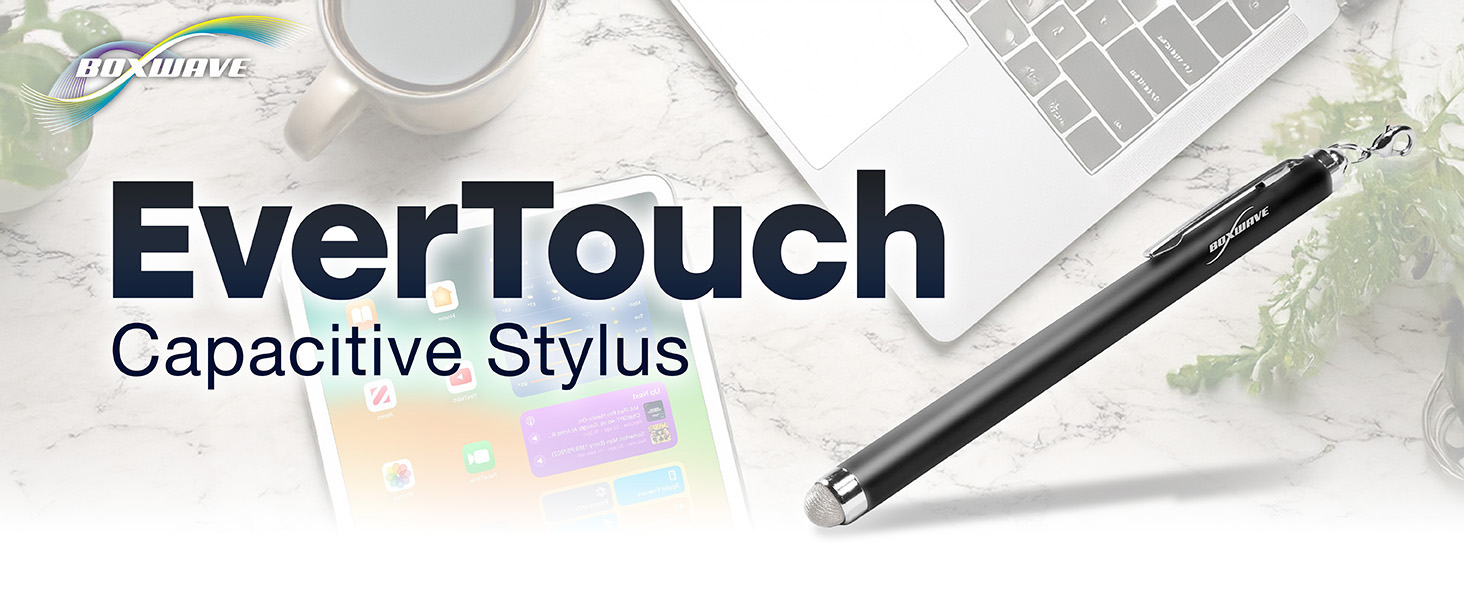
Image: The BoxWave EverTouch Capacitive Stylus, highlighting its design and functionality.
Konfigurazioa
The EverTouch Capacitive Stylus is a passive device and requires no batteries or Bluetooth pairing. It is ready for use directly out of the packaging.
Attaching Lanyard (Optional)
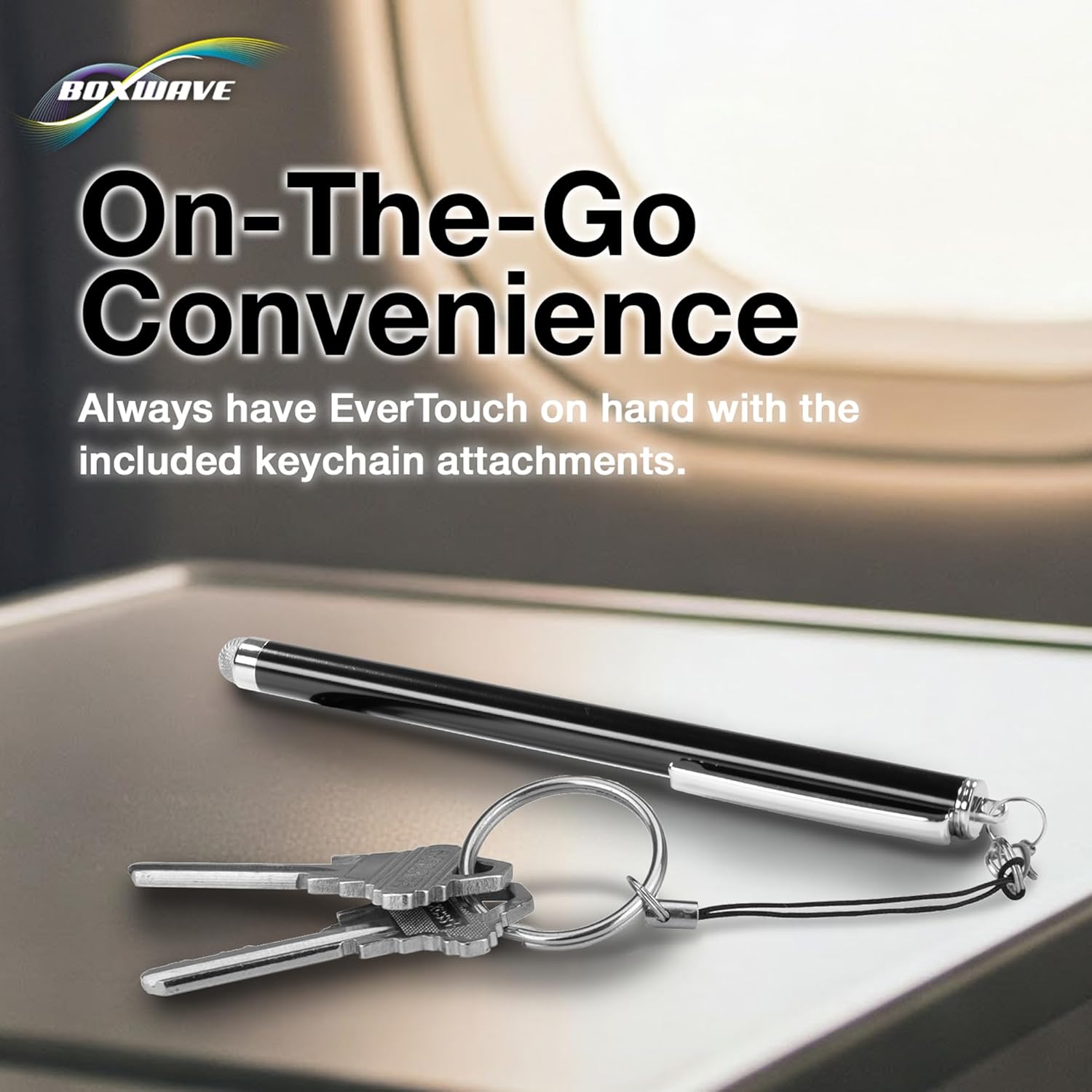
The stylus comes with three types of lanyard attachments for convenient portability:
- 2-inch Lanyard with 3.5mm Headphone Jack Attachment: Insert the 3.5mm plug into your device's headphone jack.
- 12-inch Elastic Coil with 3.5mm Headphone Jack Attachment: Provides extended reach while keeping the stylus tethered to your device. Insert the 3.5mm plug into your device's headphone jack.
- Charm Clip: Attach the clip to key chains, charms, or bracelets for easy access.

Image: The EverTouch Stylus shown with its included lanyard attachments, demonstrating options for portability.
Funtzionamendua
The EverTouch Capacitive Stylus simulates the touch of your finger on a touchscreen, offering enhanced precision and control.
Oinarrizko Erabilera
- Sakatzea: Lightly tap the FiberMesh tip on the screen to select items, open applications, or activate buttons.
- Irristatu: Drag the stylus across the screen to scroll, navigate menus, or perform gestures.
- Idazketa eta marrazketa: Use the stylus for more precise input in note-taking apps, drawing programs, or for signing documents. The FiberMesh tip allows for smooth and accurate lines.

Image: A hand using the EverTouch Stylus to interact with a tablet, demonstrating its natural and comfortable feel.
FiberMesh Tip Benefits
The FiberMesh tip is constructed from a tightly-woven conductive material, providing several advantages:
- Iraunkortasuna: Highly resistant to tearing, ensuring a long lifespan.
- Accuracy and Responsiveness: The super conductive fiber material allows for precise input and works effectively at any screen angle with minimal pressure.
- Pantaila garbitzea: The soft FiberMesh tip helps to clean your screen as you use it, reducing smudges and fingerprints.
Irudia: Xehetasun zehatza view of the EverTouch Stylus's FiberMesh tip, highlighting its woven texture.
Mantentzea
Proper care will extend the life and performance of your EverTouch Capacitive Stylus.
- Cleaning the Tip: While the FiberMesh tip has self-cleaning properties, occasional gentle wiping with a soft, dry, lint-free cloth can remove any accumulated dust or debris. Avoid using harsh chemicals or abrasive materials.
- Biltegiratzea: Store the stylus in a clean, dry place when not in use. Utilize the included lanyard attachments to keep it secure and prevent loss or damage.
- Saihestu muturreko baldintzak: Do not expose the stylus to extreme temperatures, direct sunlight for prolonged periods, or excessive moisture.
Arazoak konpontzea
If you encounter issues with your EverTouch Capacitive Stylus, consider the following:
- Estilistak ez du erantzuten:
- Ensure your device's screen is clean and free of smudges or debris that might interfere with touch detection.
- Gently clean the FiberMesh tip as described in the Maintenance section.
- Verify that your device's touchscreen is functioning correctly with finger input.
- Confirm that your device is a capacitive touchscreen device, as this stylus is designed for such screens.
- Sarrera okerra:
- Ensure the FiberMesh tip is making full contact with the screen.
- Try adjusting the angle or pressure slightly.
- Clean the screen and stylus tip.
- Tip Appears Damaged:
- While the FiberMesh tip is durable, excessive force or improper use can cause damage. If the tip is frayed or torn, the stylus may need replacement.
Zehaztapenak
| Marka | BoxWave |
| Modelo zenbakia | bw-750-4058-5183 |
| Elementuaren pisua | 0.5 ontza |
| Paketearen neurriak | 5.6 x 1.8 x 0.5 hazbete |
| Kolorea | Ilargi Urdina |
| Materiala | Aluminioa |
| Gailu bateragarriak | Google Nexus 7, Samsung Galaxy Tab, and other Android devices with capacitive touchscreens. |
| Beharrezko bateriak | Ez |
| UPC | 011540359121 |
Bezeroarentzako Arreta
BoxWave is committed to providing high-quality accessories and excellent customer service. If you have any questions, require assistance, or encounter issues not covered in this manual, please contact BoxWave customer support.
For further assistance, please visit the official BoxWave webgunea edo kontsultatu zure produktuaren ontzian emandako harremanetarako informazioa.