
Sarrera
This manual provides detailed instructions for the proper use and care of your Calypso K5571/1 digital watch. Please read this manual thoroughly to ensure optimal performance and longevity of your timepiece. Keep this manual for future reference.
Konfigurazioa
1. Hasierako ordua eta data ezartzea
Your Calypso K5571/1 watch features a digital display. To set the time and date:
- Sakatu MODUA botoia (normalean beheko ezkerrean) behin eta berriz ordua ezartzeko modua bistaratu arte (askotan digitu keinukariek adierazten dute).
- Erabili ADJ or EZARTU button (usually top left or right) to select the digit you wish to change (hours, minutes, year, month, day).
- Erabili HASI/GELDITU or ARGIA button (usually top right or bottom right) to adjust the selected digit up or down.
- Repeat steps 2 and 3 until the correct time and date are set.
- Sakatu MODUA botoia berriro ezarpen modutik irteteko.
2. Bateriaren informazioa
The Calypso K5571/1 watch is powered by a battery. When the display becomes dim or functions become erratic, it indicates a low battery. Battery replacement should be performed by a qualified watch technician to ensure water resistance is maintained.
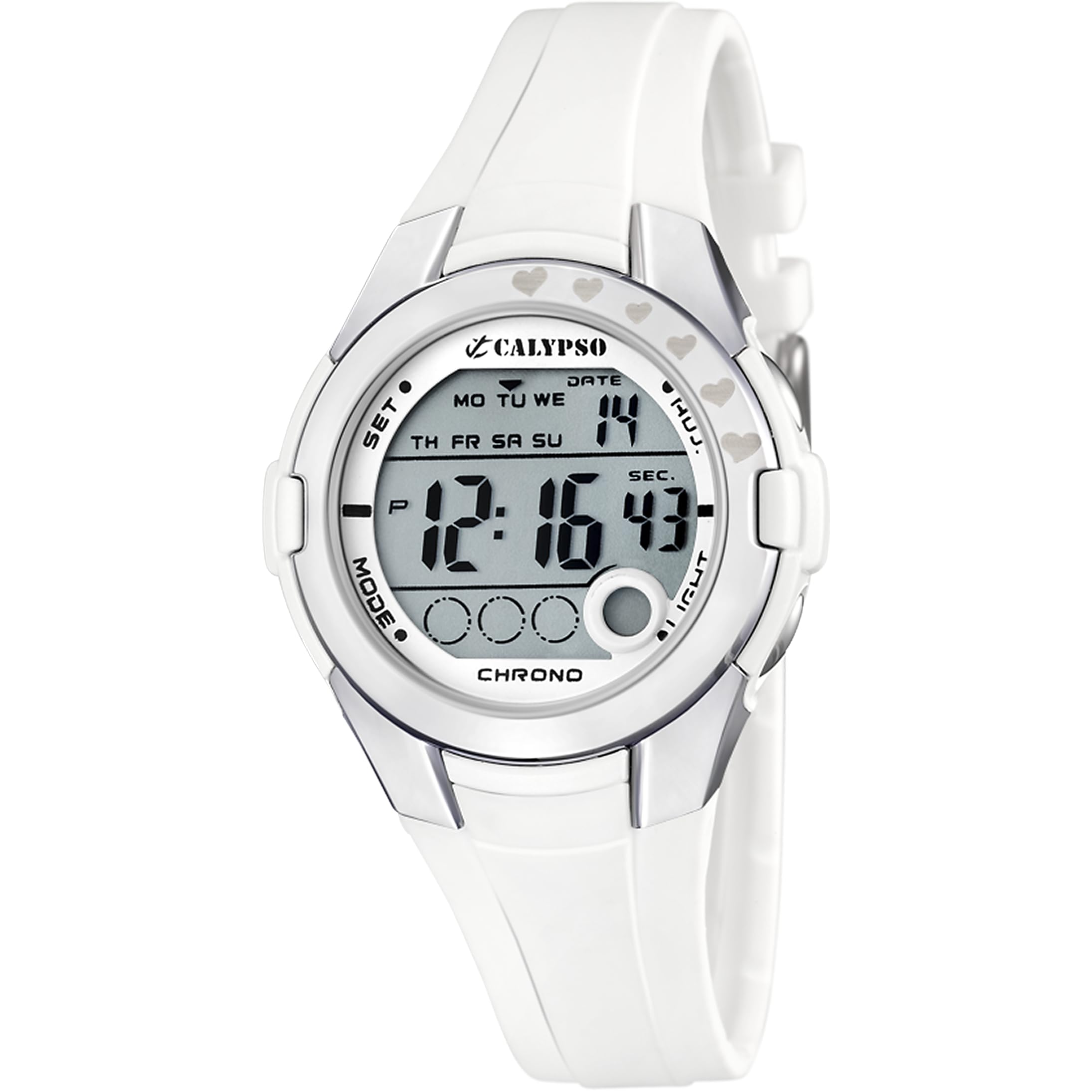
Figure 1: Calypso K5571/1 Digital Watch. This image shows the watch face and strap, illustrating its design.
Zure erlojuaren erabilera
1. Time Display Modes
Your watch typically displays time in a 12-hour or 24-hour format. Use the MODUA button to cycle through different display modes such as time, date, alarm, and stopwatch.
2. Stopwatch Function (Chronomètre)
Kronometroa erabiltzeko:
- Sakatu MODUA button until the stopwatch display appears (usually showing "00:00:00").
- Sakatu HASI/GELDITU botoia denbora neurtzen hasteko.
- Sakatu HASI/GELDITU again to pause or stop the timing.
- Sakatu Berrezarri botoia (askotan ADJ or ARGIA button in stopwatch mode) to clear the stopwatch to zero.
3. Backlight Function (Eclairage)
Argi gutxiko baldintzetan pantaila argiztatzeko, sakatu ARGIA botoia. Atzeko argia normalean segundo batzuetan piztuta egongo da.
4. Urarekiko erresistentzia
The Calypso K5571/1 watch is water-resistant up to 100 meters (10 ATM). This means it is suitable for swimming, showering, and snorkeling. It is ez suitable for scuba diving or high-impact water sports. Do not operate buttons while the watch is submerged in water, as this can compromise the water seal.
Mantentzea
1. Erlojua garbitzea
The watch features a polyurethane strap and a mineral glass dial window. To clean your watch:
- Garbitu erlojuaren kaxa eta uhala zapi leun batekinamp oihal.
- Zikinkeria egoskorrerako, xaboi leun baten disoluzioa erabili eta ur garbiarekin ondo garbitu.
- Avoid using harsh chemicals, solvents, or abrasive cleaners, as these can damage the watch's finish and materials.
- Ziurtatu erlojua guztiz lehor dagoela berriro jantzi aurretik.
2. Bateria ordezkatzea
When the battery needs replacement, it is recommended to take your watch to an authorized Calypso service center or a reputable watch repair shop. This ensures that the correct battery type is used and the water resistance seal is properly re-installed.
3. Urarekiko erresistentzia zaintzea
Erlojuaren urarekiko erresistentzia mantentzeko:
- Saihestu erlojua tenperatura aldaketa bortitzetan jartzea (adibidez, dutxa beroa eta ondoren ur hotza).
- Ez sakatu botoirik erlojua bustita edo uretan murgilduta dagoenean.
- Have the water resistance seals checked periodically, especially if the watch is frequently exposed to water.
Arazoak konpontzea
| Arazoa | Kausa posiblea | Irtenbidea |
|---|---|---|
| Pantaila hutsik edo ilun dago. | Bateria baxua. | Ordeztu bateria. |
| Ordua ez da zuzena. | Ordua ez da behar bezala ezarri edo nahi gabe doikuntza egin da. | Refer to the "Initial Time and Date Setting" section to reset the time. |
| Botoiek ez dute erantzuten. | Baliteke erlojua blokeatuta egotea edo bateria oso baxua izatea. | Saiatu sakatzen MODUA button to cycle through modes. If unresponsive, consider battery replacement. |
| Erlojuaren barruko kondentsazioa. | Urarekiko erresistentzia arriskuan. | Immediately take the watch to a service center to prevent further damage. |
Zehaztapenak
| Ezaugarri | Xehetasuna |
|---|---|
| Modelo zenbakia | K5571 |
| Bistaratzeko mota | Digitala |
| Mugimendu Mota | Kuartzoa |
| Urarekiko erresistentzia sakonera | 100 metro (10 kutxazain automatiko) |
| Banda Material Mota | Poliuretanoa |
| Kaxa material mota | Altzairu herdoilgaitza |
| Markaketaren leihoaren material mota | Beira minerala |
| Kasuaren Diametroa | 38 milimetro |
| Bandaren Zabalera | 22.1 milimetro |
| Kasuen lodiera | 13 milimetro |
| Elementuaren pisua | 32 gramo |
| Ezaugarri bereziak | Backlight, Stopwatch |
| Energia iturria | Bateriaren bidez |
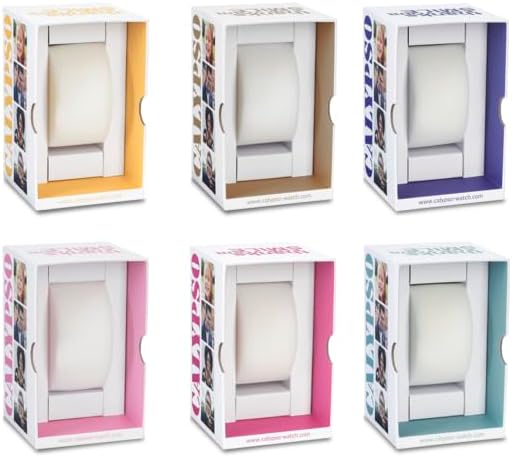
2. irudia: Adibample Calypso watch packaging. The watch comes in a protective box, which may vary in color.
Bermearen informazioa
Your Calypso K5571/1 watch is covered by a manufacturer's warranty against defects in materials and workmanship. The specific terms and duration of the warranty may vary by region. Please refer to the warranty card included with your purchase or visit the official Calypso webinformazio zehatza lortzeko gunea.
Bermeak normalean ez ditu estaltzen:
- Damage resulting from improper use, accidents, or unauthorized repairs.
- Normal wear and tear of the strap, case, or crystal.
- Bateriaren iraupena.
Bezeroarentzako Arreta
If you encounter any issues or have questions regarding your Calypso K5571/1 watch that are not addressed in this manual, please contact Calypso customer support or visit their official website for assistance. You may find contact information on the product packaging or the warranty card.
Informazio gehiagorako, bisitatu dezakezu Calypso Watches official webgunea.