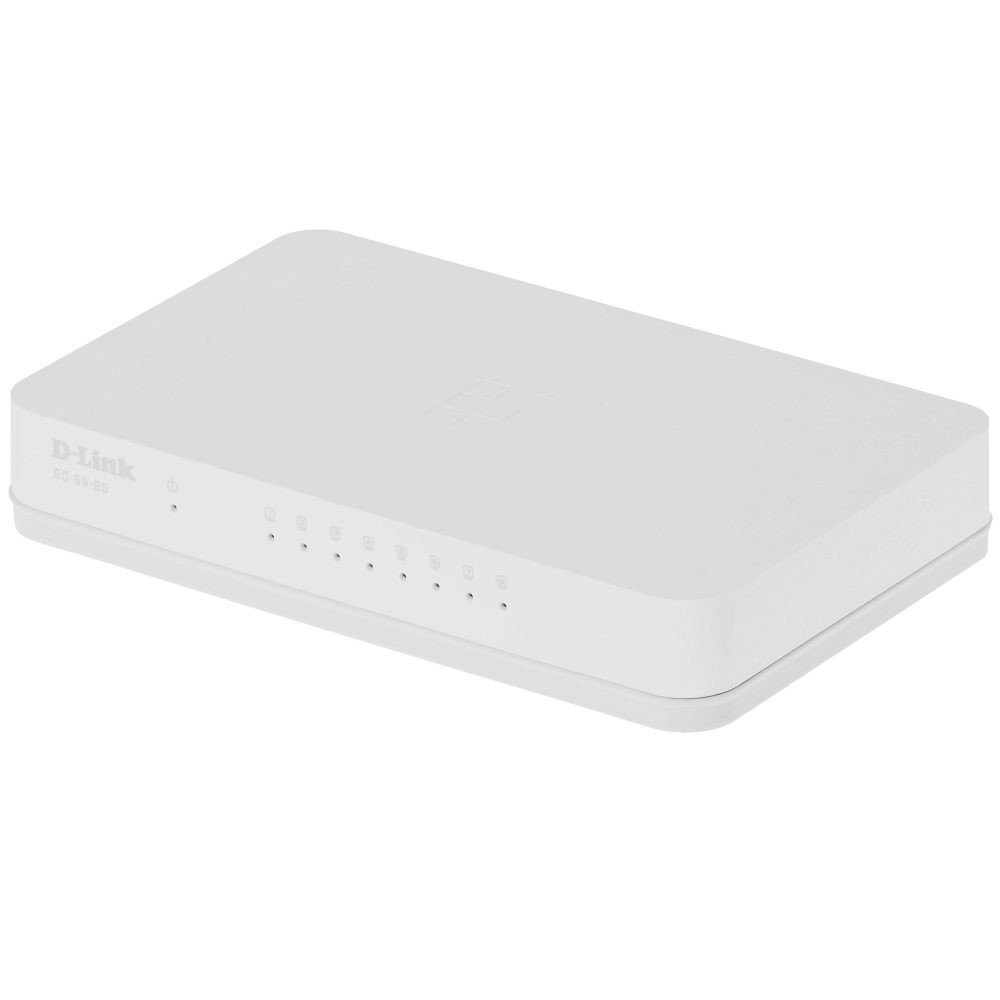
The D-Link GO-SW-8G is an 8-port unmanaged Gigabit desktop switch designed for small office and home office (SOHO) environments. This device facilitates network expansion by providing eight 10/100/1000 Mbps Ethernet ports, enabling high-speed data transfer for connected devices. It incorporates D-Link's Green Technology for energy efficiency, reduced heat generation, and extended product lifespan.
Konfigurazioa
Paketearen edukia
Egiaztatu zure paketeak elementu hauek dituela:
GO-SW-8G device
Elikatze-moldagailua
Etengailua konektatzen
The GO-SW-8G is a plug-and-play device, requiring no software configuration for basic operation. Follow these steps to set up your switch:
Potentzia-konexioa: Connect the provided power adapter to the power input port on the rear panel of the GO-SW-8G switch and then plug the adapter into a standard electrical outlet.
Sareko gailuaren konexioa: Connect Ethernet cables from your network devices (e.g., computers, network-attached storage, routers) to any of the eight available RJ45 ports on the GO-SW-8G switch. The switch supports auto MDI/MDIX, so you can use either straight-through or crossover Ethernet cables.
Egiaztapena: Once connected, the corresponding LED indicator for each active port will illuminate, indicating a successful link.
Image: D-Link GO-SW-8G 8-Port Unmanaged Gigabit Desktop Switch. This image displays the compact white design of the switch with its multiple Ethernet ports and power input.
Funtzionamendua
The D-Link GO-SW-8G operates as an unmanaged switch, meaning it requires no user configuration for its core functions. It automatically detects network speed and duplex mode for each connected device, providing optimal performance. The Gigabit Ethernet ports support data transfer rates of up to 1000 Mbps, facilitating fast communication within your local network.
LED adierazleak
The switch features LED indicators for each port and for power. These indicators provide visual feedback on the status of the switch and its connections:
Power LED: Pizten da etengailua piztuta dagoenean.
Esteka/Jarduera LEDak (portu bakoitzeko):
Berde trinkoa: Indicates a successful network link at Gigabit speed (1000 Mbps).
Anbarra solidoa: Indicates a successful network link at Fast Ethernet speed (10/100 Mbps).
Keinuka: Indicates network activity (data transmission or reception) on that port.
Desaktibatuta: No link detected or device is not powered on/connected.
Mantentzea
To ensure optimal performance and longevity of your D-Link GO-SW-8G switch, follow these general maintenance guidelines:
Lekua: Place the switch in a well-ventilated area to prevent overheating. Avoid direct sunlight and heat sources.
Garbiketa: Erabili zapi leun eta lehor bat etengailuaren kanpoaldea garbitzeko. Ez erabili garbitzaile likido edo aerosolik.
Kableen kudeaketa: Ziurtatu sareko kableak ondo antolatuta daudela eta ez daudela gehiegi tolestuta edo tentsioan.
Elikatze-iturria: Erabili gailuarekin hornitutako korronte-egokigailua soilik.
Arazoak konpontzea
If you encounter issues with your D-Link GO-SW-8G switch, refer to the following common troubleshooting steps:
Potentziarik gabe:
Ziurtatu korronte-egokitzailea etengailura eta funtzionatzen duen entxufe elektriko batera ondo konektatuta dagoela.
Egiaztatu entxufea funtzionatzen duen beste gailu bat konektatuz.
Esteka-argirik ez:
Verify that the Ethernet cable is securely plugged into both the switch port and the network device.
Ziurtatu konektatutako sareko gailua piztuta dagoela eta behar bezala funtzionatzen duela.
Try a different Ethernet cable to rule out cable failure.
Test with a different port on the switch.
Sarearen abiadura motela:
Confirm that all connected devices and cables support Gigabit Ethernet (1000 Mbps) for optimal performance.
Egiaztatu konektatutako gailuetan exekutatzen ari diren sareko trafiko gehiegizko edo banda-zabalera asko kontsumitzen duten aplikazioak.
Ensure the switch is placed in an area with adequate ventilation to prevent performance degradation due to overheating.
Zehaztapenak
Marka
D-Link
Modelo zenbakia
GO-SW-8G/B
Portu kopurua
8
Datuen transferentzia-tasa
1000 Megabytes Per Second (Gigabit)
Aldatu mota
Kudeatu gabekoa
Interfazea
RJ45
Gailu bateragarriak
PC, Mac
liburukiatage
5 Volt
Kaxa material mota
Plastikoa
Elementuaren pisua
0.3 kilo
Bermearen informazioa
The D-Link GO-SW-8G switch comes with a 3 urteko berme mugatua. For detailed terms and conditions, please refer to the warranty card included with your product or visit the official D-Link webgunea.
Laguntza
For technical support, product registration, or to download the latest firmware and documentation, please visit the official D-Link support website. You can typically find support resources by searching for your product model (GO-SW-8G) on their site.
Ask about setup, troubleshooting, compatibility, parts, safety, or missing instructions. Manuals+ will review the question and use this page’s manual context to help answer it.