
Sarrera
The StarTech.com SDOCKU33HB is a USB 3.0 SATA Hard Drive Docking Station designed for quick and easy access to 2.5-inch or 3.5-inch SATA solid-state drives (SSDs) and hard disk drives (HDDs). It features a built-in USB Fast Charge hub and supports UASP (USB Attached SCSI Protocol) for enhanced performance with SATA 6Gbps drives. This manual provides instructions for setup, operation, and maintenance of your docking station.
Produktua amaituview
Familiarize yourself with the components and features of your docking station.
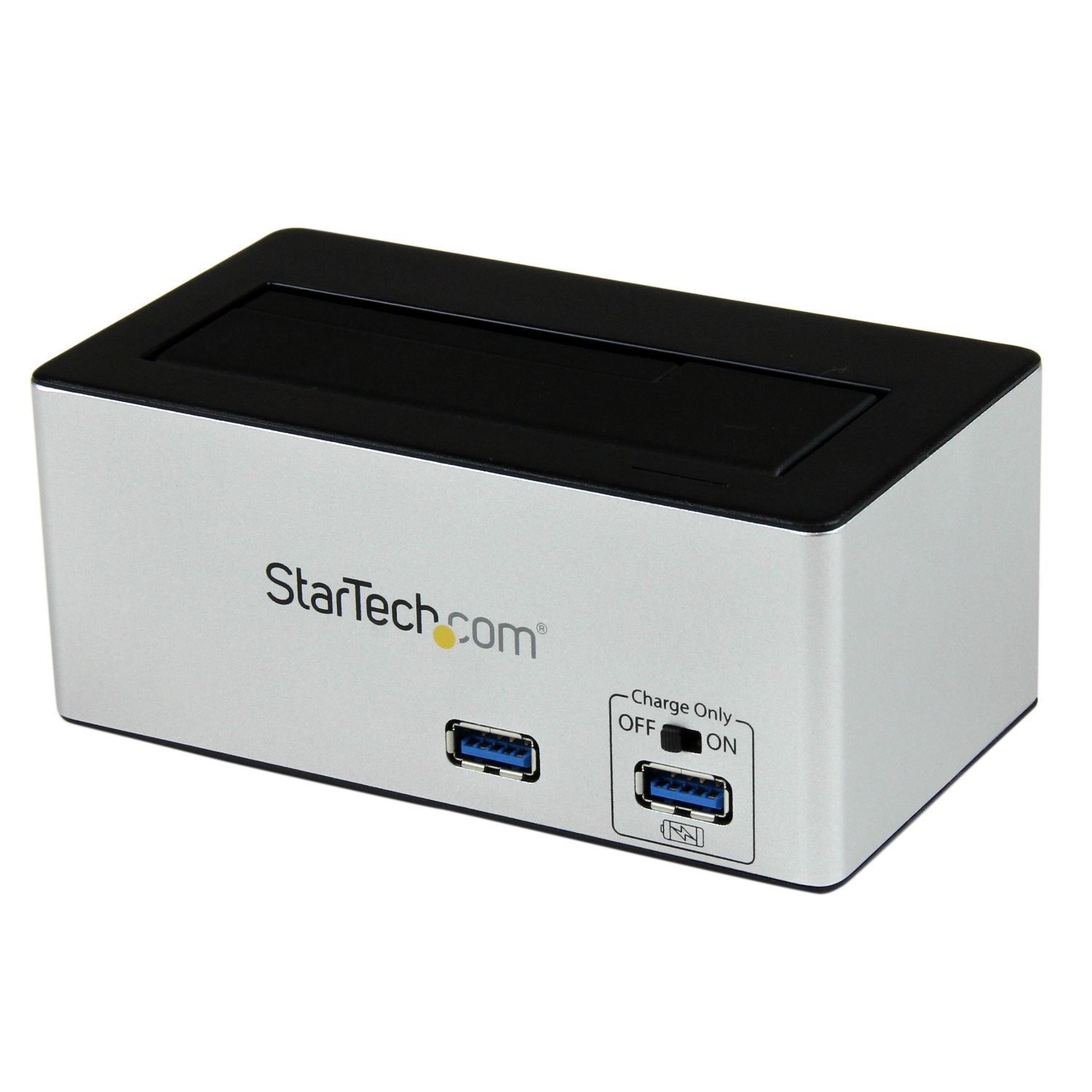
Irudia: The StarTech.com SDOCKU33HB docking station, showing the top-loading drive bay and front panel.
Aurrealdeko panelaren Ezaugarriak
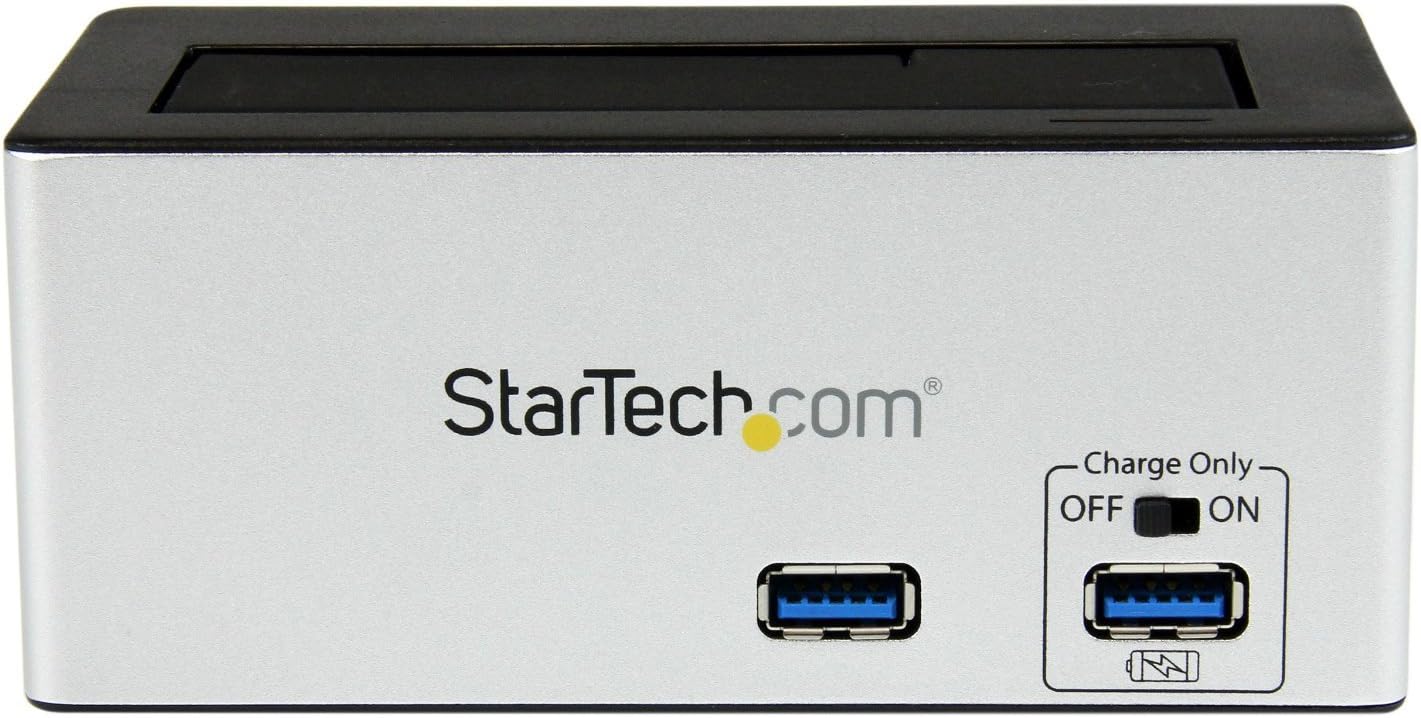
Irudia: Aurrealdea view of the docking station, highlighting the USB 3.0 data port and the USB Fast Charge port with its ON/OFF switch.
- USB 3.0 Data Port: Connects to your computer for data transfer.
- USB Fast Charge Port: Provides accelerated charging for mobile devices. Features an ON/OFF switch for activation.
Atzeko panelaren Ezaugarriak

Irudia: Atzekoa view of the docking station, showing the power switch, DC-IN port, USB 3.0 host connection, and the OFF/Sleep switch.
- Switch potentziala: Turns the docking station ON or OFF.
- DC-IN ataka: Barneratutako energia-egokitzailera konektatzen da.
- USB 3.0 ostalari ataka: Connects the docking station to your computer's USB 3.0 port.
- OFF/Sleep Switch: Controls the sleep mode functionality of the docking station.
Paketearen edukia
Verify that all components are present in your package.
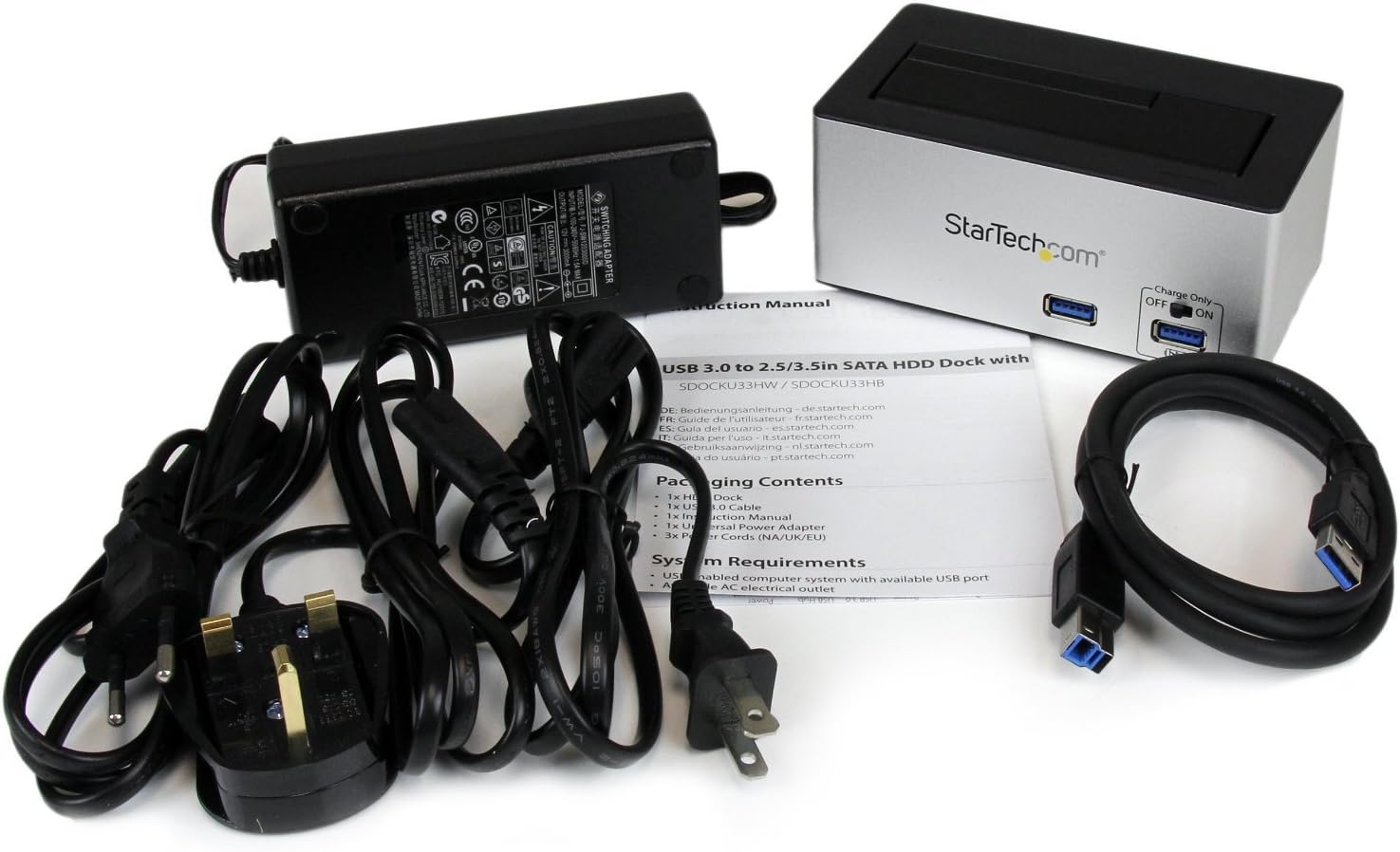
Irudia: The complete package contents, including the docking station, power adapter, USB 3.0 cable, and instruction manual.
- 1x USB 3.0 SATA Hard Drive Docking Station (SDOCKU33HB)
- 1x Energia-egokitzaile unibertsala
- 1x USB 3.0 kablea
- 1x Argibide eskuliburua
Sistemaren eskakizunak
Ensure your system meets the following requirements for optimal performance.
- Computer with an available USB 3.0 port (USB 2.0/1.1 backward compatible)
- 2.5-inch or 3.5-inch SATA I/II/III SSD/HDD
- Korronte alternoko korronte hartunea
- Operating System: Windows XP/Vista/7/8/10/11, macOS 10.x and later, Linux
Konfigurazio Argibideak
- Konektatu energia: Connect the universal power adapter to the DC-IN port on the rear of the docking station, then plug the adapter into an AC power outlet.
- Konektatu ordenagailura: Connect one end of the included USB 3.0 cable to the USB 3.0 Host Port on the rear of the docking station, and the other end to an available USB 3.0 port on your computer.
- Txertatu unitatea: Gently slide your 2.5-inch or 3.5-inch SATA SSD/HDD into the top-loading drive bay until it is securely seated. Ensure the drive's SATA connector aligns with the docking station's connector.
- Piztu: Flip the Power Switch on the rear of the docking station to the 'ON' position. The power LED (if present) should illuminate.
- Gidariaren instalazioa: Zure sistema eragileak automatikoki detektatu eta instalatu beharko lituzke beharrezko kontrolatzaileak. Normalean ez da beharrezkoa eskuzko kontrolatzailerik instalatzea.
- Sarbide unitatera: Once detected, the drive will appear as a removable storage device in your operating system's file explorer or disk management utility. You may need to initialize and format new drives before use.
Funtzionamendu-argibideak
Using the Hard Drive Dock
- Datuen transferentzia: Once the drive is recognized by your computer, you can drag and drop files to and from the drive as you would with any other storage device.
- Truke beroa: The docking station supports hot-swapping. To safely remove a drive, ensure all data transfer operations are complete, then use your operating system's "Safely Remove Hardware" or "Eject" function before pulling the drive out of the bay.
- UASP laguntza: For systems supporting UASP, the docking station will leverage this protocol to achieve faster data transfer speeds, especially with SATA 6Gbps drives.
Using the USB Fast Charge Port
- Activate Fast Charge: Flip the "Charge Only" switch on the front panel to the 'ON' position.
- Konektatu gailua: Connect your mobile device (e.g., smartphone, tablet) to the USB Fast Charge port using its charging cable.
- Kargatzen: The port will provide enhanced power output for faster charging compared to standard USB ports.
Lo Moduaren Funtzionalitatea
- The "OFF/Sleep" switch on the rear panel controls the docking station's sleep mode behavior. Consult the full product manual for detailed information on sleep mode settings and compatibility.
Mantentzea
- Garbiketa: Erabili oihal leun eta lehor bat kargatzeko estazioaren kanpoaldea garbitzeko. Ez erabili garbitzaile likidorik edo disolbatzailerik.
- Biltegiratzea: Erabiltzen ez duzunean, gorde kargatzeko estazioa leku fresko eta lehor batean, eguzki-argitik eta muturreko tenperaturetatik babestuta.
- Gidatzearen kudeaketa: Always handle hard drives with care. Avoid dropping or subjecting them to physical shock.
Arazoak konpontzea
- Issue: Drive not detected by computer.
- Ziurtatu kargatzeko estazioa piztuta dagoela eta korronte-egokitzailea ondo konektatuta dagoela.
- Verify the USB 3.0 cable is firmly connected to both the docking station and your computer.
- Probatu beste USB ataka bat zure ordenagailuan.
- Ensure the SATA drive is correctly seated in the docking bay.
- Check your computer's Disk Management (Windows) or Disk Utility (macOS) to see if the drive is recognized but uninitialized or unformatted. New drives require initialization and formatting.
- Test with a different SATA drive to rule out a drive issue.
- Arazoa: Datuen transferentzia abiadura motela.
- Ziurtatu ordenagailuko USB 3.0 ataka batera konektatuta zaudela. USB 2.0 atakek abiadura motelagoa ekarriko dute.
- Verify your operating system and drivers support UASP for optimal performance with SATA 6Gbps drives.
- The performance of the drive itself can affect transfer speeds.
- Issue: Fast Charge port not working.
- Ensure the "Charge Only" switch on the front panel is in the 'ON' position.
- Verify the docking station is powered on.
- Try a different charging cable or device to confirm the issue is not with the device or cable.
Zehaztapenak
| Ezaugarri | Zehaztapena |
|---|---|
| Eredua | SDOCKU33HB |
| Interfazea | USB 3.0 (atzeranzko bateragarria USB 2.0/1.1-rekin) |
| Unitate mota bateragarriak | 2.5" and 3.5" SATA I/II/III HDDs/SSDs |
| Datuen transferentzia-tasa | Gehienez 5 Gbps (USB 3.0) |
| UASP laguntza | Bai |
| Fast Charge Port | Bai |
| Neurriak (L x W x H) | 3.6" x 3.6" x 6.8" (9.14 cm x 9.14 cm x 17.27 cm) |
| Pisua | 1.4 lb (0.64 kg) |
| Kolorea | Beltza |
| Elikatze Hornidura | Universal AC Adapter (Input: 100-240V AC, Output: 12V DC) |
Bermea eta Laguntza Teknikoa
StarTech.com produktu honek babesten du 2 urteko bermea.
For the most up-to-date information on warranty, technical support, and product documentation, please visit the official StarTech.com website or the product page:
You can also find additional resources and contact information for technical assistance on the StarTech.com webgunea.