
1. Produktua amaitu daview
The Maul 2335225 A4 Clipboard with Cover is designed for organizing and securing documents. It features a robust construction and a practical design for everyday use in various environments.
- Made of robust cardboard with a durable foil coating.
- Equipped with adjustable hanging holes for convenient suspension.
- Features a dirt-repellent, wipeable surface for easy cleaning.

1. irudia: Aurrealdea view of the Maul A4 Clipboard with Cover.
2. Konfigurazioa
The Maul A4 Clipboard with Cover requires minimal setup and is ready for immediate use.
- Desegin: Carefully remove the clipboard from its packaging.
- Ikuskatu: Check the clipboard for any visible damage.
- Erabiltzeko prest: The clipboard is now ready to hold your documents.
3. Funtzionamendu-argibideak
Follow these steps to effectively use your clipboard:
- Dokumentuak txertatzea:
Gently press down on the metal clip at the top of the clipboard to open it. Slide your A4 documents under the clip. Release the clip to securely hold the papers in place. The clipboard can hold up to 80 sheets of standard A4 paper.
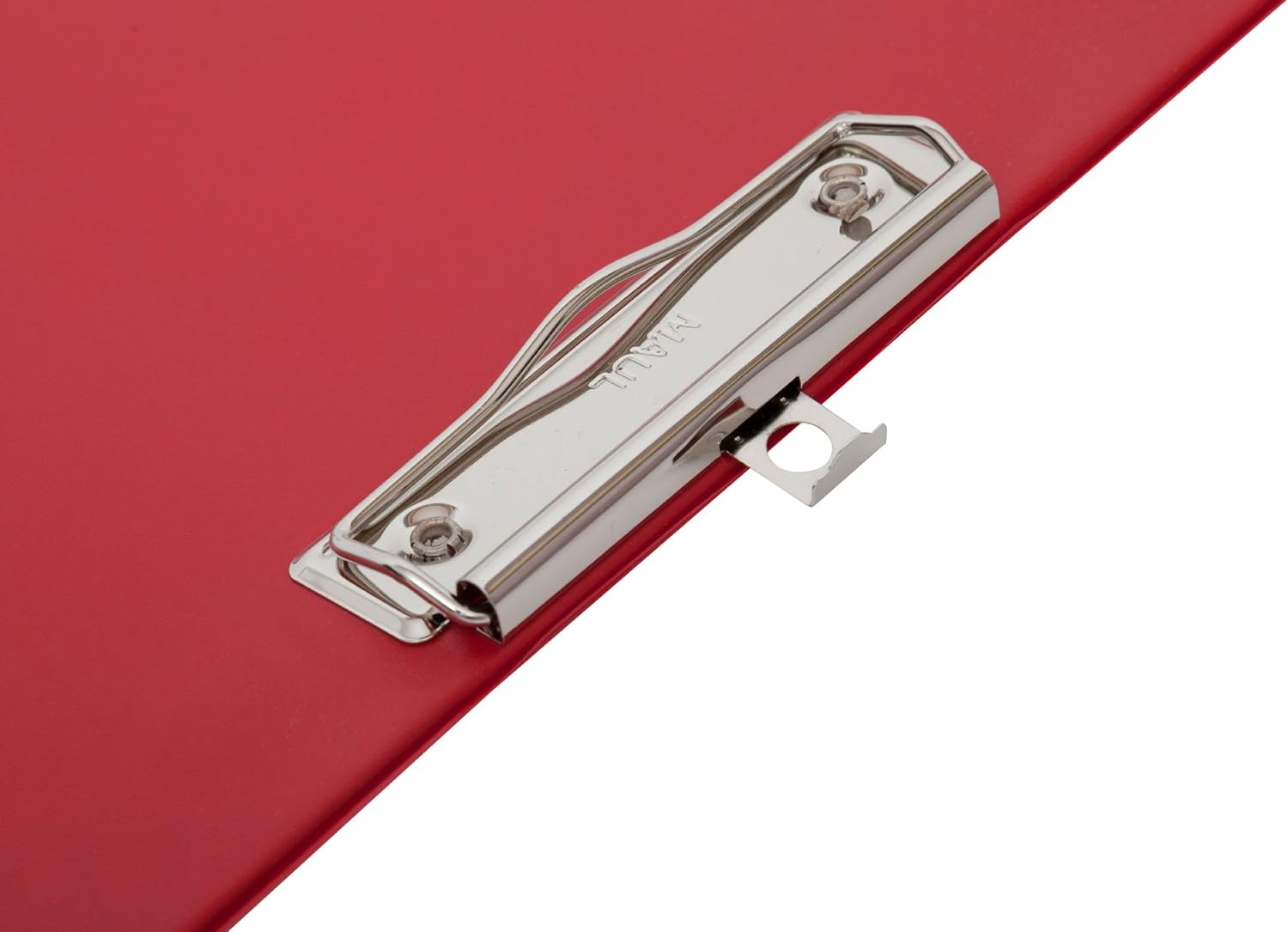
Figure 2: Detail of the flat clip mechanism.

Figure 3: Documents secured by the clip.
- Estalkia erabiliz:
The integrated cover protects your documents from dust, spills, and provides privacy. Simply fold the cover over the documents once they are secured by the clip.
- Hanging the Clipboard:
Utilize the adjustable hanging holes located on the back of the clipboard for convenient storage or display. These holes allow for flexible hanging options on hooks or nails.

4. irudia: Atzealdea view with hanging holes.
4. Mantentzea
To ensure the longevity and appearance of your Maul A4 Clipboard with Cover, follow these simple maintenance guidelines:
- Garbiketa: The clipboard features a dirt-repellent, wipeable surface. For general cleaning, use a soft, damp cloth. For stubborn marks, a mild soap solution can be applied, followed by wiping with a clean, damp oihal. Saihestu garbitzaile urratzaileak edo produktu kimiko gogorrak.
- Biltegiratzea: Store the clipboard in a dry environment, away from direct sunlight or extreme temperatures, to prevent material degradation.
- Clip Care: Periodically check the metal clip for any debris that might hinder its function. Ensure it operates smoothly.
5. Arazoak
The Maul A4 Clipboard with Cover is a simple and robust product. Most issues can be resolved with basic checks.
- Papers not held securely: Ensure the metal clip is fully closed after inserting documents. Avoid overloading the clip beyond its 80-sheet capacity.
- Surface marks: Refer to the "Cleaning" section under Maintenance for instructions on how to clean the wipeable surface.
6. Zehaztapenak
| Ezaugarri | Xehetasuna |
|---|---|
| Marka | Maul |
| Modelo zenbakia | 2335225 |
| Produktuaren neurriak | Approximately 2.3 x 1.3 x 0.25 cm (thickness); 100 g |
| Kolorea | Gorria |
| Material Mota | Cardboard with Foil Coating |
| Finkatzeko gaitasuna | Up to 80 sheets (A4) |
| Elementu kopurua | 1 |
| Tamaina | A4 |
| Lotura mota | Flat Clip |
| Fabrikatzailea | Jakob Maul GmbH |
7. Bermea eta Laguntza
For information regarding warranty, returns, or technical support, please refer to the retailer's policy where the product was purchased or contact Maul directly through their official webgunea. Mesedez, izan zure modelo zenbakia (2335225) eta erosketa xehetasunak prest laguntzarekin harremanetan jartzean.
Fabrikatzailea: Jakob Maul GmbH