
1. Sarrera
This manual provides detailed instructions for the installation, operation, and maintenance of the Securitron PB3A Alternate Action Push Button. The PB3A is a single-gang, alternate action push button designed for various control applications, typically in access control or industrial settings. Please read this manual thoroughly before installation and operation to ensure proper function and safety.
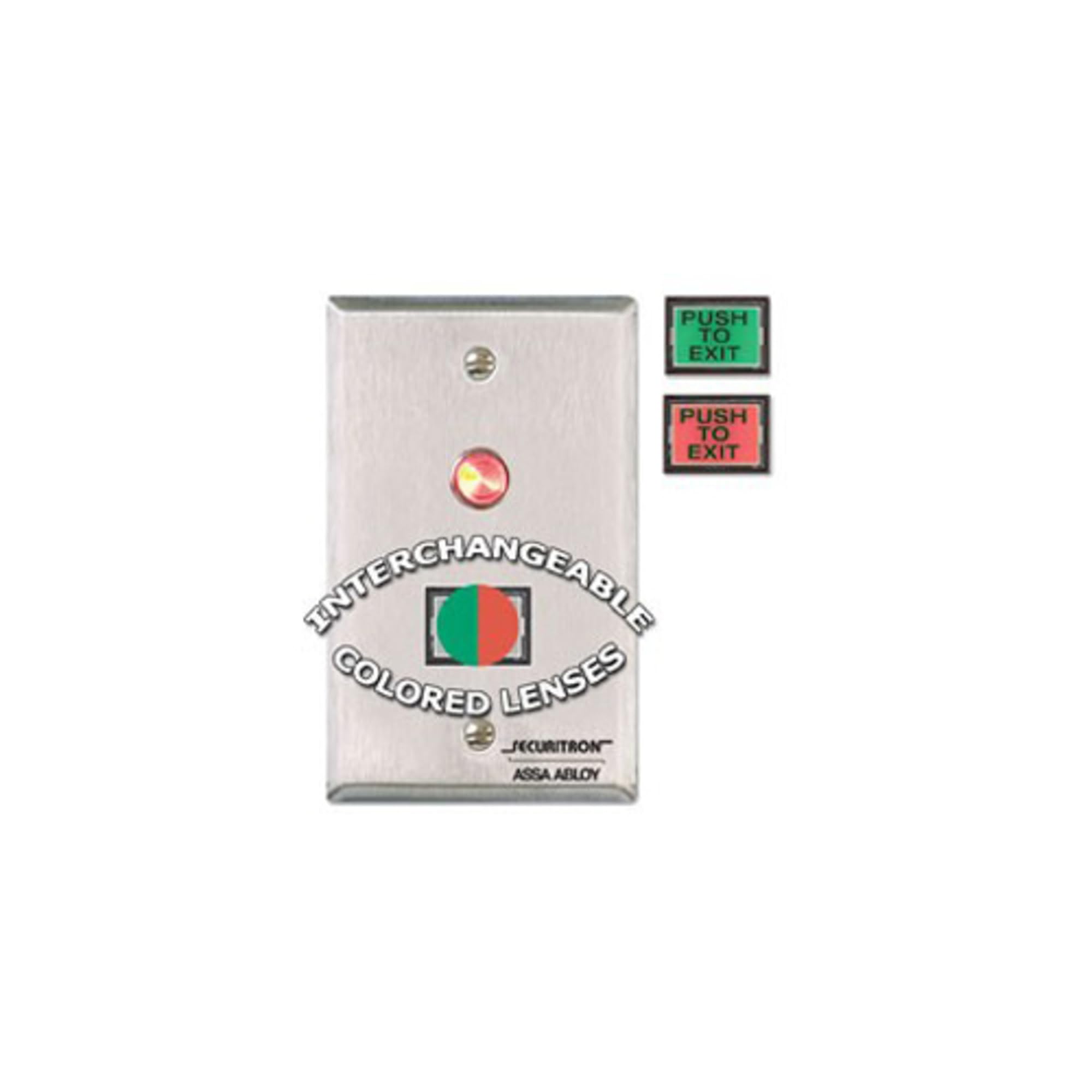
1. irudia: Securitron PB3A Alternate Action Push Button. This image shows the front view of the single-gang push button with its rectangular faceplate and central button.
2. Konfigurazioa eta instalazioa
Proper installation is crucial for the reliable operation of the PB3A push button. Always ensure power is disconnected before beginning any wiring procedures.
2.1 Segurtasun-neurriak
- Disconnect all power to the circuit before installation or servicing.
- Instalazioa langile kualifikatuek egin behar dute, tokiko eta estatuko araudi elektriko guztien arabera.
- Erabili norberaren babeserako ekipamendu egokia (PPE).
2.2 Muntaketa
The PB3A is designed for single-gang box mounting. It can be installed in a standard electrical wall box.
- Ensure the electrical box is securely mounted in the desired location.
- Carefully remove the existing cover plate, if any.
- Align the PB3A push button with the mounting holes of the single-gang box.
- Secure the push button using the provided screws. Do not overtighten.
2.3 Kableatua
The PB3A features contacts for alternate action operation. Refer to your control panel or power supply documentation for specific wiring requirements.
- Identify the Common (C), Normally Open (NO), and Normally Closed (NC) terminals on the push button.
- Connect the appropriate wires from your control system or power supply to these terminals.
- Ziurtatu konexio guztiak seguru eta isolatuta daudela zirkuitu laburrak saihesteko.
- After wiring, carefully place the push button assembly into the electrical box, ensuring no wires are pinched.
3. Funtzionamendu-argibideak
The Securitron PB3A is an alternate action push button. This means its state changes with each press and remains in that state until pressed again.
- Lehen prentsa: When the button is pressed for the first time, its internal contacts will switch state (e.g., from Normally Open to Closed, or Normally Closed to Open). This action will be maintained.
- Bigarren prentsa: When the button is pressed a second time, its internal contacts will switch back to their original state. This action will also be maintained.
- Repeat presses will toggle the contact state.
The specific function (e.g., locking/unlocking a door, activating a light) depends on how the PB3A is wired into your control system.
4. Mantentzea
The Securitron PB3A push button requires minimal maintenance to ensure long-term reliable operation.
4.1 Garbiketa
- Clean the surface of the push button with a soft, damp oihal.
- Ez erabili garbitzaile urratzailerik, disolbatzailerik edo produktu kimiko gogorrik, hauek akabera edo barneko osagaiak kaltetu baitezakete.
- Ensure no liquid enters the internal mechanism of the button.
4.2 Ikuskapena
- Periodically inspect the push button for any signs of physical damage, such as cracks or loose components.
- Check for secure mounting and ensure all wiring connections remain tight.
- Test the button's functionality regularly to confirm it is operating as expected.
5. Arazoak
If the PB3A push button is not functioning correctly, refer to the following troubleshooting steps:
| Arazoa | Kausa posiblea | Irtenbidea |
|---|---|---|
| Button does not respond to press. | No power to the circuit; Loose or incorrect wiring; Faulty control panel input. | Verify power supply; Check all wiring connections for continuity and correct polarity; Consult control panel manual for input status. |
| Button is stuck or difficult to press. | Physical obstruction; Internal mechanism damage. | Inspect for debris around the button; If damage is suspected, contact support for replacement. |
| Button does not alternate state. | Incorrect wiring for alternate action; Internal switch failure. | Double-check wiring against the control system's requirements; If wiring is correct, the unit may be faulty and require replacement. |
If the problem persists after attempting these solutions, please contact Securitron technical support or your authorized dealer.
6. Zehaztapenak
- Eredua: PB3A
- Mota: Alternate Action Push Button
- Muntaketa: Kuadrilla Bakarra
- Pisua: Gutxi gorabehera 2 libra (0.91 kg)
- Fabrikatzailea: Securitron ASSA ABLOY
- Lehen eskuragarri dagoen data: 31ko abenduaren 2009a
- Note: Specific electrical ratings (e.g., voltage, current) should be confirmed on the product label or manufacturer's datasheet.
7. Bermearen informazioa
Securitron products are typically backed by a manufacturer's warranty. For specific warranty terms and conditions, please refer to the documentation included with your product or visit the official Securitron webgunea. Gorde erosketaren egiaztagiria bermearen erreklamazioetarako.
8. Laguntza Teknikoa
For technical assistance, installation questions, or troubleshooting beyond the scope of this manual, please contact:
- Your authorized Securitron dealer or distributor.
- Securitron Customer Service (refer to the official Securitron website for contact details).
When contacting support, please have your product model number (PB3A) and a detailed description of the issue ready.