
Sarrera
This manual provides instructions for the Datalogic Barcodescanner Touch TD1100 90 Light, model TD1120-BK-90K1. It covers essential information for setting up, operating, maintaining, and troubleshooting your device to ensure optimal performance. Please read this manual thoroughly before using the scanner.
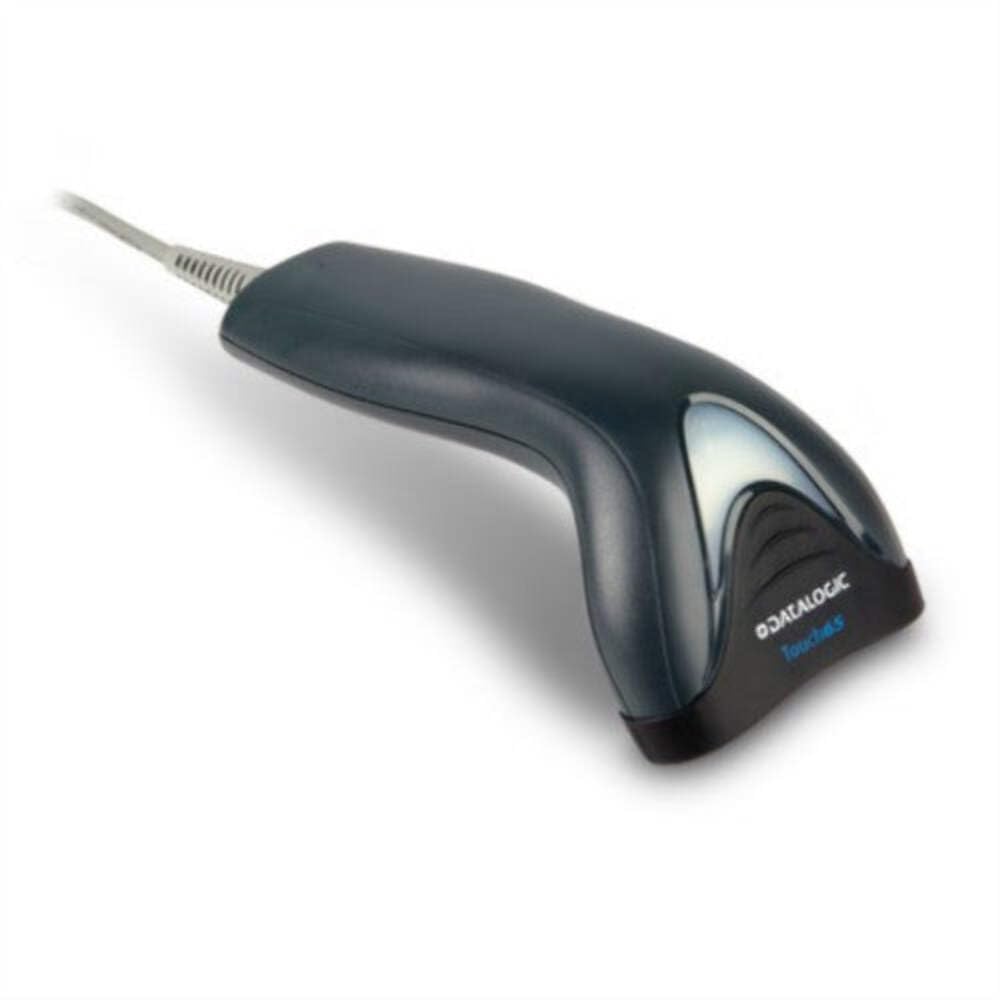
Image: The Datalogic Touch TD1100 90 Light barcode scanner, showing its ergonomic design and integrated cable.
Konfigurazioa
1. Deskargatzea
Kontu handiz atera osagai guztiak paketetik. Egiaztatu elementu guztiak daudela:
- Datalogic Touch TD1100 90 Light Barcode Scanner
- USB kablea (integratua)
- Hasiera Azkarreko Gida (barne badago)
2. Eskanerra konektatzea
The TD1120-BK-90K1 model connects via a USB interface. Follow these steps:
- Bilatu zure ordenagailuan (mahaigainekoa edo ordenagailu eramangarria) USB ataka erabilgarri bat.
- Insert the USB connector of the scanner's cable firmly into the USB port.
- The operating system should automatically detect the new hardware and install the necessary drivers. This process may take a few moments.
- Once drivers are installed, the scanner will typically emit a short beep or an indicator light will illuminate, signifying it is ready for use.
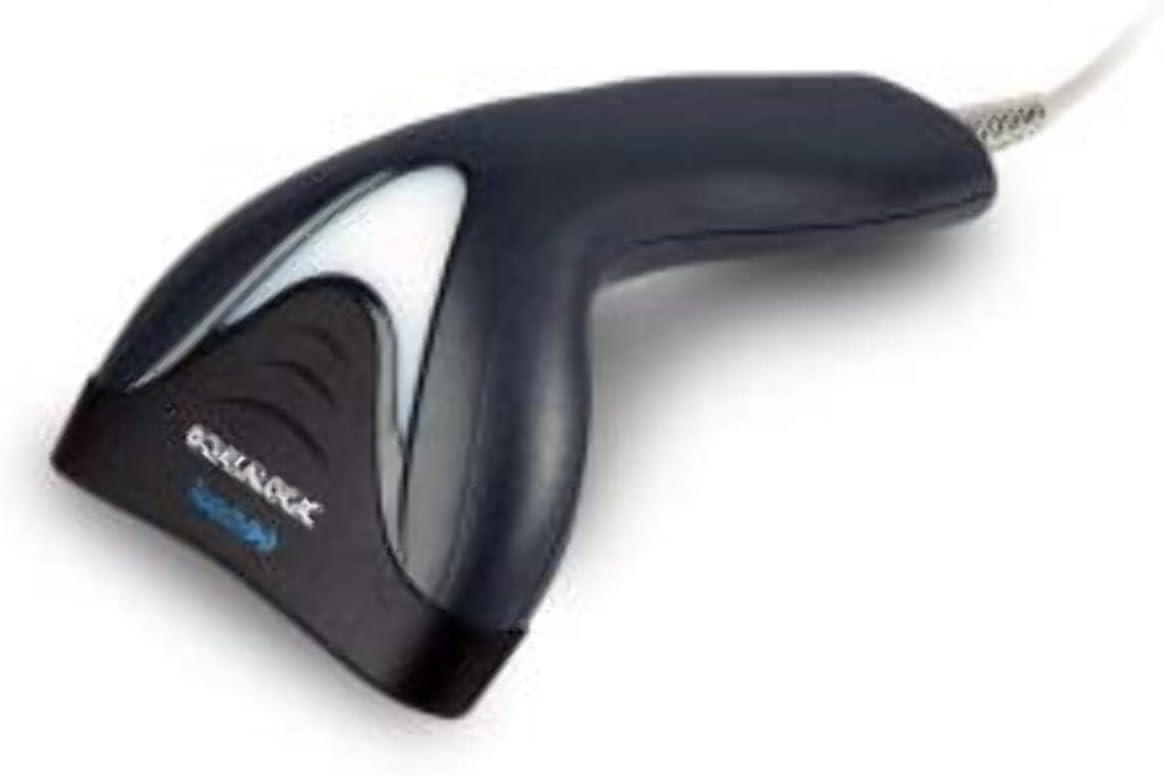
Irudia: Albokoa view of the Datalogic Touch TD1100 90 Light barcode scanner, highlighting the integrated cable for connection.
Funtzionamendu-argibideak
1. Oinarrizko eskaneatze prozedura
Barra-kode bat eskaneatzeko:
- Ziurtatu eskanerra konektatuta eta piztuta dagoela.
- Open an application on your computer where you want the scanned data to appear (e.g., a text editor, spreadsheet, or POS software).
- Eutsi eskanerrari eskaneatze-leihoa barra-kodeari begira duela.
- Press and hold the trigger button. A red aiming line or light will project from the scanning window.
- Position the aiming line across the entire barcode.
- Once the barcode is successfully read, the scanner will emit a beep and/or the indicator light will flash green. The data will then appear in your active application.
- Askatu abiarazteko botoia.
2. Scanning Techniques
- Distantzia optimoa: Hold the scanner at an appropriate distance from the barcode, typically between 2-10 cm (1-4 inches), depending on the barcode size and density.
- Angelua: Scan barcodes at a slight angle to avoid direct reflection, which can interfere with reading.
- Damaged Barcodes: For poorly printed or damaged barcodes, try scanning from different angles or distances.
Mantentzea
1. Eskanerra garbitzea
Regular cleaning helps maintain optimal scanning performance.
- Eskaneatze leihoa: Erabili lipurrik gabeko zapi leun bat dampened with a mild, non-abrasive cleaner (e.g., isopropyl alcohol or glass cleaner) to gently wipe the scanning window. Avoid harsh chemicals or abrasive materials.
- Kanpoaldea: Garbitu kanpoko c-aasing bigun batekin, damp cloth. Do not allow liquids to enter the scanner.
- Ensure the scanner is disconnected from the power source before cleaning.
2. Biltegiratzea
When not in use, store the scanner in a clean, dry environment, away from direct sunlight, extreme temperatures, and corrosive materials.
Arazoak konpontzea
If you encounter issues with your Datalogic TD1100 scanner, refer to the following common problems and solutions:
| Arazoa | Kausa posiblea | Irtenbidea |
|---|---|---|
| Eskanerrak ez du pizten edo ez du erantzuten. | Loose cable connection, faulty USB port, power issue. |
|
| Eskanerrak ez ditu barra-kodeak irakurtzen. | Incorrect scanning technique, damaged barcode, dirty scanning window, incompatible barcode type, application not ready. |
|
| Eskaneatutako datuak gaizki agertzen dira. | Keyboard wedge settings, incorrect language settings. |
|
Zehaztapenak
Key technical specifications for the Datalogic Touch TD1100 90 Light (TD1120-BK-90K1):
- Modelo zenbakia: TD1120-BK-90K1
- Marka: Datalogikoa
- Eskaneatu tasa: 90 fotograma segundoko (fps)
- Konektibitate Teknologia: Bluetootha
- Gailu bateragarriak: Mahaigaina, ordenagailu eramangarria
- Energia iturria: Bateriaren bidez
- Elementuaren pisua: 153 gramo
- angelu erreala View: 3.5 gradu
- Fabrikatzailea: Datalogikoa
Note: Some specifications like "Battery Powered" and "Bluetooth" might be generic for the TD1100 series. The TD1120-BK-90K1 is primarily a wired USB scanner.
Bermea eta Laguntza
Bermearen informazioa
Datalogic products are covered by a standard manufacturer's warranty. For specific warranty terms and conditions, please refer to the warranty card included with your product or visit the official Datalogic webgunea. Gorde erosketaren egiaztagiria bermearen erreklamazioetarako.
Laguntza Teknikoa
For technical assistance, troubleshooting beyond this manual, or to inquire about repairs, please contact Datalogic customer support. You can typically find contact information on the Datalogic webgunean edo eskanerrarekin batera emandako dokumentazioan.
- Datalogic Official Webgunea: www.datalogic.com
- Laguntza-baliabideak: Check the support section of the website for FAQs, drivers, and additional documentation.