
Sarrera
The Rocketek FBA_RT-CR7 is a versatile USB 3.0 7-in-1 multi-memory card reader designed for efficient data transfer from various memory card types to your computer. It supports simultaneous reading and writing of up to 5 cards, offering high-speed performance and broad compatibility across multiple operating systems.
Produktuaren Ezaugarriak
- 7-in-1 Txartel irakurgailua: Supports CF, XD, MS, SD, and Micro SD card types.
- Irakurketa/Idazketa aldiberekoa: Capable of reading and writing to 5 different memory cards concurrently.
- USB 3.0 SuperSpeed: Achieves data transfer speeds up to 5Gbps, significantly faster than USB 2.0.
- Bateragarritasun zabala: Works with Mac OS, Linux, Chrome OS, and Windows XP/Vista/7/8/8.1/10.
- Plug & Play: Ez da gidaririk behar instalaziorako.
- Diseinu trinkoa: Portable and easy to carry, ideal for travel.
- Babes integratua: Features over-current, over-voltage, eta zirkuitulaburren babesa.
- LED adierazlea: A blue LED light indicates connection and data activity.
Paketearen edukia
- 1 x Rocketek FBA_RT-CR7 USB 3.0 7-in-1 Multi Memory Card Reader
- 1 x USB 3.0 Cable (with USB-C to USB-A adapter)
Konfigurazio Argibideak
- Txartel irakurgailua konektatu: Plug the USB 3.0 cable from the card reader into an available USB port on your computer. If your computer has a USB-C port, use the provided USB-C to USB-A adapter.
- Potentzia adierazlea: The blue LED indicator on the card reader will light up when successfully connected to your computer.
- Sartu memoria txartela: Carefully insert your memory card into the corresponding slot on the card reader. Ensure the card is inserted correctly according to its orientation. The LED indicator will flicker during data transfer.
- Sarbide Datuak: Your computer will automatically detect the card reader and the inserted memory card. You can then access the card's contents through your file explorer (Windows) or Finder (Mac OS).

1 Irudia: Gainetikview of card reader slots and supported card types.
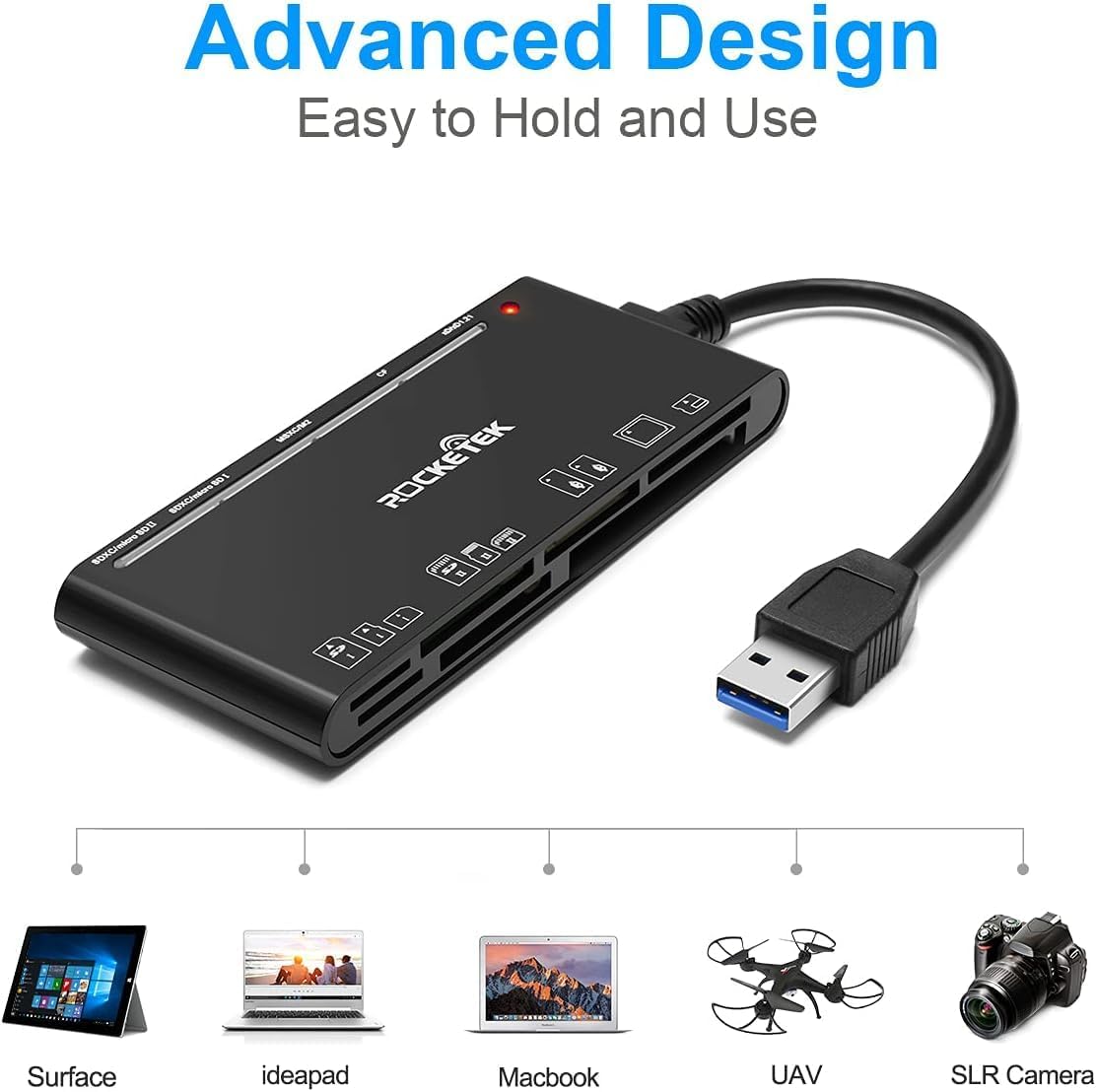
Figure 2: Card reader connected to a laptop, showing operating system compatibility.
Video 1: Demonstration of the Rocketek 7-in-1 Multi Memory Card Reader, showcasing its various card slots, USB 3.0 connectivity, and LED indicator light during operation.
Funtzionamendu-argibideak
- Txartelak sartzea: Gently push the memory card into the appropriate slot until it clicks into place. Do not force the card.
- Irakurketa/idazketa datuak: Once the card is inserted and detected, you can drag and drop files to and from the card. The blue LED indicator will blink during active data transfer.
- Aldibereko erabilera: The card reader supports reading and writing to multiple cards simultaneously. Ensure proper file management to avoid data conflicts.
- Ejecting Cards: Before removing a memory card, always safely eject it from your computer's operating system to prevent data corruption.

Figure 3: Multiple memory cards inserted into the reader, demonstrating simultaneous access.
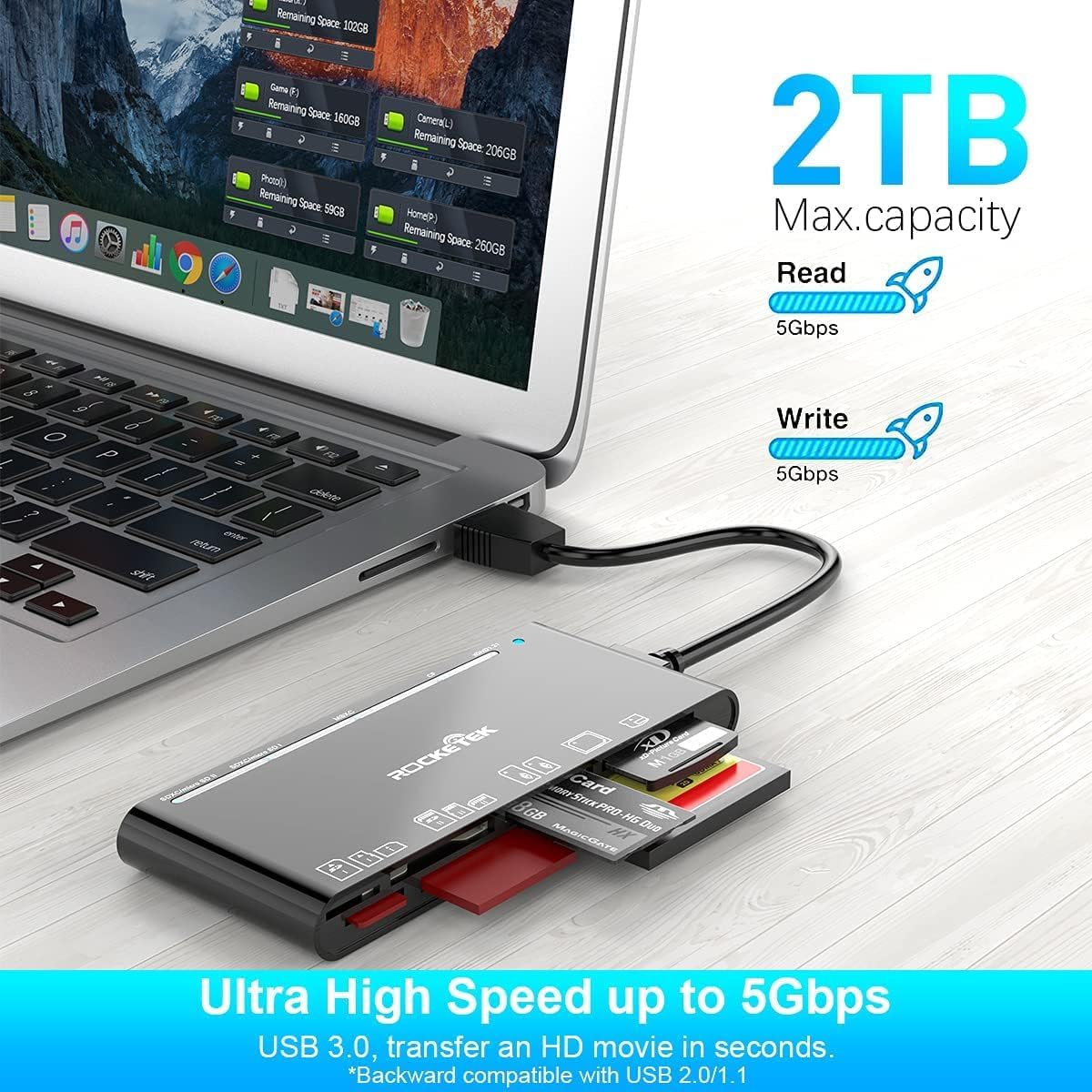
Figure 4: Highlighting the 5Gbps data transfer speed and 2TB maximum capacity.
Bateragarritasuna
Onartutako sistema eragileak:
- Windows XP / Vista / 7 / 8 / 8.1 / 10
- Mac OS (including MacBook Pro/Air)
- Linux
- Chrome OS
Onartutako multimedia motak:
- CompactFlash (CF card, high-speed CF UDMA)
- SD Card (SD, SDXC up to 2TB, SDHC, RS-MMC, miniSD)
- Micro SD (Micro SD, Micro SDXC, Micro SDHC)
- Memory Stick (MS, M2, MSXC, Memory Stick PRO Duo, Memory Stick Pro)
- xD Picture Card
Zehaztapenak
| Marka | Rocketek |
| Ereduaren izena | FBA_RT-CR7 |
| Konektibitate Teknologia | USB A mota |
| Hardware interfazea | USB 3.0 |
| Datuen transferentzia-tasa | 5 Gbps |
| Slot Count | 7 (supporting 5 simultaneous reads/writes) |
| Kolorea | Beltza |
| Elementuaren neurriak (L x W x H) | 6.1" x 2.9" x 0.4" |
| Elementuaren pisua | 9.07 g |
Mantentzea eta zaintzea
- Garbiketa: Erabili zapi leun eta lehor bat txartel-irakurgailuaren kanpoaldea garbitzeko. Saihestu garbitzaile likidoak edo disolbatzaileak erabiltzea.
- Biltegiratzea: Gorde txartel-irakurgailua leku fresko eta lehor batean, eguzki-argitik eta muturreko tenperaturetatik babestuta.
- Manipulazioa: Avoid dropping the device or subjecting it to strong impacts. Do not bend or twist the cable excessively.
- Portuaren babesa: Keep the card slots free from dust and debris.
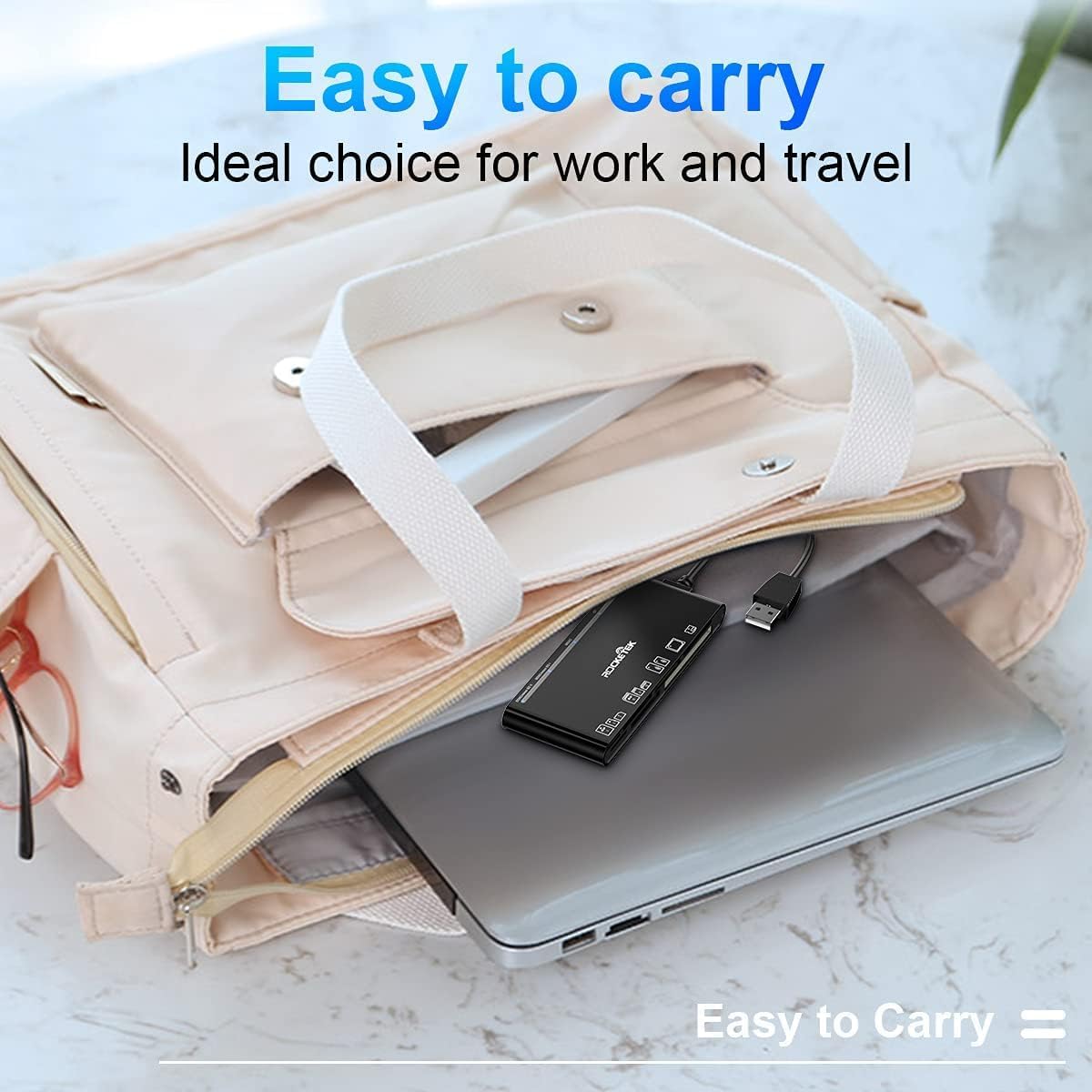
Figure 5: The card reader's compact size, suitable for portability.
Arazoak konpontzea
- Gailua ez da detektatu:
- Ensure the USB cable is securely connected to both the card reader and your computer.
- Saiatu ordenagailuko beste USB ataka batera konektatzen.
- Berrabiarazi ordenagailua.
- Memory Card Not Recognized:
- Verify that the memory card is fully inserted into the correct slot.
- Egiaztatu memoria txartela hondatuta edo hondatuta dagoen. Saiatu beste gailu batean, ahal bada.
- Ensure your operating system supports the file memoria txartelaren sistema.
- Datuen transferentzia motela:
- Ensure the card reader is connected to a USB 3.0 port on your computer for optimal speed.
- Verify that your memory card itself supports high-speed data transfer.
- Saihestu hainbat aplikazio zorrotz exekutatzea denbora luzez file transferentziak.
- LED adierazlea ez pizten:
- Confirm the card reader is properly connected to a powered USB port.
- USB hub bat erabiltzen baduzu, ziurtatu piztuta dagoela.
Bermea eta Laguntza
The Rocketek FBA_RT-CR7 USB 3.0 7-in-1 Multi Memory Card Reader comes with a 2 urteko bermea erosketa-datatik aurrera. Berme honek fabrikazio-akatsak estaltzen ditu eta produktuak deskribatutako moduan funtzionatzen duela ziurtatzen du erabilera normalaren pean.
For technical support, warranty claims, or any inquiries regarding your product, please contact Rocketek customer service through the retailer's platform or visit the official Rocketek webharremanetarako informazioa lortzeko gunea.