
Transcend 64GB microSDHC Memory Card
Transcend 64GB microSDHC Memory Card User Manual
Model: 64GB microSDHC Memory Card with SD Adapter
1. Sarrera
This manual provides essential information for the proper use, installation, and maintenance of your Transcend 64GB microSDHC Memory Card. This high-capacity memory card is designed for reliable data storage in compatible devices such as smartphones, digital cameras, and other portable electronics.

Image 1.1: The Transcend 64GB microSDHC Memory Card shown with its included SD adapter.
2. Konfigurazioa eta instalazioa
To begin using your Transcend 64GB microSDHC Memory Card, follow these steps:
- Identify the Card Slot: Locate the microSD card slot on your device (e.g., smartphone, tablet, camera). If your device uses a standard SD card slot, you will need to use the included SD adapter.
- Insert the microSD Card: Gently insert the microSD card into the designated slot. Ensure the gold contacts on the card face the correct direction as indicated by your device's manual or the slot's design. Apply gentle pressure until the card clicks into place.
- SD egokitzailea erabiliz: If using the SD adapter, insert the microSD card into the adapter first. Then, insert the adapter into your device's standard SD card slot.
- Format (Optional/Recommended): For optimal performance and compatibility, it is often recommended to format the memory card using your device's internal formatting function. Refer to your device's user manual for specific instructions on how to format external storage. Note: Formatting will erase all data on the card.

Image 2.1: Illustrates the process of inserting the microSD card into an SD adapter, then into a laptop's card reader for data transfer or initial setup.
3. Funtzionamendu-argibideak
Once installed, your Transcend 64GB microSDHC Memory Card functions as an external storage device for your compatible electronics.
3.1. Datuak biltegiratzea
The card can be used to store various types of digital data, including photos, videos, music, and documents. When connected to a device, the card will appear as an accessible storage volume.

Image 3.1: The memory card is suitable for use in digital cameras to store high-resolution photos and videos.
3.2. Datuen transferentzia
Transferitzeko files to or from the memory card:
- Using a Device: Connect your device (e.g., smartphone) to a computer via USB. The memory card will typically appear as a removable drive, allowing you to drag and drop files.
- Using a Card Reader: Insert the microSD card (or the SD adapter with the microSD card) into a compatible card reader connected to your computer. The card will be recognized as a removable drive.
3.3. Bateragarritasuna
The Transcend 64GB microSDHC Memory Card is widely compatible with devices supporting microSDHC and microSDXC standards. This includes many smartphones, tablets, digital cameras, drones, and other portable devices. Always verify your device's compatibility with microSDHC cards of this capacity.
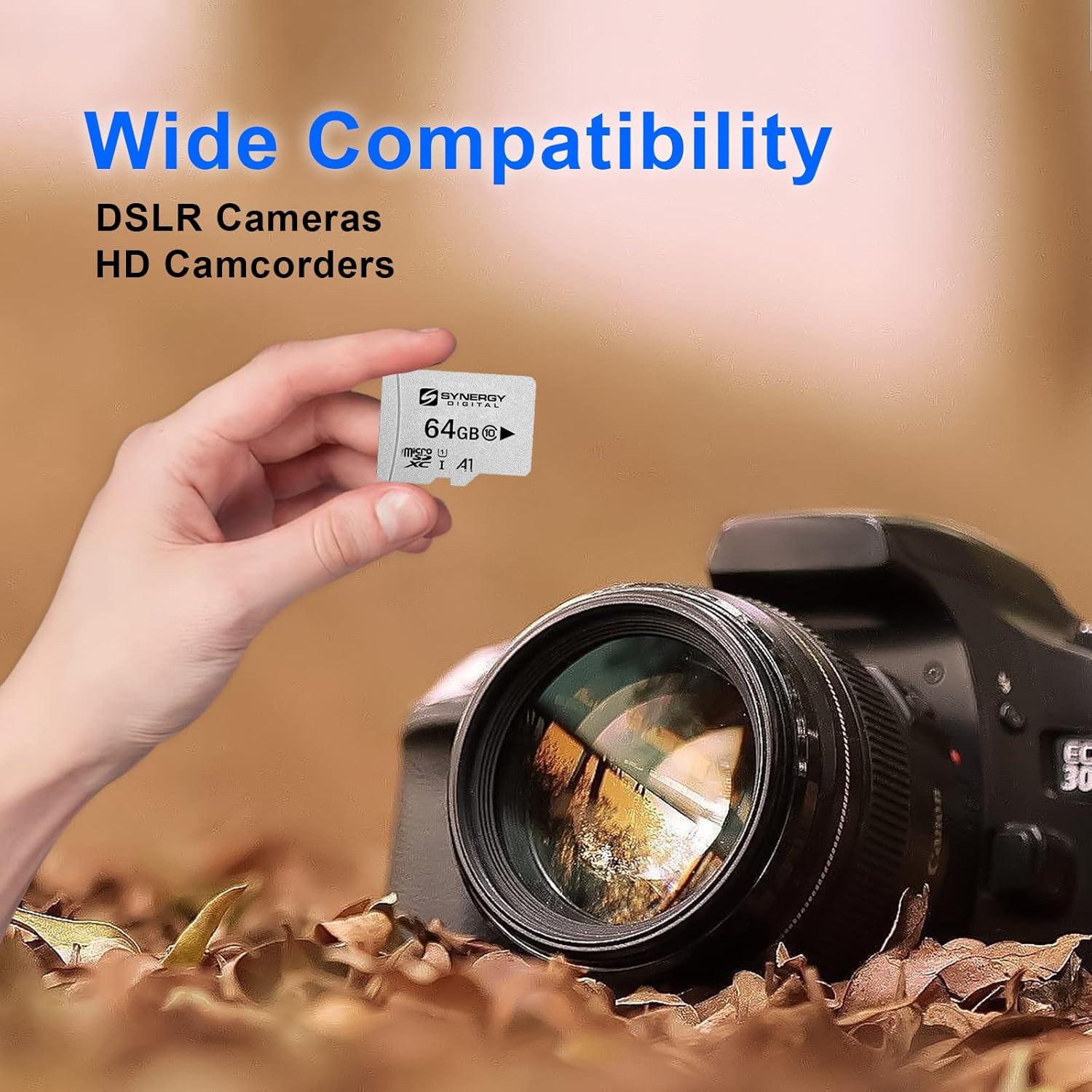
Image 3.2: The memory card offers wide compatibility with various devices, including DSLR cameras and HD camcorders.
4. Zainketa eta Mantentzea
To ensure the longevity and optimal performance of your Transcend 64GB microSDHC Memory Card, observe the following guidelines:
- Proper Ejection: Always safely eject the memory card from your device or computer before physically removing it. This prevents data corruption.
- Babes fisikoa: Store the card in a protective case when not in use to prevent physical damage, dust, and static electricity.
- Ingurumen-baldintzak: Avoid exposing the card to extreme temperatures, direct sunlight, high humidity, or strong magnetic fields. The card is designed to be X-ray proof, magnetic proof, and temperature proof, offering enhanced durability.
- Datuen babeskopia: Regularly back up important data from your memory card to another storage device (e.g., computer hard drive, cloud storage) to prevent data loss.
- Garbiketa: If necessary, gently clean the gold contacts with a soft, lint-free cloth. Do not use abrasive materials or harsh chemicals.

Image 4.1: The Transcend memory card is built for high quality, offering stability, reliability, and durability, including resistance to X-rays, magnets, and extreme temperatures.
5. Arazoak
If you encounter issues with your Transcend 64GB microSDHC Memory Card, consider the following common solutions:
- Txartela ez da ezagutzen:
- Ziurtatu txartela zirrikituan guztiz eta behar bezala sartuta dagoela.
- Try inserting the card into a different compatible device or card reader to rule out a device issue.
- Garbitu txartelaren urrezko kontaktuak zapi leun eta lehor batekin.
- Berrabiarazi gailua.
- Datuen transferentzia motela:
- Ensure your device and card reader support the card's speed class (Class 10).
- Saihestu txiki asko transferitzea files aldi berean; handiak files transferentzia eraginkorragoa egitea.
- Check if your device's internal storage is nearly full, which can affect overall performance.
- Datuen ustelkeria/Erroreak:
- Beti atera txartela segurtasunez atera aurretik.
- Run a disk check or error scan on the card using your computer's utility tools.
- If data is not critical, reformatting the card may resolve persistent issues.
If problems persist, contact Transcend customer support for further assistance.
6. Zehaztapenak
| Ezaugarri | Xehetasuna |
|---|---|
| Marka | Gainditu |
| Flash memoria mota | Mikro SDHC |
| Memoria Biltegiratzeko Ahalmena | 64 GB |
| Hardware interfazea | microSDHC |
| Elkarte Digital Seguruaren Abiadura Klasea | 10. klasea |
| Gailu bateragarriak | Smartphone (and other compatible devices) |
| Ezaugarri bereziak | X Ray Proof, Magnetic Proof, Temperature Proof |
| Elementuaren pisua | 0.8 ontza (22.68 g) |
| UPC | 744596919871 |
| ASIN | B01BAX3CCS |
7. Bermearen informazioa
For detailed warranty information regarding your Transcend product, please refer to the official Transcend website or the warranty card included with your purchase. Warranty terms and conditions may vary by region and product type.
8. Bezeroarentzako arreta
If you require further assistance, technical support, or have questions not covered in this manual, please visit the official Transcend support page or contact their customer service directly.
Informazio gehiago eta laguntza baliabideak aurki ditzakezu hemen: Transcend Store on Amazon.