
Sarrera
The HyperGear Rave Wireless Stereo Speaker delivers high-fidelity sound with an interactive multi-colored LED light show. It features Bluetooth connectivity, a built-in speakerphone, and an FM radio, making it suitable for various audio needs.
Paketearen edukia
- Rave Wireless Speaker
- 3.5mm Stereo Auxiliary Cable
- Mikro USB kargatzeko kablea
- Erabiltzailearen eskuliburua (dokumentu hau)

Produktua amaituview
Familiarize yourself with the speaker's controls and ports.

Kontrol-botoiak
- Pizteko botoia: Sakatu eta eutsi bozgorailua pizteko edo itzaltzeko.
- Modu botoia (M): Press to switch between Bluetooth, FM Radio, and AUX modes.
- Play/Pause Button (►/∕): Press to play or pause audio. In call mode, press to answer/end calls.
- Volume Down / Previous Track (-/◀◀): Sakatu bolumena jaisteko. Sakatu eta eutsi aurreko abestira joateko.
- Volume Up / Next Track (+/►►): Sakatu bolumena igotzeko. Sakatu eta eutsi hurrengo abestira joateko.
- Light Mode Button (*): Press to cycle through different LED light patterns or turn off the light show.
Portuak
- Mikro USB kargatzeko ataka: Bozgorailuen barneko bateria kargatzeko.
- 3.5 mm AUX sarrera: Kanpoko audio gailuak kable laguntzailearen bidez konektatzeko.
Konfigurazioa
Hizlaria kargatzen
Before first use, fully charge the speaker. Connect the Micro USB charging cable to the speaker's charging port and the other end to a USB power adapter (not included) or a computer's USB port. The charging indicator light will illuminate during charging and turn off when fully charged. A full charge takes approximately 3-4 hours and provides up to 8 hours of playback.
Piztu/Itzaltzea
Eduki sakatuta Pizteko botoia for approximately 3 seconds to turn the speaker on or off. A voice prompt will indicate the power status.
Funtzionamendu-argibideak
Bluetooth parekatzea
- Ziurtatu bozgorailua piztuta dagoela eta Bluetooth moduan dagoela. Bestela, sakatu botoia Modu botoia (M) until you hear the Bluetooth pairing prompt. The LED indicator will flash, indicating it is ready to pair.
- Zure gailu mugikorrean, gaitu Bluetootha eta bilatu eskuragarri dauden gailuak.
- Select "HyperGear Rave" from the list of devices.
- Once paired, the speaker will emit a confirmation tone, and the LED indicator will stop flashing.

Musika jotzen
Bluetooth modua
After successful pairing, you can play music from your connected device. Use the speaker's Erreproduzitu/Pausatu, Bolumena igo / Hurrengo pista, eta Bolumena jaitsi / Aurreko pista buttons to control playback, or control directly from your device.
AUX modua
Connect one end of the 3.5mm auxiliary cable to the speaker's AUX input and the other end to the audio output of your external device. Press the Modu botoia (M) to switch to AUX mode. Audio will play directly from your connected device.
Esku libreko deiak
When connected via Bluetooth, the speaker can be used as a speakerphone. When a call comes in, the music will pause. Press the Erreproduzitu/Pausatu botoia to answer an incoming call. Press it again to end the call. Press and hold the Erreproduzitu/Pausatu botoia jasotako dei bat ukatzeko.
FM Irratiaren funtzionamendua
Sakatu Modu botoia (M) to switch to FM Radio mode. The speaker will automatically scan and save available stations. Use the Bolumena igo / Hurrengo pista eta Bolumena jaitsi / Aurreko pista buttons to navigate between saved stations. Press and hold these buttons to fine-tune the frequency.
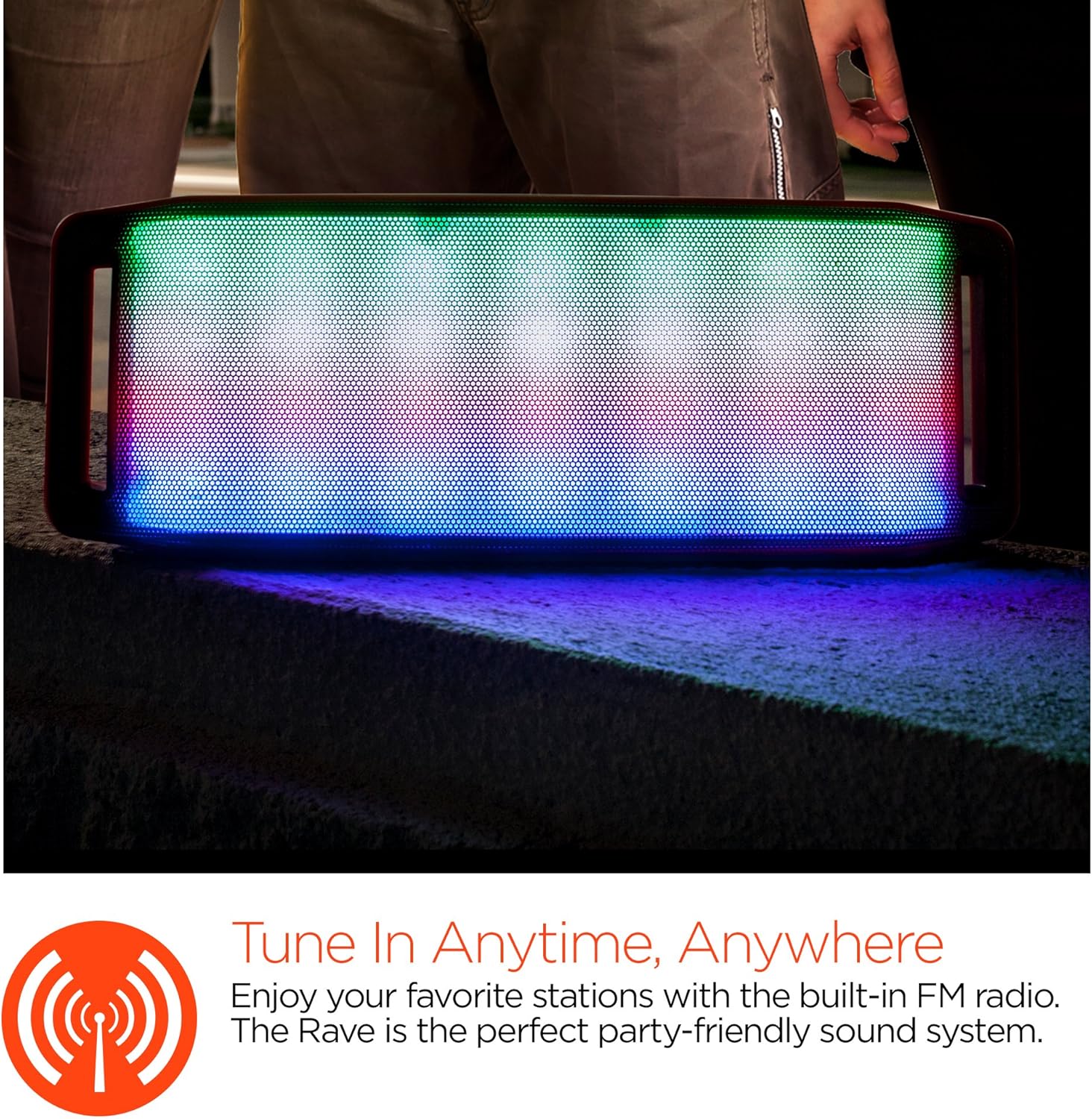
LED Argien Ikuskizuna
The speaker features an interactive multi-colored LED light show. Press the Light Mode Button (*) to cycle through different light patterns or to turn the light show off.

Mantentzea
Garbiketa
Wipe the speaker with a soft, dry cloth. Do not use abrasive cleaners or solvents. Avoid exposing the speaker to excessive moisture.
Biltegiratzea
Gorde bozgorailua leku fresko eta lehor batean, eguzki-argitik eta muturreko tenperaturetatik babestuta. Denbora luzez gordetzen baduzu, kargatu bateria aldian-aldian bere iraupena mantentzeko.
Bateria zaintzea
To prolong battery life, avoid fully discharging the speaker frequently. Charge the speaker regularly, even if not in use, to prevent deep discharge.
Arazoak konpontzea
| Arazoa | Kausa posiblea | Irtenbidea |
|---|---|---|
| Bozgorailua ez da pizten. | Bateria agortuta dago. | Kargatu bozgorailua mikro USB kablea erabiliz. |
| Ezin da Bluetooth bidez parekatu. | Bozgorailua ez dago parekatze moduan; Bluetooth-a itzalita dago gailuan; gailua urrunegi dago. | Ensure speaker is in Bluetooth pairing mode (flashing LED). Turn on Bluetooth on your device. Move device closer to speaker (within 10 meters). |
| Soinurik ez. | Volume is too low; incorrect mode selected; device not playing. | Increase volume on both speaker and connected device. Ensure correct mode (Bluetooth/AUX/FM) is selected. Verify audio is playing on the source device. |
| Soinu distortsioa. | Bolumena altuegia; bateria baxua; interferentziak. | Jaitsi bolumena. Kargatu bozgorailua. Alderatu bozgorailua beste gailu elektronikoetatik. |
| FM irratiaren harrera eskasa da. | Seinale ahula; ingurumen-interferentziak. | Relocate the speaker to an area with better reception. Extend the charging cable (if connected) as it can act as an antenna. |
Zehaztapenak
| Ezaugarri | Xehetasuna |
|---|---|
| Modelo zenbakia | 13604 |
| Bluetooth bertsioa | 3.0 ± EDR |
| Bozgorailuaren irteera potentzia | 2 x 5W (Guztira 10W) |
| Seinale eta zarata erlazioa (S/N) | 80 dB |
| Bateria Edukiera | 1500mAh |
| Jolas ordua | Gehienez 8 ordu |
| Bluetooth barrutia | Gehienez 33 oin / 10 m |
| Konektibitate Teknologia | Bluetooth, Haririk gabekoa |
| Audio irteera modua | Estereoa |
| Kontrol-metodoa | Ukitu |
| Pisua | 2.25 kilo |
| Ezaugarri bereziak | Bass Boost, Display, Multi-colored LED Light Show, Built-in Speakerphone, FM Radio |
Bermea eta Laguntza
For warranty information or technical support, please refer to the contact details provided on the product packaging or visit the official HYPERGEAR webgunea. Gorde erosketa-agiria erosketaren frogagiri gisa.