
Transcend U842 FALCON-N66520
Transcend 4GB microSDHC memoria txartela SD egokitzailearekin erabiltzailearen eskuliburua
Model: U842 FALCON-N66520
Produktua amaituview
The Transcend 4GB microSDHC Memory Card with SD Adapter is designed to provide reliable and expandable storage for a wide range of compatible electronic devices. This compact memory solution is ideal for capturing photos, recording videos, and storing various digital files, offering convenience and portability.

This image displays the Transcend 4GB microSDHC memory card alongside its accompanying SD adapter. The microSD card is small and black, featuring the 'microSDHC' logo and '4GB' capacity. The larger black SD adapter has a 'LOCK' switch and a slot for the microSD card, indicating its function to allow the microSD card to be used in devices that accept standard SD cards.
Ezaugarri nagusiak
- 4GB storage capacity, suitable for essential data storage.
- microSDHC format for compatibility with modern devices.
- Includes an SD adapter for use in standard SD card slots.
- Designed for high-speed data transfer, enhancing efficiency.
- Built with stability, reliability, and durability in mind.
- Temperature Proof, X-Ray Proof, and magnetic resistance for enhanced data security.

This image features the Transcend microSD card with text overlays emphasizing its 'Highest Quality' attributes: 'Stability', 'Reliability', and 'Durability', each marked with a checkmark. This visually communicates the robust nature of the memory card.
Konfigurazioa
To begin using your Transcend 4GB microSDHC Memory Card, follow these steps:
- Identify the correct slot: Locate the microSD card slot on your device (e.g., smartphone, tablet, drone). If your device uses a standard SD card slot, insert the microSD card into the provided SD adapter first.
- Insert the card: Gently push the memory card (or the adapter with the microSD card inserted) into the slot until it clicks into place. Ensure the card is oriented correctly according to the device's instructions.
- Format (if necessary): Some devices may prompt you to format the card upon first use. Formatting will erase all data on the card, so ensure it is empty or back up any important files before proceeding. Follow your device's on-screen instructions for formatting.

A hand is shown inserting a microSD card, likely via an adapter, into the USB port of a laptop. This illustrates the process of connecting the memory card to a computer for data transfer or initial setup.
Funtzionamendua
Once the memory card is installed and recognized by your device, you can begin using it for various functions:
- Photo and Video Storage: Set your camera, smartphone, or drone to save photos and videos directly to the memory card. This expands your device's storage capacity significantly.
- File transferentzia: Use the memory card to transfer files between different devices. Insert the card into a compatible reader or adapter, connect to your computer, and drag-and-drop filebehar den moduan.
- Aplikazioen biltegiratzea: On some devices, you can install applications directly onto the memory card to free up internal storage. Refer to your device's manual for specific instructions.
- Datuen babeskopia: Egin aldian-aldian babeskopia garrantzitsua files from your device to the memory card, or from your computer to the card, as a portable backup solution.

An assortment of Transcend microSD cards are shown with a DSLR camera capturing a scenic landscape, illustrating the memory card's use for capturing and storing precious moments like photos and videos.
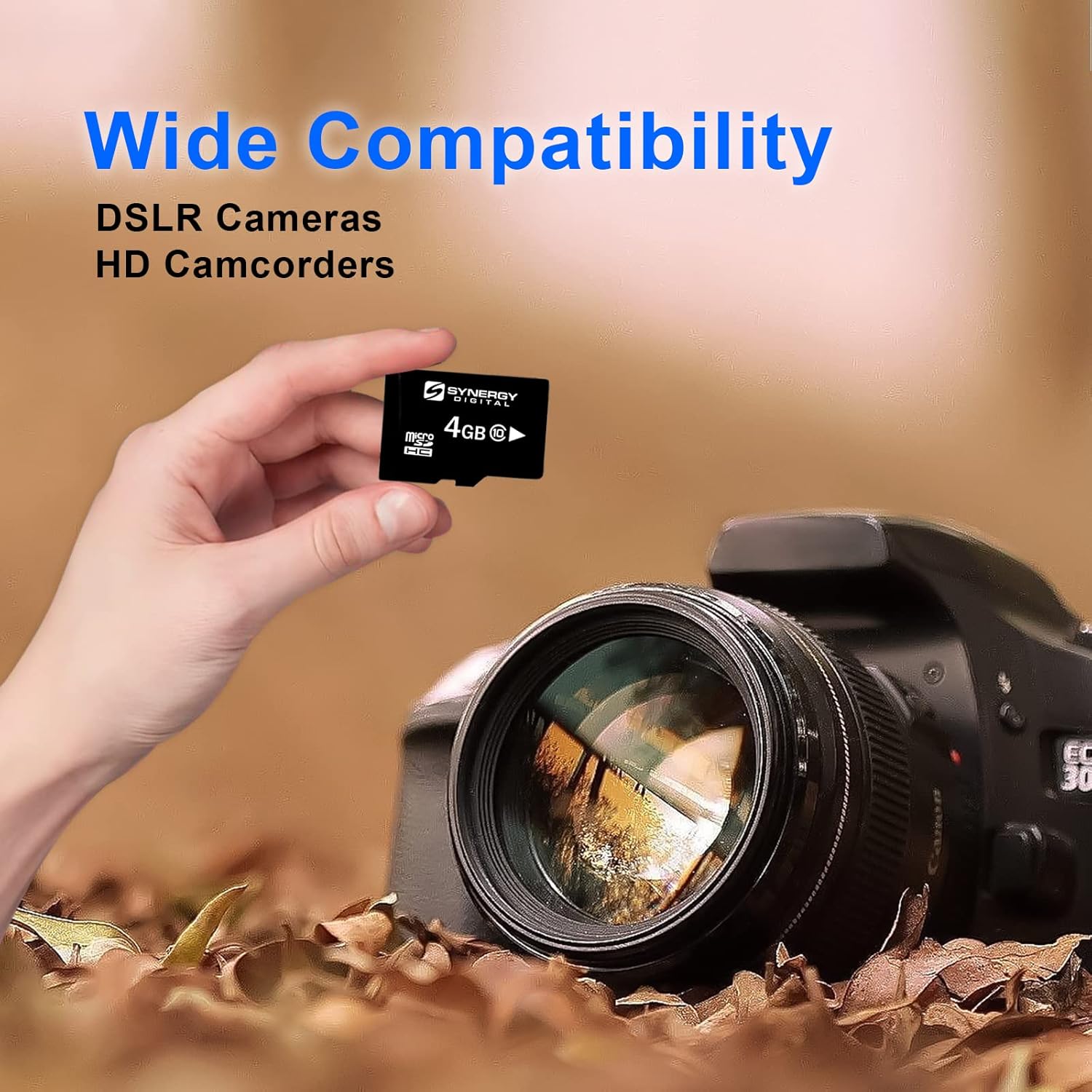
A hand holds a Transcend microSD card in front of a DSLR camera lens, with text indicating 'Wide Compatibility' for 'DSLR Cameras' and 'HD Camcorders'. This image demonstrates the versatility of the memory card across various digital devices.
Mantentzea
Proper care and maintenance will extend the lifespan of your memory card and protect your data:
- Kontuz maneiatu: Saihestu txartela tolestea, erortzea edo gehiegizko indarra egitea.
- Mantendu garbi: If necessary, gently wipe the gold contacts with a soft, lint-free cloth. Avoid touching the contacts directly with your fingers.
- Protect from elements: Store the card in a dry place, away from extreme temperatures, direct sunlight, and strong magnetic fields. The card is designed to be temperature proof, X-ray proof, and magnetic resistant, but excessive exposure should still be avoided.
- Kanporaketa segurua: Always use the "Safely Remove Hardware" or "Eject" function on your computer before removing the card to prevent data corruption. For other devices, ensure the device is powered off or the card is unmounted before removal.
- Ohiko babeskopiak: Periodically back up important data from your memory card to another storage device (e.g., computer hard drive, cloud storage) to prevent data loss in case of card failure or damage.
Arazoak konpontzea
If you encounter issues with your memory card, consider the following common solutions:
- Card not detected:
- Ziurtatu txartela zirrikituan guztiz eta behar bezala sartuta dagoela.
- If using an SD adapter, ensure the microSD card is properly seated within the adapter and the adapter's lock switch is in the "unlocked" position.
- Try the card in another compatible device to determine if the issue is with the card or the device.
- Clean the card's gold contacts gently with a soft, dry cloth.
- Ezin da idatzi edo ezabatu files:
- Check if the SD adapter's lock switch is in the "locked" position. Slide it to "unlocked" to enable writing.
- Ensure the card is not full. Delete unnecessary files or transfer them to another storage location.
- The card might be write-protected by the device settings. Check your device's manual.
- Errendimendu motela:
- Ensure your device supports the card's speed class.
- The card might be fragmented. Back up data and then format the card (this will erase all data).
- Avoid running too many applications or processes simultaneously on the device while accessing the card.
- Data corruption:
- Always safely eject the card from your computer or unmount it from your device before removal.
- Avoid removing the card during data transfer or while the device is actively accessing it.
- If data is corrupted, data recovery software might be able to retrieve some files, but success is not guaranteed.
Zehaztapenak
| Atributua | Balioa |
|---|---|
| Marka | Gainditu |
| Modelo zenbakia | U842 FALCON-N66520 |
| Hardware interfazea | microSDHC |
| Flash memoria mota | Micro SDHC, SD |
| Memoria Biltegiratzeko Ahalmena | 4 GB |
| Ezaugarri bereziak | Temperature Proof, X Ray Proof, magnetic |
| Produktuaren neurriak | 2 x 2 x 2 hazbete |
| Elementuaren pisua | 6.1 ontza (6.08 ontza) |
| UPC | 724327598872 |
| ASIN | B01IO1UPK6 |
| Eskuragarri dagoen lehen data | 12ko uztailaren 2016a |
Bermearen informazioa
Transcend products typically come with a limited warranty. For specific details regarding the warranty period and terms for your 4GB microSDHC Memory Card, please refer to the warranty card included with your product packaging or visit the official Transcend webgunea. Gorde erosketaren egiaztagiria bermearen erreklamazioetarako.
Note: Data recovery services are often separate from product warranties. Consider data recovery plans for additional protection of your stored information.
Bezeroarentzako Arreta
For further assistance, technical support, or inquiries about your Transcend 4GB microSDHC Memory Card, please contact Transcend customer support through their official website. You can typically find FAQs, driver downloads, and contact information for support channels there.
Transcend Ofiziala Webgunea: www.transcend-info.com
Ask a question about this manual
Ask about setup, troubleshooting, compatibility, parts, safety, or missing instructions. Manuals+ will review the question and use this page’s manual context to help answer it.