
1. Sarrera
The Rocketek TFU3R is a compact and portable USB 3.0 card reader designed for Micro SD (TF) cards. It allows for high-speed data transfer between your Micro SD card and USB-enabled devices such as laptops and tablets. This device supports plug-and-play functionality and hot-swapping, making it convenient for various applications.
Ezaugarri nagusiak:
- Txikia eta eramangarria: Designed for easy portability, fitting conveniently in a wallet or pocket.
- Plug and Play: Ez da gidaririk behar sistema eragile gehienentzat.
- Truke beroa: Allows insertion and removal of the device without restarting the computer.
- USB elikatua: Operates without external power or batteries.
- SuperSpeed USB 3.0: Offers data transfer speeds up to 5 Gbps, backward compatible with USB 2.0/1.1.
- Diseinu iraunkorra: Constructed with an aluminum case for enhanced durability and efficient heat dissipation.
2. Konfiguratzeko argibideak
Follow these steps to set up and begin using your Rocketek TFU3R Micro SD Card Reader.
2.1 Mikro SD txartela sartzea
- Locate the Micro SD card slot on the Rocketek TFU3R card reader.
- Gently insert your Micro SD (TF) card into the slot until it clicks into place. Ensure the card is oriented correctly to avoid damage.
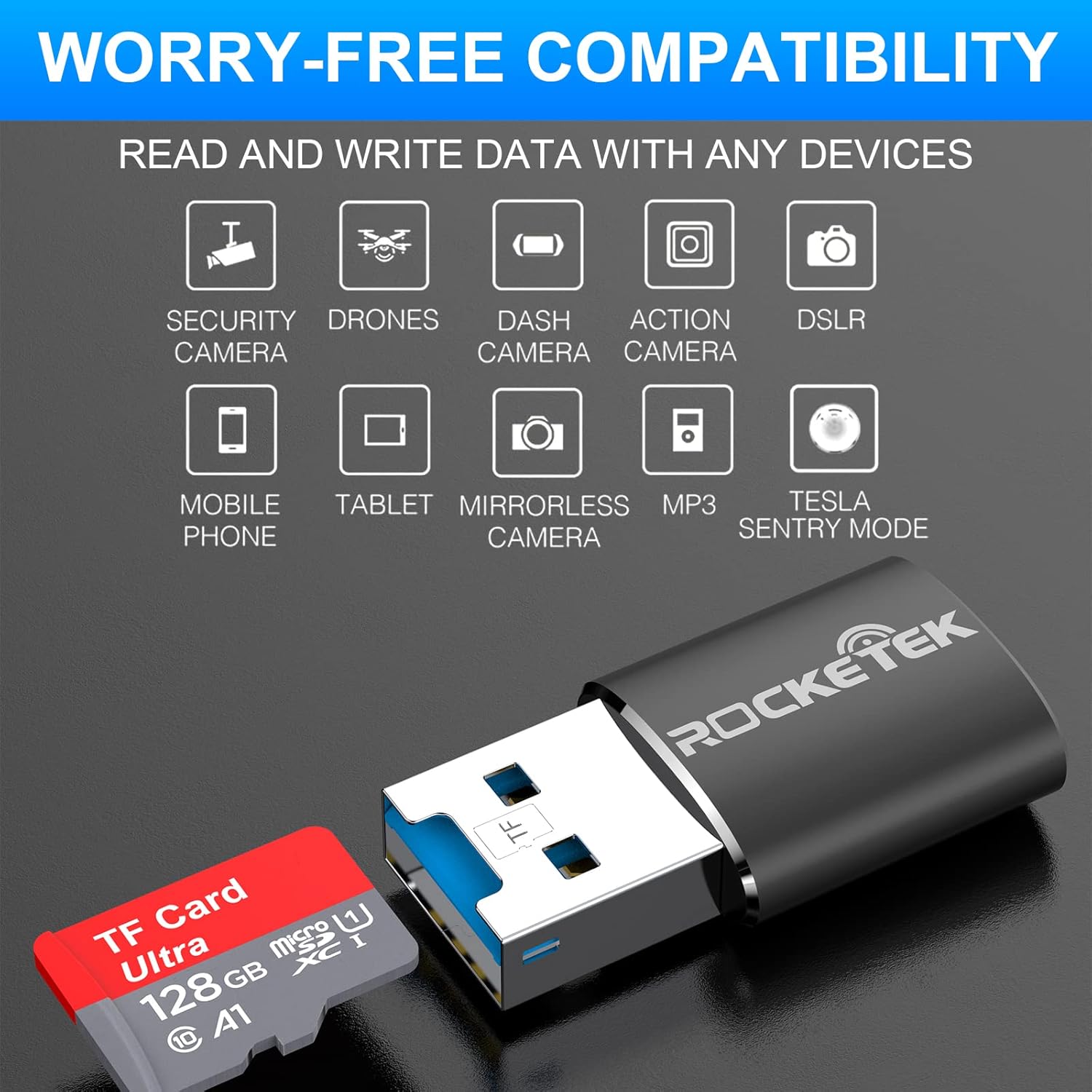
Image: Hands inserting a Micro SD card into the Rocketek TFU3R USB 3.0 card reader.
2.2 Zure gailura konektatzea
- Locate an available USB 3.0 or USB 2.0 port on your computer, laptop, or tablet.
- Plug the Rocketek TFU3R card reader, with the Micro SD card inserted, into the USB port.
- The device is plug-and-play; your operating system should automatically detect it and install any necessary generic drivers.
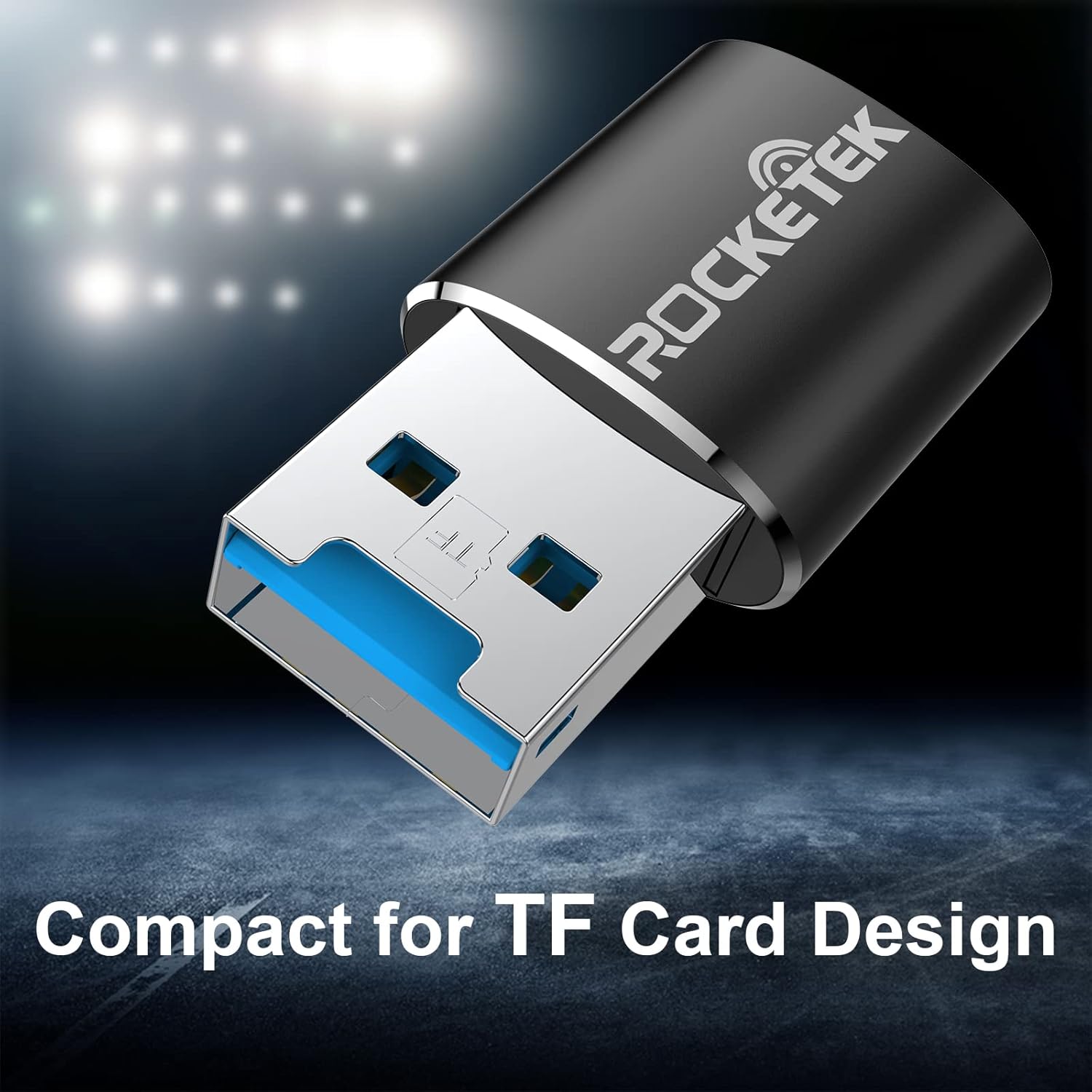
Image: Rocketek TFU3R USB 3.0 card reader plugged into a laptop's USB port, displaying 'Plug & Play'.
Video: A short demonstration showing how to insert a TF card into the Rocketek reader and connect it to a laptop for immediate use, highlighting its portability and plug-and-play functionality.
3. Funtzionamendu-argibideak
Once connected, the Rocketek TFU3R functions like any standard external storage device.
3.1 Datuen transferentzia
- After connecting the card reader to your device, open your computer's file explorer (Windows) or Finder (Mac OS).
- The Micro SD card will appear as a removable drive.
- Orain arrastatu eta jaregin dezakezu files to and from the Micro SD card, or use copy/paste functions to transfer data.
- The USB 3.0 interface provides SuperSpeed data transfer up to 5 Gbps, ensuring quick transfers of large files.
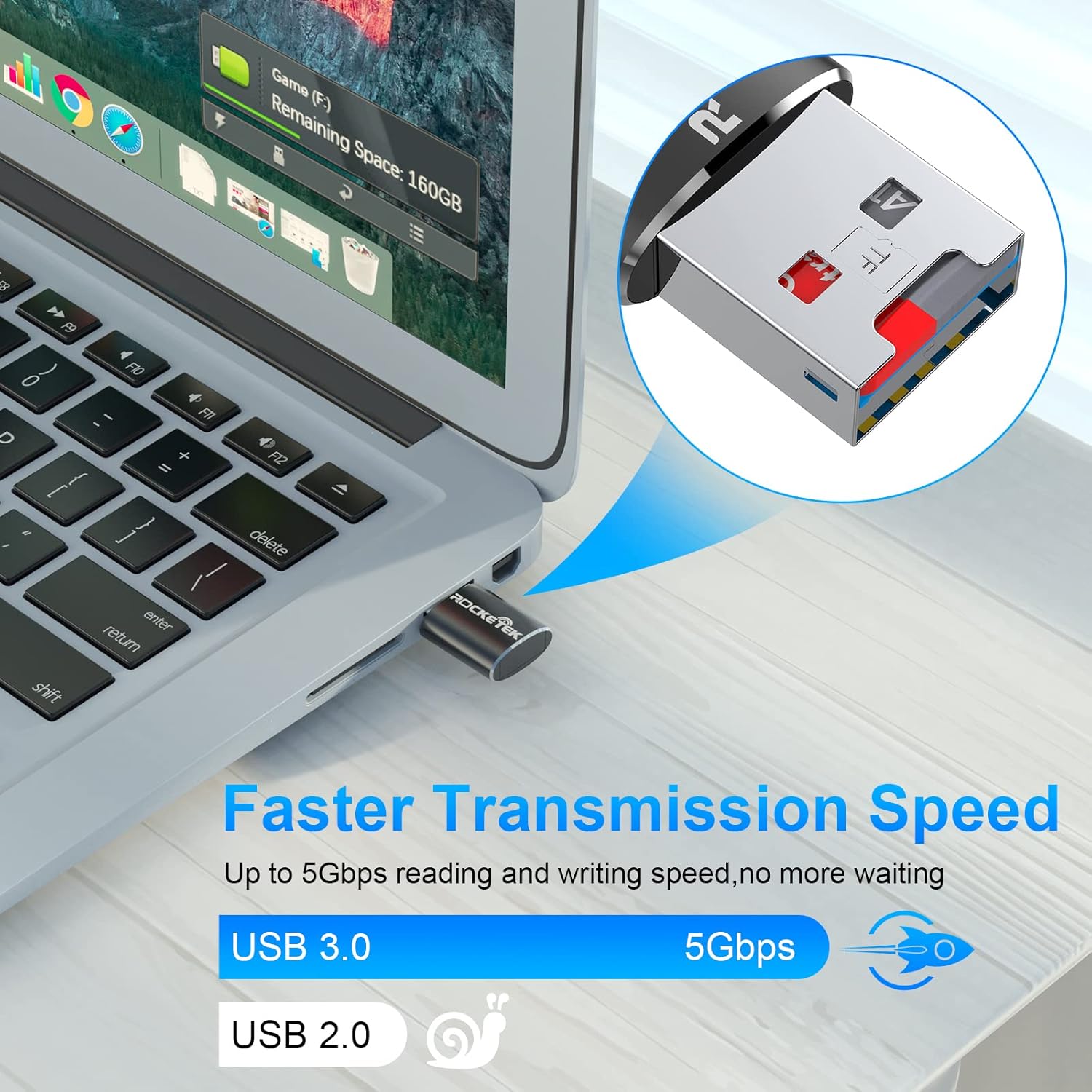
Image: Laptop screen showing file transfer with the Rocketek TFU3R plugged in, indicating 'Faster Transmission Speed' and 'USB 3.0 5Gbps'.
3.2 Kentze segurua
To prevent data corruption, always safely remove the card reader before unplugging it from your computer.
- Windows: Right-click on the drive icon in 'This PC' or the taskbar's 'Safely Remove Hardware' icon, then select 'Eject'.
- MacOS: Drag the drive icon to the Trash or click the Eject button next to the drive name in Finder.
4. Bateragarritasuna
The Rocketek TFU3R card reader offers broad compatibility with various devices and operating systems.
4.1 Onartutako gailuak
- Ordenagailu eramangarriak
- Tabletak
- Mahaigaineko Ordenagailuak
- Other USB-enabled devices

Image: Diagram illustrating the Rocketek TFU3R's compatibility with tablets and laptops, showing a Micro SD card being inserted.
4.2 Onartutako sistema eragileak
- Windows 7 / 8 / 8.1 / 10+
- Mac OS
- Linux

Image: The Rocketek TFU3R is compatible with a wide range of devices, including security cameras, drones, dash cameras, action cameras, DSLRs, mobile phones, tablets, mirrorless cameras, MP3 players, and for Tesla Sentry Mode.
5. Zehaztapenak
| Ezaugarri | Xehetasuna |
|---|---|
| Modelo zenbakia | TFU3R (RT-TFU3R-B) |
| Marka | Rocketek |
| Media mota | Micro SD (TF) |
| Konektibitate Teknologia | USBa |
| Hardware interfazea | USB 3.0 (atzeranzko bateragarria USB 2.0/1.1-rekin) |
| Datuen transferentzia-tasa | Up to 5 Gigabits Per Second (USB 3.0) |
| Slot Count | 1 (for Micro SD/TF cards) |
| Ezaugarri Berezia | Portable, Plug & Play, Hot Swapping |
| Materiala | Aluminiozko kaxa |
| Sistema eragileen bateragarritasuna | Windows 7/8/8.1/10+, Mac OS, Linux |
6. Arazoak
If you encounter issues with your Rocketek TFU3R, refer to the following common troubleshooting steps.
6.1 Gailua ez da ezagutzen
- Egiaztatu konexioa: Ensure the card reader is fully inserted into the USB port.
- Probatu beste USB ataka bat: Connect the card reader to a different USB port on your computer.
- Probatu beste gailu bat: Test the card reader on another computer or compatible device to rule out a port issue.
- Check Micro SD Card: Ensure the Micro SD card is properly inserted into the card reader and is not damaged. Test the Micro SD card in another device if possible.
- Berrabiarazi ordenagailua: Batzuetan, berrabiarazte soil batek detekzio arazoak konpondu ditzake.
6.2 Slow Data Transfer Speed
- Erabili USB 3.0 ataka: For optimal speeds (up to 5 Gbps), ensure the card reader is plugged into a USB 3.0 port (often identified by a blue interior). Connecting to a USB 2.0 port will result in slower speeds.
- Check Micro SD Card Speed Class: The actual transfer speed is also limited by the speed class of your Micro SD card. Use a high-speed card for better performance.
- Saihestu beste USB gailuak: Disconnect other high-bandwidth USB devices if you are experiencing unusually slow speeds.
6.3 Card Not Reading
- Reinsert Card: Remove and reinsert the Micro SD card, ensuring it is seated correctly.
- Kontaktu garbiak: Gently clean the metal contacts on the Micro SD card with a soft, dry cloth.
- Check Card Format: Ensure the Micro SD card is formatted in a file system compatible with your operating system (e.g., FAT32, exFAT, NTFS).
7. Mantentzea
Proper care and maintenance will extend the lifespan of your Rocketek TFU3R card reader.
- Mantendu lehorra: Saihestu gailua hezetasun edo likidoen eraginpean jartzea.
- Garbitu astiro-astiro: Erabili zapi leun eta lehor bat kanpoaldea garbitzeko. Ez erabili produktu kimiko gogorrik edo material urratzailerik.
- Behar bezala gordetzea: When not in use, store the card reader in a cool, dry place away from direct sunlight and extreme temperatures.
- Kontuz maneiatu: Saihestu gailua kolpe gogorrak erortzea edo jasaten.
8. Bermea eta Laguntza
Rocketek stands behind the quality of its products.
8.1 Bermearen informazioa
The Rocketek TFU3R USB 3.0 Micro SD Card Reader comes with a hassle-free 24-month warranty erosketa-datatik aurrera. Berme honek fabrikazio-akatsak estaltzen ditu eta erabilera normalaren pean errendimendu fidagarria bermatzen du. Gorde erosketaren egiaztagiria berme-erreklamazioetarako.
8.2 Bezeroarentzako laguntza
For technical assistance, warranty claims, or any questions regarding your Rocketek TFU3R, please contact our customer support team:
- Posta elektronikoa: support@rocketek.com (Adibample email, please refer to product packaging for actual contact)
- Webgunea: Visit the official Rocketek webmaiz egiten diren galderen eta baliabide gehigarrien gunea.