
1. Konfigurazio gida
This section provides instructions for the initial setup of your Rii RK200 Wireless Keyboard and Mouse Combo.
1.1 Paketearen edukia
- Rii RK200 Wireless Keyboard
- Rii Wireless Mouse
- Nano USB Receiver (stored in the mouse battery compartment)
1.2 Bateriaren instalazioa
The keyboard and mouse require batteries (not included) for operation. Please ensure correct polarity when inserting batteries.
Saguaren bateria: Open the battery compartment cover on the underside of the mouse. Insert 1 AA bateria. The Nano USB receiver is also located here. Remove it before closing the compartment.

Teklatuaren bateria: Open the battery compartment cover on the underside of the keyboard. Insert 1 AAA bateria.
1.3 Zure gailura konektatzea
The Rii RK200 combo uses a single Nano USB receiver for both the keyboard and mouse, offering a stable 2.4 GHz wireless connection up to 10 meters (33 feet).
- Locate the Nano USB receiver. It is typically stored in the battery compartment of the mouse.
- Plug the Nano USB receiver into an available USB port on your computer or compatible device.
- Piztu sagua azpialdean dagoen etengailua erabiliz.
- Your device should automatically detect and install the necessary drivers. No additional software installation is required.

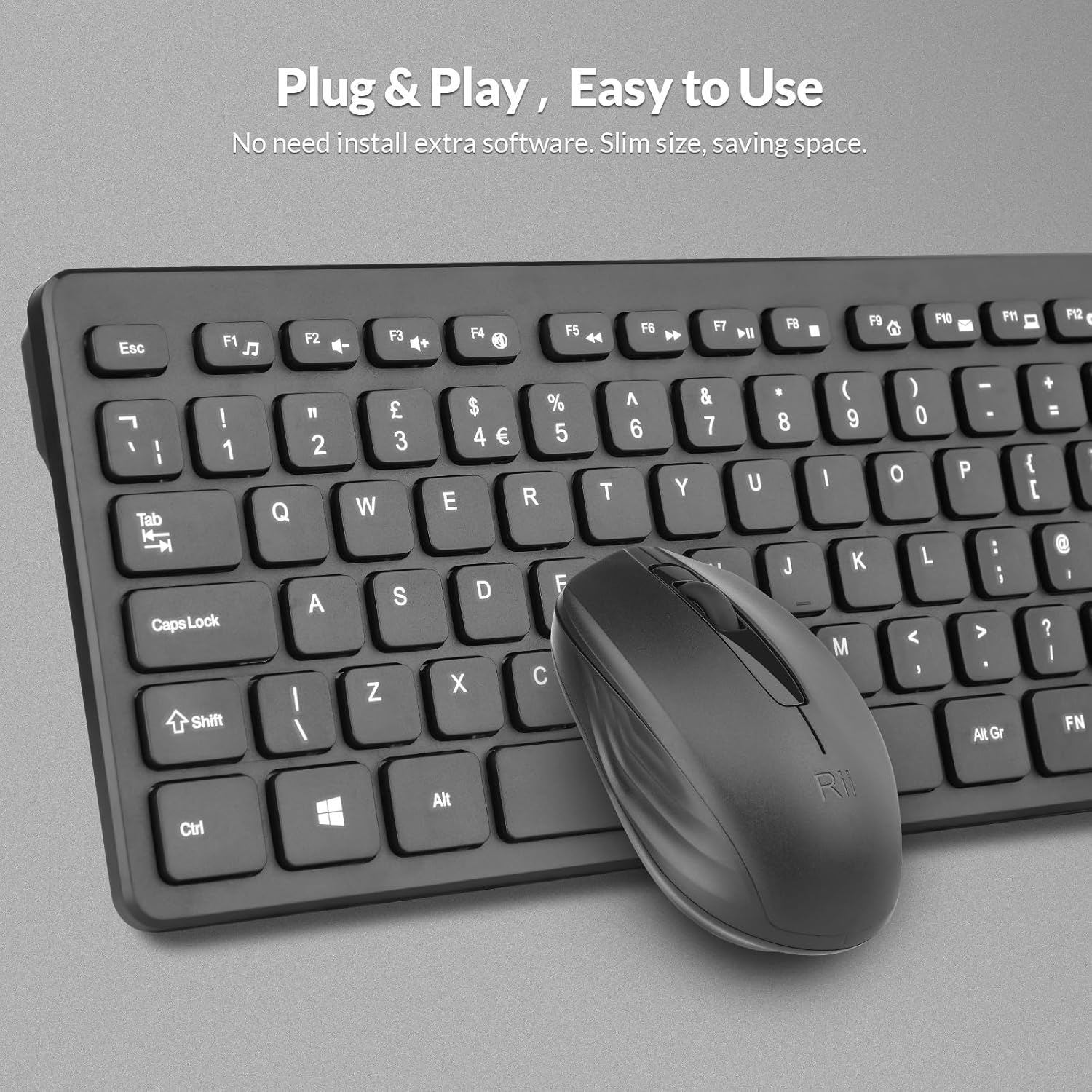
The Nano USB receiver provides a plug-and-play connection for both the keyboard and mouse.
1.4 Konfigurazio bideo gida
This video demonstrates the unboxing and initial setup steps for the Rii Wireless Keyboard and Mouse Combo, including battery installation and USB receiver connection.
2. Funtzionamendu-argibideak
Learn how to effectively use your Rii RK200 Wireless Keyboard and Mouse Combo.
2.1 Teklatuaren ezaugarriak
The Rii RK200 keyboard features silent keys for a quiet typing experience and an ergonomic design with adjustable stands for comfort during extended use.
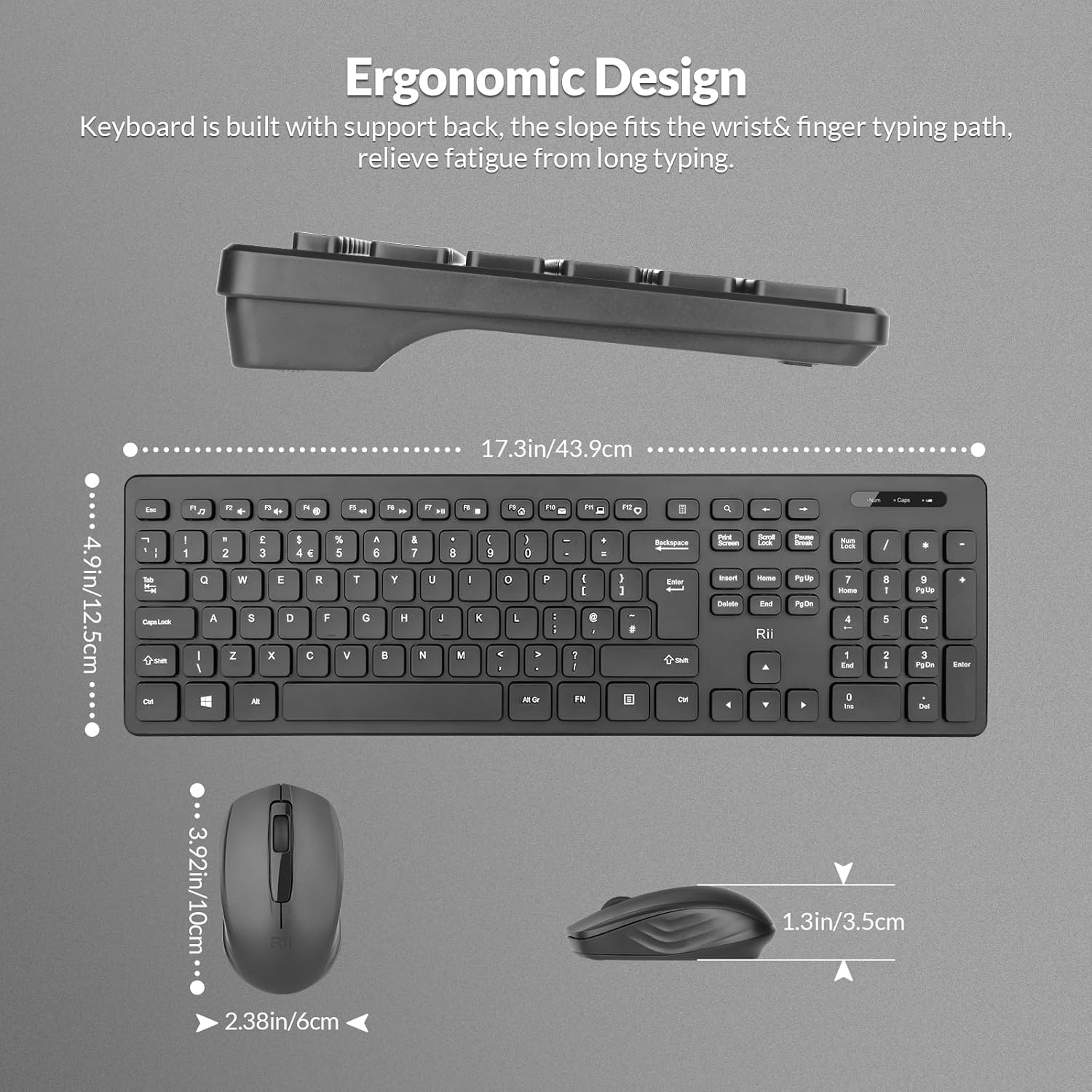
The keyboard is designed with a slight incline to reduce wrist strain.
Argi adierazleak
The keyboard includes indicator lights for essential functions:
- NumLock Indicator: Lights up when the numeric keypad is active.
- Maiuskulak blokeatzeko adierazlea: Bloke maiuskulak gaituta dagoenean pizten da.
- Bateria baxuaren adierazlea: Illuminates when the keyboard battery is low and requires replacement.

Indicator lights provide visual feedback on keyboard status.
Funtzio-teklak (F1-F12)
The keyboard features 12 function keys that can be used for multimedia control and other shortcuts. These keys often require pressing the Fn key simultaneously with the desired function key for their secondary functions.
2.2 Saguaren ezaugarriak
The Rii RK200 mouse offers a comfortable, ergonomic design and a DPI of 1000 for precise cursor movement.

The mouse features a scroll wheel, left-click, and right-click buttons for standard navigation.
DPI ezarpena
The mouse operates at a fixed DPI of 1000, providing a balanced sensitivity for most tasks, from general browsing to office work.
Lo automatiko modua
To conserve battery life, both the keyboard and mouse enter a power-saving sleep mode after 10 minutes of inactivity. Press any key or click the mouse to reactivate them.
3. Mantentzea
Proper care ensures the longevity and optimal performance of your Rii RK200 combo.
3.1 Garbiketa
- Use a soft, dry cloth to wipe the surfaces of the keyboard and mouse.
- Zikinkeria egoskorrerako, apur bat lehortuampGarbitu zapi bat urarekin edo garbitzaile leun eta ez-urratzaile batekin. Saihestu gehiegizko hezetasuna.
- Do not spray cleaning solutions directly onto the devices.
- Use compressed air to remove dust and debris from between the keyboard keys.
3.2 Biltegiratzea
When not in use for extended periods, store the keyboard and mouse in a cool, dry place. Consider removing batteries if storing for several months to prevent leakage.
4. Arazoak
If you encounter issues with your Rii RK200 Wireless Keyboard and Mouse Combo, refer to the following solutions.
4.1 Konexio arazoak
- Teklatuaren/saguaren erantzunik ez: Ensure the Nano USB receiver is securely plugged into a working USB port on your device.
- Konexio etengabea: Try plugging the USB receiver into a different USB port. Ensure the keyboard and mouse are within the 10-meter (33-foot) operating range and there are no large metallic objects or other wireless devices causing interference.
- Mouse not moving: Check if the mouse power switch is in the 'ON' position.
4.2 Energia arazoak
- Devices not turning on: Replace the batteries in both the keyboard (1 AAA) and mouse (1 AA) with fresh ones. Ensure batteries are inserted with correct polarity.
- Low-Battery Indicator is on: Replace the keyboard battery promptly.
4.3 Beste gai batzuk
- Teklak ez dute erantzuten: Garbitu teklatua teklak sakatzean oztopatu dezaketen hondakinak kentzeko.
- Saguaren kurtsorea irregularra: Clean the optical sensor on the underside of the mouse. Ensure you are using the mouse on a suitable surface.
5. Zehaztapenak
| Ezaugarri | Xehetasuna |
|---|---|
| Modelo zenbakia | RK200 |
| Marka | ikusi |
| Konektibitate Teknologia | 2.4 GHz haririk gabekoa (USB hargailua) |
| Teklatuaren diseinua | QWERTY, 104 tekla |
| Saguaren Mugimenduaren Detekzioa | Optikoa |
| Sagua DPI | 1000 |
| Keyboard Power Source | 1 x AAA bateria (ez dago barne) |
| Mouse Power Source | 1 x AA bateria (ez dago barne) |
| Eragiketa-eremua | Gehienez 10 metro (33 oin) |
| Sistema eragile bateragarriak | Windows 7/8/10/11, Android OS, Mac OS, Raspberry Pi OS, iOS |
| Gailu bateragarriak | Laptop, Personal Computer, Smart TV, Android TV Box, Raspberry Pi |
| Produktuaren neurriak (teklatua) | 40 x 14 x 2 cm |
| Elementuaren pisua | 450 gramo |
| Jatorrizko Herrialdea | Txina |
6. Bermea eta Laguntza
6.1 Bermearen informazioa
The Rii RK200 Wireless Keyboard and Mouse Combo comes with a 12 hilabeteko bermea erosketa-datatik aurrera.
6.2 Bezeroarentzako laguntza
For any issues or questions regarding your product, please contact our customer support team. We offer 7x24 service to assist you.
Please refer to your purchase platform or the Rii official webkontaktu zehatzetarako gunea.