
1. Sarrera
The Viotek GN32DB is a 32-inch curved gaming monitor designed to deliver an immersive visual experience. It features a WQHD (2560x1440p) resolution, a 144Hz refresh rate, and AMD FreeSync technology, ensuring smooth and responsive gameplay. This manual provides essential information for setting up, operating, maintaining, and troubleshooting your monitor.

Image: The Viotek GN32DB monitor showcasing its 144Hz WQHD display capabilities.
2. Konfigurazioa
2.1 Deskargatzea eta Muntatzea
Carefully remove the monitor and all components from the packaging. Ensure all parts are present before proceeding with assembly. Attach the stand base to the stand neck, then secure the assembled stand to the back of the monitor using the provided screws. The monitor also supports VESA mounting (75x75mm) for alternative installation options.
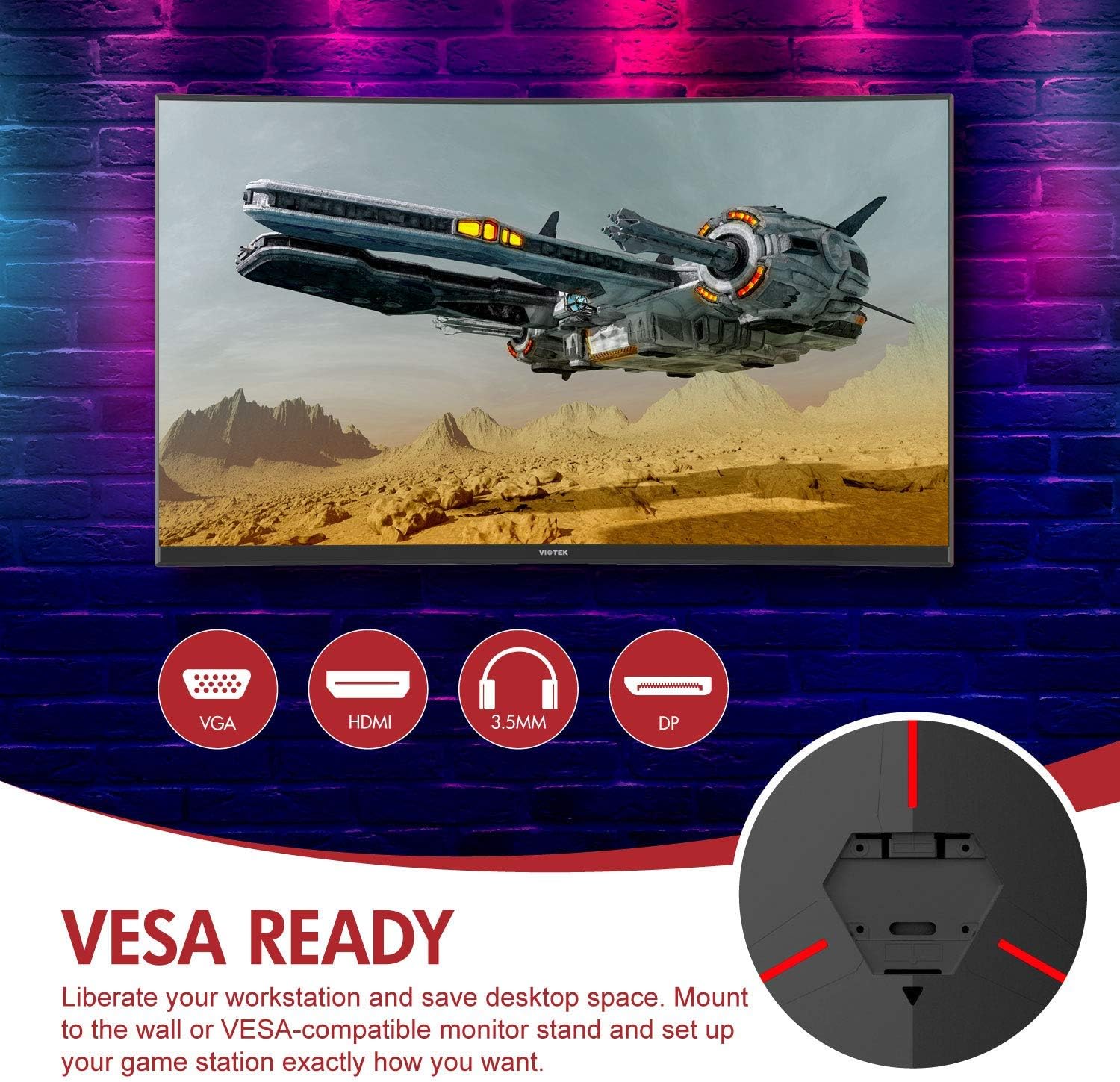
Irudia: Atzealdea view of the monitor highlighting VESA compatibility and available ports.
2.2 Gailu batera konektatzea
Konektatu zure ordenagailua edo joko-kontsola monitoreari eskuragarri dauden sarrera-ataka hauetako bat erabiliz:
- DisplayPort (DP 1.2): For optimal performance, including 144Hz refresh rate and FreeSync.
- HDMI (HDMI 2.0): Supports high-resolution and refresh rates.
- DVI: Gailu bateragarrietarako.
Connect the power adapter to the monitor and then to a power outlet. The monitor also features a 3.5mm audio output jack for external sound systems.

Irudia: Xehetasun handikoa view of the monitor's rear panel with input ports.
3. Monitorea funtzionatzea
3.1 Piztu/Itzali
Sakatu monitorearen gainean dagoen pizteko botoia pizteko edo itzaltzeko. Pizteko adierazlearen argiak monitorearen egoera erakutsiko du.
3.2 Pantailan bistaratzeko (OSD) menua
Navigate the OSD menu using the buttons or joystick (if present) on the monitor. The OSD allows you to adjust various settings:
- Irudiaren ezarpenak: Doitu distira, kontrastea, zorroztasuna eta kolore-tenperatura.
- Kolore moduak: Select from predefined color profiles edo pertsonalizatu zurea.
- Sarrera iturria: Manually select the active input (DP, HDMI, DVI).
- Audioa: Adjust volume for the 3.5mm audio output.
3.3 Jokoen Ezaugarriak
- AMD FreeSync: This technology synchronizes the monitor's refresh rate with your GPU's frame rate to eliminate screen tearing and stuttering. Ensure FreeSync is enabled in both the monitor's OSD and your graphics card settings.
- FPS/RTS Modes: Optimize display settings for specific game genres.
- Joko Plus: Activate on-screen crosshairs for improved aiming accuracy.

Image: Visual demonstration of AMD FreeSync technology in action.
3.4 Low Blue Light Mode
Activate the Low Blue Light mode to reduce blue light emissions, which can help minimize eye strain during extended use.
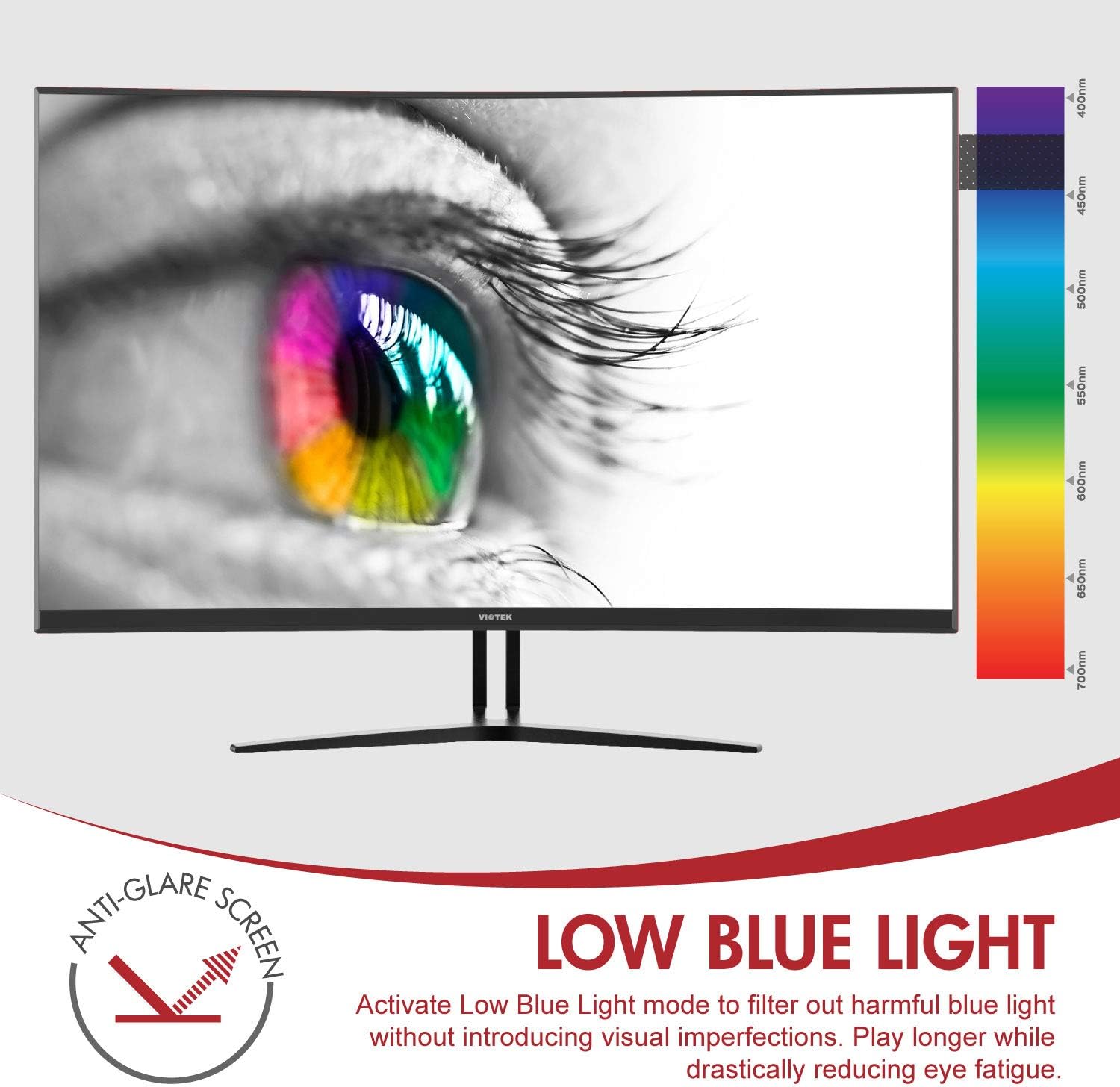
Image: The monitor's Low Blue Light feature for eye comfort.
3.5 Kontsolaren bateragarritasuna
The GN32DB is compatible with various gaming consoles, including Xbox One S/X and PlayStation 4, via DP 1.2 or HDMI connections. Enjoy FreeSync compatibility with supported Xbox consoles for smoother gameplay.

Image: Monitor compatibility with gaming consoles and adjustable tilt angle.
4. Mantentzea
To ensure the longevity and optimal performance of your Viotek GN32DB monitor, follow these maintenance guidelines:
- Pantaila garbitzea: Garbitu pantaila astiro-astiro zapi leun eta pelusik gabeko batekin. Orbanik egoskorrak izanez gero, garbitu astiro-astiro.ampGarbitu zapi bat urarekin edo pantailarako garbiketa-soluzio espezifiko batekin. Saihestu produktu kimiko gogorrak edo material urratzaileak erabiltzea.
- Garbiketa orokorra: Erabili zapi leun eta lehor bat monitorearen garbiketa egiteko.asing and stand.
- Aireztapena: Ziurtatu monitorearen aireztapen-irekidurak ez daudela blokeatuta gehiegi berotzea saihesteko.
- Biltegiratzea: Denbora luzez erabiltzen ez baduzu, gorde monitoreak leku fresko eta lehor batean, ahal bada jatorrizko ontzian.
5. Arazoak
Monitorearekin arazoak badituzu, jo ezazu honako arazo eta irtenbide ohikoenei:
| Arazoa | Kausa posiblea | Irtenbidea |
|---|---|---|
| Ez dago irudirik pantailan | Power cable disconnected, incorrect input source, faulty video cable. | Check power connections. Select correct input source via OSD. Replace video cable. |
| Irudi keinukaria edo desitxuratua | Loose video cable, incorrect resolution/refresh rate, FreeSync issue. | Ensure video cable is secure. Adjust display settings on your device. Verify FreeSync settings. |
| No sound from 3.5mm audio out | Volume too low, external speakers not connected, audio source issue. | Increase monitor volume. Connect speakers correctly. Check audio settings on your device. |
| Monitorea ez da pizten | Power supply issue, faulty power button. | Verify power outlet and adapter. Contact support if issue persists. |
If the problem persists after attempting these solutions, please contact Viotek customer support.
6. Zehaztapenak
| Ezaugarri | Xehetasuna |
|---|---|
| Marka | Viotek |
| Modelo zenbakia | GN32DB |
| Pantailaren tamaina | 31.5 hazbete |
| Ebazpena | QHD Wide 1440p (2560x1440) |
| Aspektu-erlazioa | 16:9 |
| Freskatze tasa | 144 Hz |
| Erantzun Denbora | 4 Milliseconds (with Automatic Overdrive) |
| Bistaratzeko mota | LED (Samsung VA Panel) |
| Kurbadura | 1800R |
| Kolore gama | 115% sRGB / 85% NTSC |
| Kontraste-erlazioa | 3000:1 (Estatikoa), 1,000,000:1 (Dinamika) |
| Distira | 250 cd/m² |
| Viewangelua | 178 gradu |
| Sinkronizazio egokitzailea | FreeSync |
| Konektibitatea | 1x DisplayPort 1.2, 1x HDMI 2.0, 1x DVI, 1x 3.5mm Audio Output |
| Muntatze Mota | VESA euskarria (75x75mm) |
| Ezaugarri gehigarriak | Anti-Glare Screen, Low Blue Light, FPS/RTS Modes, Game Plus |
| Elementuaren pisua | 17.2 kilo |
7. Bermea
The Viotek GN32DB monitor is protected by a 3 urteko berme mugatua. This warranty includes a Zero-Tolerance Dead Pixel Policy, ensuring that your monitor is free from dead pixels upon purchase. For detailed terms and conditions, please refer to the official Viotek warranty documentation.

Image: Viotek's 3-Year Limited Warranty and Zero-Tolerance Dead Pixel Policy.
8. Laguntza
For any questions, technical assistance, or warranty claims, please contact Viotek's customer service. Our 100% U.S.-based customer service team is available 7 days a week to provide support.
Contact information can be found on the official Viotek webgunean edo zure produktuaren ontzian.