
1. Sarrera
Welcome to the user manual for your Genius Manticore Gaming Keyboard. This guide provides essential information for setting up, operating, maintaining, and troubleshooting your new gaming keyboard. Please read these instructions carefully to ensure optimal performance and longevity of your device.
2. Produktua amaitu daview
The Genius Manticore Gaming Keyboard is designed for an enhanced gaming experience, featuring a durable build and responsive keys. It connects via USB and is compatible with a wide range of devices. The keyboard includes 104 keys with a standard QWERTY layout, complemented by additional gaming-specific features.
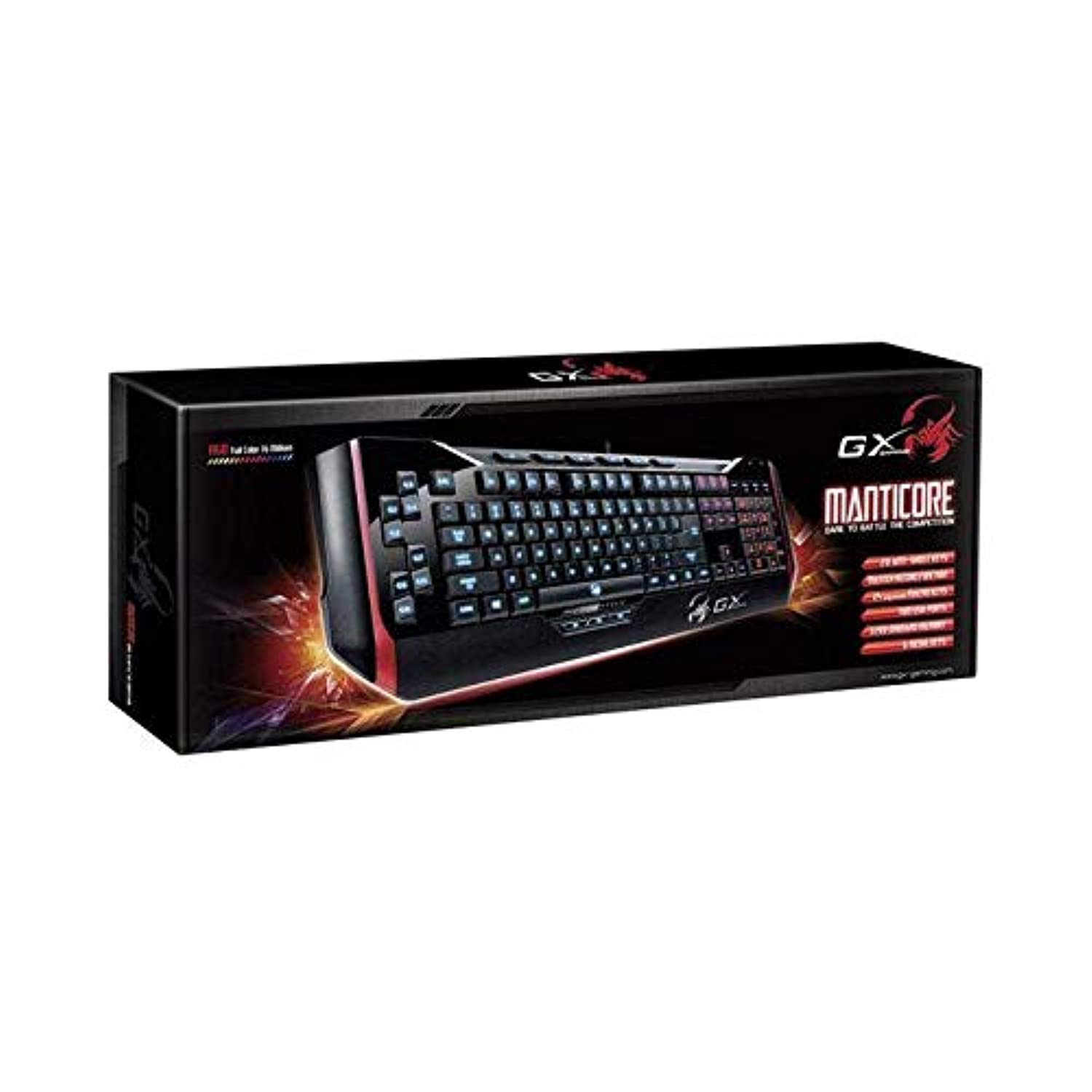
1. irudia: Genius Manticore Gaming Keyboard. This image displays the Genius Manticore Gaming Keyboard, featuring a black body with red accents on the sides. The keys are illuminated, indicating its gaming functionality. The keyboard has a standard QWERTY layout with additional keys on the left side, likely for macros, and a numeric keypad on the right.
3. Konfigurazioa
- Deskonprimitu teklatua: Carefully remove the Genius Manticore Gaming Keyboard from its packaging. Ensure all components are present.
- Konektatu zure gailura: Locate an available USB port on your computer or compatible device. Insert the USB connector of the keyboard firmly into the USB port.
- Gidariaren instalazioa (beharrezkoa bada): For most modern operating systems, the keyboard will be recognized automatically, and standard drivers will be installed. If prompted, follow the on-screen instructions to complete any driver installation.
- Proba funtzionaltasuna: Open a text editor or a web browser and test the keys to ensure they are responding correctly.
4. Funtzionamendu-argibideak
The Genius Manticore Gaming Keyboard offers a standard QWERTY layout for general typing and dedicated features for gaming.
- Funtzio estandarren tekla: All standard alphanumeric, symbol, and function keys operate as expected on a typical QWERTY keyboard.
- Jokoen Ezaugarriak: The keyboard is designed for gaming. Specific gaming features, such as customizable backlighting or programmable macro keys (if available on your model), can typically be configured through dedicated software provided by Genius or through specific key combinations. Refer to the Genius website for any available software downloads or advanced feature guides.
- Energia iturria: The keyboard is powered directly via the USB connection to your device. No external power supply or batteries are required.
5. Mantentzea
Mantentze egokiak zure teklatuaren iraupena eta errendimendua bermatzen ditu.
- Garbiketa: Erabili zapi leun eta lehor bat teklatuaren gainazala garbitzeko. Teklen arteko hautsa eta hondakinak garbitzeko, erabili aire konprimatua. Saihestu produktu kimiko gogorrak edo material urratzaileak erabiltzea.
- Likidoaren esposizioa: This keyboard is ez da urarekiko erresistentea. Avoid spilling liquids on the keyboard, as this can cause permanent damage. If liquid exposure occurs, immediately disconnect the keyboard from your device and allow it to dry completely before attempting to use it again.
- Biltegiratzea: Erabiltzen ez duzunean, gorde teklatua leku garbi eta lehor batean, tenperatura altuetatik eta eguzki-argitik babestuta.
6. Arazoak
Teklatuarekin arazoak badituzu, saiatu honako irtenbide hauekin:
- Teklatuak ez du erantzuten:
- Ziurtatu USB kablea ondo konektatuta dagoela bai teklatura bai ordenagailura.
- Saiatu teklatua ordenagailuko beste USB ataka batera konektatzen.
- Probatu teklatua beste ordenagailu batean arazoa teklatuan edo jatorrizko ordenagailuan dagoen zehazteko.
- Berrabiarazi ordenagailua.
- Giltza espezifikoak ez dira funtzionatzen:
- Check for any physical obstructions under the non-functional keys.
- Garbitu teklatua Mantentze-lanak atalean azaltzen den bezala.
- Ensure no software conflicts are present (e.g., macro software interfering with standard key functions).
- Atzeko argiztapen arazoak:
- If your model features adjustable backlighting, ensure it is not turned off or set to the lowest brightness level. Consult the Genius website for specific key combinations to control backlighting.
If these steps do not resolve the issue, please contact Genius customer support for further assistance.
7. Zehaztapenak
| Ezaugarri | Xehetasuna |
|---|---|
| Marka Izena | Jenioa |
| Modelo zenbakia | GE31310058108 |
| Gailu bateragarriak | Denak |
| Konektibitate Teknologia | USBa |
| Teklatuaren deskribapena | Jolasa |
| Ezaugarri bereziak | Jolasa |
| Kolorea | Multi-color (Black and Red) |
| Estiloa | Modernoa |
| Materiala | Material anitzak |
| Gaia | Jolasak |
| Energia iturria | USB energia |
| Gako kopurua | 104 |
| Teklatuaren diseinua | QWERTY teklatua |
| Eskuen Orientazioa | Anbidistroa |
| Botoi kopurua | 104 |
| Uraren Erresistentzia Maila | Ez Urarekiko Erresistentea |
| Fabrikatzailea | Jenioa |
| ASIN | B07MQMXJS9 |
8. Bermea eta Laguntza
Your Genius Manticore Gaming Keyboard is covered by a standard manufacturer's warranty. For detailed information regarding warranty terms, registration, or to access technical support, please visit the official Genius webwebgunera edo jarri harremanetan bezeroarentzako arreta-zerbitzuarekin. Gorde erosketa-agiria erosketaren frogagiri gisa.
Laguntza gehiago lortzeko, bisita dezakezu Genius Official Webgunea.