
1. Sarrera
This manual provides essential instructions for the safe and effective use of your Superer 120W AC Charger. Please read this guide thoroughly before using the product to ensure optimal performance and longevity. This charger is designed to provide reliable power to compatible Asus Zenbook Flip laptops.

Image 1.1: Superer 120W AC Charger with power cord.
2. Segurtasun informazioa
Your Superer AC Charger is equipped with multiple safety features to protect your device and ensure safe operation. Adhere to the following guidelines:
- Ez jarri kargagailua likidoen edo muturreko tenperaturen eraginpean.
- Saihestu kargagailua erortzea edo kolpe gogorren eraginpean jartzea.
- Erabiltzen ari den bitartean, ziurtatu kargagailuaren inguruan behar bezala aireztatuta dagoela gehiegi berotzea saihesteko.
- Erabili eskuliburu honetan zehaztutako gailu bateragarriekin soilik.
- Disconnect the charger from the power outlet when not in use for extended periods.

Image 2.1: Built-in safety protections of the Superer AC Charger.
3. Bateragarritasuna
This Superer AC Charger is specifically designed for the following Asus Zenbook Flip laptop models:
- Asus Zenbook Flip Q535UD, Q535U, Q535
- Asus Zenbook Flip Q536FD, Q536F, Q536, Q536FD-BI7T15
- Asus Zenbook Flip Q546FDX, Q546FD, Q546F, Q546
- Asus Zenbook Flip Q547FD, Q547F, Q547
The charger features a 4.5mm x 3.0mm round connector. Please verify your laptop's charging port type and power requirements before use.

Image 3.1: Correct charging port type (4.5mm x 3.0mm) for compatibility.

Image 3.2: Power specifications and compatibility check.
4. Konfiguratzeko argibideak
- Deskargatu kargagailua: Carefully remove the AC adapter and power cord from the packaging.
- Konektatu korronte kablea: Insert the AC power cord into the adapter's input port. Ensure it is firmly seated.
- Konektatu korronte-hartunera: Plug the AC power cord into a standard wall outlet (100-240V, 50-60Hz).
- Konektatu ordenagailu eramangarrira: Insert the round connector tip of the adapter into your laptop's charging port.
- Egiaztatu konexioa: Confirm that the charging indicator light on your laptop (if available) illuminates, indicating a successful connection and charging process.
5. Funtzionamendu-argibideak
Once connected, the charger will automatically begin supplying power to your laptop and charging its battery. The charger is designed to provide a consistent and stable power supply.
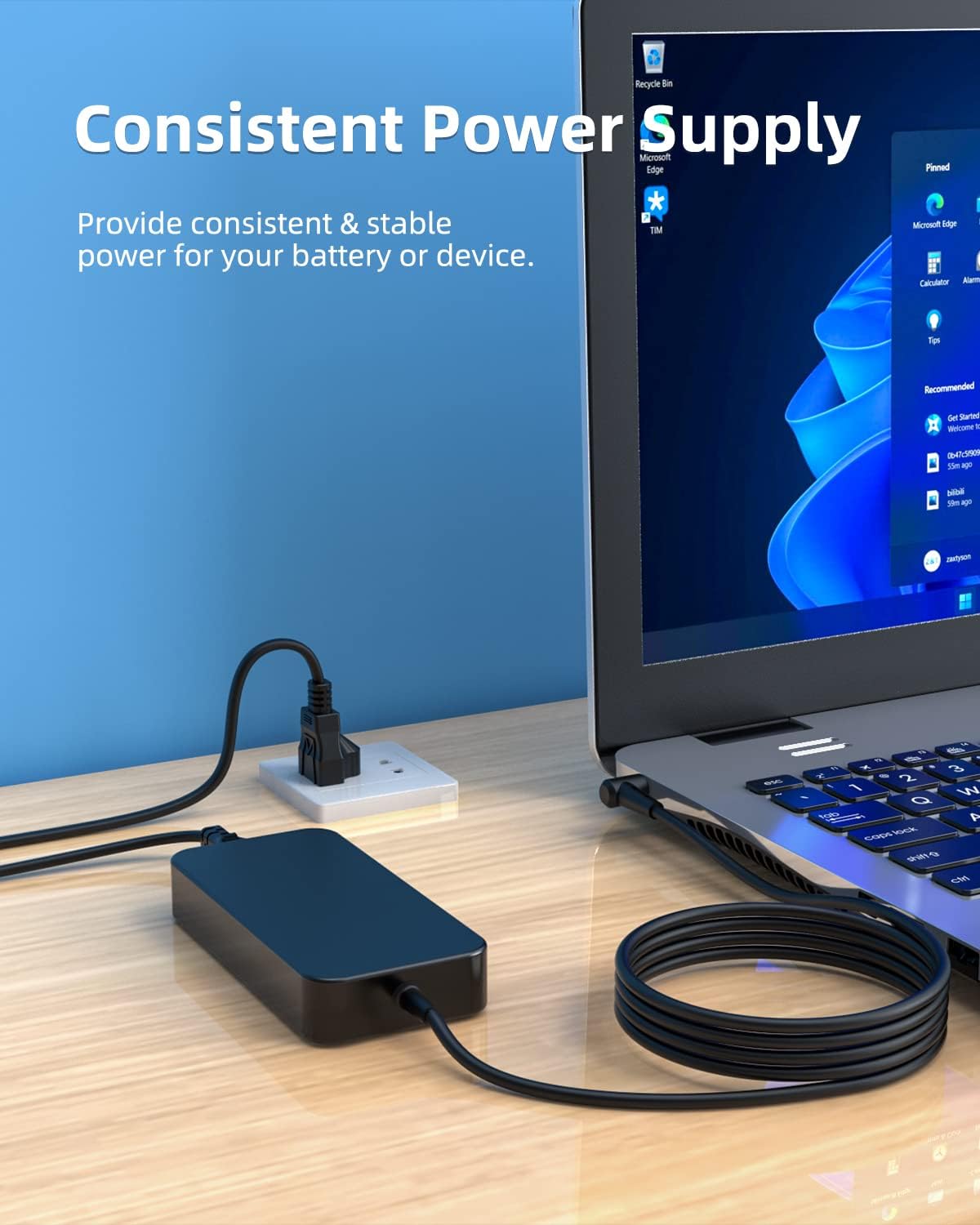
Image 5.1: Charger providing consistent power to a laptop.
6. Mantentzea
- Keep the charger and cables clean and free from dust. Use a soft, dry cloth for cleaning.
- Gorde kargagailua leku fresko eta lehor batean erabiltzen ez duzunean.
- Avoid tightly bending or twisting the cables, especially near the connectors, to prevent damage.
- Regularly inspect the cables and connectors for any signs of wear or damage. Discontinue use if damage is observed.
7. Arazoak
| Arazoa | Kausa posiblea | Irtenbidea |
|---|---|---|
| Ordenagailu eramangarria ez da kargatzen | Loose connection, incompatible device, faulty outlet, damaged charger. | Ensure all connections are secure. Verify laptop compatibility. Try a different power outlet. Inspect charger for damage. |
| Kargagailua gainberotuta | Poor ventilation, excessive load, internal fault. | Ensure adequate airflow around the charger. Disconnect and allow to cool. If problem persists, discontinue use and contact support. |
| Loose fit in laptop port | Incorrect port size, worn port, charger tip damage. | Confirm port type (4.5mm x 3.0mm). If port is worn, consider laptop service. If charger tip is damaged, replace charger. |
8. Zehaztapenak
| Ezaugarri | Xehetasuna |
|---|---|
| Modelo zenbakia | ADP190632 |
| Sarrera boltage | 100-240V ~ 50-60Hz |
| Irteera boltage | 19V |
| Irteera Korrontea | 6.32A |
| Wattage | 120W |
| Konektore mota | Round Connector (4.5mm x 3.0mm) |
| Kablearen luzera | Total 10 Ft (Adapter cord 6 Ft + Power cord 4 Ft) |
| Produktuaren neurriak | 3.15 x 1.57 x 3.94 hazbete |
| Elementuaren pisua | 1.34 kilo |
| Ezaugarri bereziak | Overcharge Protection, Robust and Drop-Proof, Short Circuit Protection |

Image 8.1: Item dimensions of the Superer AC Charger.
9. Bermea eta Laguntza
Superer provides comprehensive after-sales services for this product:
- 30 eguneko itzulketa: This product is eligible for replacement or returns within 30 days of purchase.
- 12 hilabeteko bermea: The manufacturer provides an additional 12 months of assurance for quality-related issues.
For any questions, concerns, or support needs, please contact Superer customer service through the retailer where the product was purchased. Please have your model number (ADP190632) and purchase date available.

Image 9.1: Superer after-sales service details.