
1. Sarrera
Thank you for choosing the Boltune BT-BH020 Truly Wireless Bluetooth In-Ear Headphones. This manual provides detailed instructions on how to set up, operate, and maintain your new headphones. Please read this manual thoroughly before use to ensure optimal performance and longevity of your device.
2. Paketearen edukia
Verify that all items listed below are present in your package. If any item is missing or damaged, please contact customer support.
- 1 x Kargatzeko kasua
- 2 x entzungailu (ezkerrekoa eta eskuinekoa)
- 6 x Belarri-puntak (tamaina desberdinak)
- 1 x USB motako C kargatzeko kablea
- 1 x Erabiltzailearen eskuliburua (dokumentu hau)

3. Produktua amaitu daview
The Boltune BT-BH020 earbuds feature a compact design with advanced Bluetooth 5.2 technology for stable connectivity and clear audio.


4. Konfigurazioa
4.1 Entzungailuak eta zorroa kargatzea
Lehenengo aldiz erabili aurretik, kargatu guztiz entzungailuak eta kargatzeko zorroa.
- Jarri entzungailuak kargatzeko zorroan.
- Konektatu USB C motako kargatzeko kaxako kargatzeko atakara eta energia-iturri batera.
- Kaxako adierazle-argiek kargatze-egoera erakutsiko dute.
A full charge provides over 40 hours of total battery life with the charging case, and approximately 6 hours of playtime per single earbud charge. The Type-C port supports quick charging.

4.2 Bluetooth gailu batekin parekatzea
The BT-BH020 features one-step pairing technology for convenience.
- Ireki kargatzeko zorroa. Aurikularrak automatikoki piztuko dira eta parekatze moduan sartuko dira.
- Zure gailuan (adibidez, telefonoan, tabletan), gaitu Bluetootha eta bilatu eskuragarri dauden gailuak.
- Select "BT-BH020" from the list of found devices to connect.
- Behin konektatuta, audio-abisu bat entzungo duzu, eta entzungailuak erabiltzeko prest egongo dira.
The Bluetooth V5.2 technology ensures a stable connection with a range of up to 50 feet, providing faster transmission speed and reliable connectivity without signal loss.

5. Funtzionamendu-argibideak
5.1 Ukitu Kontrolak
The BT-BH020 earbuds feature touch controls for managing music playback and calls. Specific touch gestures for functions like play/pause, skip track, answer/end call, and activate voice assistant are typically detailed in a quick start guide. Refer to the included quick start guide for a complete list of touch commands.
5.2 Deiak egitea eta jasotzea
The earbuds are equipped with a built-in microphone and support call control functions.
- Dei bati erantzutea: Sakatu behin entzungailuetako edozeinetako ukipen-kontrolaren eremua.
- Dei bat amaitzea: Tap the touch control area on either earbud once during a call.
- Dei bat ukatzea: Press and hold the touch control area on either earbud for approximately 2 seconds.
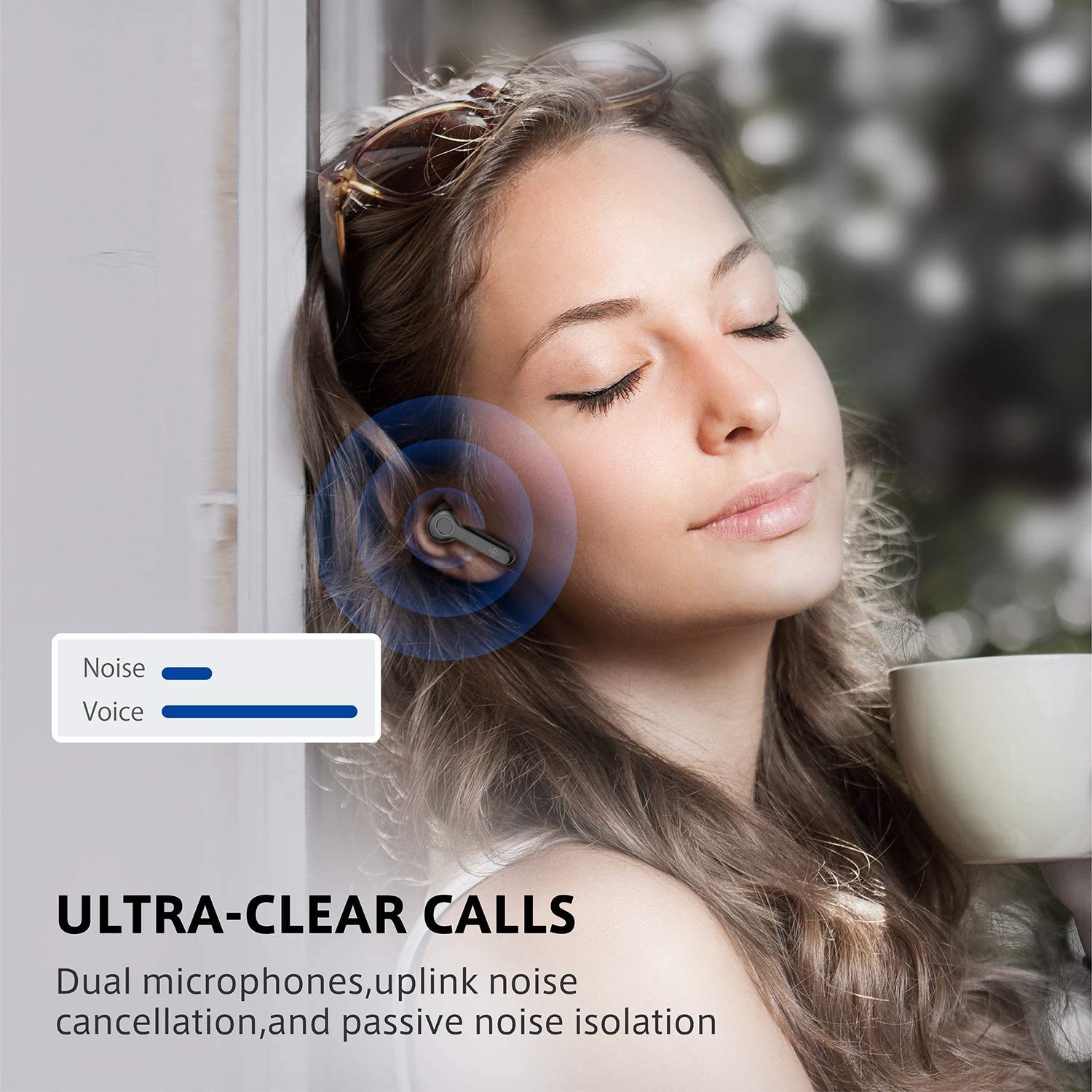
Dual microphones with uplink noise cancellation and passive noise isolation ensure clear conversations.
5.3 Musika erreproduzitzea
Enjoy high-quality audio playback with your BT-BH020 earbuds.
- Erreproduzitu/Pausatu: Sakatu behin entzungailuetako edozeinetako ukipen-kontrolaren eremua.
- Hurrengo ibilbidea: Sakatu birritan eskuineko aurikularra.
- Aurreko pista: Sakatu birritan ezkerreko aurikularra.
The ergonomic design ensures a secure and comfortable fit for extended listening sessions.

6. Mantentzea
Proper maintenance ensures the longevity and optimal performance of your Boltune BT-BH020 earbuds.
- Garbiketa: Garbitu aldizka entzungailuak eta kargatzeko zorroa oihal leun, lehor eta lihorik gabeko batekin. Ez erabili produktu kimiko gogorrik edo material urratzailerik.
- Uraren erresistentzia: The earbuds are rated IPX6 waterproof, meaning they are protected against high-pressure water jets. However, they are not designed for submersion. Avoid prolonged exposure to water.
- Biltegiratzea: Erabiltzen ez dituzunean, gorde entzungailuak kargatzeko zorroan hautsetik eta kalteetatik babesteko. Gorde leku fresko eta lehor batean.
- Bateria zaintzea: Bateriaren iraupena luzatzeko, saihestu entzungailuak eta kargatzeko zorroa maiz erabat deskargatzea. Kargatu itzazu aldizka, etengabe erabiltzen ez badituzu ere.
7. Arazoak
If you encounter issues with your BT-BH020 earbuds, refer to the following common solutions.
| Arazoa | Irtenbide posiblea |
|---|---|
| Entzungailuak ez dira parekatzen |
|
| Ez dago soinurik entzungailu batetik |
|
| Soinu-kalitate eskasa |
|
| Kargatzeko kaxa ez da kargatzen |
|
8. Zehaztapenak
| Ezaugarri | Xehetasuna |
|---|---|
| Ereduaren izena | BT-BH020 |
| Konektibitate Teknologia | Haririk gabeko (Bluetooth) |
| Bluetooth bertsioa | V5.2 |
| Uraren Erresistentzia Maila | IPX6 (iragazgaitza) |
| Kontrol-metodoa | Ukitu |
| Mikrofonoaren formatua | Built-In (Dual Microphones with Uplink Noise Cancellation) |
| Karga bakoitzeko erreprodukzio-denbora | Gutxi gorabehera. 6 ordu |
| Erreproduzitzeko denbora osoa (kargatzeko zorroarekin) | 40 ordu baino gehiago |
| Kargatzeko ataka | USB C motakoa |
| Elementuaren pisua | 5.09 g (entzungailu bakoitzeko) |
| Produktuaren neurriak | 4.19 x 2.31 x 2.31 cm |
| Materiala | Plastikoa |
| UPC | 661094416582, 661094416605 |
9. Bermea eta Laguntza
For warranty information and customer support, please refer to the warranty card included in your package or visit the official Boltune webgunea.
If you have any questions or require assistance, please contact Boltune customer service.