
Sarrera
This manual provides instructions for the installation, operation, and maintenance of your Enbrighten Z-Wave In-Wall Smart Dimmer. This device is designed to provide wireless control and scheduling for your lighting fixtures when paired with a compatible Z-Wave hub. It supports both manual operation and smart home integration, allowing for enhanced control over your home's lighting environment.

Segurtasun informazio garrantzitsua
Read and understand all instructions before installing or operating this device. Failure to follow these instructions may result in electric shock, fire, or serious injury.
- DESKARKETA ELEKTRIKOAREN ARRISKUA: Always turn OFF power to the circuit breaker or fuse box before installation.
- SUTE ARRISKUA: Ez gainditu gehienezko wat-atage ratings for connected loads.
- LESIO-ARRISKUA: Gailu hau barrualdean erabiltzeko bakarrik dago pentsatuta.
- A neutral wire is REQUIRED for installation. If you are unsure, consult a qualified electrician.
- Ziurtatu kable-konexio guztiak ondo isolatuta eta ondo finkatuta daudela.
Paketearen edukia
- Enbrighten Z-Wave In-Wall Smart Dimmer
- White Paddle (pre-installed)
- Light Almond Paddle (for color customization)
Note: Wall plate is not included and must be purchased separately.

Instalazioa eta konfigurazioa
Instalazio aurreko egiaztapen-zerrenda
- Turn OFF power at the circuit breaker or fuse box.
- Ensure a neutral wire is present in your electrical box.
- Confirm the dimmer's wattage rating is suitable for your lighting load.
QuickFit Design
The QuickFit design features a reduced housing depth (up to 20% smaller than previous models) and eliminates the need for heat tabs. This makes the dimmer ideal for older-style switch boxes, multi-gang configurations, or any application with limited space.

SimpleWire Technology and Wiring
SimpleWire technology simplifies installation by automatically detecting line and load wires. It also includes dual, offset ground ports for easier daisy-chaining in multi-switch setups.
- Lurreko kablea: Connect the dimmer's green ground wire to the bare copper or green ground wire in the electrical box.
- Hari neutroa: Connect the dimmer's white neutral wire to the white neutral wire in the electrical box. This connection is mandatory.
- Line/Load Wires: The dimmer features auto line-load sensing. Connect the black line wire from the circuit breaker and the black load wire to the light fixture to the dimmer's designated terminals.
- Traveler Wire (for 3-way setups): If installing in a 3-way or multi-location setup, connect the red traveler wire to the corresponding traveler wire from the add-on switch (models 12723 or 46199). Up to four add-on switches can be connected.

Z-Wave Pairing (Inclusion)
To integrate the dimmer into your Z-Wave network, follow these steps:
- Place your Z-Wave hub into inclusion (pairing) mode. Refer to your hub's instruction manual for specific steps.
- On the dimmer, press the top or bottom paddle once. The LED indicator will flash to confirm inclusion mode.
- For SmartStart-enabled hubs, scan the QR code on the dimmer or its packaging. The Device Specific Key (DSK) allows for secure, easy pairing.
- The dimmer supports S2 Security, providing industry-standard 128-bit encryption for enhanced network security.
- Once successfully paired, the LED indicator will stop flashing and remain solid for a few seconds, or as indicated by your hub.

Funtzionamendu-argibideak
Eskuzko Kontrola
- Aktibatu/Itzali: Press the top of the paddle to turn lights ON to the last dim level. Press the bottom of the paddle to turn lights OFF.
- Doitu distira: Press and hold the top of the paddle to increase brightness. Press and hold the bottom of the paddle to decrease brightness. Release the paddle when the desired brightness is reached.
Ahots kontrola
When connected to a compatible Z-Wave hub that supports voice assistants, you can control your lights using voice commands through devices like Amazon Alexa or Google Assistant.


Remote Control via Z-Wave Hub
Once paired with a Z-Wave hub, you can control the dimmer remotely using your hub's smartphone application. This allows for custom scenes, personalized scheduling, and convenient alerts.
Dimmability and Bulb Compatibility
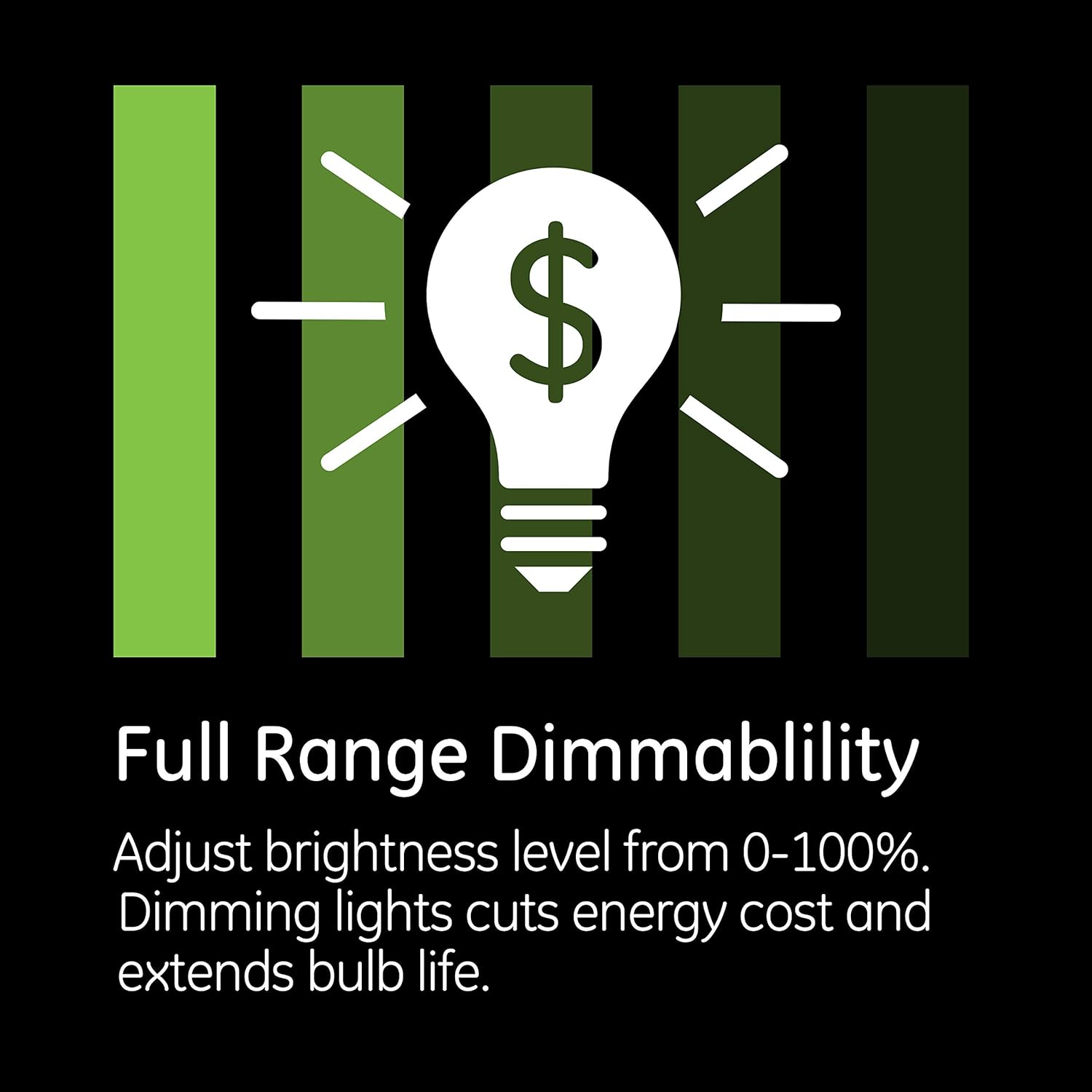
The Enbrighten Smart Dimmer offers full-range dimmability, allowing you to adjust brightness from 0-100%. It is compatible with a variety of dimmable bulb types:
- Dimmable LED bulbs (up to 300W)
- Dimmable CFL bulbs (up to 300W)
- Incandescent bulbs (up to 600W)
- Halogen bulbs (up to 600W)

LED adierazle argia
The dimmer features an LED indicator light with 4 selectable options, providing visual feedback on the dimmer's status or location in the dark.
Mantentzea
To maintain the appearance and functionality of your smart dimmer, wipe it with a soft, dry cloth. Avoid using harsh chemicals or abrasive cleaners, as these can damage the finish or internal components.
Arazoak konpontzea
Gailuak ez du erantzuten
- Ziurtatu zirkuitu-hauslean korrontea piztuta dagoela.
- Egiaztatu kableatu-konexio guztiak ondo daudela.
- Check if the Z-Wave hub is online and the dimmer is still paired. Try re-pairing if necessary.
- Ensure the dimmer is within range of your Z-Wave hub or another Z-Wave device acting as a repeater.
Argiak keinuka
- Confirm that the connected bulbs are explicitly labeled as 'dimmable'. Non-dimmable bulbs may flicker or be damaged.
- Egiaztatu ur osoatage of the connected bulbs to ensure it does not exceed the dimmer's maximum rating (300W for LED/CFL, 600W for incandescent/halogen).
- Some LED bulbs may require a minimum load to function correctly with dimmers.
- Consider updating the dimmer's firmware if available through your Z-Wave hub, as this can sometimes resolve compatibility issues.
Parekatze arazoak
- Ziurtatu zure Z-Wave hub-a inklusio (parekatze) moduan dagoela.
- Try moving the dimmer closer to the hub during the pairing process.
- Perform a factory reset on the dimmer (refer to your hub's or dimmer's advanced instructions for this procedure) and attempt pairing again.
Zehaztapenak
| Ezaugarri | Xehetasuna |
|---|---|
| Modelo zenbakia | 46203 |
| Energia iturria | Hardwire |
| Bolumen eragileatage | 120 Volt AC |
| Egungo balorazioa | 15 Amps |
| Wattage (Incandescent/Halogen) | 600W |
| Wattage (Dimmable LED/CFL) | 300W |
| Konektibitate-protokoloa | Z-Uhina |
| Kontrol-metodoa | Voice, Manual, Remote (via Z-Wave hub) |
| Kontrolagailu mota | Amazon Alexa, Google Assistant (requires Z-Wave hub) |
| Funtzionamendu-tenperatura | 32-104 Fahrenheit gradu (0-40 Celsius gradu) |
| Neurriak (L x W x H) | 1.13 x 1.75 x 4.13 hazbete (28.7 x 44.5 x 104.9 mm) |
| Zirkuitu Mota | 3-way compatible |
| Instalazio-metodoa | Horman muntatuta |
| Kolorea | White (with included Light Almond paddle) |
Bermea eta Laguntza
Bermearen informazioa
This Enbrighten Z-Wave In-Wall Smart Dimmer is covered by a 2 urteko berme mugatua. For details regarding warranty claims and coverage, please refer to the official Enbrighten webwebgunean edo jarri harremanetan bezeroarentzako laguntzarekin.
Bezeroarentzako Arreta
If you encounter any issues or have questions not covered in this manual, please contact Enbrighten customer support. Contact information can typically be found on the product packaging or the official Enbrighten webgunea.