
Fujifilm X-A7
Fujifilm X-A7 Mirrorless Digital Camera Instruction Manual
Model: X-A7 with XC15-45mm F3.5-5.6 OIS PZ Lens
1. Sarrera
This manual provides essential information for the safe and effective use of your Fujifilm X-A7 Mirrorless Digital Camera. The X-A7 features a 24.2MP APS-C CMOS image sensor, a large 3.5-inch 16:9 wide touchscreen LCD, and advanced video capabilities. Please read this manual thoroughly before using the camera and keep it in a safe place for future reference.
2. Zer dago kutxan
Upon opening your Fujifilm X-A7 package, verify that all the following items are included:
- Fujifilm X-A7 Camera Body
- XC15-45mm F3.5-5.6 OIS PZ Lens
- Rechargeable Li-ion Battery (NP-W126S)
- USB kablea
- Sorbalda-uhal
- Gorputz Txapela
- Lentearen kapela
- Erabiltzailearen eskuliburua (dokumentu hau)
3. Kameraren osagaiak
Ezagutu zure kameraren atal desberdinak.

3.1. irudia: Aurrealdea View of Fujifilm X-A7 Camera. This image displays the Fujifilm X-A7 camera body in silver, with the XC15-45mm F3.5-5.6 OIS PZ lens attached. The lens features a silver barrel with black rings, and the camera body has a silver top plate and black textured grip. The X-A7 logo is visible on the front.
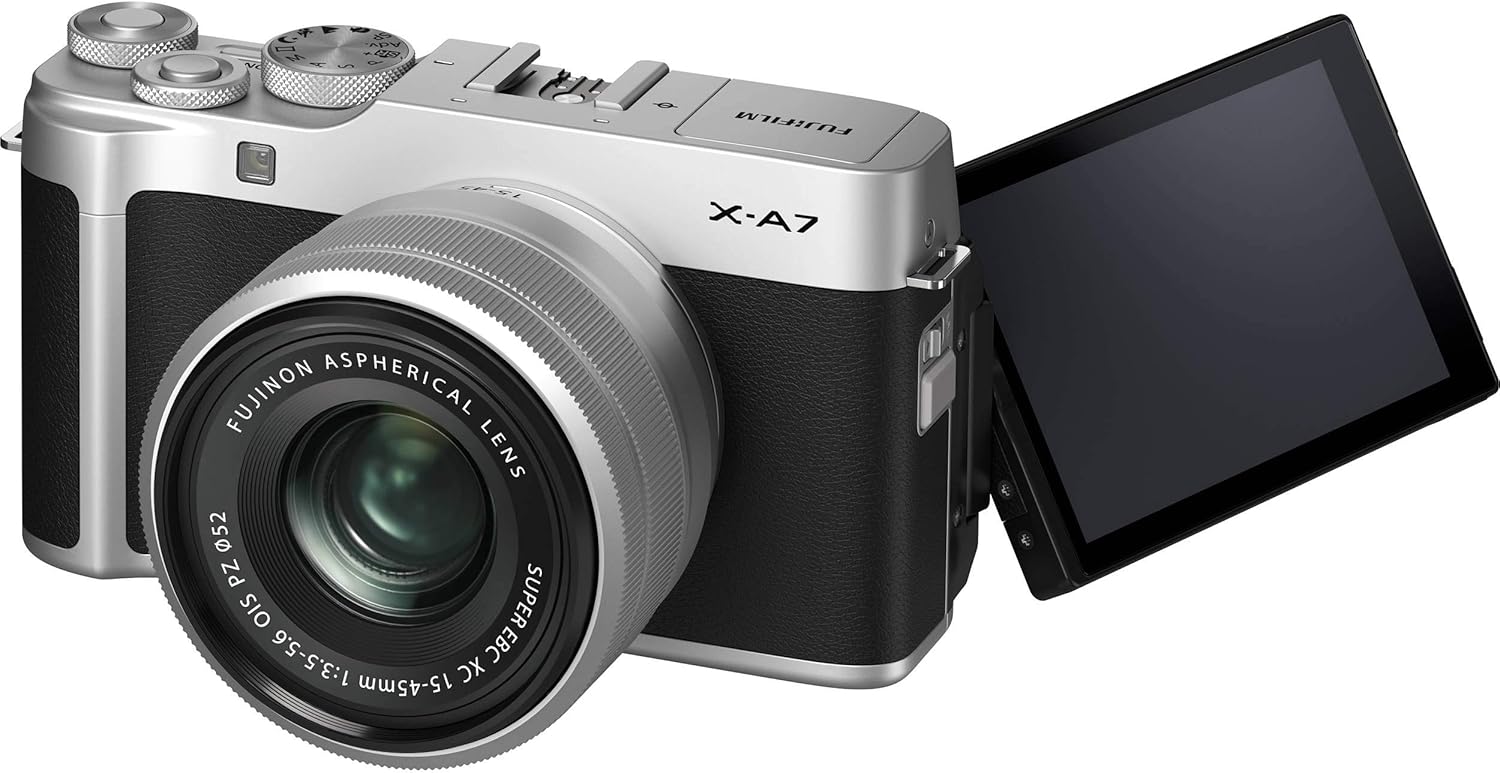
Figure 3.2: Fujifilm X-A7 with Articulating Screen. This image shows the Fujifilm X-A7 camera from a slight angle, with its 3.5-inch touchscreen LCD fully extended and rotated to the side. This articulating screen allows for flexible viewing angles, useful for vlogging or shooting from high/low perspectives.

Figure 3.3: Fujifilm X-A7 with Pop-up Flash. The camera is shown with its built-in pop-up flash raised, indicating its readiness for use in low-light conditions. The top plate features various dials and buttons for control.

3.4. irudia: Aldea View of Fujifilm X-A7. This image highlights the side of the camera body, revealing the HDMI port and other connectivity options, typically protected by a cover.
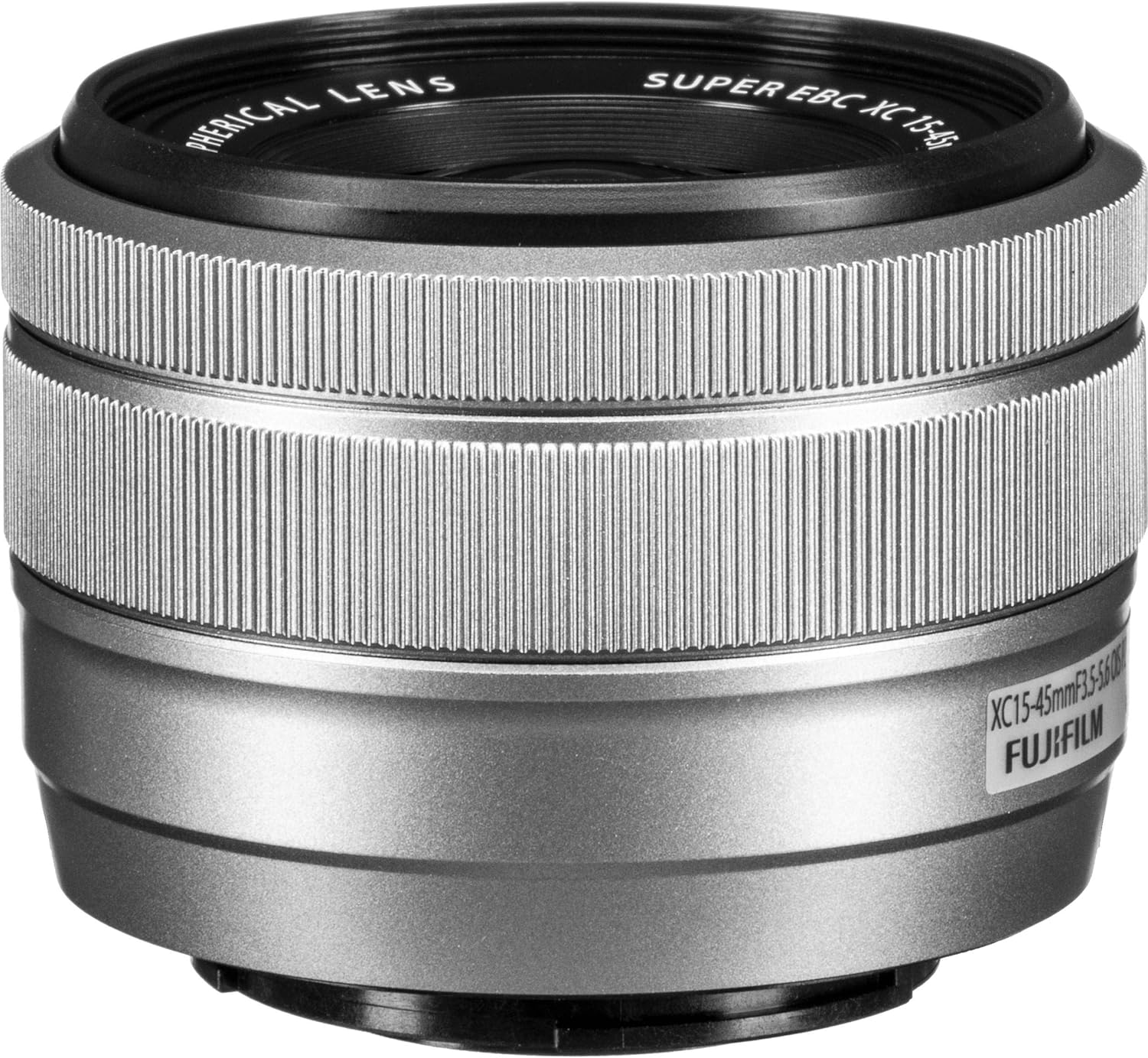
3.5. irudia: Aurrealdea View of XC15-45mm Lens. A close-up of the Fujifilm XC15-45mm F3.5-5.6 OIS PZ lens, showing the front element and the filter thread. The lens is a power zoom (PZ) type, designed for compact size and smooth operation.
4. Konfigurazioa
4.1 Bateria kargatzea
- Insert the supplied NP-W126S battery into the camera.
- Connect the camera to a USB power source using the provided USB cable. The charging indicator light will illuminate.
- Charging is complete when the indicator light turns off. A full charge typically takes approximately 150 minutes.
4.2 Memoria txartela sartzea
The camera supports SD, SDHC, and SDXC memory cards. Ensure the card is inserted correctly to avoid damage.
- Ireki kameraren beheko aldean dagoen bateriaren/memoria txartelaren estalkia.
- Insert the memory card with the label facing the rear of the camera until it clicks into place.
- Itxi estalkia ongi.
4.3 Lentea jartzea
- Kendu gorputzaren estalkia kameratik eta atzeko lentearen estalkia lentetik.
- Align the white dot on the lens with the white dot on the camera body.
- Mount the lens by rotating it clockwise until it clicks into place.
- Kendu aurreko lentearen tapoia.
5. Funtzionamendu-argibideak
5.1 Piztu/Itzaltzea
To turn the camera on, slide the power switch to the ON position. To turn it off, slide the switch to OFF.
5.2 Oinarrizko argazkilaritza
- Hautatu argazki modu bat: Rotate the mode dial to choose a shooting mode (e.g., AUTO, P, S, A, M). For beginners, AUTO mode is recommended.
- Marraztu zure planoa: Use the 3.5-inch touchscreen LCD to compose your image.
- Fokua: Half-press the shutter button to activate autofocus. The camera will focus on the subject.
- Tiroa: Sakatu obturadorearen botoia guztiz argazkia ateratzeko.
5.3 Ukipen-pantaila erabiltzea
The X-A7 features a highly responsive touchscreen interface. You can:
- Tap to Focus: Touch the screen to select a focus point.
- Touch to Shoot: Tap the screen to focus and immediately take a picture.
- Pasatu hatza: Swipe left or right to browse images in playback mode.
- Zoom egiteko apur bat egin: Use two fingers to zoom in or out on images.
- Access Menus: Tap on icons to navigate camera settings and functions.
5.4 Bideo-grabaketa
The X-A7 supports 4K DCI 2160p video recording at 24 or 30 frames per second.
- Rotate the mode dial to the movie mode icon.
- Press the dedicated movie record button to start recording.
- Press the movie record button again to stop recording.
6. Mantentzea
6.1 Kamera garbitzea
- Kameraren gorputza: Erabili zapi leun eta lehor bat kameraren gorputza garbitzeko. Zikinkeria egoskorra bada, astiro garbituampeu zapi urarekin.
- Lentea: Erabili lenteen putzgailu bat hautsa kentzeko, eta ondoren, garbitu astiro-astiro lenteak garbitzeko zapi batekin. Saihestu lentearen gainazala hatzekin ukitzea.
- Sentsore: Sentsoreen garbiketa, idealki, zerbitzu-teknikari kualifikatu batek egin beharko luke.
6.2 Biltegiratzea
- Gorde kamera leku fresko, lehor eta ondo aireztatu batean, eguzki-argitik eta hezetasun handitik babestuta.
- Kendu bateria denbora luzez kamera erabiliko ez bada.
- Keep the camera in a camera bag or case to protect it from dust and physical damage.
7. Arazoak
Ikusi beheko taula arazo ohikoenak eta haien irtenbideak ikusteko.
| Arazoa | Irtenbidea |
|---|---|
| Kamera ez da pizten. | Ziurtatu bateria kargatuta eta behar bezala sartuta dagoela. Egiaztatu bateriaren kontaktuak garbi dauden. |
| Irudiak lausoak dira. | Check focus settings. Ensure the lens is clean. Use a faster shutter speed or image stabilization in low light. |
| Memoria txartelaren errorea. | Ensure the memory card is inserted correctly. Try formatting the card (this will erase all data). Use a different memory card. |
| Flasha ez da pizten. | Check flash mode settings. Ensure the flash is popped up. The flash may not fire if the ambient light is sufficient. |
| Cannot connect to smartphone via Wi-Fi/Bluetooth. | Ensure the Fujifilm Camera Remote app is installed on your smartphone. Restart both the camera and smartphone. Check network settings. |
8. Zehaztapenak
| Ezaugarri | Xehetasuna |
|---|---|
| Ereduaren izena | X-A7 Kit |
| Sentsore mota | APS-C CMOS |
| Ebazpen finko eraginkorra | 24.2 MP |
| Lentearen muntaia | Fujifilm X mendia |
| Lentea barne | XC15-45mm F3.5-5.6 OIS PZ |
| Bistaratzea | 3.5-inch Articulating Touchscreen LCD |
| Bideo Ebazpena | 4K DCI 2160p (24/30 FPS) |
| Irudi Egonkortzea | Digital (Lens OIS) |
| Autofokuaren teknologia | Faseen Detekzioa |
| Etengabeko filmaketa | 8 fps |
| ISO sentikortasuna | ISO 100-51200 zabaldua |
| Konektibitatea | USB, HDMI, Bluetooth, Wi-Fi |
| Onartua File Formatua | JPEG, RAW |
| Bateria mota | Fuji NP-W126S Lithium Ion |
| Elementuaren pisua | 11 ontza (gutxi gorabehera 312 g) |
9. Bermea eta Laguntza
9.1 Fabrikatzailearen bermea
This Fujifilm X-A7 camera comes with a 1 urteko fabrikatzailearen bermeaBerme honek materialen eta fabrikazioaren akatsak estaltzen ditu erabilera normalaren pean. Gorde erosketaren egiaztagiria bermearen erreklamazioak egiteko.
9.2 Bezeroarentzako laguntza
For technical assistance, service, or further information, please visit the official Fujifilm website or contact their customer support directly. Contact details can typically be found on the Fujifilm webgunean edo produktuarekin batera datorren berme-txartelean.