
Sarrera
This manual provides detailed instructions for the proper use and maintenance of your LG AKB74955603 Air Conditioner Remote Control. Please read this manual thoroughly before operating the device to ensure optimal performance and longevity.
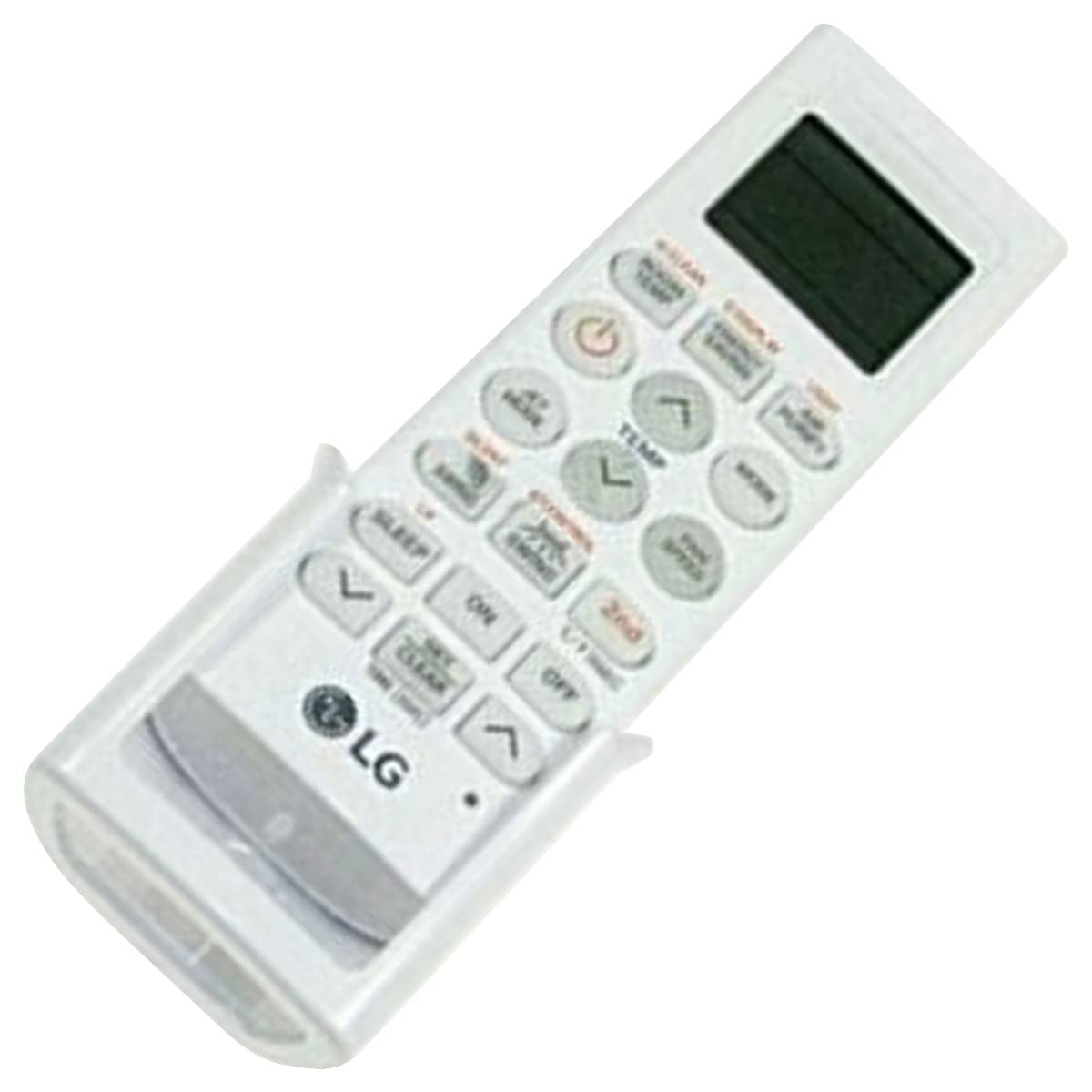
Image: The LG AKB74955603 Air Conditioner Remote Control, a white rectangular device with various control buttons.
Konfigurazioa
1. Bateriaren instalazioa
Urrutiko agintea bi (2) AAA pila behar ditu funtzionatzeko. Ziurtatu polaritate zuzena pilak sartzerakoan.
- Ireki urrutiko agintearen atzealdean dagoen bateriaren konpartimentuaren estalkia.
- Sartu bi AAA pila berri, (+) eta (-) terminalak konpartimentuaren barruan adierazten den bezala bat etorriz.
- Itxi bateriaren konpartimenduaren estalkia ondo.
Oharra: Do not mix old and new batteries, or different types of batteries. Remove batteries if the remote control will not be used for an extended period.
Funtzionamendu-argibideak
Zuzendu urrutiko agintea zuzenean aire girotuaren hargailura. Ziurtatu ez dagoela oztoporik urrutiko agintearen eta unitatearen artean.
Funtzio giltzarriak
- INDARRA (⏻): Aire girotua piztu edo itzaltzen du.
- JARRAIBIDEAK: Funtzionamendu moduen artean txandakatzen da: Automatikoa, Hoztea, Lehortzea, Haizagailua, Berotzea.
- TENP ▲/▼: Nahi den tenperatura-ezarpena doitzen du.
- ZALETUEN ABIADURA: Selects the fan speed (Auto, Low, Medium, High).
- SWING: Persiana-orrazketa funtzioa aktibatzen edo desaktibatzen du.
- TEMPORIZATORIA: Aire girotuaren pizteko/itzaltzeko tenporizadorea ezartzen du.
- LO: Activates the sleep mode for comfortable night operation.
- ARGIA: Controls the display light on the air conditioner unit (if available).
- FUNCTION/SPECIAL: Accesses additional functions or settings.
Oinarrizko Funtzionamendua
- Sakatu BOTEREA aire girotua pizteko botoia.
- Sakatu MODUA button repeatedly to select your desired operating mode (e.g., Cool).
- Erabili TENP ▲/▼ botoiak nahi duzun tenperatura ezartzeko.
- Doitu haizagailuaren abiadura erabiliz ABANATZAILEA botoia behar izanez gero.
- Unitatea itzaltzeko, sakatu BOTEREA botoia berriro.
Mantentzea
Bateria ordezkatzea
Replace batteries when the remote control's range decreases or if the display becomes dim. Follow the battery installation steps outlined in the Setup section.
Garbiketa
Wipe the remote control with a soft, dry cloth. Do not use liquid cleaners, abrasive materials, or chemical solvents, as these may damage the surface or internal components.
Biltegiratzea
Gorde urrutiko agintea leku fresko eta lehor batean, eguzki-argitik eta muturreko tenperaturetatik babestuta. Denbora luzez gordetzen baduzu, kendu pilak isuriak saihesteko.
Arazoak konpontzea
- Urrutiko agintea ez da erantzuten:
- Egiaztatu bateriak behar bezala sartuta dauden eta ez daudela agortuta. Beharrezkoa bada, ordezkatu itzazu.
- Ziurtatu urrutiko agintearen eta aire girotuaren hargailuaren artean ikusmen-lerro garbia dagoela.
- Verify that the remote control is pointed directly at the air conditioner.
- Funtzionamendu-eremu mugatua:
- Ordeztu bateriak berriekin.
- Ensure no strong light sources (e.g., direct sunlight, fluorescent lights) are interfering with the infrared signal.
Zehaztapenak
| Ezaugarri | Xehetasuna |
|---|---|
| Ereduaren izena | AKB74955603 |
| Marka | LG |
| Gailu bateragarriak | Aire girotua |
| Konektibitate Teknologia | Infragorriak (IR) |
| Botoi kopurua | 10 |
| Gehienezko irismena | 10 metro |
| Bateria mota | 2 x AAA (ez dago barne) |
| Ezaugarri Berezia | Erabiltzeko erraza |
Bermea eta Laguntza
For warranty information and customer support, please refer to the documentation provided with your air conditioner unit or visit the official LG webgunea. Gorde erosketa-agiria erosketaren frogagiri gisa, berme-erreklamazioetarako.
For further assistance, you may contact LG customer service through their official channels.