
Sarrera
The Globe Electric 50200 Smart Wi-Fi Light Switch allows you to automate and control your home lighting using the GLOBE SUITE™ App, voice commands, or directly from the switch. This manual provides essential information for installation, operation, and maintenance to ensure safe and efficient use of your smart switch.

Image: The Globe Electric Smart Switch, highlighting its compatibility with various smart home platforms.
Segurtasun Informazioa
Before installing or operating the Globe Electric 50200 Smart Wi-Fi Light Switch, please read and understand all safety instructions. Failure to follow these instructions may result in electric shock, fire, or property damage.
- OHARRA: Risk of Electric Shock. Installation requires working with high voltage wiring. Always turn off power at the circuit breaker before installation.
- Instalazio prozesuaren edozein atalen inguruan ziur ez bazaude, kontsultatu elektrizista kualifikatu bati.
- Gailu hau barrualdean erabiltzeko soilik da.
- Ensure the switch is installed in a standard wall box.
- Ez gainditu gehienezko wat-atag100 watt-eko balorazioa.
Paketearen edukia
Instalazioa hasi aurretik, egiaztatu osagai guztiak daudela:
- Globe Electric 50200 Smart Wi-Fi Light Switch
- Screwless Faceplate
- Wires and Backplate
- Torlojuak (2)
- Harizko Intxaurrak (4)
- Wire Label Stickers
Konfigurazioa eta Instalazioa
Follow these steps for proper installation of your smart switch. This switch is designed for single-pole indoor use only.
- Itzali energia: Locate your circuit breaker and turn off the power to the switch you are replacing. Verify the power is off using a voltage probatzailea.
- Kendu etengailu zaharra: Carefully remove the existing wall plate and unscrew the old switch from the wall box. Disconnect the wires, noting their connections (e.g., Line, Load, Neutral, Ground). Use the provided wire label stickers if needed.
- Konektatu etengailu adimenduna: Connect the wires from your wall box to the corresponding wires on the Globe Electric 50200 Smart Switch using the provided wire nuts.
- Konektatu Lerroa wire (usually black, coming from the breaker) to the Line wire on the smart switch.
- Konektatu Kargatu wire (usually black, going to the light fixture) to the Load wire on the smart switch.
- Konektatu Neutroa wire (usually white) to the Neutral wire on the smart switch. A neutral wire is required for this smart switch.
- Konektatu Lurra wire (usually bare copper or green) to the Ground wire on the smart switch.
- Muntatu etengailua: Gently push the wired smart switch into the wall box. Secure it with the provided screws. Attach the screwless faceplate.
- Berrezarri boterea: Turn the power back on at the circuit breaker. The indicator light on the smart switch should illuminate.
- Aplikazioaren konexioa:
- Deskargatu doan GLOBE SUITE™ App zure telefonoaren aplikazio dendatik.
- Ireki aplikazioa eta sortu kontu bat edo hasi saioa.
- Press the restart button located on the right side below the on/off rocker after installation.
- Follow the in-app instructions to add your new smart switch. Ensure your phone is connected to a 2.4 GHz Wi-Fi network during the initial setup. You can switch back to a 5 GHz network afterward if preferred.
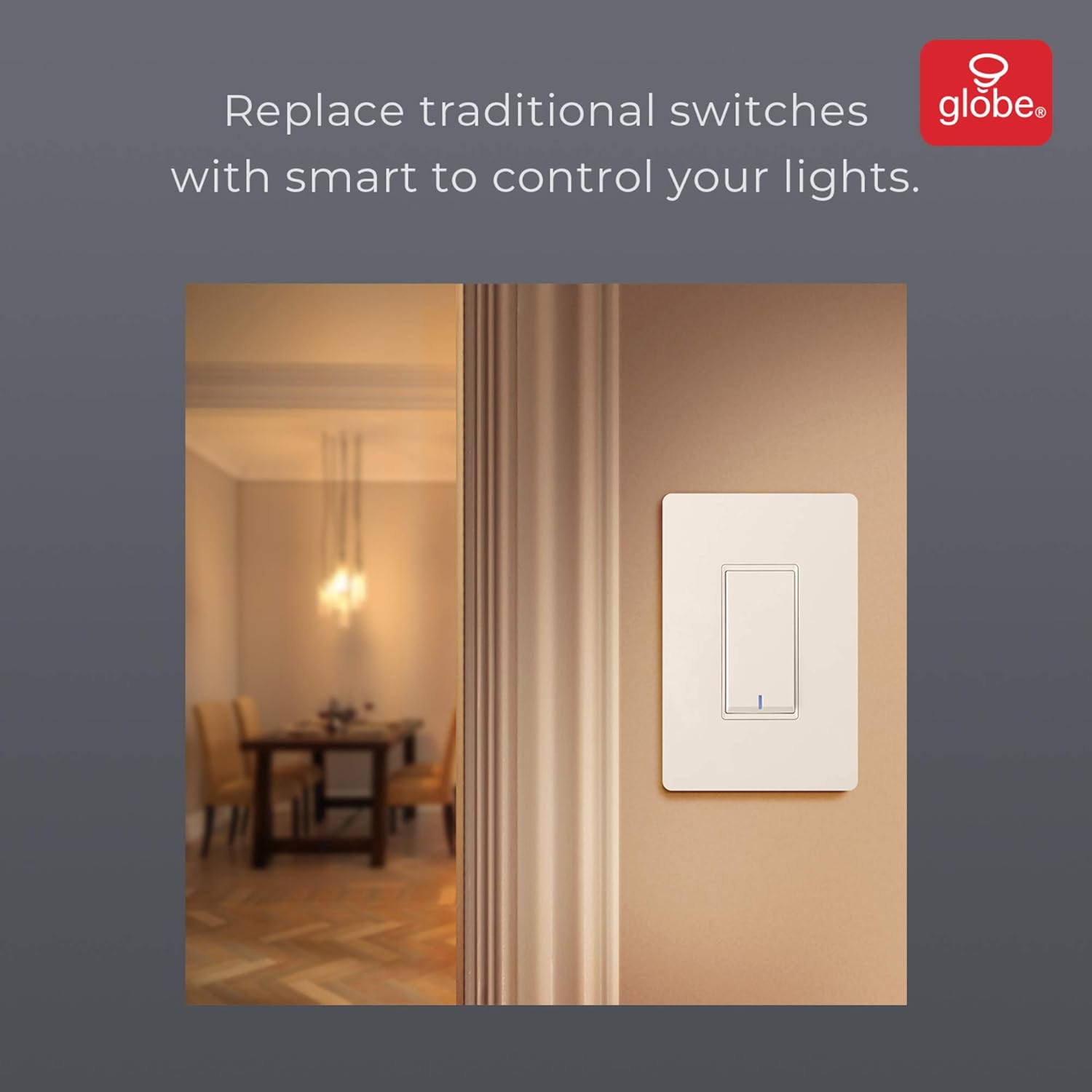
Image: The smart switch installed in a wall, demonstrating its integration into a home environment.
Funtzionamendu-argibideak
Once installed and connected to the GLOBE SUITE™ App, you can operate your smart switch in several ways:
- Eskuzko kontrola: Press the rocker switch directly to turn connected lights on or off.
- Aplikazioen kontrola: Use the GLOBE SUITE™ App on your smartphone to turn lights on/off from anywhere with an internet connection.
- Ahots kontrola: Integrate with Amazon Alexa, Google Assistant, or Siri for hands-free control.
- Example komandoak: "Alexa, turn on the living room light," "Hey Google, turn off the kitchen switch," "Siri, activate evening scene."
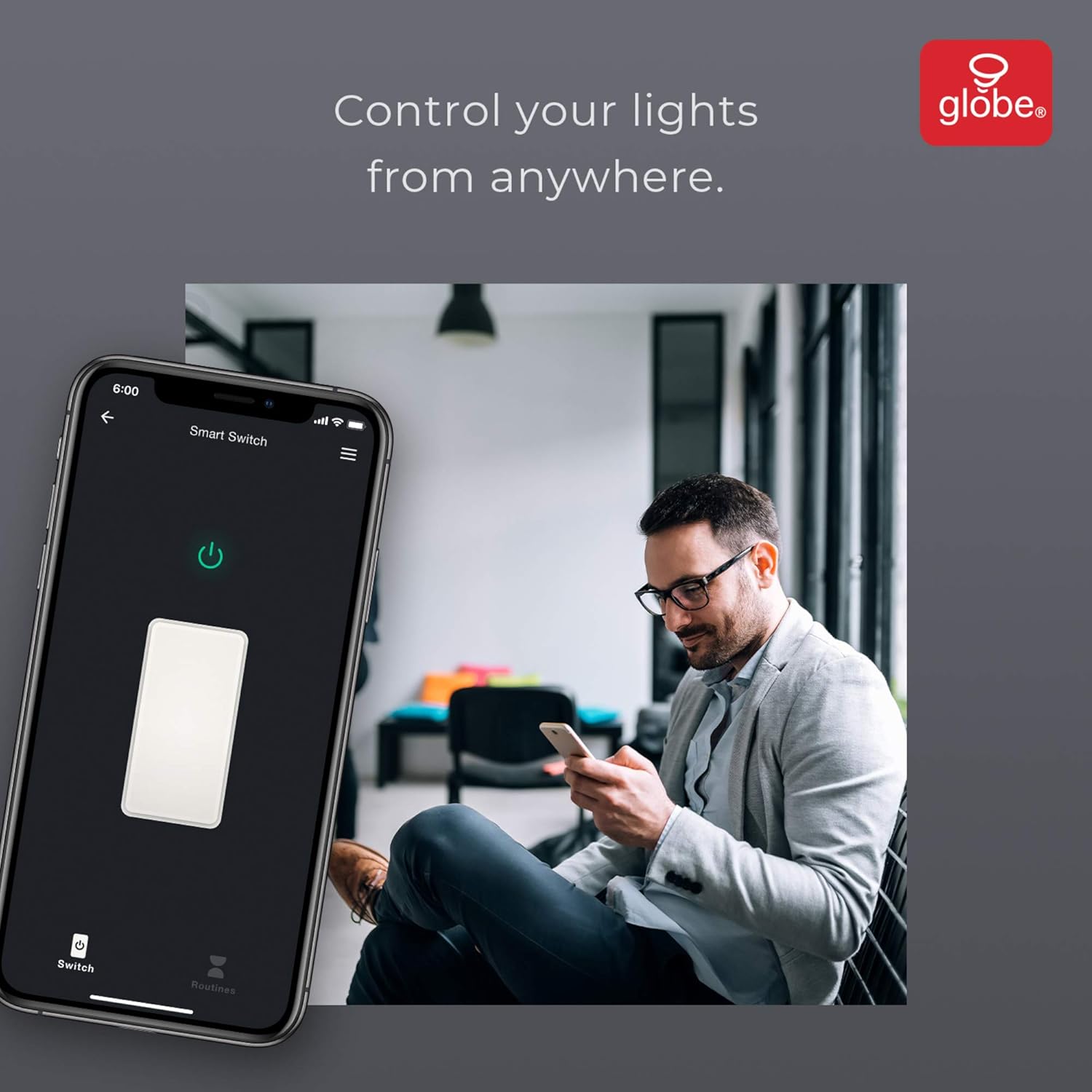
Image: A user controlling the smart switch remotely via the GLOBE SUITE™ mobile application.
App Integration and Smart Features
The GLOBE SUITE™ App unlocks the full potential of your smart switch:
- Programazioa: Create custom schedules to automatically turn lights on or off at specific times, days of the week, or based on sunrise/sunset.
- Eszenak: Combine multiple smart devices into custom scenes. For example, a "Movie Night" scene could dim lights and turn on entertainment devices simultaneously.
- Automatizazioa: Set up automations based on conditions like presence detection, temperature, or other smart device triggers.

Image: The GLOBE SUITE™ app interface demonstrating the scheduling feature for automated lighting control.
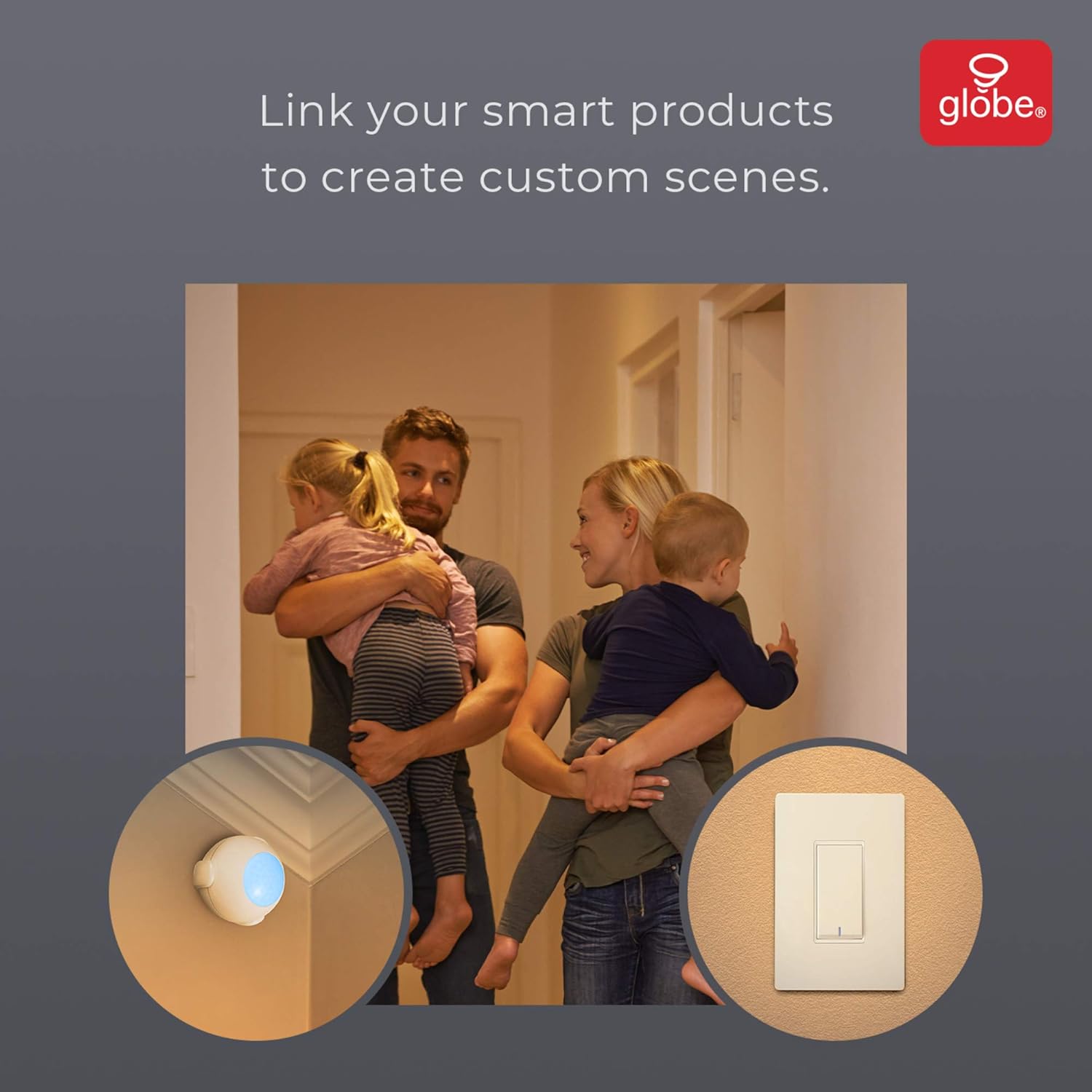
Image: Demonstrates how to link multiple Globe Electric smart products to create custom scenes for various home activities.
Mantentzea
The Globe Electric 50200 Smart Wi-Fi Light Switch requires minimal maintenance.
- Garbiketa: Disconnect power at the circuit breaker before cleaning. Wipe the switch and faceplate with a soft, damp oihal. Ez erabili produktu kimiko gogorrak edo garbitzaile urratzaileak.
- Firmware eguneraketak: Periodically check the GLOBE SUITE™ App for available firmware updates to ensure optimal performance and security.
Arazoak konpontzea
If you encounter issues with your Globe Electric 50200 Smart Wi-Fi Light Switch, refer to the following common solutions:
| Arazoa | Kausa posiblea | Irtenbidea |
|---|---|---|
| Switch does not turn on/off lights. | No power, incorrect wiring, or bulb issue. | Check circuit breaker. Verify wiring connections (Line, Load, Neutral, Ground). Test the light bulb. |
| Ezin da wifira konektatu. | Incorrect Wi-Fi band, weak signal, or incorrect password. | Ensure your router is broadcasting a 2.4 GHz network. Move closer to the router. Double-check Wi-Fi password. Press the restart button on the switch and try pairing again. |
| Ahots-kontrola ez dabil. | Incorrect integration with voice assistant or device naming. | Ensure the GLOBE SUITE™ App is correctly linked to your Amazon Alexa, Google Assistant, or Siri account. Verify the device name in the app matches what you are saying. |
| Switch frequently disconnects. | Wi-Fi seinale ahula edo sareko interferentziak. | Ensure the switch is within good range of your 2.4 GHz Wi-Fi router. Consider a Wi-Fi extender if necessary. |
Zehaztapenak
| Ezaugarri | Xehetasuna |
|---|---|
| Eredua | 50200 |
| Marka | Globo Elektrikoa |
| Konektibitate-protokoloa | Wi-Fi (2.4 GHz) |
| Kontrol-metodoa | App, Voice, Manual |
| Kontrolagailu mota | Amazon Alexa, Google Laguntzailea, Siri |
| Wattage | 100 watt (Gehienez) |
| Eragiketa modua | ON-NONE-ON or ON-ON-OFF |
| Aldatu mota | Rockeroa |
| Muntatze Mota | Hormako Muntaia |
| Elementuaren neurriak (L x W x H) | 1.96 x 2.05 x 4.13 hazbete |
| Materiala | Metala, Plastikoa |
| Elementuaren pisua | 0.28 kilo |
| UPC | 058219502006 |
Bermearen informazioa
The Globe Electric 50200 Smart Wi-Fi Light Switch comes with a Urtebeteko fabrikatzailearen berme mugatua. This warranty covers defects in materials and workmanship under normal use. For specific terms and conditions, please refer to the official Globe Electric webwebgunean edo jarri harremanetan bezeroarentzako laguntzarekin.
Laguntza
For further assistance, technical support, or warranty claims, please contact Globe Electric customer service. You can find contact information on the official Globe Electric webgunea: www.globe-electric.com.
You can also visit the Globe Electric Store on Amazon for more products and information: Globe Electric Amazon Store.