
1. Sarrera
This manual provides essential information for the installation, operation, and maintenance of your ZOTAC Gaming GeForce RTX 3070 Twin Edge OC graphics card. This card is built on the NVIDIA Ampere architecture, featuring 2nd Gen Ray Tracing Cores, 3rd Gen Tensor Cores, and GDDR6 memory for high-fidelity gaming performance.
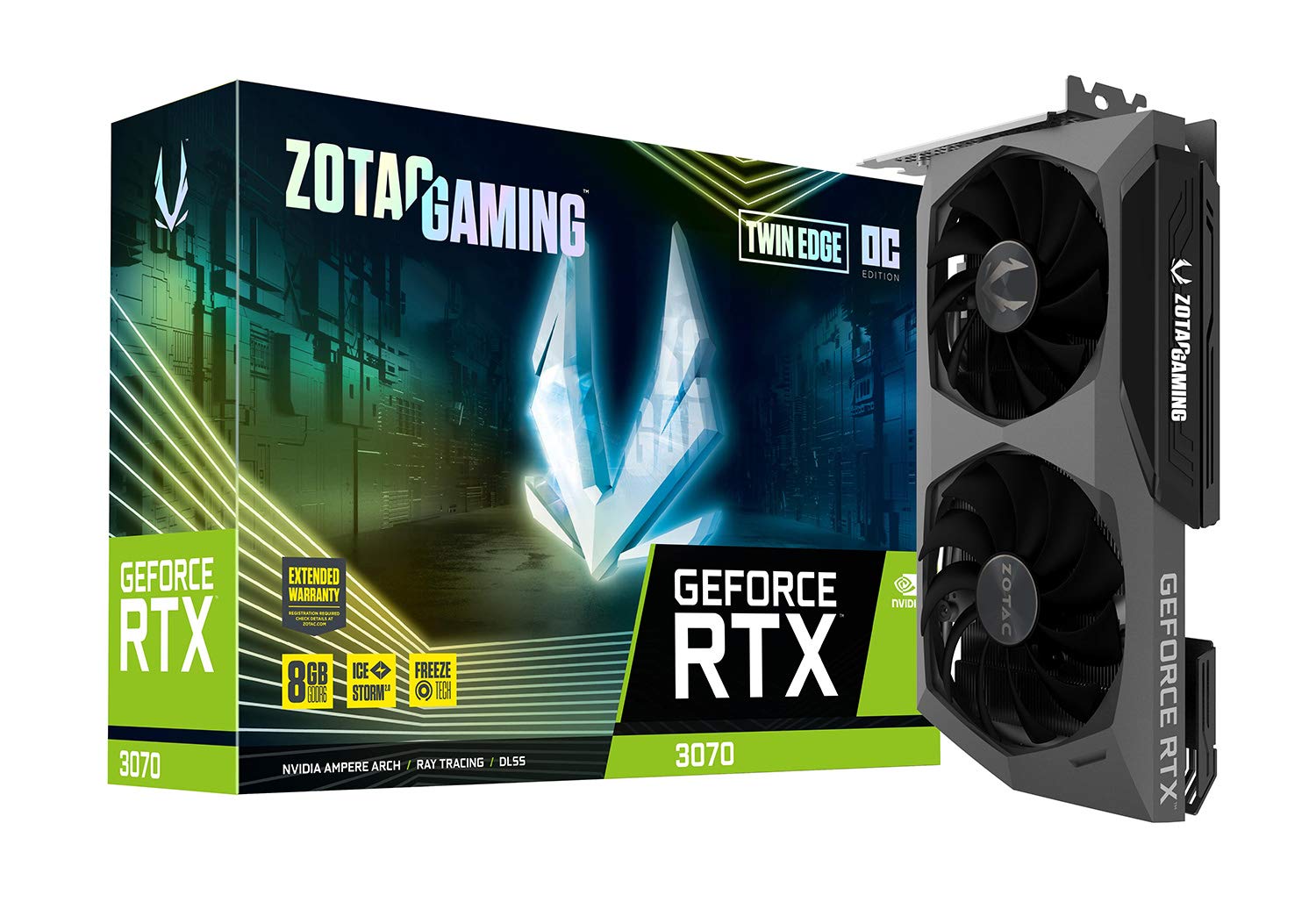
Irudia: Aurrealdea view of the ZOTAC Gaming GeForce RTX 3070 Twin Edge OC graphics card.
2. Zer dago kutxan
Egiaztatu elementu hauek guztiak zure produktuaren paketean sartuta daudela:
- ZOTAC GAMING GeForce RTX 3070 Twin Edge OC graphics card
- 2x Dual 6-pin to 8-pin adapter
- User Manual (Quick Installation Guide)

Image: Quick Installation Guide and two 6-pin to 8-pin power adapters included with the graphics card.
3. Zehaztapenak
| Ezaugarri | Zehaztapena |
|---|---|
| Koprozesadore grafikoa | NVIDIA GeForce RTX 3070 |
| Marka | ZOTAC |
| Grafikoen RAM tamaina | 8 GB |
| Bideo Irteerako Interfazea | 3 x DisplayPort 1.4a, 1 x HDMI 2.1 |
| RAM grafiko mota | GDDR6 |
| Gailu bateragarriak | Desktop PC |
| Txartel grafikoen interfazea | PCI-Express 4.0 x16 |
| Handitu erlojuaren abiadura | 1755 MHz |
| Maximum Digital Resolution | 7680 x 4320 @ 60 Hz |
| Elementuaren neurriak (L x W) | 9.1"L x 5.6"W (231.9mm x 141.3mm) |
| Modelo zenbakia | ZT-A30700H-10P |
| Elementuaren pisua | 998 gramo |
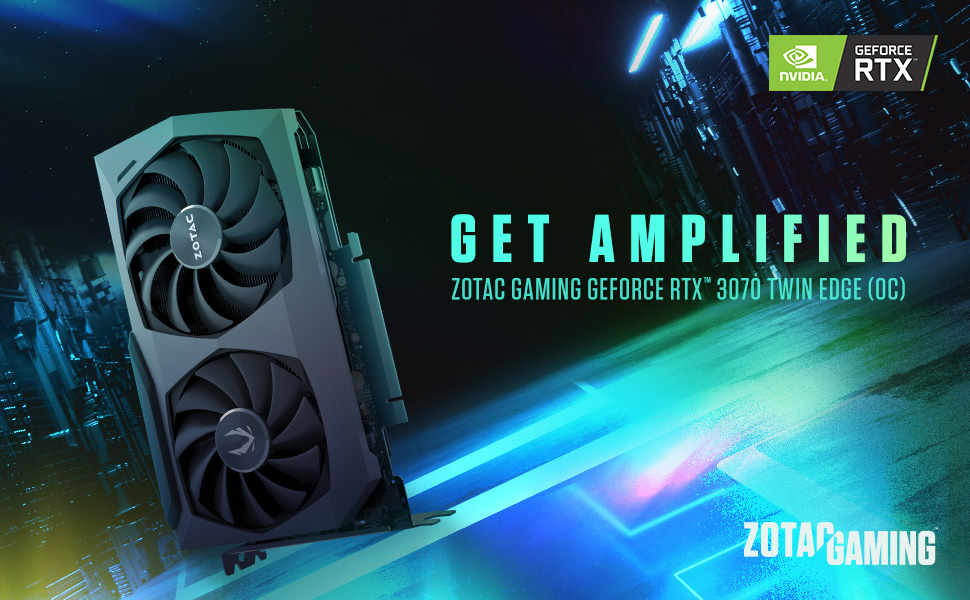
Image: Detailed dimensions and output port configuration (3x DisplayPort 1.4a, 1x HDMI 2.1) of the graphics card.
4. Instalazioa
- Prestatu zure sistema: Itzali ordenagailua eta deskonektatu kable guztiak. Ireki ordenagailuaren karkasa.
- Aurkitu PCIe zirrikitua: Identify an available PCI Express 4.0 x16 slot on your motherboard. Remove any expansion slot covers if necessary.
- Txertatu txartel grafikoa: Kontu handiz lerrokatu grafiko-txartela PCIe zirrikituarekin eta sakatu ondo ondo sartu arte. Ziurtatu atxikipen-klipak bere lekuan blokeatzen duela.
- Txartel segurua: Lotu txartel grafikoa ordenagailuaren kaxara, kaxak ematen duen torlojua edo lokailua erabiliz.
- Konektatu energia: This graphics card requires two 8-pin PCIe power connectors. Connect the power cables from your power supply unit (PSU) to the corresponding ports on the graphics card. Ensure your PSU can provide sufficient power (minimum 650W recommended). If your PSU only has 6-pin connectors, use the included 6-pin to 8-pin adapters.
- Itxi kaxa eta konektatu kableak: Close your computer case, reconnect all external cables (monitor, power, peripherals), and power on your system.

Irudia: Albokoa view illustrating the location of the dual 8-pin PCIe power input on the graphics card.
5. Funtzionamendu-argibideak
5.1 Gidariaren instalazioa
After physical installation, you must install the latest NVIDIA graphics drivers. Visit the official NVIDIA webgunea (www.nvidia.com/drivers) to download the appropriate drivers for your GeForce RTX 3070 card and operating system. Follow the on-screen instructions for installation.
5.2 Bistaratzeko konexioa
Connect your monitor(s) to the graphics card using DisplayPort or HDMI cables. This card supports up to four displays simultaneously. Ensure you use Ultra High Speed HDMI cables for 8K/60FPS or 4K/120FPS resolutions.

Image: Rear panel of the graphics card with three DisplayPort and one HDMI output.
5.3 ZOTAC FireStorm Utility
The ZOTAC FireStorm Utility software allows you to monitor your graphics card's performance, adjust fan speeds, and customize LED lighting. Download the utility from the official ZOTAC webgunea (www.zotac.com/support).
6. Cooling Features
The ZOTAC Gaming GeForce RTX 3070 Twin Edge OC features the IceStorm 2.0 Advanced Cooling system for optimal thermal management.
- IceStorm 2.0 Advanced Cooling: A refined cooling system designed for wider coverage, keeping the GPU cooler and maintaining performance. It includes a wide array aluminum heatsink with up to five copper heat pipes and 11-blade fans for increased airflow.
- FREEZE Fan Stop: This feature automatically stops the fans when the GPU is idle, providing quieter operation and reducing wear on the fan system.
- Active Fan Control: Users can adjust fan rotations independently using the ZOTAC GAMING FireStorm software, allowing for precise airflow control where and when it is needed.

Irudia: Lehertua view of the IceStorm 2.0 cooling system, highlighting the metal backplate, heatsink, and fan design.
Image: Representation of Active Fan Control, demonstrating independent fan speed adjustments.
7. Mantentzea
To ensure optimal performance and longevity of your graphics card, regular maintenance is recommended:
- Hautsa kentzea: Periodically clean dust from the fans and heatsink using compressed air. Ensure the system is powered off before cleaning.
- Aire-fluxua: Maintain good airflow within your computer case by ensuring proper cable management and clear ventilation paths.
- Gidarien eguneraketak: Mantendu zure grafikoen kontrolatzaileak NVIDIAren azken bertsiora eguneratuta. website for performance improvements and bug fixes.
8. Arazoak
Zure txartel grafikoarekin arazoak badituzu, kontuan hartu arazoak konpontzeko ohiko urrats hauek:
- Ez dago pantaila-irteerarik:
- Ensure the monitor cables are securely connected to the graphics card.
- Egiaztatu grafiko-txartela PCIe zirrikituan guztiz sartuta dagoela.
- Check that all required PCIe power connectors are properly attached.
- Ahal bada, probatu beste pantaila-kable edo monitore batekin.
- Sistemaren ezegonkortasuna/matxurak:
- Ensure your Power Supply Unit (PSU) meets the minimum wattage requirement (650W recommended) and can deliver stable power through separate PCIe power cables, not just daisy-chained connectors from a single PSU output.
- Eguneratu zure grafikoen kontrolatzaileak azken bertsiora.
- Monitor GPU temperatures using the FireStorm Utility to check for overheating.
- Gidariaren arazoak:
- Perform a clean installation of the graphics drivers. Uninstall existing drivers before installing new ones.
For further assistance, refer to the ZOTAC support page.
9. Bermea eta Laguntza
Your ZOTAC Gaming GeForce RTX 3070 Twin Edge OC graphics card comes with a 2 urteko fabrikatzailearen bermeaGorde erosketaren egiaztagiria bermearen erreklamazioetarako.
For customer service, technical support, or general inquiries, please visit the dedicated ZOTAC support page:
Ezaugarri gehigarriak
- White LED Logo Lighting: The card features a white LED illuminated ZOTAC GAMING logo, which can be customized via the FireStorm Utility.
- Metal Backplate: A durable metal backplate provides structural protection for the PCB and enhances the overall aesthetic design of the card.
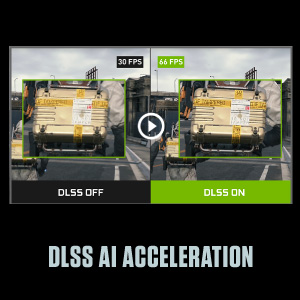
Image: The graphics card showcasing its white LED logo lighting.
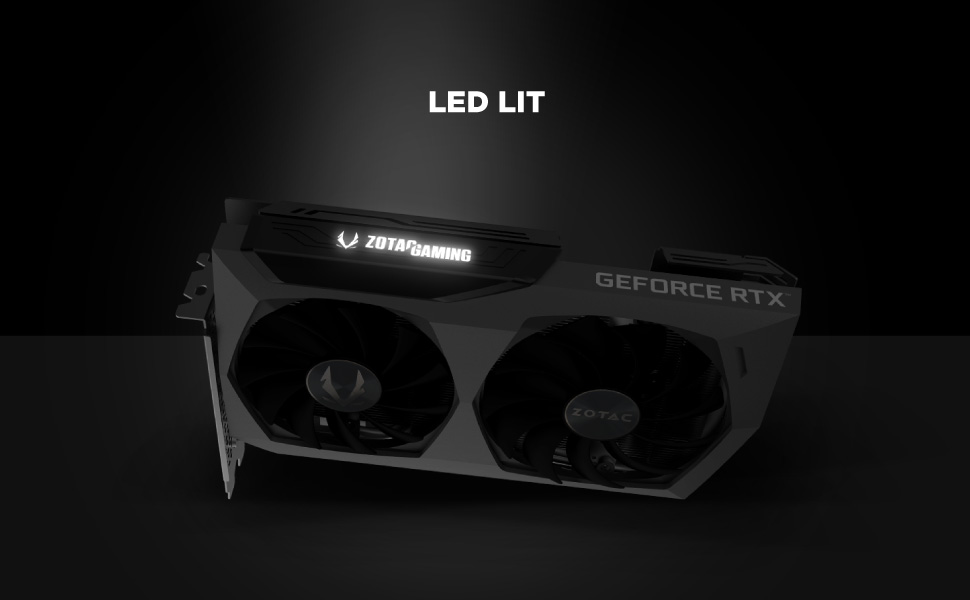
Image: The metal backplate component of the graphics card, providing protection and structural integrity.