
1. Sarrera
Thank you for choosing the Philips CoreLine Panel RC133V G4 LED36S/840 Recessed Luminaire. This manual provides essential information for the safe and correct installation, operation, and maintenance of your new lighting product. Please read this manual thoroughly before installation and retain it for future reference.
2. Segurtasun informazio garrantzitsua
Bete beti segurtasun neurri hauek produktuari lesioak edo kalteak saihesteko.
- Segurtasun elektrikoa: Installation must be performed by a qualified electrician in accordance with all local and national electrical codes. Ensure the main power supply is switched off before commencing any installation, maintenance, or repair work.
- Produktuaren osotasuna: Do not modify or alter the luminaire in any way. Use only genuine Philips replacement parts if necessary.
- Manipulazioa: Handle the luminaire with care to avoid damage to the LED components or housing.
- Ingurumena: This luminaire is designed for indoor use in dry locations. Do not expose to moisture or extreme temperatures unless specified otherwise.
- Xedapena: Produktua eta haren osagaiak arduraz bota, hondakin elektronikoei buruzko tokiko araudiak jarraituz.
3. Paketearen edukia
Verify that all components are present and undamaged upon opening the package. If any items are missing or damaged, contact your supplier immediately.
- 1 x Philips CoreLine Panel RC133V G4 LED36S/840 Recessed Luminaire
- 1 x elikadura-unitatea (PSU)
- Argibide eskuliburua (dokumentu hau)
4. Konfigurazioa eta instalazioa
4.1 Hasi aurretik
- Ensure the power supply to the installation area is switched off at the circuit breaker.
- Gather necessary tools: screwdriver, wire strippers, measuring tape, safety gloves, safety glasses.
- Confirm the ceiling opening dimensions are suitable for the W62L62 (62x62 cm) panel.
4.2 Instalazio-urratsak
The luminaire requires assembly and professional installation.
- Sabaiaren irekiera prestatu: Ensure the recessed ceiling opening is clean and correctly sized for the luminaire.
- Connect the PSU: Connect the mains power supply cable (L, N, E) to the Power Supply Unit (PSU) terminals. Ensure correct polarity and secure connections.
- Connect Luminaire to PSU: Connect the output cable from the PSU to the input connector on the luminaire. Ensure a firm and secure connection.
- Position the Luminaire: Carefully insert the luminaire into the prepared ceiling opening. Ensure it sits flush and is securely held by the ceiling grid or mounting clips (if applicable, not included).
- Azken egiaztapena: Double-check all electrical connections and ensure the luminaire is properly seated.
- Berrezarri boterea: Instalazioa amaitu eta egiaztatu ondoren, berrezarri korrontea etengailu elektrikoan.
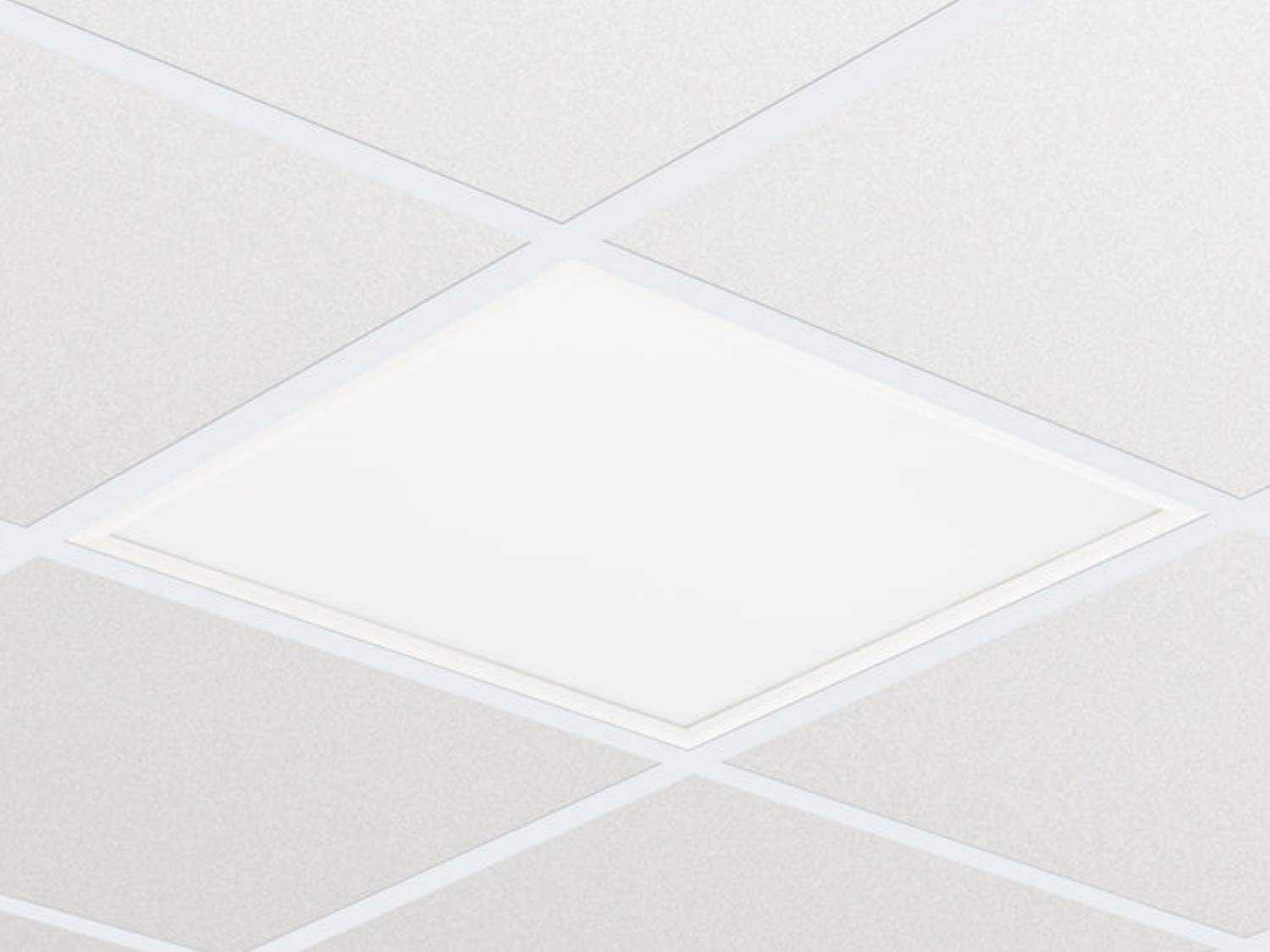
1 irudia: Adibideaample of the Philips CoreLine Panel RC133V G4 LED36S/840 Recessed Luminaire. This image illustrates the general appearance of the panel, which is designed for seamless integration into a suspended ceiling grid.
5. Funtzionamendu-argibideak
The Philips CoreLine Panel RC133V G4 LED36S/840 is designed for straightforward operation.
- Piztu/Itzali: Once installed and connected to the mains power supply, the luminaire will operate via the standard wall switch or building lighting control system it is wired to.
- Erabiltzailearen kontrolik ez: This luminaire does not feature integrated user controls (e.g., dimmers, color temperature adjustments) on the unit itself. Operation is external.
6. Mantentzea
Regular maintenance helps ensure optimal performance and longevity of your luminaire.
- Garbiketa: Deskonektatu korrontea garbitu aurretik. Erabili zapi leun, lehor edo apur bat lehorra.amp cloth to wipe the surface of the luminaire. Do not use abrasive cleaners, solvents, or harsh chemicals, as these can damage the finish or optical components.
- Ikuskapena: Periodically inspect the luminaire for any signs of damage, loose connections, or unusual operation. If any issues are detected, disconnect power and consult a qualified electrician.
- Erabiltzaileak ez du zerbitzurik gabeko piezarik: The LED light source and driver are integrated and not user-replaceable. Do not attempt to open or repair the unit.
7. Arazoak
If you encounter issues with your luminaire, refer to the table below for common problems and solutions.
| Arazoa | Kausa posiblea | Irtenbidea |
|---|---|---|
| Luminaire does not turn on. | Ez dago elikadura hornidurarik. Konexio elektriko soltea. Etengailu akastuna. | Egiaztatu zirkuitu-hauslea eta hormako etengailua. Ensure all connections are secure (itzali lehenengo energia!). Probatu etengailua edo kontsultatu elektrizista bati. |
| Argia keinuka edo ahula da. | Energia-hornidura ezegonkorra. Kableatze okerra. Product fault. | Egiaztatu energia-hornidura egonkorra dela. Kontsultatu elektrizista kualifikatu bati kableatua egiaztatzeko. If problem persists, contact Philips support. |
| Unusual noise from luminaire. | Osagai solteak. Arazo elektrikoa. | Disconnect power and inspect for loose parts (if safe to do so). Kontsultatu elektrizista kualifikatu batekin berehala. |
8. Zehaztapen Teknikoak
Key technical details for the Philips CoreLine Panel RC133V G4 LED36S/840.
| Zehaztapena | Xehetasuna |
|---|---|
| Marka | Philips |
| Eredua | RC133V G4 LED36S/840 PSU W62L62 OC |
| ASIN | B08PYWRP3N |
| Energia-kontsumoa | 29 Watt |
| liburukiatage | 133 Volt |
| Argi Fluxua | 3600 lumen |
| Kolore Tenperatura | 4000K (Zuri Hotza) |
| Argi iturri mota | LED |
| Materiala | Metal (Housing), Aluminum (Shade) |
| Estiloa | Modernoa |
| Gela Mota | Egongela (as per general classification, suitable for office) |
| Energia iturria | Kable elektrikoa |
| Oinarri Mota | G4 (refers to internal component, not external base) |
| Muntaia Beharrezkoa | Bai |
9. Bermea eta Laguntza
Warranty information for the Philips CoreLine Panel RC133V G4 LED36S/840 is typically provided with your purchase documentation or can be found on the official Philips website. For technical support, service, or warranty claims, please contact your retailer or visit the Philips lighting support portal.


