
Sarrera
Thank you for choosing the Arenti IN1 WiFi Pet Camera. This manual provides detailed instructions on how to set up, operate, and maintain your camera. Please read this manual thoroughly before use to ensure proper functionality and safety. Keep this manual for future reference.
Produktua amaituview
The Arenti IN1 WiFi Pet Camera is designed to provide reliable indoor surveillance with advanced features for monitoring your pets, children, or home. It offers high-definition video, two-way audio, and smart detection capabilities.
Ezaugarri nagusiak:
- 1080p Full HD bideoa: Janari argi eta zehatza jasotzen dutage 25 fotograma segundoko abiaduran.
- Gaueko ikuspegi hobetua: Provides clear images even in low-light conditions, ensuring 24/7 monitoring.
- AI Human & Sound Detection: Intelligently detects human movement and abnormal sounds, sending instant notifications to your smartphone.
- Bi norabideko audioa: Built-in microphone and speaker allow for seamless communication with your pets or family members.
- Pribatutasun modua: Offers features like one-touch sleep mode, geofencing, and off-timer settings to protect your privacy.
- Hodeiko eta SD txartelaren biltegiratzea: Securely store recordings on AWS cloud service or a local SD card.
- Etxe adimendunaren integrazioa: Ahots-kontrolerako Alexa eta Google Assistant-ekin bateragarria.
- Arenti App Control: Manage all camera settings, monitor live view, and share access through the intuitive Arenti smartphone application.
Paketearen edukia:
- Arenti IN1 WiFi Pet Camera
- Elikatze-moldagailua
- USB kablea
- Muntatzeko kita (torlojuak, hormako aingurak)
- Erabiltzailearen eskuliburua
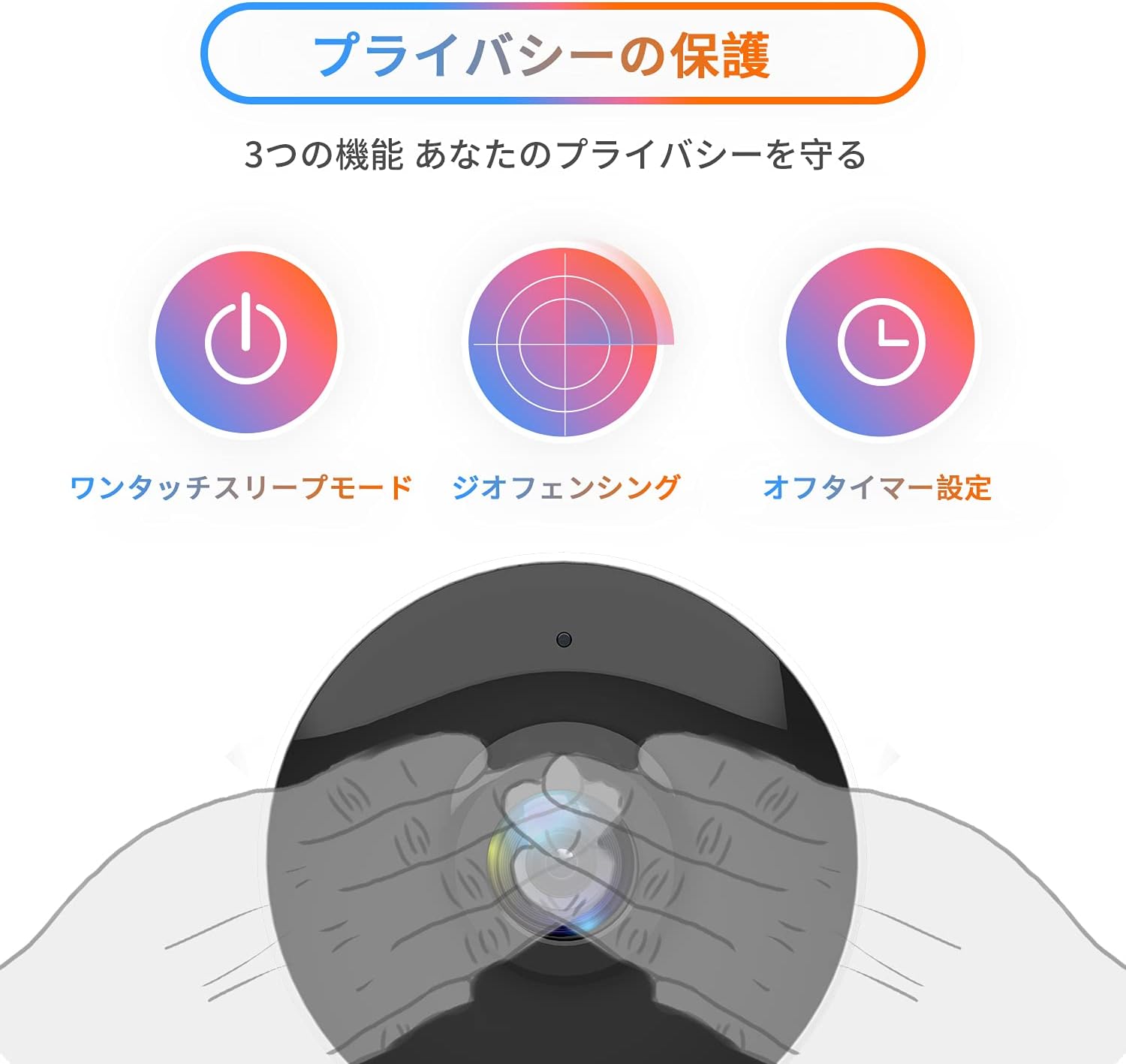
Image: The Arenti IN1 WiFi Pet Camera, a compact indoor camera with a white body and black lens, shown with its adjustable stand.
Konfigurazio Gida
Follow these steps to set up your Arenti IN1 WiFi Pet Camera:
- Download the Arenti App: Bilatu "Arenti" in the App Store (iOS) or Google Play Store (Android) and download the application.
- Sortu kontu bat: Open the Arenti app and register for a new account or log in if you already have one.
- Kamera piztu: Konektatu kamera entxufe batera emandako USB kablea eta entxufe egokitzailea erabiliz. Kameraren adierazle-argia piztuko da.
- Gehitu gailua: In the Arenti app, tap the "+" icon to add a new device. Select your camera model (IN1) from the list.
- Konektatu wifira: Follow the in-app instructions to connect your camera to your 2.4GHz Wi-Fi network. You may need to scan a QR code displayed on your phone with the camera lens.
- Lekua: Place the camera on a flat surface or mount it to a wall or ceiling using the included mounting kit. Ensure it has a clear view kontrolatu nahi duzun eremuarena.


Image: A series of smartphone screenshots illustrating the process of downloading the Arenti app, adding a device, and viewzuzeneko jarioa ematen.
Funtzionamendu-argibideak
Zuzenean View:
Open the Arenti app and select your camera to view the live feed. You can pinch to zoom and pan across the image.
Bi norabideko audioa:
Sakatu mikrofonoaren ikonoa zuzeneko emanaldian view to speak through the camera's speaker. Tap again to end. This allows you to communicate with anyone near the camera.

Image: A child smiling while a speech bubble indicates communication with a person via the Arenti camera, demonstrating the two-way audio feature.
Mugimendu eta soinu detekzioa:
The camera uses AI to detect human movement and abnormal sounds. When an event is detected, you will receive a push notification on your smartphone. You can adjust the detection sensitivity and set specific detection zones within the app.

Image: An illustration highlighting the camera's features including night vision, human detection, motion/sound detection, privacy mode, and compatibility with Alexa voice control.
Gaueko ikuspegia:
The camera automatically switches to night vision mode in low-light conditions, providing clear black and white images. This ensures continuous monitoring day and night.
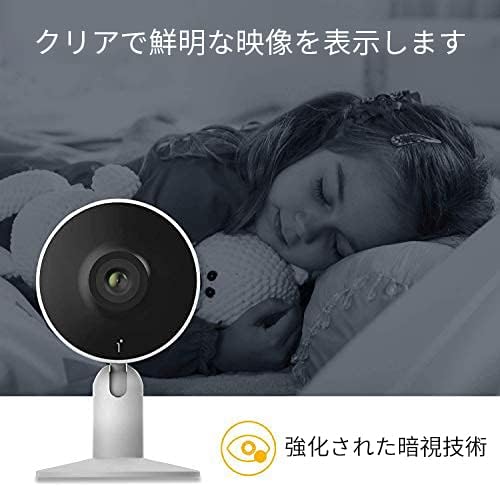
Image: A child sleeping peacefully in a dimly lit room, with the Arenti camera in the foreground, demonstrating its enhanced night vision capabilities for clear monitoring.
Pribatutasun modua:
Activate privacy mode through the app to temporarily disable recording and live view. Options include one-touch sleep mode, geofencing (automatically activating privacy when you are home), and setting an off-timer.

Image: Three icons illustrating privacy protection features: a power button for one-touch sleep mode, a radar for geofencing, and a clock for off-timer settings.
Grabaketa eta biltegiratzea:
The camera supports both cloud storage (via Arenti Cloud Service, powered by AWS) and local storage using a microSD card (up to 128GB, sold separately). You can review foo grabatuatage through the app's history timeline.
Etxe adimendunaren integrazioa:
Connect your Arenti camera to Amazon Alexa or Google Assistant for convenient voice control. For example, you can say, "Alexa, show me the living room camera."
Bideoa: Jeneral bat amaitu daview video demonstrating the features and usage of the Arenti camera, including app interface and live monitoring.
Mantentzea
- Garbiketa: Use a soft, dry cloth to clean the camera lens and body. Avoid using harsh chemicals or abrasive materials that could scratch the surface.
- Firmware eguneraketak: Regularly check the Arenti app for available firmware updates. Keeping your camera's firmware up-to-date ensures optimal performance and security.
- Biltegiratze kudeaketa: If using a microSD card, periodically check its storage capacity and delete old recordings if necessary. For cloud storage, manage your subscription and data retention settings within the app.
- Potentzia-zikloa: Kamerak arazoak baditu, saiatu korronte-iturritik deskonektatzen segundo batzuetan eta gero berriro konektatzen.
Arazoak konpontzea
| Arazoa | Kausa posiblea | Irtenbidea |
|---|---|---|
| Kamera konexiorik gabe | No power, Wi-Fi disconnected, poor signal | Check power connection. Restart camera and router. Ensure camera is within Wi-Fi range. |
| Ezin da wifira konektatu | Incorrect password, 5GHz Wi-Fi, network issues | Verify Wi-Fi password. Ensure you are connecting to a 2.4GHz network. Try resetting the camera and repeating setup. |
| No notifications | App settings, phone settings, detection sensitivity | Check notification settings in the Arenti app and on your smartphone. Adjust motion/sound detection sensitivity. |
| Bideoaren kalitate eskasa | Low bandwidth, dirty lens | Ensure stable internet connection. Clean the camera lens with a soft cloth. |
| Bi norabideko audioa ez da funtzionatzen | Microphone/speaker disabled, volume low | Check audio settings in the app. Ensure phone volume is up. |
Zehaztapenak
| Ezaugarri | Xehetasuna |
|---|---|
| Bideo Ebazpena | 1080p (HD osoa) |
| Fotograma-tasa | 25 fps |
| Konektibitatea | Wi-Fi (2.4 GHz bakarrik) |
| Gaueko Ikusmena | Bai |
| Audioa | Bi norabideko audioa |
| Detekzioa | Motion Sensor, Sound Detection |
| Biltegiratze-aukerak | Cloud Storage, MicroSD Card (up to 128GB) |
| Gailu bateragarriak | Smartphone-ak (iOS/Android) |
| Neurriak | 21.2 x 18.4 x 6.6 cm (Paketearen tamaina) |
| Pisua | 480 g (Paketearen pisua) |
Bermea eta Laguntza
Arenti products typically come with a limited warranty. For specific warranty details, please refer to the warranty card included with your product or visit the official Arenti website. If you encounter any issues or require technical assistance, please contact Arenti customer support through their official website or the Arenti app.