
Sarrera
This manual provides essential information for the safe and efficient use of your Apple 11-inch iPad Pro (2021 Model). It covers setup, operation, maintenance, and troubleshooting to help you maximize your device's capabilities. The iPad Pro features the Apple M1 chip, an 11-inch Liquid Retina display, advanced camera systems, and high-speed Wi-Fi connectivity.
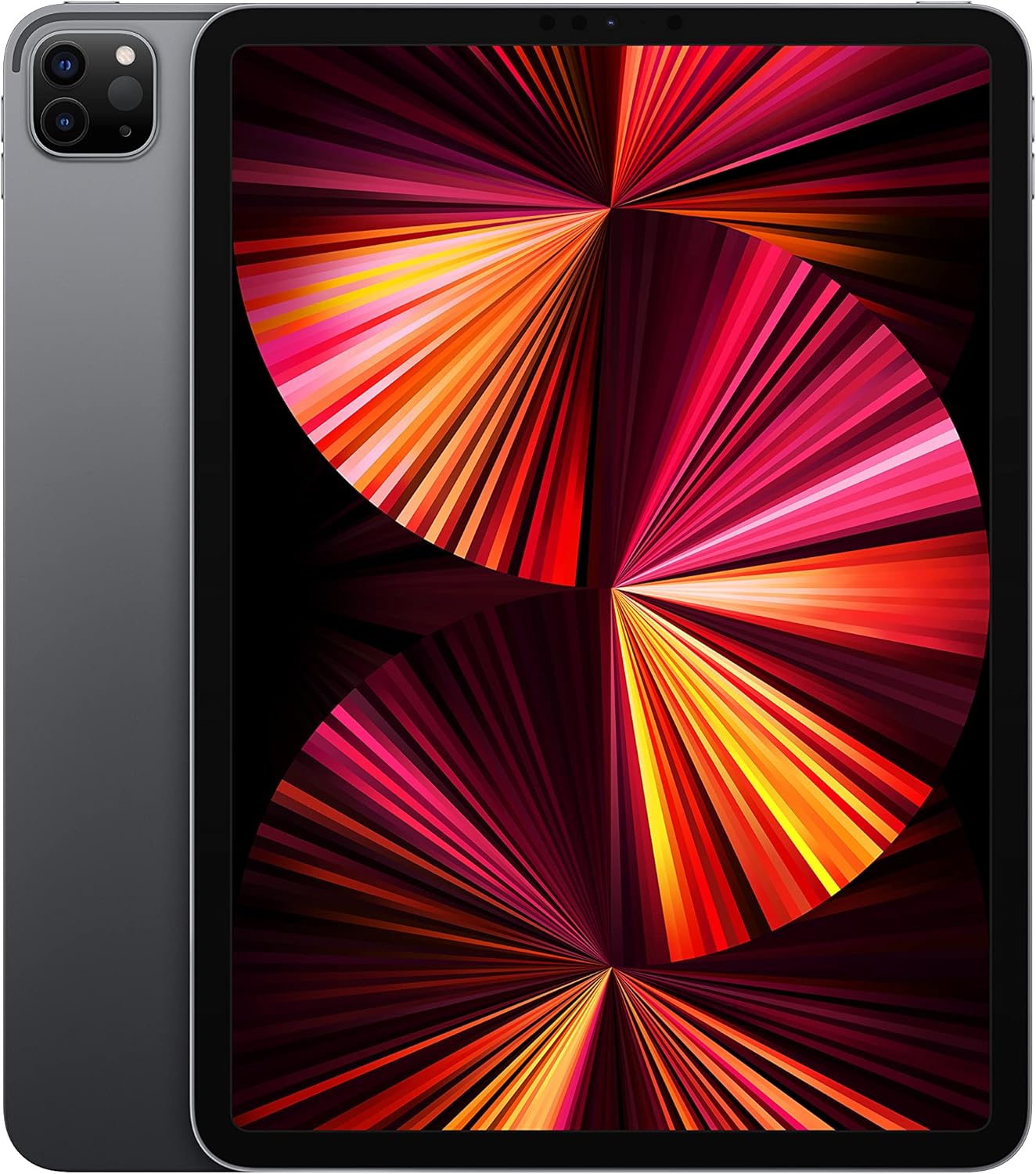
Image: The Apple 11-inch iPad Pro (2021 model) in Space Gray, showcasing its sleek design with the display active and the rear camera module visible.
Konfigurazioa
1. Kutxa irekitzea eta edukia
Carefully remove all items from the packaging. Verify that the following components are included:
- iPad Pro
- USB-C kargatzeko kablea (1 metro)
- 18W-ko USB-C korronte egokitzailea
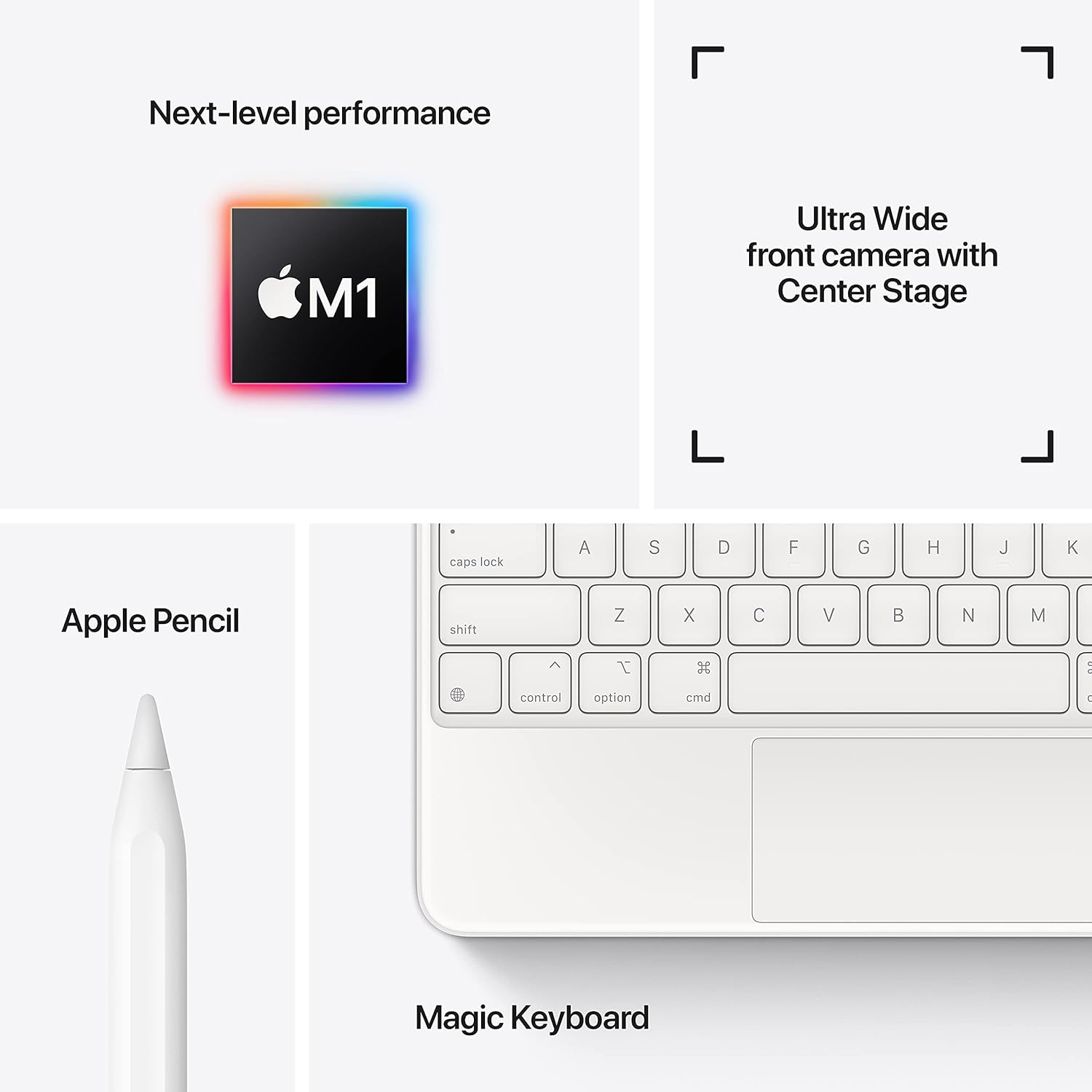
Image: A visual representation of the items included in the iPad Pro packaging: the iPad Pro device, a USB-C charging cable, and a USB-C power adapter.
2. Hasierako karga
Before first use, connect your iPad Pro to the power adapter using the provided USB-C cable and charge it until the battery indicator shows a full charge. This ensures optimal battery calibration.
3. Piztu/Itzaltzea
- Pizteko: Eduki sakatuta goiko botoia Apple logotipoa agertu arte.
- Itzaltzeko: Press and hold the top button and either volume button simultaneously until the power off slider appears. Drag the slider to shut down the device.
4. Hasierako konfigurazio urratsak
Follow the on-screen instructions to configure your iPad Pro:
- Hautatu zure hizkuntza eta eskualdea.
- Konektatu Wi-Fi sare batera.
- Set up Face ID for secure authentication.
- Hasi saioa zure Apple IDarekin edo sortu berri bat.
- Configure data and privacy settings.
Funtzionamendua
1. Oinarrizko nabigazioa
The iPad Pro uses intuitive multi-touch gestures for navigation:
- Hasierako pantaila: Pasatu hatza gora pantailaren beheko ertzetik.
- Aplikazio aldatzailea: Irristatu hatza beheko ertzetik gora eta gelditu pantailaren erdian.
- Kontrol Zentroa: Irristatu hatza pantailaren goiko eskuineko izkinatik behera.
- Jakinarazpenak: Irristatu hatza behera pantailaren goiko ezkerreko izkinatik edo erdialdetik.
2. Aurpegiaren identifikazioa
Face ID allows you to securely unlock your iPad, authorize purchases, and sign in to apps using facial recognition. Ensure your face is clear and visible to the TrueDepth camera.
3. Osagarriak konektatzea
The iPad Pro supports various accessories to enhance productivity and creativity:
- Apple Pencil (2. belaunaldia): Attach the Apple Pencil magnetically to the side of your iPad Pro to pair and charge it.
- Magic Keyboard / Smart Keyboard Folio: Attach the keyboard magnetically to the Smart Connector on the back of your iPad Pro. No pairing is required.

Image: A user engaged in creative work on an iPad Pro, utilizing both the Magic Keyboard and Apple Pencil for enhanced interaction.

Image: An infographic illustrating the core features of the iPad Pro, including the M1 chip for performance, the Ultra Wide front camera with Center Stage, and compatibility with Apple Pencil and Magic Keyboard.
4. Kamerak erabiltzea
The iPad Pro features a 12MP Wide camera, 10MP Ultra Wide camera, and a LiDAR Scanner on the rear, and a 12MP Ultra Wide TrueDepth front camera with Center Stage. Center Stage-k automatikoki markoan mantentzen zaitu bideo-deietan zehar.
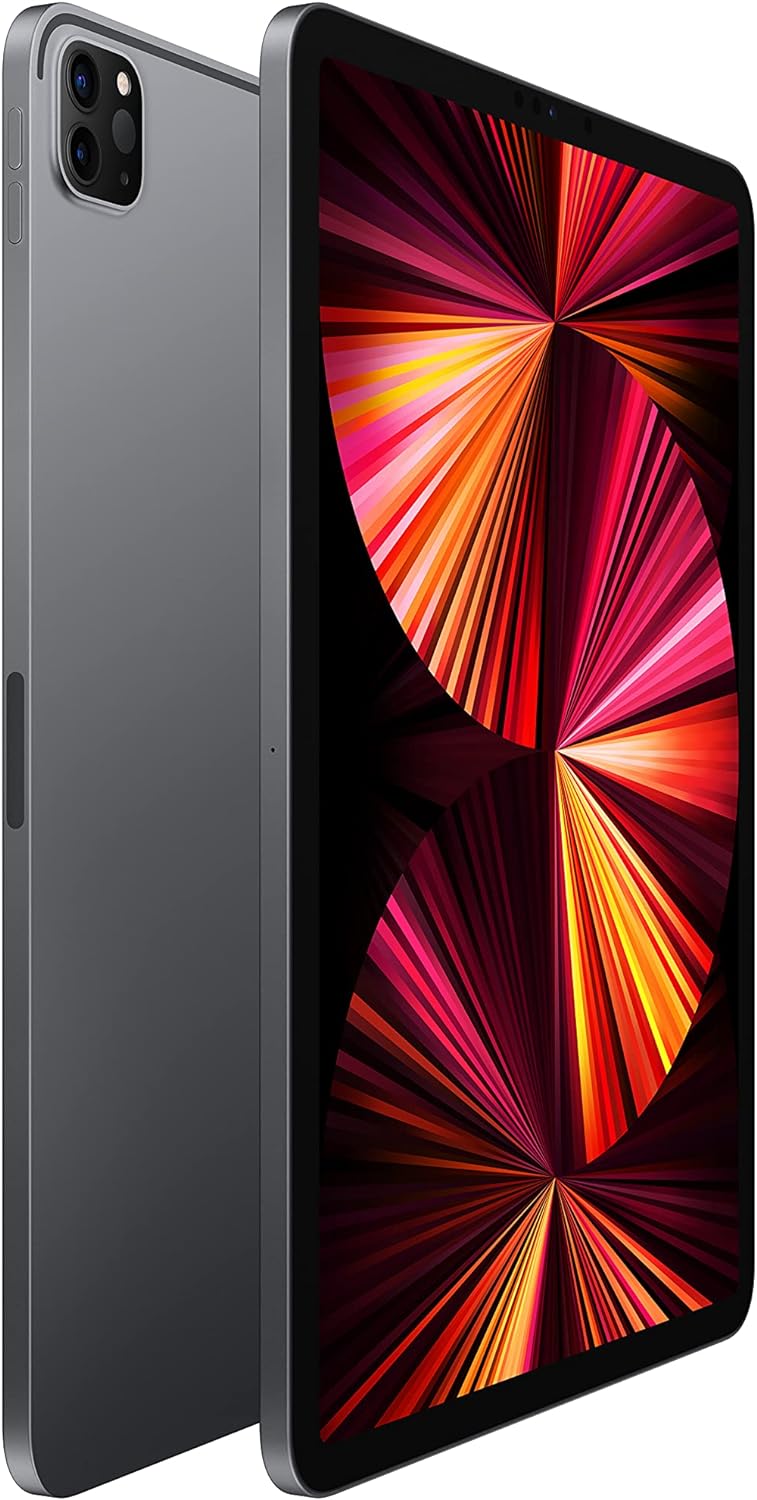
Image: A detailed close-up of the iPad Pro's advanced camera system and its sleek side design, with a glimpse of the Magic Keyboard in the background.
5. Wi-Fi konexioa
Wi-Fi sare batera konektatzeko, joan honera Ezarpenak > Wi-Fi, select your desired network, and enter the password if prompted. The iPad Pro supports ultrafast Wi-Fi for reliable internet access.
Mantentzea
1. Pantaila garbitzea
Use a soft, lint-free cloth to clean the display. For stubborn smudges, slightly dampGarbitu zapiarekin urarekin. Saihestu material urratzaileak edo garbitzaile kimikoak erabiltzea.
2. Bateria zaintzea
Bateriaren iraupena luzatzeko:
- Saihestu muturreko tenperaturak.
- Mantendu softwarea eguneratuta.
- Optimize settings such as screen brightness and background app refresh.
iPad Pro-k 10 ordu arteko iraupena eskaintzen du. web surfing on Wi-Fi or video playback.
3. Software eguneraketak
Regularly check for and install software updates to ensure your iPad Pro has the latest features, security enhancements, and performance improvements. Go to Ezarpenak > Orokorra > Softwarearen eguneraketa.
Arazoak konpontzea
1. Gailuak ez du erantzuten
If your iPad Pro is unresponsive, perform a force restart:
- Sakatu eta askatu azkar bolumena igotzeko botoia.
- Sakatu eta askatu azkar Bolumena Jaisteko botoia.
- Sakatu eta eutsi goiko botoiari Apple logotipoa agertu arte.
2. Wi-Fi konexio arazoak
- Ziurtatu Wi-Fia gaituta dagoela Ezarpenak > Wi-Fi.
- Berrabiarazi zure Wi-Fi bideratzailea.
- Forget the network and reconnect: Settings > Wi-Fi > (i) icon > Forget This Network.
3. App Not Working Correctly
- Itxi eta berriro ireki aplikazioa.
- Begiratu aplikazioen eguneraketak App Store-n.
- Ezabatu eta berriro instalatu aplikazioa.
4. Fabrika Berrezartzea (Azken Aukera)
If issues persist, you may need to erase all content and settings. This will delete all data on your iPad. Go to Ezarpenak > Orokorra > iPada transferitu edo berrezarri > Eduki eta ezarpen guztiak ezabatu. Jarraitu aurretik, egin zure datuen babeskopia.
Zehaztapenak
| Ezaugarri | Xehetasuna |
|---|---|
| Modelo zenbakia | MHQR3LL/A |
| Marka | Sagarra |
| Ereduaren izena | iPad Pro |
| Produktuaren neurriak | 9.74 x 7.02 x 0.23 hazbete (247.6 x 178.5 x 5.9 mm) |
| Elementuaren pisua | 1.03 libra (466 gramo) Wi-Fi eredua |
| Pantailaren tamaina | 11 hazbetekoa |
| Bistaratzea | Liquid Retina display with ProMotion technology and True Tone |
| Bistaratzeko Gehienezko bereizmena | 2388-by-1668-pixel resolution at 264 pixels per inch (ppi) |
| Txipa | Apple M1 chip (8-core CPU, 8-core GPU, 16-core Neural Engine) |
| Edukiera | 128GB (as per this model variant) |
| Atzeko kamera | 12MP Wide and 10MP Ultra Wide cameras with Smart HDR and LiDAR Scanner |
| Bideo Grabaketa | 4K video at 24 fps, 30 fps, or 60 fps |
| Aurrealdeko kamera | 12MP Ultra Wide TrueDepth front camera with Portrait mode, Portrait Lighting, and Smart HDR 3 |
| Bateriaren iraupena | 10 ordu arte web surfing on Wi-Fi, watching video, or listening to music |
| Konektorea | USB-C |
| Pilak | 1 litio-polimeroko bateria (barne) |
| Eskuragarri dagoen lehen data | 30ko apirilaren 2021a |
Bermea eta Laguntza
Your Apple iPad Pro is covered by Apple's standard limited warranty. For detailed warranty information, please refer to the documentation included with your purchase or visit the official Apple webgunea.
For technical assistance, troubleshooting, and service, please visit the Apple laguntza webgunea edo jarri harremanetan zuzenean Apple bezeroarentzako arreta-zerbitzuarekin.