
Apple MXGY2LL/A
Apple TV 4K (2nd Generation) 32GB User Manual
Model: MXGY2LL/A
Sarrera
This manual provides essential information for setting up, operating, maintaining, and troubleshooting your Apple TV 4K (2nd Generation) 32GB. Please read these instructions carefully to ensure optimal performance and a seamless user experience.
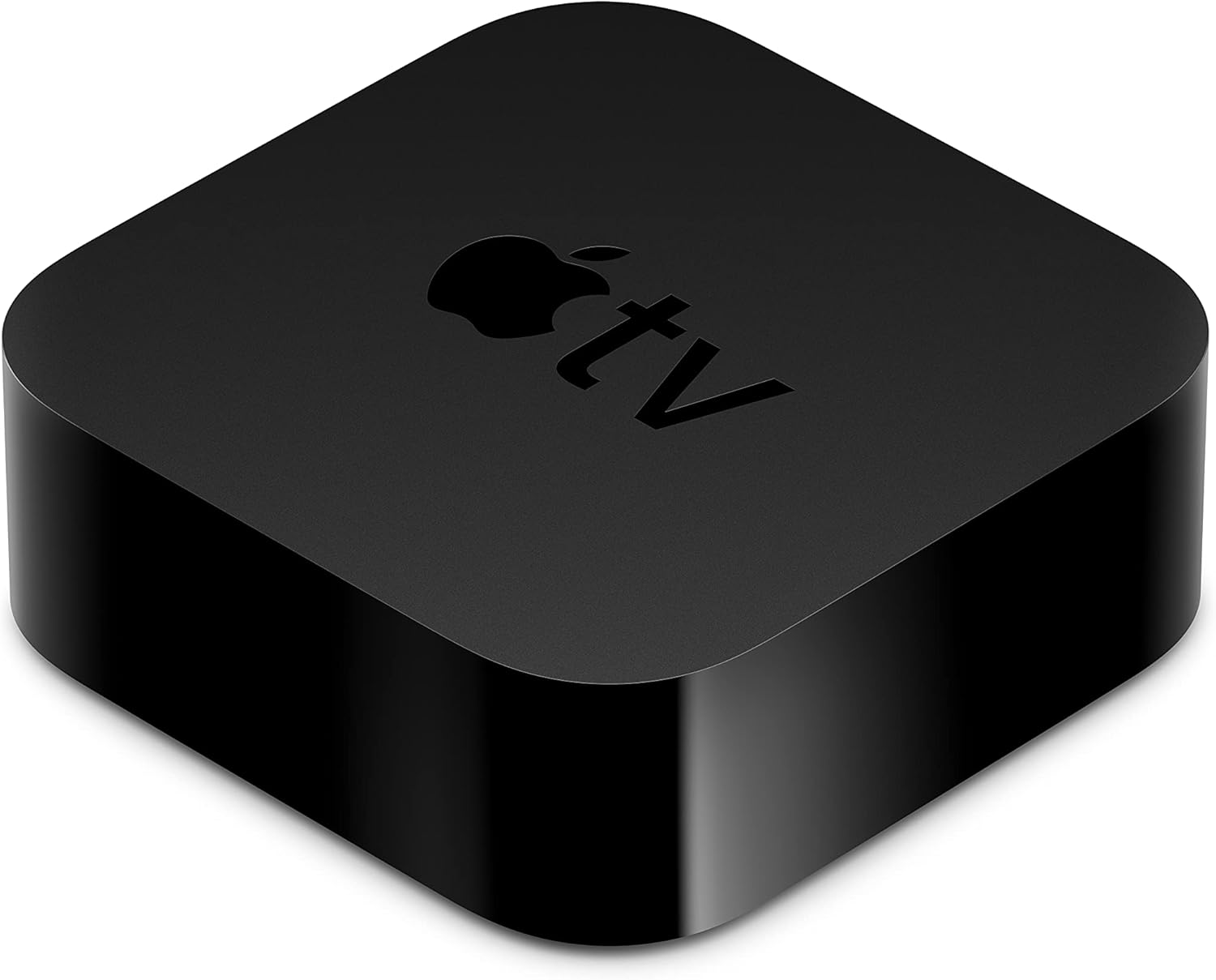
The Apple TV 4K (2nd Generation) device.
Kutxan dagoena
Egiaztatu elementu guztiak zure paketean daudela:
- Apple TV 4K (2nd Generation)
- Siri Remote (2nd generation)
- Elikatze-kablea
- Lightning USB kablera
- Dokumentazioa
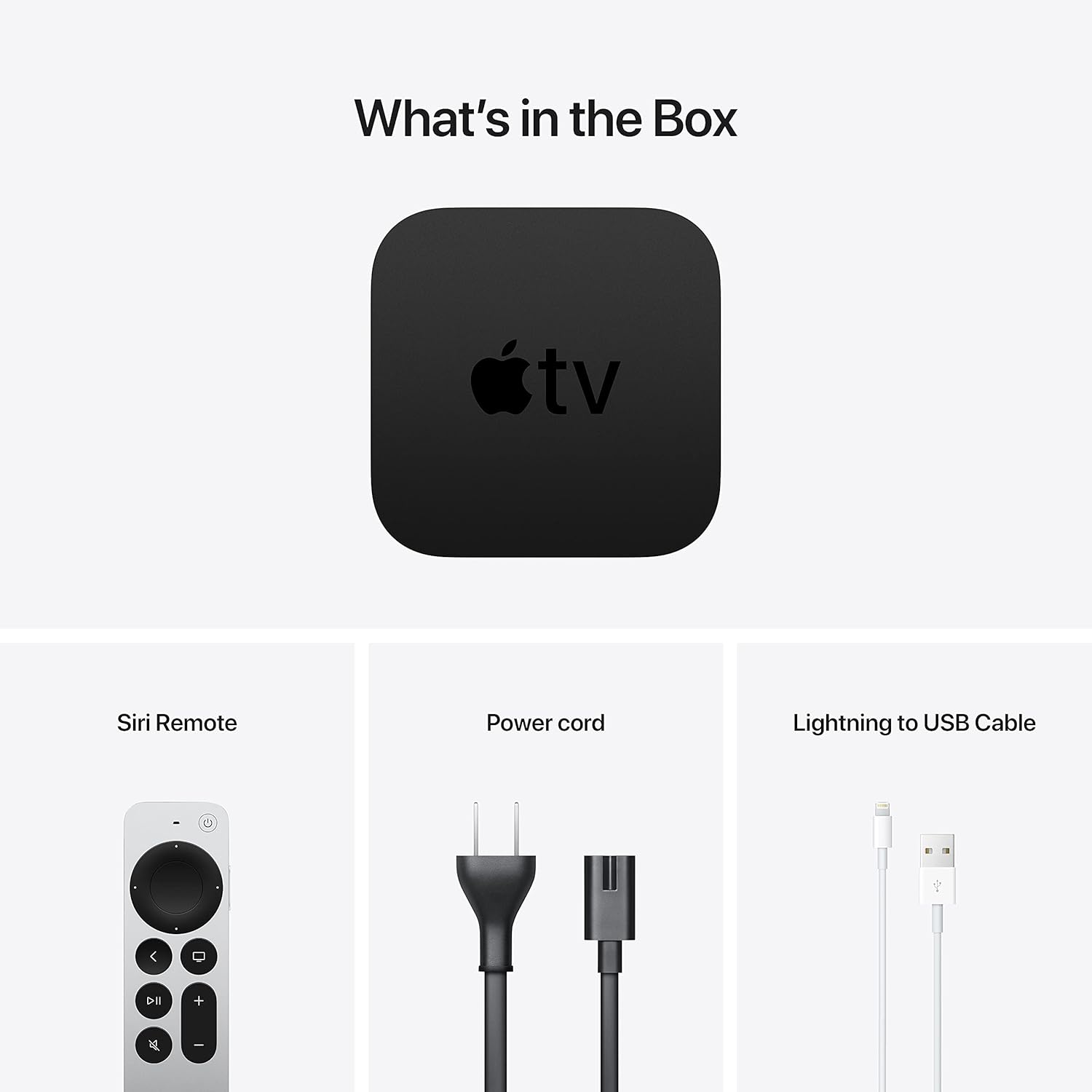
Included components: Apple TV 4K, Siri Remote, power cord, and Lightning to USB cable.
Konfigurazioa
1. Connect to Power and TV
Place your Apple TV 4K near your television. Connect one end of an HDMI cable (not included) to the HDMI port on your Apple TV and the other end to an available HDMI input on your television. Then, connect the included power cord to the power port on your Apple TV and plug it into a wall outlet.

Rear ports of the Apple TV 4K: Power, HDMI, and Ethernet.
2. Konektatu sarera
You can connect your Apple TV 4K to the internet via Wi-Fi or Ethernet.
- Wi-Fi: During the initial setup process, you will be prompted to select your Wi-Fi network and enter the password.
- Ethernet: For a wired connection, connect an Ethernet cable (not included) from your router to the Ethernet port on the back of your Apple TV.
3. Hasierako Konfigurazioa
Turn on your TV and select the correct HDMI input. Follow the on-screen instructions to complete the setup. This includes pairing the Siri Remote, connecting to Wi-Fi (if not using Ethernet), signing in with your Apple ID, and enabling desired settings.
Funtzionamendu-argibideak
Using the Siri Remote

The Siri Remote (2nd generation) for navigation and control.
The Siri Remote features a touch-enabled clickpad for intuitive navigation. You can swipe to move, click to select, and use the outer ring of the clickpad for jogging through content. Other buttons include:
- Pizteko botoia: Turns Apple TV and your TV on or off.
- TV/Control Center Button: Press once to go to the Home Screen or switch to the TV app. Press and hold to open Control Center.
- Atzera botoia: Aurreko pantailara itzultzen da.
- Erreproduzitu/Pausatu botoia: Multimedia erreprodukzioa kontrolatzen du.
- Bolumen-botoiak: Controls the volume of your TV or receiver.
- Mututu botoia: Audioa isilarazten du.
- Siri Button: Press and hold to activate Siri for voice commands and search.
Navigation and Content Streaming
From the Home Screen, use the clickpad to navigate through apps. Select an app to open it and browse content. The Apple TV 4K supports various streaming services including Apple TV+, Disney+, Amazon Prime Video, HBO Max, and Netflix.
AirPlay
Use AirPlay to wirelessly share photos, videos, presentations, and more from your iPhone, iPad, or Mac directly to your TV through Apple TV 4K. Ensure both devices are on the same Wi-Fi network.
Audio Ezaugarriak
The Apple TV 4K supports Dolby Atmos for immersive, room-filling sound. You can also enjoy private listening by connecting up to two sets of AirPods to your Apple TV.
HomeKit Integration
If you have HomeKit-enabled smart home accessories, you can use your Apple TV 4K as a home hub. This allows you to control accessories remotely, automate actions, and get a live view of your HomeKit-enabled cameras.
Mantentzea
Garbiketa
To clean your Apple TV 4K and Siri Remote, unplug the device from power. Use a soft, lint-free cloth. Avoid using abrasive materials, aerosols, or cleaning sprays directly on the device.
Software eguneraketak
Ensure your Apple TV software (tvOS) is always up to date for the best performance and latest features. Go to Settings > System > Software Updates eguneraketak egiaztatu eta instalatzeko.
Siri Remote Battery
The Siri Remote has a built-in rechargeable battery. To charge, connect the remote to a USB power adapter or a computer's USB port using the included Lightning to USB cable.
Arazoak konpontzea
- Potentziarik gabe: Ensure the power cord is securely connected to both the Apple TV and a working power outlet. Try a different outlet.
- Bideorik/audiorik ez:
- Verify the HDMI cable is securely connected to both the Apple TV and your TV.
- Ziurtatu telebista HDMI sarrera zuzenera konfiguratuta dagoela.
- Egiaztatu telebistaren bolumena eta isilarazteko ezarpenak.
- Restart your Apple TV by going to Ezarpenak > Sistema > Berrabiarazi.
- Siri Remote Not Responding:
- Charge the remote using the Lightning to USB cable.
- If the remote is charged but still unresponsive, try re-pairing it. Point the remote at the Apple TV and press and hold the Back button and Volume Up button for 5 seconds.
- Sareko arazoak:
- Egiaztatu zure Wi-Fi bideratzailea eta Interneteko konexioa.
- Joan zaitez Ezarpenak > Sarea to verify connection status.
- If using Wi-Fi, try restarting your router. If using Ethernet, ensure the cable is properly connected.
- Aplikazioaren arazoak: If an app is not working correctly, try force-quitting it (double-press the TV button, swipe up on the app) and reopening. If the issue persists, delete and reinstall the app.
Zehaztapenak
| Ereduaren izena | Apple TV 4K (2nd Generation) |
| Modelo zenbakia | MXGY2LL/A |
| Biltegiratzea | 32 GB |
| Prozesadorea | A12 Txip bionikoa |
| Bideo Irteera | HDMI 2.1 |
| Ebazpena | 4K High Frame Rate HDR with Dolby Vision |
| Audio euskarria | Dolby Atmos |
| Konektibitatea | Gigabit Ethernet, 802.11ax Wi-Fi 6 with MIMO, Bluetooth 5.0 |
| Portuak | HDMI 2.1, Gigabit Ethernet, IR receiver |
| Neurriak (H x W x D) | 1.4 hazbete (35 mm) x 3.9 hazbete (98 mm) x 3.9 hazbete (98 mm) |
| Pisua | 15 ontza (425 g) |
| Siri Remote Battery | Litio-ioizko kargagarria |
Bermea eta Laguntza
Your Apple TV 4K is covered by Apple's limited warranty. For detailed warranty information, please refer to the documentation included with your product or visit the official Apple support website. For technical assistance, troubleshooting, or service, please visit support.apple.com/apple-tv.
Ask a question about this manual
Ask about setup, troubleshooting, compatibility, parts, safety, or missing instructions. Manuals+ will review the question and use this page’s manual context to help answer it.