
1. Sarrera
Eskerrik asko erosketagatik.asing the JIMTAB M18 PRO Native 1080P Video Projector. This manual provides essential information for setting up, operating, maintaining, and troubleshooting your projector to ensure optimal performance and longevity. Please read this manual thoroughly before using the product.

Figure 1: JIMTAB M18 PRO Video Projector
2. Zer dago kutxan
Carefully unpack your JIMTAB M18 PRO projector and ensure all items are present:
- JIMTAB M18 PRO Video Projector
- Urruneko Kontrola
- Elikatze kablea
- HDMI kablea
- AV Kable
- Erabiltzailearen eskuliburua (dokumentu hau)
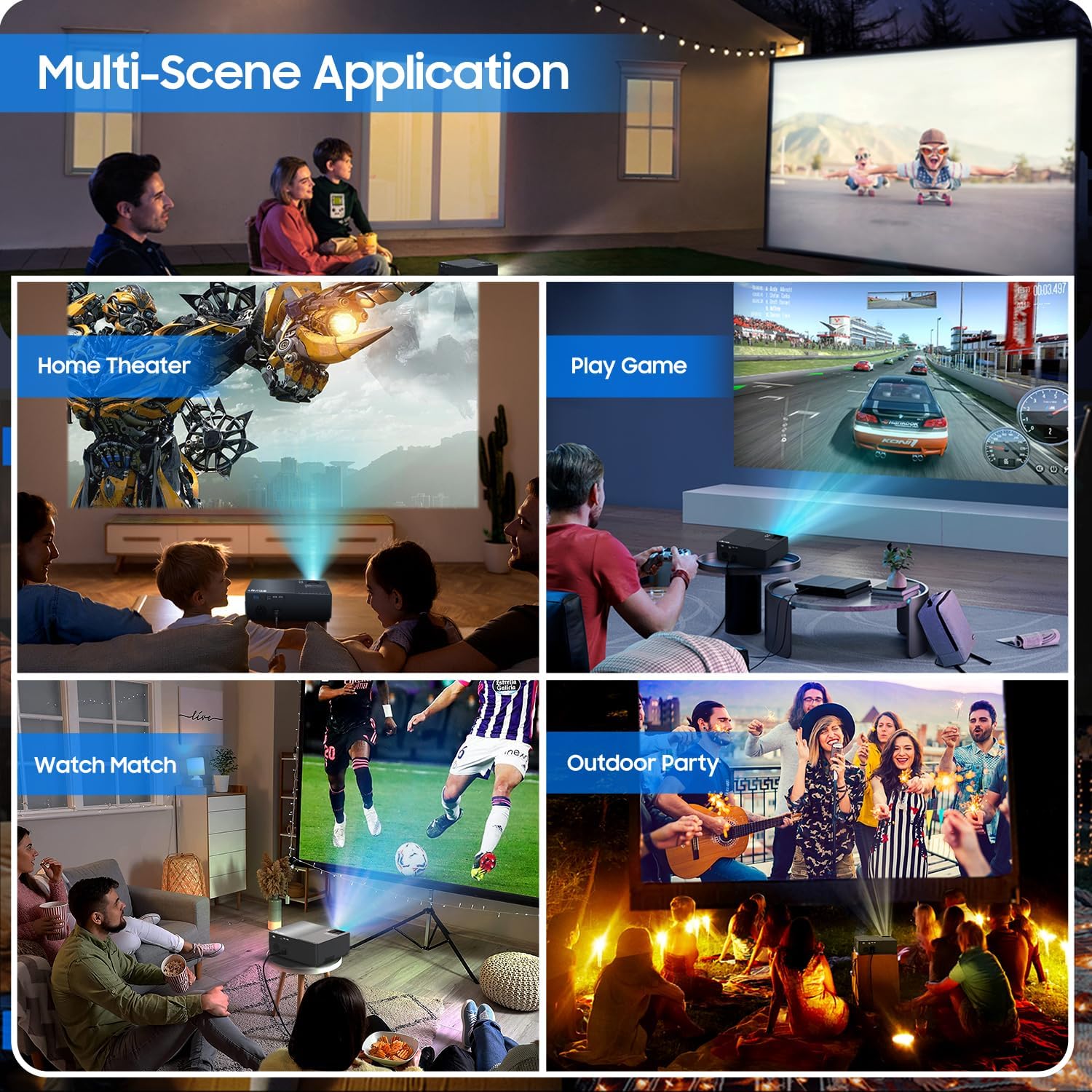
Figure 2: All included accessories and the projector
3. Produktuaren ezaugarriak
- 1080P-ko berezko bereizmena: Experience crisp and clear images with a true native resolution of 1920x1080 pixels and an 8000:1 contrast ratio. Supports 576i, 576p, 720i, 720p, 1080i, 1080p, 2k, and 4k input.
- Distira handia: Features 21000 lumens brightness for vibrant projections even in moderately lit environments.
- Dual-Band WiFi Screen Mirroring: Built-in 2.4G+5G WiFi allows for seamless wireless screen mirroring from your smartphone, tablet, or laptop (iOS, Android, Windows compatible).
- Built-in Dolby Sound Speakers: Equipped with 5W dual stereo speakers supporting Dolby Sound for an immersive audio experience. External speakers can also be connected.
- Pantaila handia: Project images from 50 inches up to 300 inches, offering a versatile viewing experience for various room sizes.
- Bateragarritasun zabala: Connects to a wide range of devices including Xbox, Laptops, iPhones, Android devices, USB devices, PS4, TV Sticks, and TV Boxes via AV, VGA, USB, and HDMI ports.

Figure 3: Enhanced image sharpness and richer color details
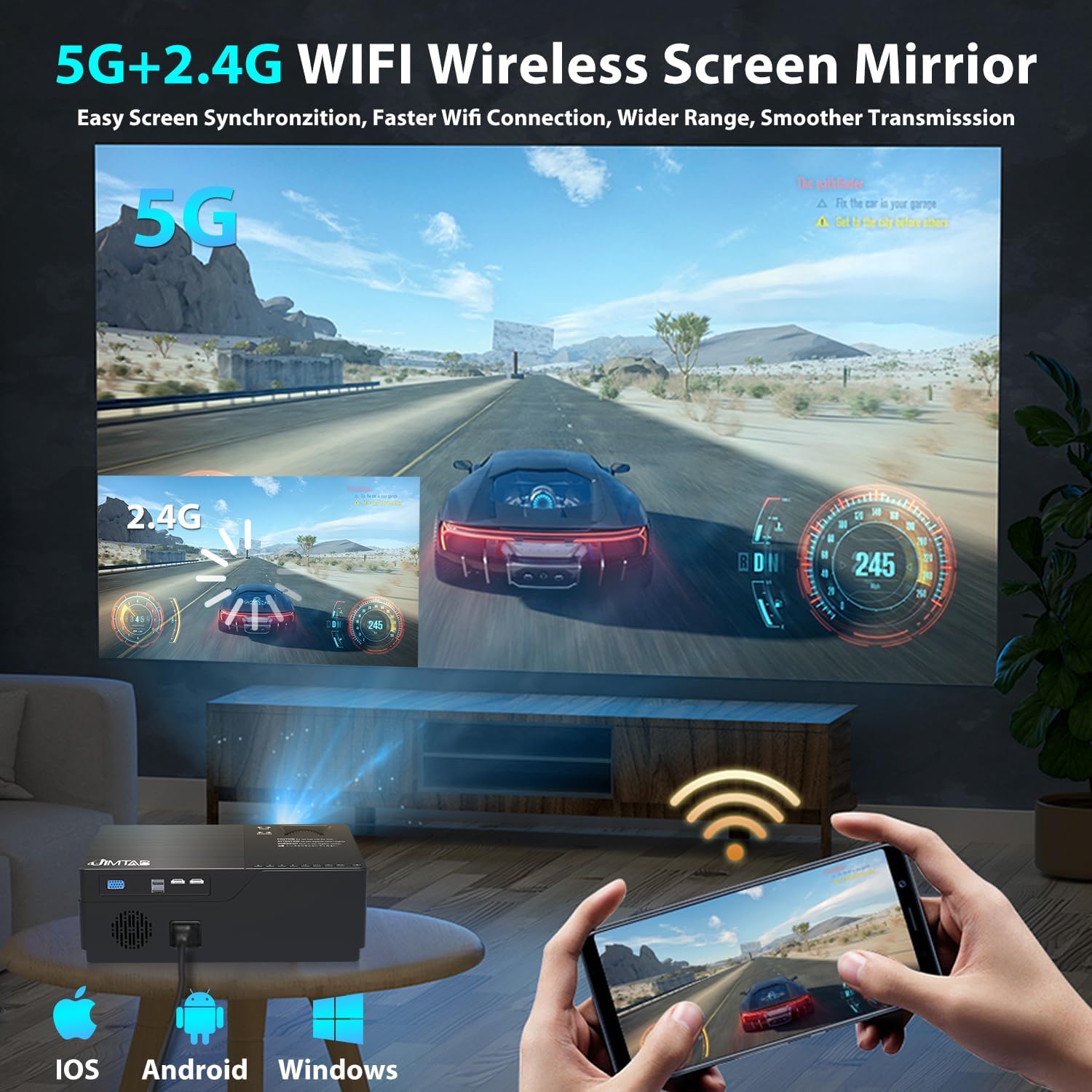
Figure 4: 5G+2.4G WiFi Wireless Screen Mirroring in action

Figure 5: Built-in 5W Dual Stereo Speaker supporting Dolby Sound

Figure 6: Projection sizes from 50 to 300 inches

Figure 7: Wide compatibility with multiple devices
4. Konfigurazio gida
- Lekua: Place the projector on a stable, flat surface or mount it on a tripod/ceiling. Ensure it is positioned directly in front of the projection screen or wall for best results. The optimal projection distance ranges from 5.5 feet to 30.2 feet.
- Potentzia-konexioa: Konektatu elikatze-kablea proiektorearen elikatze-sarrerara eta gero entxufe batera.
- Konektatu iturburu-gailua: Use the appropriate cable (HDMI, AV, VGA, USB) to connect your desired source device (laptop, game console, USB drive, etc.) to the projector.
- Piztu: Sakatu proiektagailuko pizteko botoia edo urrutiko agintea gailua pizteko.
- Hautatu Sarrera-iturria: Use the 'Source' button on the projector or remote to select the correct input source corresponding to your connected device.
5. Funtzionamendu-argibideak
- Piztu/Itzali: Press the power button once to turn on. Press and hold the power button for a few seconds to turn off.
- Menuen nabigazioa: Use the arrow keys on the remote or projector panel to navigate through the on-screen menu. Press 'OK' or 'Enter' to confirm selections.
- Bolumen kontrola: Use the volume buttons on the remote control to adjust the audio output level.
6. Irudiaren Doikuntza
- Fokuaren doikuntza: Rotate the focus dial located near the lens until the projected image is sharp and clear.
- Keystone zuzenketa:
- Eskuzko Keystone: Use the manual keystone adjustment lever (usually on the side or top) to correct vertical distortion (±15°).
- Giltza digitala: Access the menu settings for digital keystone correction to adjust both vertical and horizontal distortion (up to ±50°), ensuring a perfectly rectangular image even if the projector is not perfectly aligned.
- Zoom funtzioa: Adjust the image size from 75% to 100% via the menu settings without moving the projector.

Figure 8: Digital Horizontal & Vertical Keystone Adjustment
7. Mantentzea
- Lenteen garbiketa: Erabili lente optikoetarako bereziki diseinatutako zapi leun eta lint-gabea proiektorearen lentea astiro-astiro garbitzeko. Saihestu material urratzaileak edo produktu kimiko gogorrak.
- Aireztapena: Ensure the projector's ventilation ports are clear and unobstructed to prevent overheating. Regularly clean dust from the vents using a soft brush or compressed air.
- Biltegiratzea: Proiektorea denbora luzez erabiltzen ez baduzu, gorde leku fresko eta lehor batean, ahal bada jatorrizko ontzian edo babes-zorro batean.
- Lamp Bizitza: LED lamp in your M18 Pro projector is designed for tens of thousands of hours of use, minimizing the need for frequent lamp ordezkoa.
8. Arazoak
| Arazoa | Kausa posiblea | Irtenbidea |
|---|---|---|
| No image or 'No Signal' | Incorrect input source selected; Loose cable connection; Source device not powered on. | Select correct input source; Check and secure all cable connections; Ensure source device is powered on. |
| Irudi lausoa | Focus not adjusted; Keystone not corrected; Projector too close/far from screen. | Adjust focus dial; Use manual or digital keystone correction; Adjust projection distance. |
| Image appears dim | High ambient light; Projector settings. | Reduce ambient light (close curtains); Adjust brightness/contrast settings in the projector menu. |
| Soinurik ez | Volume too low; Muted; Incorrect audio output selected on source device. | Increase volume; Unmute; Check audio settings on source device. |
| Gehiegizko berotze abisua | Aireztapen blokeatua; Erabilera luzea. | Ensure vents are clear; Allow projector to cool down before restarting. |
9. Zehaztapenak
| Ezaugarri | Zehaztapena |
|---|---|
| Modelo zenbakia | M18 Pro |
| Berezko Ebazpena | 1920 x 1080 (HD osoa) |
| Distira | 21000 lumen |
| Kontraste-erlazioa | 8000:1 |
| Proiekzioaren Tamaina | 50" - 300" |
| Proiekzio Distantzia | 5.5 FT - 30.2 FT |
| Konektibitate Teknologia | Wi-Fi (2.4G+5G), HDMI (x2), USB (x2), VGA, AV |
| Audio Irteera | Built-in 5W Dual Stereo Speaker (Dolby Sound) |
| Produktuaren neurriak | 11.81 x 8.66 x 3.94 hazbete |
| Elementuaren pisua | 7.74 kilo |
10. Segurtasun informazioa
- WARNING: Do not look directly at the projector lens when the lamp piztuta dago. Argi biziak begietan kalteak eragin ditzake.
- Ensure the projector is placed on a stable surface to prevent it from falling.
- Do not block the ventilation openings, as this can lead to overheating and damage to the device.
- Keep the projector away from water or any liquids to avoid electric shock.
- Unplug the projector from the power outlet before cleaning or when not in use for a long period.
11. Bermea eta laguntza
JIMTAB is committed to providing high-quality products and excellent customer service. For any questions, technical assistance, or warranty inquiries, please contact our dedicated support team. We offer 7x24 hours free customer support.
You can also find more information and support on our official social media channels:
- Facebook Official Homepage: ijimtab
- YouTube Official Homepage: Jimtab