
Sarrera
Thank you for choosing the MEDION MD 10319 Tower Fan. This manual provides essential information for the safe and efficient operation of your new fan. Please read these instructions carefully before use and keep them for future reference.
Segurtasun-argibide garrantzitsuak
Beti jarraitu oinarrizko segurtasun neurriak tresna elektrikoak erabiltzean, sute, deskarga elektriko eta pertsonen lesio arriskua murrizteko.
- Ziurtatu elikadura hornidura boltage haizagailuaren balorazio-etiketarekin bat dator.
- Ez erabili haizagailua kable edo entxufe hondatuta badago. Kablea hondatuta badago, fabrikatzaileak, bere zerbitzu-agenteak edo antzeko kualifikaziodun pertsonek ordezkatu beharko dute arriskuak saihesteko.
- Keep the fan away from water or other liquids. Do not immerse the fan in water.
- Do not insert fingers or foreign objects into the grille while the fan is operating.
- Deskonektatu haizagailua entxufetik erabiltzen ez duzunean, leku batetik bestera mugitzean eta garbitu aurretik.
- Tresna hau ez da gaitasun fisiko, sentsorial edo mental murriztua duten edo esperientzia eta ezagutza falta duten pertsonek (haurrak barne) erabiltzeko, baldin eta haien segurtasunaz arduratzen den pertsona batek gailuaren erabilerari buruz gainbegiratu edo jarraibiderik eman ez badu.
- Haurrak gainbegiratu behar dira aparatuarekin jolasten ez dutela ziurtatzeko.
- Jarri haizagailua gainazal egonkor eta lau batean, iraultzea saihesteko.
Paketearen edukia
Please check the package for the following components:
- MEDION MD 10319 Tower Fan
- Base (two halves)
- Intxaurra bermatzea
- 4 Mounting Screws for Base
- Remote Control (with 2 x AAA batteries)
- Argibide eskuliburua
Muntaketa eta Konfigurazioa
Jarraitu urrats hauek zure dorre-haizagailua muntatzeko:
- Kontu handiz kendu osagai guztiak ontzitik.
- Assemble the two halves of the base by interlocking them.
- Align the assembled base with the bottom of the fan unit. Ensure the power cord passes through the designated slot in the base.
- Secure the base to the fan unit using the 4 mounting screws provided.
- Tighten the securing nut from underneath the base to firmly attach it to the fan body.
- Insert the 2 AAA batteries into the remote control, observing polarity.
- Jarri haizagailua gainazal sendo eta mailakatu batean.
- Entxufatu kablea entxufe egoki batera (220 V).
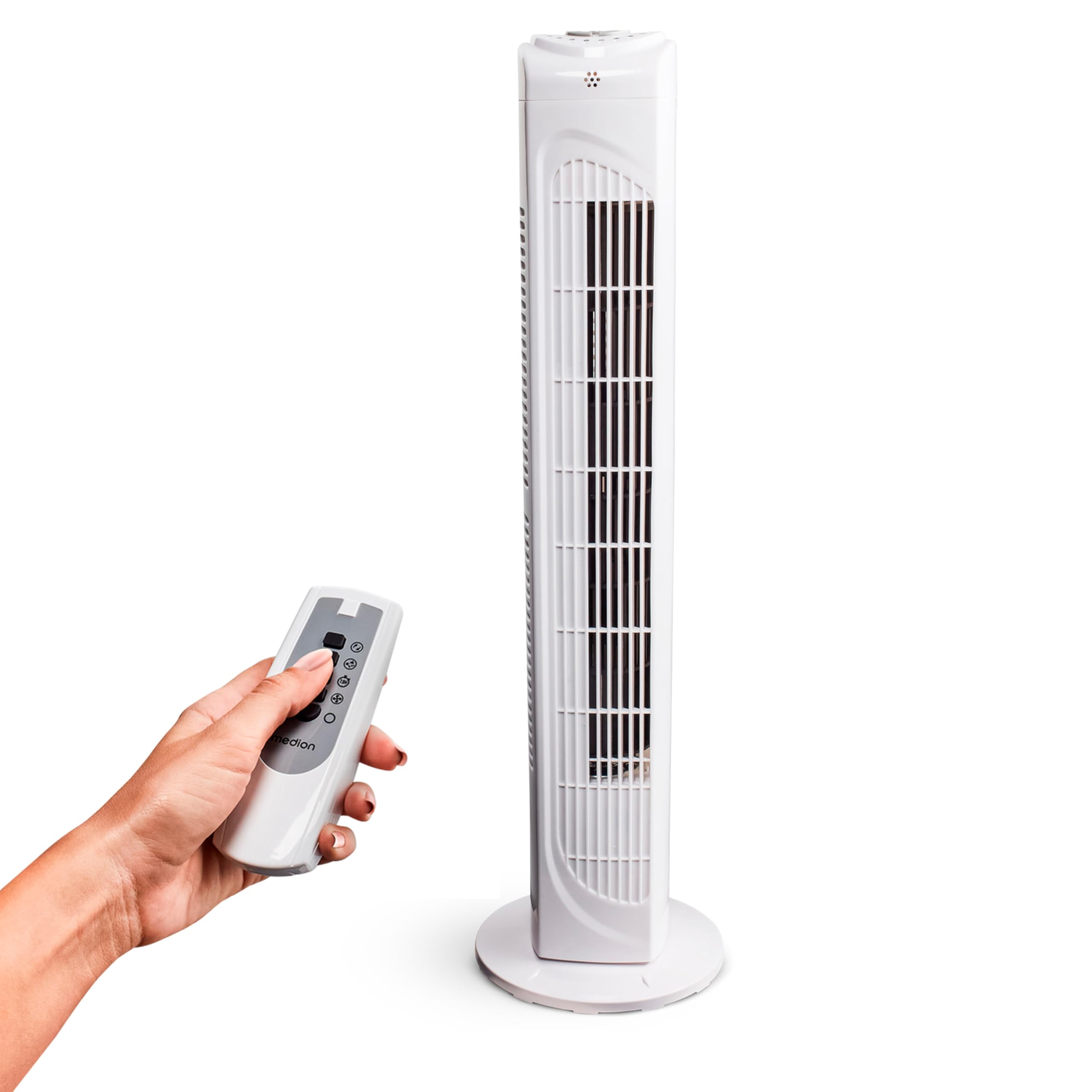
Image: The MEDION MD 10319 Tower Fan, fully assembled with its base, ready for use.
Image: A hand demonstrating the integrated carrying handle on top of the fan for easy portability.
Produktua amaituview
Kontrol panela
The control panel is located on the top of the fan unit. It features buttons for power, speed, oscillation, and timer functions.

Irudia: Xehetasun handikoa view of the fan's top control panel, showing buttons for power, speed settings (3 levels), timer, and oscillation.
Urruneko Kontrola
The included remote control allows you to operate all fan functions from a distance.
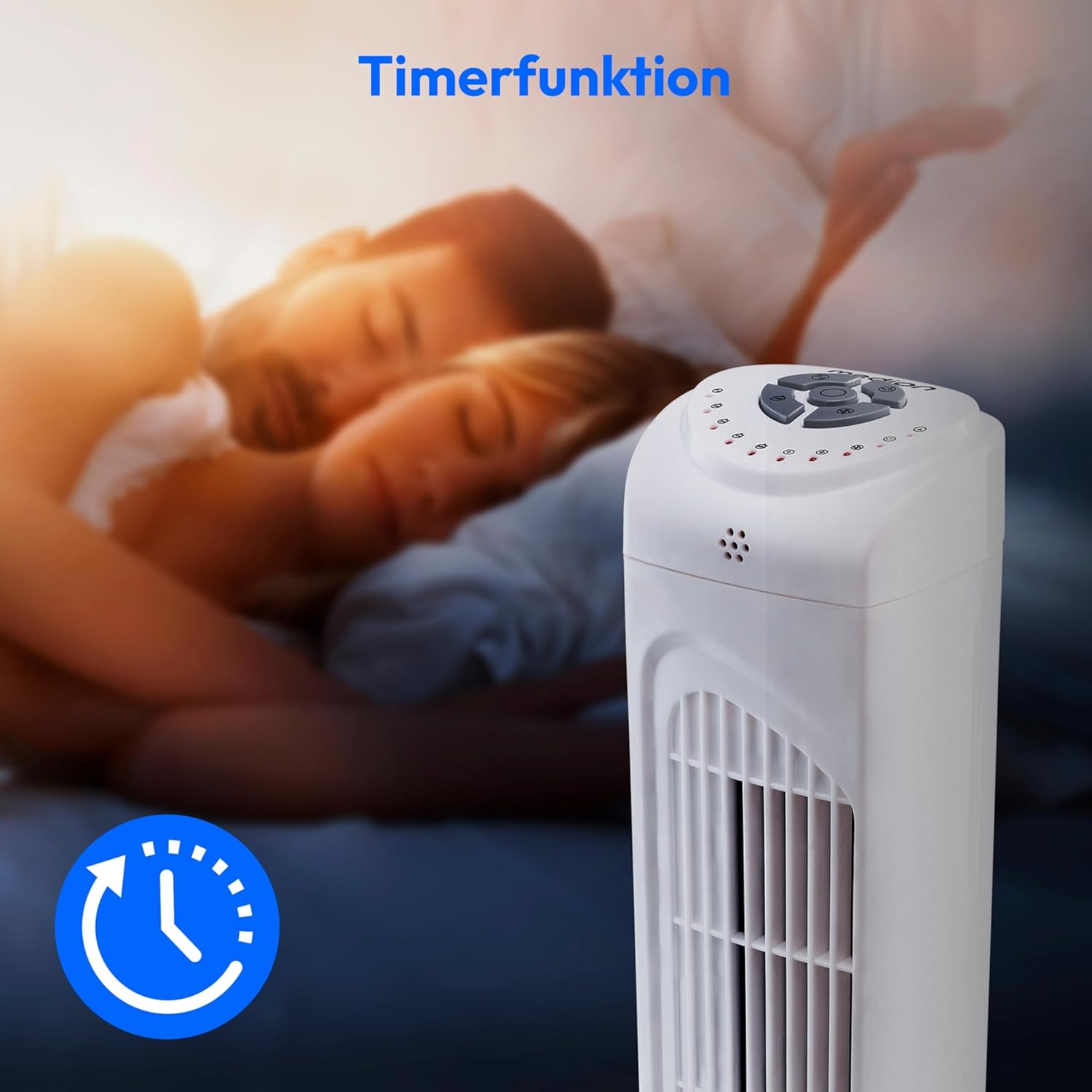
Image: A hand holding the remote control, which features buttons for power, speed, oscillation, and timer, mirroring the main control panel.
Funtzionamendu-argibideak
Piztu/Itzali
- Sakatu BOTEREA button on the control panel or remote control to turn the fan ON.
- Sakatu BOTEREA botoia berriro haizagailua ITZALItzeko.
Fan abiadura doitzea
The fan has 3 speed settings: Low, Medium, and High.
- Sakatu ABIADURA button repeatedly to cycle through the speed settings.
- The current speed level will be indicated by LED lights on the control panel.
Oszilazio Funtzioa
The oscillation function allows the fan to rotate horizontally, distributing air over a wider area.
- Sakatu OSC button on the control panel or remote control to activate oscillation. The fan will rotate approximately 60 degrees.
- Sakatu OSC button again to stop oscillation. The fan will stop in its current position.

Image: The tower fan oscillating, indicated by blue arrows showing a 60-degree rotation for wider air distribution.
Tenporizadorearen funtzioa
The timer function allows you to set the fan to automatically turn off after a specified period, up to 7.5 hours.
- Sakatu tenporizadorea button repeatedly to set the desired operating time (e.g., 0.5h, 1h, 2h, 4h, up to 7.5h).
- The selected timer duration will be indicated by LED lights on the control panel.
- To cancel the timer, cycle through the settings until no timer LEDs are illuminated, or turn the fan off.

Image: The fan with a timer icon, illustrating its use for setting automatic shut-off, ideal for use during sleep.
Mantentzea
Regular cleaning will help maintain the performance and extend the lifespan of your fan.
- Deskonektatu beti haizagailua entxufetik garbitu aurretik.
- Erabili biguna, damp zapi bat haizagailuaren kanpoko gainazalak garbitzeko. Ez erabili garbitzaile edo disolbatzaile urratzailerik.
- Erabili eskuila-eranskin bat duen xurgagailu bat aire-sarrerako eta irteerako saretetatik hautsa astiro kentzeko.
- Ez utzi ura haizagailuaren barrualdean tantaka sartzen.
- Denbora luzez erabiltzen ez duzunean, gorde haizagailua leku fresko eta lehor batean.
Arazoak konpontzea
If you encounter any issues with your MEDION MD 10319 Tower Fan, please refer to the following common problems and solutions:
| Arazoa | Kausa posiblea | Irtenbidea |
|---|---|---|
| Haizagailua ez da pizten. | Ez dago elikadura hornidurarik. Pizteko botoia ez da sakatu. | Egiaztatu elikatze-kablea ondo konektatuta dagoen entxufe funtzional batera. Press the POWER button on the fan or remote. |
| Urruneko kontrola ez dabil. | Bateriak agortuta daude edo gaizki sartuta daude. Oztopoa urrutiko agintearen eta haizagailuaren artean. | Replace batteries (2 x AAA) and ensure correct polarity. Remove any objects blocking the signal path. Ensure you are within range. |
| Haizagailuak zarata ezohikoa egiten ari da. | Haizagailua ez dago gainazal mailakatu batean. Obstruction in the fan grille. | Jarri haizagailua gainazal egonkor eta lau batean. Unplug the fan and carefully check for any foreign objects in the grilles. |
| Oscillation function is not working. | Oscillation button not activated. | Press the OSC button on the control panel or remote control. |
Zehaztapenak
| Ezaugarri | Xehetasuna |
|---|---|
| Marka | MEDION |
| Ereduaren izena | MD 10319 |
| Mota | Tower Fan / Floor Fan |
| Kolorea | Zuria |
| Energia iturria | Kable elektrikoa |
| Wattage | 45 W |
| liburukiatage | 220 Volt |
| Abiadura kopurua | 3 |
| Ezaugarri bereziak | Oscillating, Timer Function |
| Oszilazio angelua | 60° |
| Tenporizadorearen funtzioa | Gehienez 7.5 ordu |
| Kontrol-metodoa | Urrutiko agintea, unitateko botoiak |
| Zarata Maila | 50 dezibelio |
| Produktuaren neurriak (L x W x H) | 28 cm x 28 cm x 79 cm |
| Elementuaren pisua | 2.5 kilogramo |
| Materiala | Plastikoa |
| Potentzia-konektore mota nagusia | CEE 7/7 (Schuko) |

Image: The MEDION MD 10319 Tower Fan with its height (79 cm) and base width (28 cm) clearly indicated.
Bermea eta Laguntza
Your MEDION MD 10319 Tower Fan comes with a manufacturer's warranty. Please refer to the warranty card included in your package for detailed terms and conditions, including the warranty period and coverage.
For technical support, service, or spare parts, please contact MEDION customer service. Contact information can typically be found on the MEDION official webgunean edo bermearen dokumentazioan.