
1. Sarrera
Thank you for choosing the Pixio PX259 Prime Gaming Monitor. This manual provides essential information for setting up, operating, and maintaining your monitor to ensure optimal performance and longevity. Please read this manual thoroughly before using the product and retain it for future reference.
The Pixio PX259 Prime is a high-performance 24.5-inch gaming monitor featuring a 280Hz refresh rate, 1ms GTG response time, and a Fast Nano IPS panel, designed to deliver a smooth and immersive gaming experience.
2. Paketearen edukia
Egiaztatu elementu guztiak zure paketean daudela:
- Pixio PX259 Prime Monitor
- Monitorearen euskarria (oinarria eta lepoa)
- DisplayPort kablea
- Korronte-egokigailua
- Elikatze-kablea
- Erabiltzailearen eskuliburua (dokumentu hau)

Image: The Pixio PX259 Prime monitor showcasing its 24.5-inch screen, 280Hz refresh rate, 1080p FHD resolution, and Fast IPS panel technology.
3. Muntaketa
Jarraitu pauso hauek zure monitorea muntatzeko:
- Kontu handiz atera monitorearen eta euskarriaren osagaiak paketetik.
- Lotu euskarriaren lepoa monitorearen panelari. Ziurtatu ondo sartzen dela klik eginez edo torlojuekin lotuta dagoela, baldin badaude.
- Attach the stand base to the stand neck. Tighten the thumb screw or screws from the bottom of the base to secure it.
- Jarri muntatutako monitorea gainazal egonkor eta lau batean.
4. Konektibitatea
The Pixio PX259 Prime offers versatile connectivity options. Refer to the image below for port locations.

Irudia: Atzealdea view of the monitor displaying the DC power input, two DisplayPort 1.2 inputs (280Hz), two HDMI 2.0 inputs (240Hz), and an earphone jack.
Gailu batera konektatzea:
- Potentzia: Connect the power cable to the AC adapter, then plug the adapter into the monitor's DC IN port and a power outlet.
- DisplayPort: For optimal performance (280Hz refresh rate), connect your PC's graphics card to one of the monitor's DisplayPort 1.2 inputs using the provided DisplayPort cable.
- HDMI: Connect your device (e.g., gaming console, PC) to one of the monitor's HDMI 2.0 inputs. Note that HDMI 2.0 supports up to 240Hz.
- Audio irteera: Connect headphones or external speakers to the earphone jack for audio.
5. Funtzionamendu-argibideak
Piztu/Itzali:
Sakatu monitorearen gainean dagoen pizteko botoia pizteko edo itzaltzeko.
On-Screen Display (OSD) Navigation:
The monitor features a joystick-style button for navigating the OSD menu. Push the joystick in to access the main menu, then move it up, down, left, or right to select and adjust settings.
Gako ezarpenak:
- Freskatze-tasa: Ensure your graphics card settings are configured to output at 280Hz (via DisplayPort) or 240Hz (via HDMI) for the smoothest experience.
- Erantzun denbora: The 1ms GTG response time is automatically enabled by the Fast IPS panel.
- AMD FreeSync Premium: Enable FreeSync in your monitor's OSD and your graphics card control panel for tear-free gaming.
- Kolore ezarpenak: Adjust brightness, contrast, and color temperature to your preference. The monitor supports 101.34% sRGB for vibrant colors.
- Jokoen Ezaugarriak: Access built-in crosshairs and other game-specific enhancements through the OSD.
- Begi aurrezteko modua: Activate this mode to reduce blue light emission for comfortable extended viewing.
6. Ezaugarriak baino gehiagoview
The Pixio PX259 Prime is engineered with features to enhance your gaming and viewesperientzia:
- 280 Hz freskatze-abiadura: Provides ultra-smooth motion and reduced input lag, crucial for competitive gaming.
- 1ms GTG Response Time: Minimizes motion blur and ghosting, ensuring crisp visuals during fast-paced action.
- Fast Nano IPS Panel: Combines the wide viewing angles and color accuracy of IPS technology with the rapid response times typically found in TN panels.
- AMD FreeSync Premium: Synchronizes the monitor's refresh rate with your GPU's frame rate, eliminating screen tearing and stuttering.
- Kolore biziak: With 101.34% sRGB coverage, experience rich, accurate, and lifelike colors.
- Bozgorailu bikoitza: Equipped with integrated speakers for audio output.
- Begi aurrezteko modua: Reduces blue light to minimize eye strain during prolonged use.
- Gaming Ready: Features like customizable crosshairs are available to assist in gameplay.

Image: Monitor displaying a dynamic game scene, highlighting 280Hz Refresh Rate, 1ms (GTG) Response Time, Fast IPS Panel, and AMD FreeSync Premium.

Image: Visual comparison demonstrating the smoothness of 280Hz refresh rate versus a conventional 60Hz display in a gaming context.

Image: Visual comparison illustrating the difference between 4ms and 1ms GTG response time, showing reduced motion blur with 1ms.
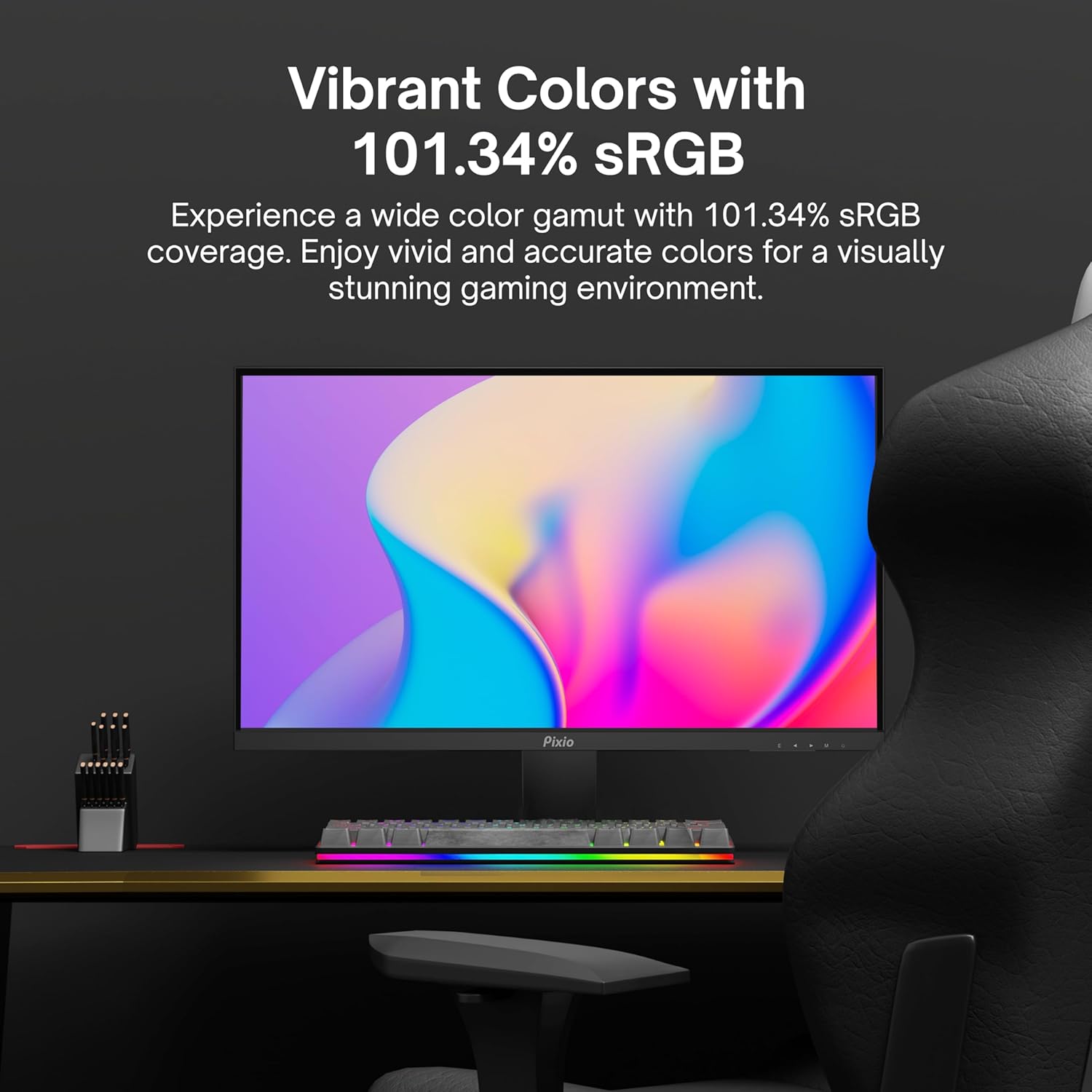
Image: Monitor displaying a colorful game environment, emphasizing the vibrant color reproduction with 101.34% sRGB.
Produktuaren bideoa amaitu daview:
Video: An official product video from Pixio showcasing the PX259 Prime 25-inch 1080p 280Hz Fast IPS 1ms Gaming Monitor, highlighting its features and performance.
7. Mantentzea
- Pantaila garbitzea: Garbitu pantaila astiro-astiro zapi leun eta pelusik gabeko batekin. Orba egoskorrak kentzeko, garbituampen the cloth with a small amount of screen cleaner (non-ammonia based) and wipe carefully.
- C garbiketaasing: Erabili zapi leun eta lehor bat monitorearen gainazala garbitzeko.asing. Saihestu garbitzaile edo disolbatzaile urratzaileak erabiltzea.
- Aireztapena: Ziurtatu monitorearen aireztapen-irekidurak ez daudela blokeatuta gehiegi berotzea saihesteko.
- Biltegiratzea: Monitorea denbora luzez gordetzen baduzu, deskonektatu korrontetik eta gorde leku fresko eta lehor batean, hobe jatorrizko ontzian.
8. Arazoak
- Potentziarik gabe:
- Ziurtatu elikatze-kablea monitoreari eta funtzionatzen duen entxufe bati ondo konektatuta dagoela.
- Egiaztatu korronte-moldagailua behar bezala funtzionatzen duen.
- Seinalerik ez:
- Verify that the video cable (DisplayPort or HDMI) is securely connected to both the monitor and your device.
- Ziurtatu sarrera-iturri zuzena hautatuta dagoela monitorearen OSD menuan.
- Probatu beste bideo-kable edo ataka batekin, baldin badago.
- Pantailaren urratzea/tartamudak:
- Enable AMD FreeSync Premium in both the monitor's OSD and your graphics card settings.
- Ziurtatu zure grafikoen kontrolatzaileak eguneratuta daudela.
- Incorrect Refresh Rate:
- Check your operating system's display settings and your graphics card control panel to set the refresh rate to 280Hz (DisplayPort) or 240Hz (HDMI).
- Ensure you are using a DisplayPort cable for 280Hz.
- Poor Picture Quality/Colors:
- Doitu distira, kontrastea eta kolore ezarpenak OSD menuan.
- Ziurtatu bideo-kablea ez dagoela hondatuta.
9. Zehaztapenak
Detailed technical specifications for the Pixio PX259 Prime monitor:
| Ezaugarri | Zehaztapena |
|---|---|
| Modelo zenbakia | PX259 Prime |
| Pantailaren tamaina | 24.5 Inches (25 Inches equivalent) |
| Panel mota | Fast Nano IPS |
| Ebazpena | FHD 1080p (1920 x 1080 pixel) |
| Freskatze tasa | 280Hz (144Hz Supported) |
| Erantzun Denbora | 1 ms GTG |
| Aspektu-erlazioa | 16:9 |
| Irudiaren distira | 350 Kandela |
| Sinkronizazio egokitzailea | AMD FreeSync Premium |
| Konektibitatea | 2x DisplayPort 1.2, 2x HDMI 2.0, Earphone Jack, DC In |
| Produktuaren neurriak | 7.09 x 21.98 x 16.52 hazbete |
| Elementuaren pisua | 12.42 kilo |
| VESA bateragarritasuna | 75x75mm (VESA Ready) |

Image: Diagram showing the dimensions of the Pixio PX259 Prime monitor, including width (21.98 inches), height (16.52 inches), and depth (7.09 inches).
10. Bermea eta Laguntza
Pixio products are designed for reliability and performance. For specific warranty details, please refer to the warranty card included with your product or visit the official Pixio website. For technical support, troubleshooting assistance, or service inquiries, please contact Pixio customer support through their official channels.
Sareko baliabideak: For additional information, FAQs, and driver downloads, please visit the Pixio Store on Amazon.