
Sarrera
Eskerrik asko erosketagatik.asing the AZATOM A2 Portable DAB/DAB+ Digital Radio. This compact and versatile device is designed to provide high-quality digital and FM radio reception, offering a superior listening experience on the go. Please read this manual carefully to understand the features and operation of your new radio.

The AZATOM A2 radio, showcasing its stylish and compact design, perfect for portability.
Kutxan dagoena
- AZATOM A2 Portable DAB/DAB+ Digital Radio
- USB-C kablea
- Kirol entzungailuak
- Erabiltzailearen eskuliburua (dokumentu hau)
- Berme Txartela
Produktua amaituview
Familiarize yourself with the buttons and ports on your AZATOM A2 radio:

Aurrealdea view of the AZATOM A2 radio, highlighting the display and control buttons.
- POWER botoia: Irratia pizten edo itzaltzen du.
- MENU botoia: Menu aukeretara sartzen da.
- BOLUMEN+ / BOLUMEN- botoiak: Bolumen-maila doitzen du.
- ENTER/SCAN Button: Confirms selections or initiates station scanning.
- PRESET Buttons (1/2, 3/4): Recalls stored preset stations.
- MODE botoia: DAB/DAB+ eta FM moduen artean aldatzen du.
- Entzungailuen kablea: Connects the included earphones, which also function as the antenna.
- USB-C ataka: Gailua kargatzeko.
Konfigurazioa
1. Bateria kargatzea
Before first use, fully charge the radio. Connect the supplied USB-C cable to the radio's USB-C port and the other end to a USB power adapter (not included) or a computer's USB port. The display will indicate charging status. A full charge provides up to 24 hours of playtime.

The AZATOM A2 features a long-lasting rechargeable battery for extended use.
2. Connecting Earphones (Antenna)
The included earphones serve as the radio's antenna for both DAB/DAB+ and FM reception. It is essential to connect the earphones to the 3.5mm jack before operating the radio to ensure proper signal reception.
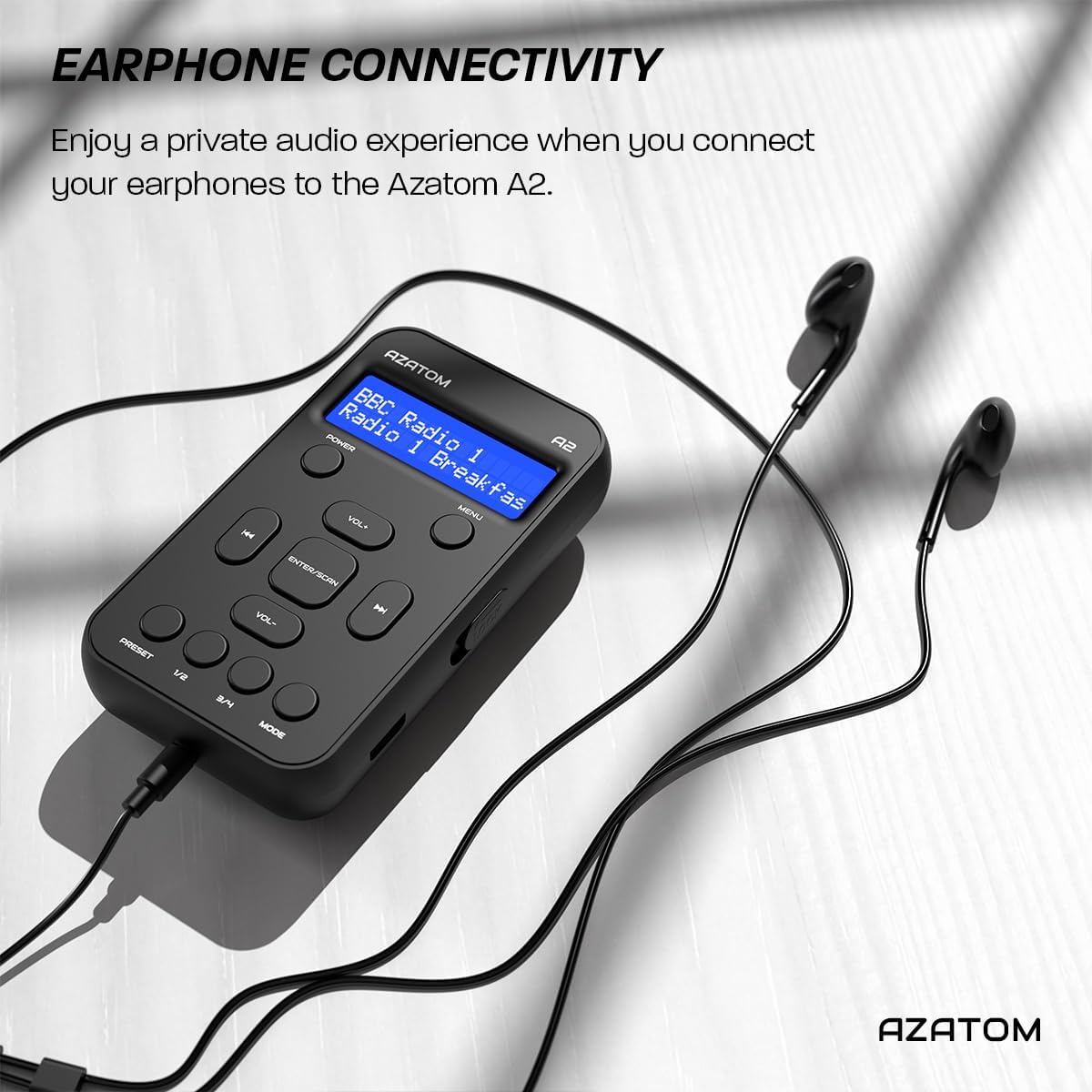
Connect the supplied earphones to the radio for optimal reception and a private listening experience.
Funtzionamendu-argibideak
Piztu/Itzali
- Eduki sakatuta BOTEREA botoia irratia piztu edo itzaltzeko.
DAB/DAB+ Irratiaren funtzionamendua

The AZATOM A2 supports both DAB/DAB+ and FM radio technologies.
- Ensure the earphones are connected.
- Sakatu MODUA button until 'DAB' or 'DAB+' is displayed.
- The radio will automatically perform a full scan for available DAB/DAB+ stations upon first use or if no stations are found. To manually scan, press and hold the SARTU/ESKANEATU botoia.
- Erabili VOL+ or Boluntario buttons to navigate through the list of found stations.
- Sakatu SARTU/ESKANEATU geltokia hautatzeko.
FM Irratiaren funtzionamendua
- Ensure the earphones are connected.
- Sakatu MODUA button until 'FM' is displayed.
- FM irratiak automatikoki bilatzeko, sakatu eta eutsi botoiari SARTU/ESKANEATU button. The radio will scan and save available stations.
- Eskuz sintonizatzeko, sakatu laburki tekla VOL+ or Boluntario buttons to adjust the frequency in small increments.
Aurrezarpenak ezartzea eta gogora ekartzea
The AZATOM A2 allows you to store up to 40 DAB+ and 40 FM favorite stations.

The AZATOM A2 allows for easy recall of your favorite preset stations.
Aurrezarpen bat gordetzeko:
- Sintonizatu nahi duzun geltokia.
- Eduki sakatuta botoietako bat PRESET buttons (1/2 or 3/4) until the display shows 'Preset Store'.
- Erabili VOL+ or Boluntario botoiak nahi duzun aurrezarpen zenbakia hautatzeko (1-40).
- Sakatu SARTU/ESKANEATU geltokia berresteko eta gordetzeko.
Aurrez ezarritako bat gogoratzeko:
- Sakatu laburren bat PRESET buttons (1/2 or 3/4).
- Erabili VOL+ or Boluntario buttons to navigate through your stored presets.
- Sakatu SARTU/ESKANEATU to select and play the desired preset station.
Bolumen kontrola
- Sakatu VOL+ bolumena handitzeko.
- Sakatu Boluntario bolumena jaisteko.
Pantailaren distira
The XL digital display's brightness can be adjusted to your preference. Access this setting through the MENU options.

Gertu bat view of the AZATOM A2's clear digital display.
Mantentzea
- Garbiketa: Erabili zapi leun eta lehor bat irratiaren gainazala garbitzeko. Ez erabili garbitzaile edo disolbatzaile urratzailerik.
- Bateria zaintzea: To prolong battery life, avoid fully discharging the battery frequently. Charge the radio regularly, even if not in use for extended periods.
- Biltegiratzea: Gorde irratia leku fresko eta lehor batean, eguzki-argitik eta muturreko tenperaturetatik babestuta.
Arazoak konpontzea
| Arazoa | Kausa posiblea | Irtenbidea |
|---|---|---|
| No power/Radio won't turn on. | Bateria agortuta dago. | Charge the radio using the supplied USB-C cable. |
| Irrati-harrera eskasa (DAB/FM). | Earphones not connected or not fully inserted. Weak signal area. | Ensure earphones are securely connected. Try moving to an open area or near a window. Perform a new scan. |
| Soinurik ez. | Volume is too low or muted. Earphones not connected. | Increase the volume using VOL+. Ensure earphones are connected. |
| Radio freezes or becomes unresponsive. | Softwarearen aldi baterako akatsa. | Press and hold the POWER button to force a restart. If issue persists, allow battery to fully discharge then recharge. |
Zehaztapenak

Dimensions of the AZATOM A2 radio.
| Ezaugarri | Xehetasuna |
|---|---|
| Eredua | A2 |
| Neurriak (L x W x H) | 9 x 4 x 11 cm (gutxi gorabehera 90 mm x 50 mm x 24 mm) |
| Pisua | 90 g |
| Onartutako Irrati Bandak | DAB, DAB+, FM |
| Aurrez ezarriak | 40 DAB+, 40 FM |
| Bateria mota | Litio-ioizko bateria kargagarria (1800 mAh) |
| Jolas-ordua | Gehienez 24 ordu |
| Bistaratzeko mota | LCDa |
| Konektibitatea | USB-C (for charging), 3.5mm Earphone Jack |
| Materiala | Plastikoa |
Bermea eta Laguntza
AZATOM products are designed and engineered in the UK. The AZATOM A2 comes with a premium 3-year warranty (registration required). For any questions or support, please contact our dedicated customer service team. Lifetime customer support is provided to assist you with any queries.
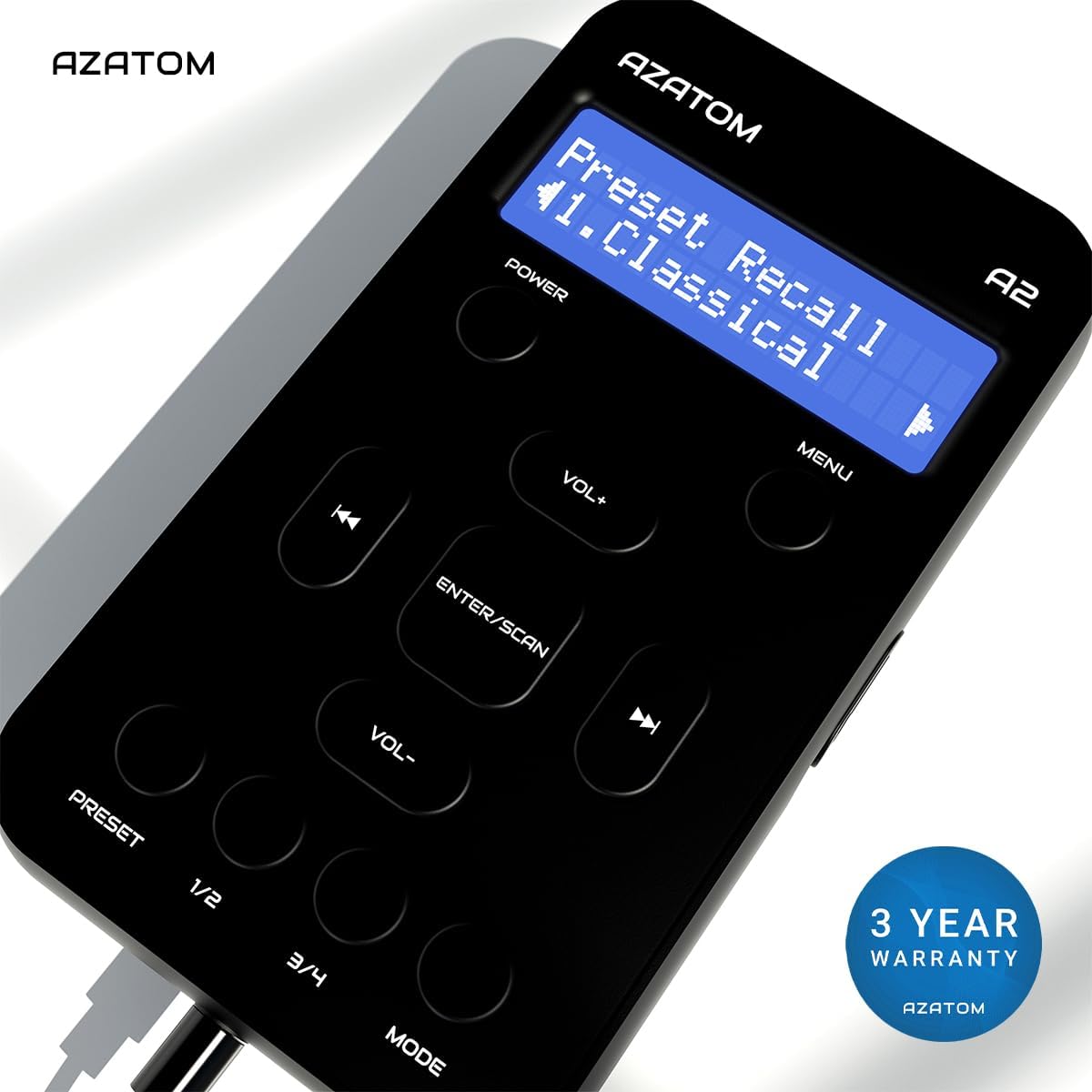
The AZATOM A2 is backed by a 3-year warranty.


