
Sarrera
Thank you for choosing the MUSTAR Digital Piano. This manual provides essential information for the proper setup, operation, and maintenance of your new instrument. Please read it thoroughly before use to ensure optimal performance and longevity.
1. Konfigurazioa
1.1 Kutxatik ateratzea eta osagaien egiaztapena
Kontu handiz atera osagai guztiak paketetik. Ziurtatu elementu hauek daudela:
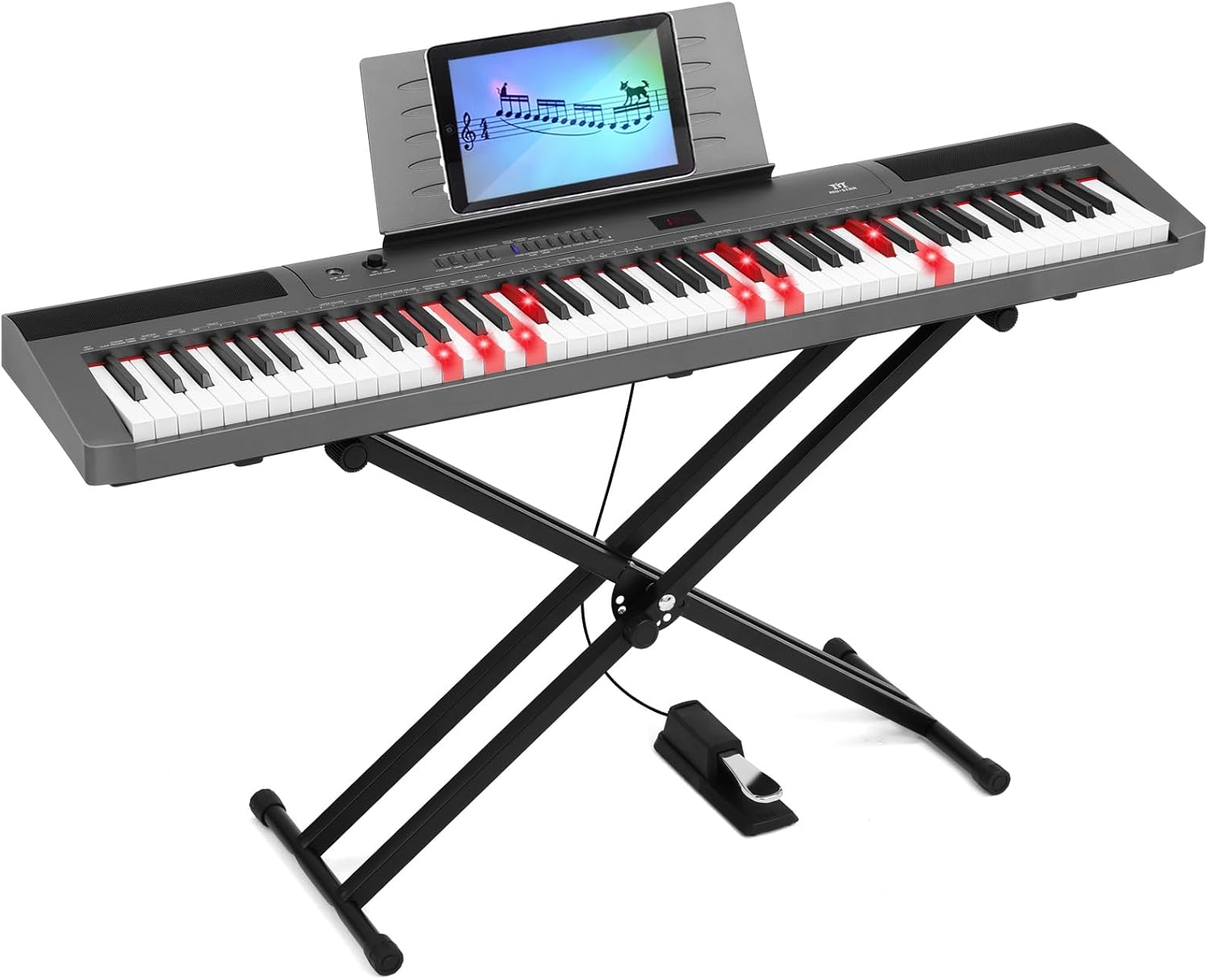
- MUSTAR 88-Key Digital Piano
- X-shaped Keyboard Stand
- Sustain Pedal
- Elikatze-moldagailua
- Musika Atsedenaldia
- Erabiltzailearen eskuliburua
- Waterproof Padded Case (if included in package)
- Dust Cover (if included in package)
1.2 Teklatuaren euskarria muntatzea
- Unfold the X-shaped keyboard stand to its desired width.
- Adjust the height using the quick-release mechanism to a comfortable playing position (adjustable from 17 to 42 inches). Ensure all locking mechanisms are securely fastened.
- Place the digital piano securely on top of the stand.
1.3 Connecting the Sustain Pedal and Power
Locate the pedal input port on the rear of the piano. Connect the sustain pedal cable firmly. Connect the power adapter to the DC 12V input port on the rear of the piano, then plug the adapter into a standard electrical outlet.
1.4 Konexioa amaitu daview
The digital piano offers various connection options for enhanced functionality:

- UDISK: USB flash unitateak konektatzeko.
- USB-MIDI: Connects to a computer or smart device for MIDI data transfer.
- PEDALA: For the sustain pedal connection.
- AUDIOA: Allows connection of external audio sources (e.g., MP3 player).
- AUDIOA: For connecting to external speakers or ampigogailuak.
- PHONES-1 & PHONES-2: Dual 3.5mm headphone jacks for private practice.
- D.C. 12V: Power adapter input.
2. Funtzionamendu-argibideak
2.1 Piztea/Itzaltzea eta Bolumenaren Kontrola
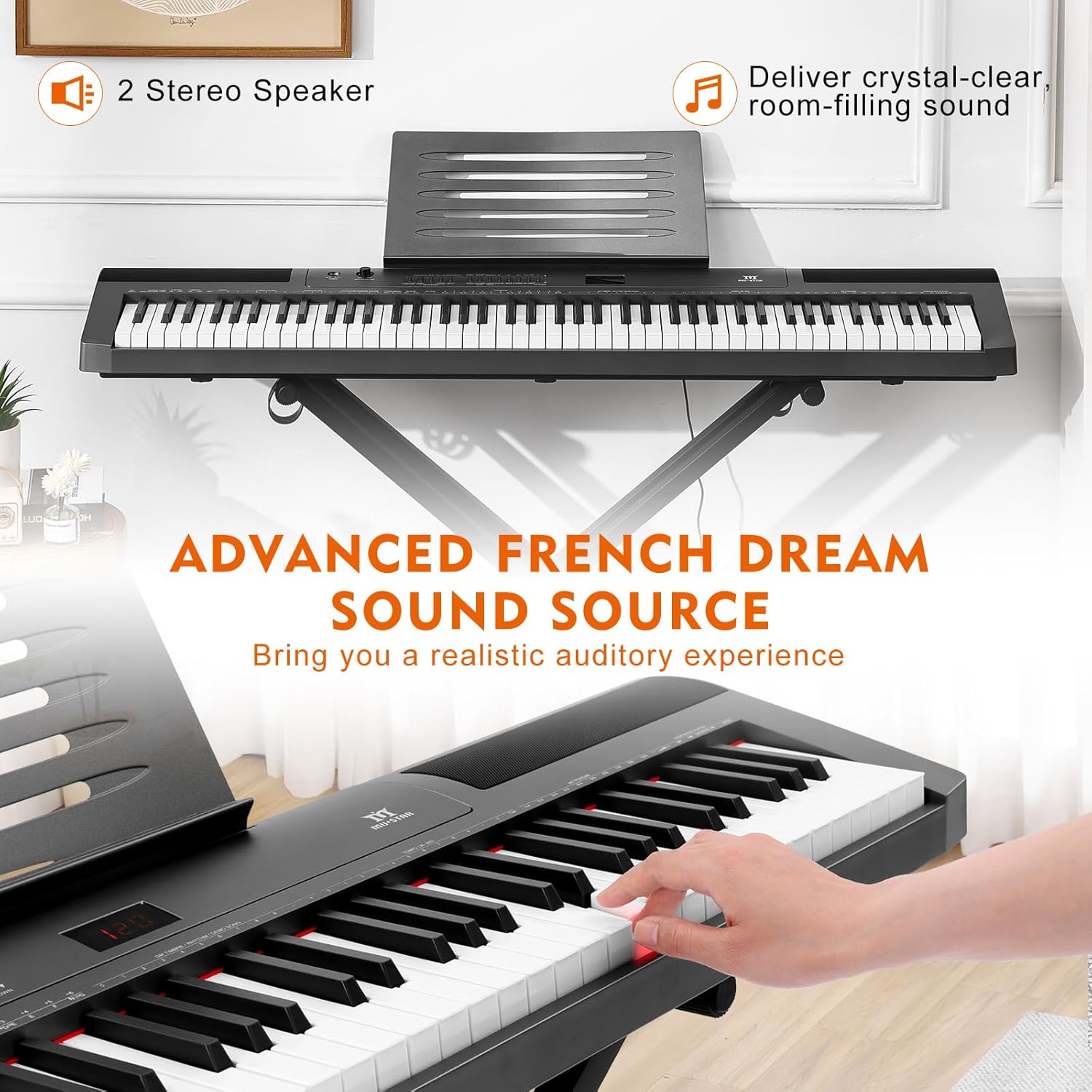
Press the power button to turn the piano on or off. Adjust the master volume knob to control the overall sound output from the built-in stereo speakers or connected headphones.
2.2 Ezaugarri eta funtzio nagusiak
The MUSTAR Digital Piano offers a wide range of features to enhance your playing experience:

- Tonuak: Select from 128 different instrument sounds.
- Erritmoak: Choose from 128 preset rhythms for accompaniment.
- Demo abestiak: Enjoy 20 built-in demo songs.
- Polifonia: 64-note polyphony ensures complex pieces can be played without notes cutting off.
- Ukimen-sentsibilitatea: The 88 semi-weighted keys respond to your playing dynamics. Play softly for quiet sounds or with more force for louder tones.

2.3 Funtzio aurreratuak
- Dual-Tone Mode: Combine two voices (e.g., piano and organ) to create richer sounds.
- Transposizioa: Shift the pitch of the entire keyboard up or down.
- Akonpainamenduaren bolumenaren doikuntza: Control the volume of the rhythm section independently.
- Chord/Dynamics Function: Explore various chord and dynamic settings.
- Grabatu/Erreproduzitu: Record your performances and play them back instantly.
- Ikasgai modua: Utilize built-in lesson features for learning.
- Tekla argiak: Certain models feature lighted keys to assist with learning.

2.4 Entzungailuak erabiltzea
The digital piano includes dual 3.5mm headphone jacks, allowing two users to practice silently without disturbing others. Simply plug in your headphones to either PHONES-1 or PHONES-2 port.

3. Mantentzea
3.1 Garbiketa
To clean the digital piano, use a soft, dry cloth. For stubborn dirt, slightly dampGarbitu zapi bat urarekin eta xaboi leun batekin, eta gero lehortu berehala. Saihestu garbitzaile, disolbatzaile edo argizari urratzaileak erabiltzea, hauek akabera kaltetu baitezakete.
3.2 Biltegiratzea
When not in use, protect your digital piano from dust and moisture. Use the provided dust cover or waterproof padded case for storage and transport. Store the instrument in a stable environment, away from direct sunlight, extreme temperatures, and high humidity.
4. Arazoak
| Arazoa | Kausa posiblea | Irtenbidea |
|---|---|---|
| Ez dago soinurik bozgorailuetatik/aurikularretatik | Bolumena baxuegia; korrontea ez dago konektatuta; entzungailuak ez daude guztiz sartuta. | Increase master volume. Ensure power adapter is securely connected. Re-insert headphones firmly. |
| Giltzak ez dute erantzuten | Piano not powered on; internal issue. | Ensure piano is powered on. If problem persists, contact customer support. |
| Sustain pedalak ez du funtzionatzen | Pedal cable not fully inserted. | Ensure sustain pedal cable is securely connected to the PEDAL input. |
| MIDI connection issues | Incorrect cable; driver issues on computer. | Use a proper USB-MIDI cable. Install necessary drivers for your computer/software. |
5. Zehaztapenak
- Gako kopurua: 88 Erdi-Haztaturiko teklak
- Tonuak: 128
- Erritmoak: 128
- Demo abestiak: 20
- Polifonia: 64 ohar
- Hizlariak: Bozgorailu estereo integratuak
- Konektibitatea: USB, MIDI, 3.5mm Jack, 6.35mm Jack (Pedal), DC 12V
- Produktuaren neurriak: 134.1S x 31Z x 77A zentimetro (gutxi gorabehera 49 x 11 x 30 hazbete)
- Gorputzaren materiala: MDF
- Energia iturria: Kable elektrikoa
- Ezaugarri bereziak: Headphone Jack, Portable, Touch-Sensitive Keys, Dual-Tone, Transpose, Record/Playback, Lesson Mode
- Gaitasun maila: Hasiberria
6. Bermearen informazioa
This product is covered by a manufacturer's warranty. Please refer to the warranty card included with your purchase or contact MUSTAR customer support for detailed information regarding warranty terms and conditions.
7. Bezeroarentzako arreta
For technical assistance, troubleshooting, or any questions regarding your MUSTAR Digital Piano, please contact MUSTAR customer support. Contact information can typically be found on the product packaging, the official MUSTAR webgunea edo zure erosketa-dokumentazioa.