
1. Produktua amaitu daview
The EZVIZ DB2 is a battery-powered 2K wireless video doorbell designed for home security. It offers clear video resolution, wide-angle viewing, and smart human motion detection. The kit includes the doorbell and an indoor chime that also functions as a Wi-Fi signal booster and local storage hub.

Image 1: EZVIZ DB2 Wireless Video Doorbell and Chime.
2. Zer dago kutxan
The EZVIZ DB2 kit includes the following components:
- DB2 Bideo-txirrina
- Txirrin
- Mounting Plates (including inclined options)
- Plaka Aparra
- Aparra eranskailua
- Zulatzeko txantiloia
- Hasierako gida azkarra
- Arauzko Informazioa
- Hari-konektoreak (x3)
- Torloju kit
- Pin (for dismantling)
- Elikatze-kablea
- Bihurkin
- U-shaped Wires (x2)
Video 1: EZVIZ DB2 Wireless Video Doorbell Unboxing. This video demonstrates the contents of the DB2 kit.
3. Konfigurazioa eta instalazioa
3.1 Pairing the Doorbell and Chime
- Press the power button on the doorbell for 1 second to initiate the process. You will hear the doorbell rings.
- Plug in the chime to a power outlet. The LED indicator on the chime will flash blue when it's ready for Wi-Fi connection.
- Download and install the EZVIZ app on your smartphone (available for Android and iOS).
- Open the EZVIZ app and select 'Video Doorbells' to add a new device.
- Scan the QR code located on the chime using the EZVIZ app.
- Follow the on-screen instructions in the EZVIZ app to complete the Wi-Fi configuration. Ensure your smartphone is connected to a 2.4GHz home Wi-Fi network.
- The doorbell will automatically connect to the chime and join your home network. Keep the doorbell and chime within 3 meters during this process.
- The doorbell kit is working properly when the chime indicator flashes a solid blue light.
Video 2: EZVIZ DB2 Tutorial. This video provides a step-by-step guide for setting up and installing the DB2 doorbell.
3.2 Txirrinaren instalazioa
It is recommended to install the doorbell at the indoor entrance, keeping it 1.2m - 1.5m above the ground for optimal viewing. The doorbell offers a 176-degree ultra-wide field of view.
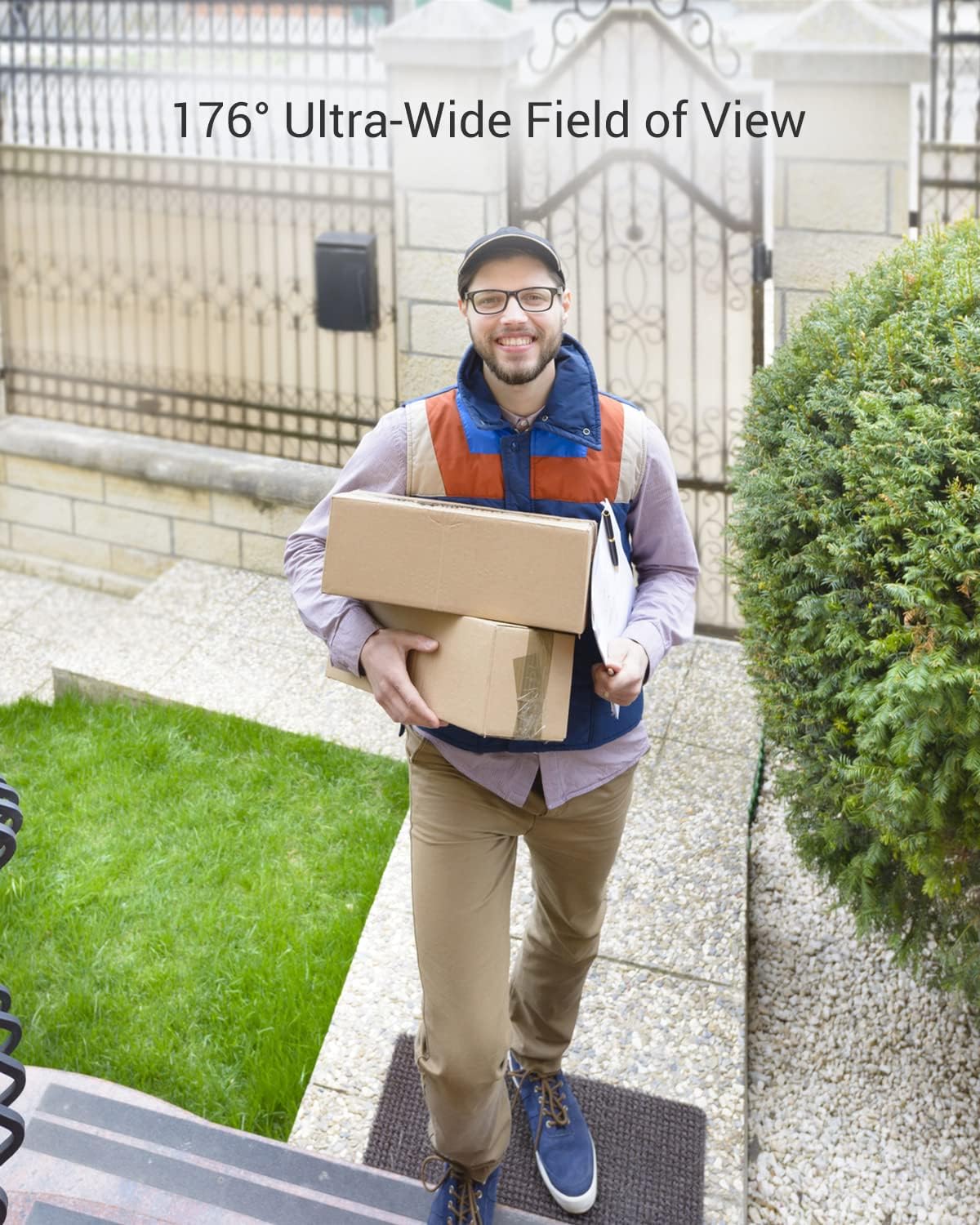
Image 2: The doorbell's 176-degree ultra-wide field of view captures a broad area, allowing you to see visitors from head to toe.
You have two options for installing the mounting plate:
1. aukera: Torlojuak erabiltzea
- Stick the drill template on the desired surface and drill holes accordingly. It's recommended to use a drill bit with a diameter of 6mm.
- Place the wall anchors into the drilled holes.
- Align the mounting plate with the drill template and insert and tighten the screws. Fix the upper two screws first.
- Align the mounting holes of the doorbell with the mounting plate and buckle it securely.
Option 2: Using the Foam Sticker
- Peel off the film from one side of the foam sticker and stick it onto the mounting plate.
- Peel off the film on the other side of the foam sticker and stick the mounting plate onto a flat surface.
- Similarly, align the mounting holes of the doorbell with the mounting plate and buckle it securely.
Oharra: Inclined mounting plates are included to adjust the doorbell's viewangelua behar izanez gero.
3.3 Hardwiring Option
You may also wire the doorbell with an existing doorbell system. Please turn off the power at the breaker before handling electricity wiring.
- Connect the existing doorbell wires to the terminals at the back of the DB2, then tighten the terminal screws.
- Once connected, align the mounting holes and buckle up the DB2 doorbell.
4. Txirrina erabiltzea
4.1 Ezaugarri nagusiak
- 2K bideoaren bereizmena: Records clear and vivid video footage.
- Gaueko infragorria: Provides clear visibility up to 5 meters in low-light conditions.
- PIR Human Motion Detection: Smartly distinguishes people from pets or objects, reducing false alarms. You can customize alert trigger conditions.
- Bi norabideko hitzaldia: Communicate with visitors at your door directly through the EZVIZ app on your smartphone.
- Anti-TampAlarma: Triggers an alarm if someone attempts to remove or tamper txirrinarekin.
- Eguraldiaren diseinua: IP65 dust and water protection ensures durability in various weather conditions.

Image 3: The EZVIZ DB2 doorbell features an IP65 weatherproof design, protecting it from dust and water.
4.2 EZVIZ aplikazioa erabiltzea
The EZVIZ app allows you to manage and interact with your doorbell from anywhere:
- Zuzenean View: Access real-time video from your doorbell.
- Berehalako jakinarazpenak: Receive alerts on your phone when motion is detected or the doorbell is pressed.
- Bi norabideko komunikazioa: Speak to visitors through the app.
- Gertaeren erreprodukzioa: Review recorded events from local storage or cloud.
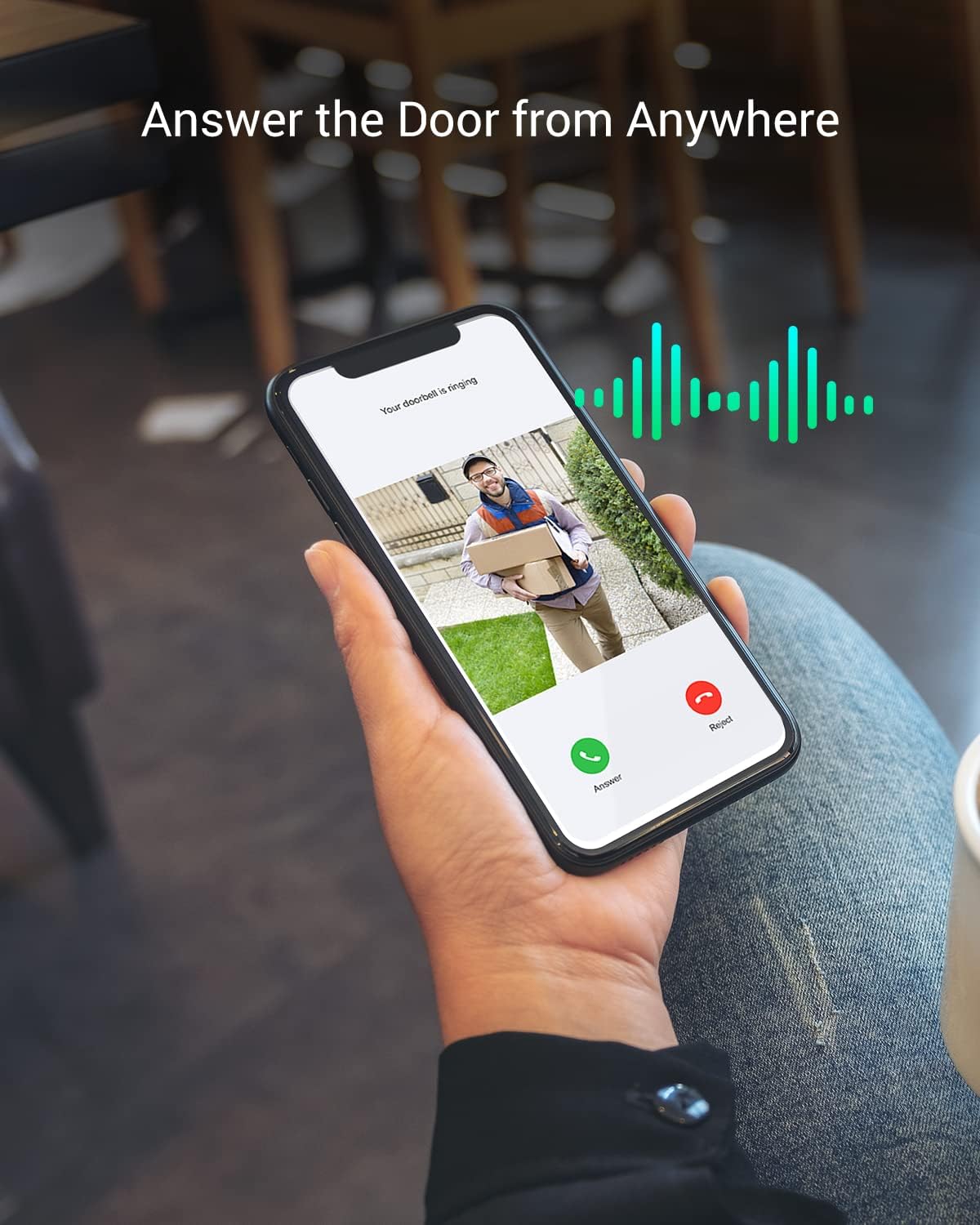
Image 4: The EZVIZ app enables you to answer your door and communicate with visitors remotely.
Video 3: EZVIZ DB2 Wireless Video Doorbell Overview. This video highlights the main features and benefits of the DB2 doorbell.
5. Mantentzea
5.1 Bateria kargatzea
The DB2 doorbell is equipped with a 5200 mAh rechargeable battery, offering up to 4 months of use on a single charge. To charge the doorbell:
- Locate the dismantle hole on top of the doorbell.
- Use the provided pin to remove the doorbell from its mounting plate.
- Connect the doorbell to a power adapter using the provided power cable. Ensure the doorbell is turned off before charging.
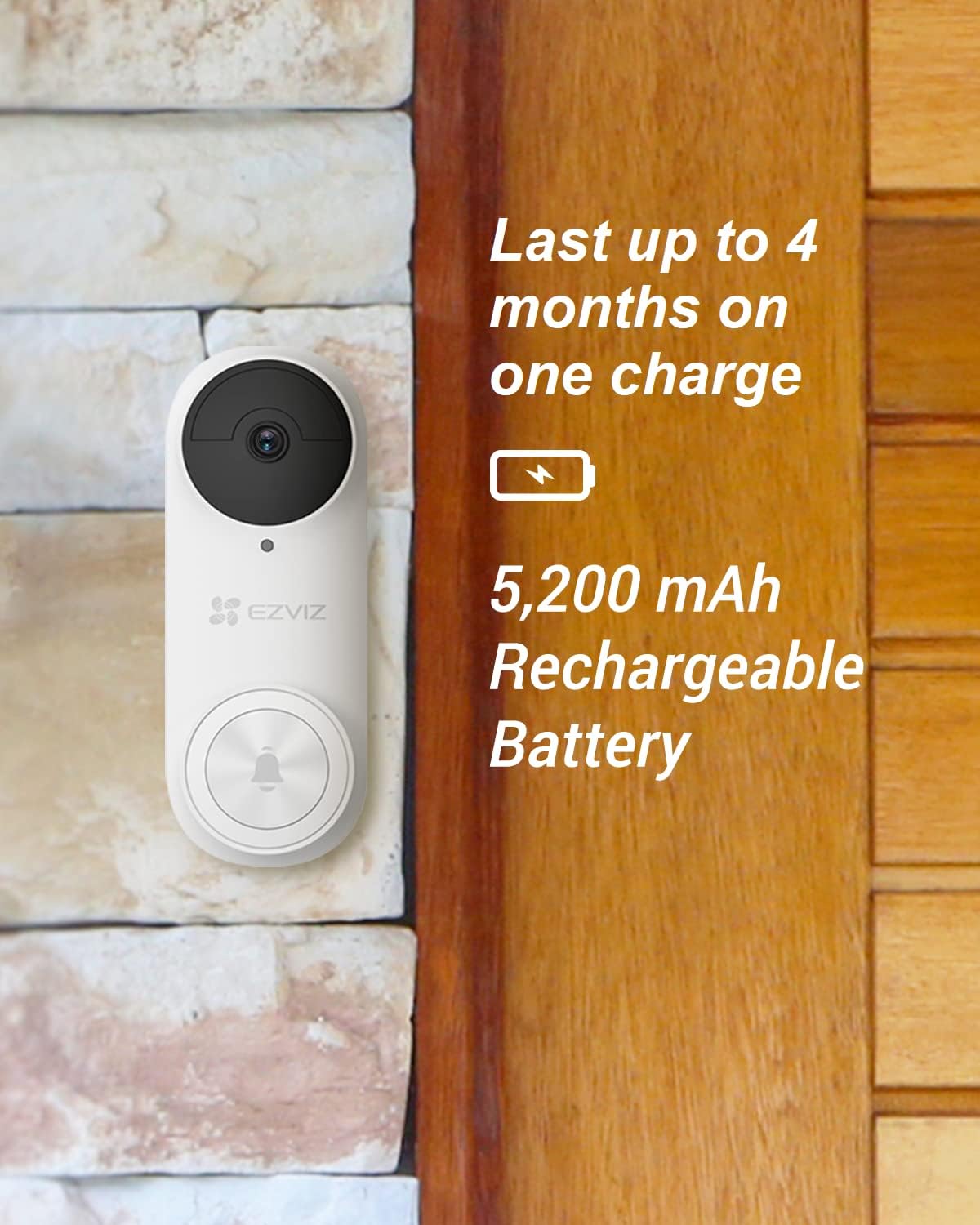
Image 5: The DB2 features a 5200 mAh rechargeable battery, providing extended usage between charges.
5.2 Biltegiratze aukerak
The DB2 offers flexible storage solutions for your video recordings:
- Tokiko biltegiratzea: Insert a microSD card (up to 256GB) into the chime to save recordings locally. This ensures data is stored even if the doorbell is damaged or lost.
- Hodeiko biltegiratzea: Subscribe to EZVIZ CloudPlay for unlimited storage space and an additional layer of data protection.
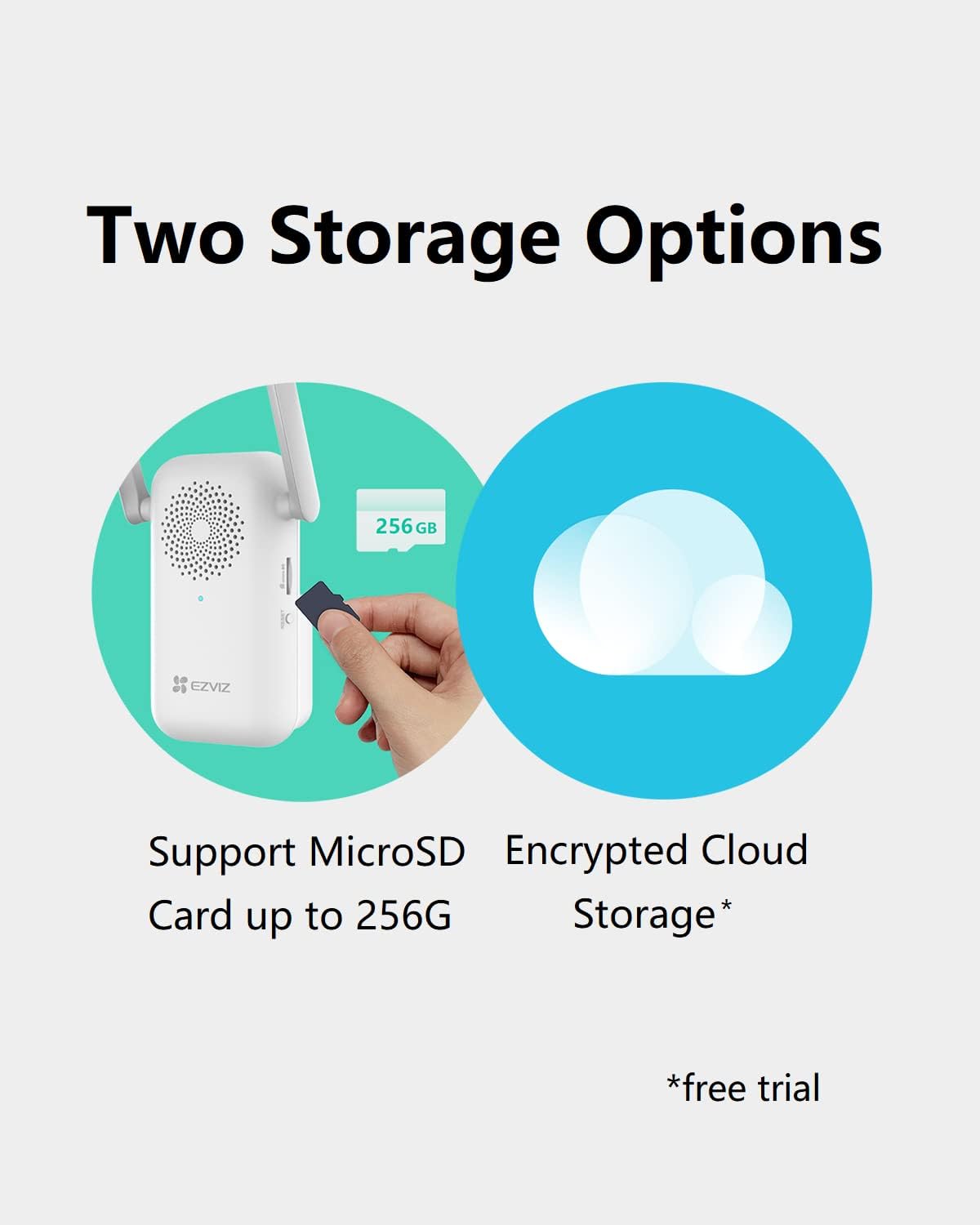
Image 6: The doorbell supports both local microSD card storage via the chime and optional cloud storage.
6. Arazoak
- Txirrina ez da Wi-Fi-ra konektatzen: Ensure your router is broadcasting a 2.4GHz network. Keep the chime within 5 meters of the doorbell for stable connection. Reset the chime and doorbell if necessary.
- Bideoaren kalitate eskasa: Check your Wi-Fi signal strength. Ensure the doorbell lens is clean and free from obstructions.
- Mugimendu detektatzeko arazoak: Adjust the PIR detection sensitivity in the EZVIZ app. Ensure the doorbell is installed at the recommended height and angle.
- Bateria azkar agortzen da: Reduce motion detection sensitivity or frequency of recordings. Ensure the doorbell is fully charged.
7. Zehaztapenak
| Ezaugarri | Zehaztapena |
|---|---|
| Ereduaren izena | DB2-3MP |
| Bideo Harrapaketa Ebazpena | 2K (3 MP Effective Video Resolution) |
| Eremua View | 176 gradu |
| Gaueko Ikusmenaren barrutia | 16 oin (5 metro) |
| Energia iturria | Battery Powered (5200 mAh Lithium Polymer) |
| Konektibitate-protokoloa | Wi-Fi (2.4 GHz) |
| Barruko/Kanpoko erabilera | Kanpoan |
| Nazioarteko Babesteko Balorazioa | IP65 |
| Tokiko biltegiratzea | MicroSD card up to 256 GB (in Chime) |
| Elementuaren neurriak L x W x H | 5.91 x 2.28 x 1.24 hazbete |
| Elementuaren pisua | 4.2 ontza |
8. Bermea eta Laguntza
For warranty information and technical support, please refer to the regulatory information included in your product package or visit the official EZVIZ website. You can also contact EZVIZ customer service for assistance with product setup, operation, or troubleshooting.