
1. Sarrera
This manual provides instructions for the ZEXMTE 5.4 USB Bluetooth Adapter. This device enables Bluetooth connectivity for your PC, allowing you to connect various Bluetooth-enabled peripherals such as headphones, mice, keyboards, and more. It features Bluetooth 5.4 technology for stable and efficient wireless communication.
2. Produktuaren ezaugarriak
- Bluetooth 5.4 teknologia: Utilizes BLE + BR/EDR dual-mode for enhanced stability, clear audio, and efficient power consumption.
- Barruti hedatua: Class 1 radio with a high-gain antenna provides a connection range of up to 492 feet (150 meters).
- Gailu anitzeko konexioa: Supports simultaneous connection of up to 7 Bluetooth devices.
- Plug & Play: Driver-free installation for Windows 10 and Windows 11.
- Latentzia baxua: Designed for minimal delay in audio and video synchronization.
- Birkonexio automatikoa: Remembers previously paired devices for quick re-establishment of connection.
- File Transfer Support: Facilitates convenient file transfers between Bluetooth devices.
3. Paketearen edukia
- ZEXMTE 5.4 USB Bluetooth Adapter
- Irabazi handiko antena
4. Konfigurazio gida
4.1 Hardwarearen instalazioa
- Ensure your computer is powered off or in a safe state before installation.
- Attach the high-gain antenna to the ZEXMTE USB Bluetooth Adapter.
- Insert the ZEXMTE USB Bluetooth Adapter into an available USB port on your PC. For optimal performance, use a USB 3.0 port if available.

Image: The ZEXMTE 5.4 USB Bluetooth Adapter with its high-gain antenna attached, ready for insertion into a USB port.
4.2 Gidariaren instalazioa
- Windows 10/11erako: The adapter is typically Plug & Play. The system should automatically detect and install the necessary drivers. No manual driver installation is usually required.
- Windows 7/8.1erako: Driver installation may be required. Please visit the official ZEXMTE webwebgunea azken kontrolatzaileak eta instalazio-argibideak lortzeko.

Image: The ZEXMTE 5.4 USB Bluetooth Adapter connected to a laptop, highlighting its Plug & Play feature for compatible Windows versions.
4.3 Disabling Existing Bluetooth (If Applicable)
If your PC has a built-in Bluetooth adapter, it is recommended to disable it to prevent conflicts and ensure the ZEXMTE adapter functions correctly. This can usually be done through Device Manager or your PC's Bluetooth settings.
5. Funtzionamendu-argibideak
5.1 Bluetooth gailuak parekatzea
- Ensure the ZEXMTE Bluetooth adapter is correctly installed and recognized by your system.
- Turn on the Bluetooth device you wish to pair and set it to pairing mode. Refer to your device's manual for specific instructions on how to enter pairing mode.
- On your Windows PC, navigate to Ezarpenak > Gailuak > Bluetooth eta beste gailuak.
- Egin klik "Add Bluetooth or other device" eta hautatu "Bluetooth".
- Your PC will scan for available Bluetooth devices. Select your device from the list and follow any on-screen prompts to complete the pairing process.
5.2 Hainbat gailu konektatzea
The ZEXMTE 5.4 USB Bluetooth Adapter supports connecting up to 7 devices simultaneously. Follow the pairing instructions for each device. Once paired, the adapter will manage connections to all active devices.

Image: The ZEXMTE 5.4 USB Bluetooth Adapter enabling simultaneous connections to multiple devices, including a mouse, keyboard, headphones, speaker, smartphone, tablet, and printer.
5.3 Latentzia Baxuko Errendimendua
The adapter's advanced chipset minimizes latency, ensuring audio and video content are synchronized for a smooth experience, especially during gaming or media consumption.

Image: A user enjoying seamless audio with headphones connected via the Bluetooth adapter, demonstrating low latency performance.
5.4 haririk gabea File Transferentzia
Transferitu dezakezu files between your PC and other Bluetooth-enabled devices. Use your operating system's built-in Bluetooth file transfer utility to send or receive files.
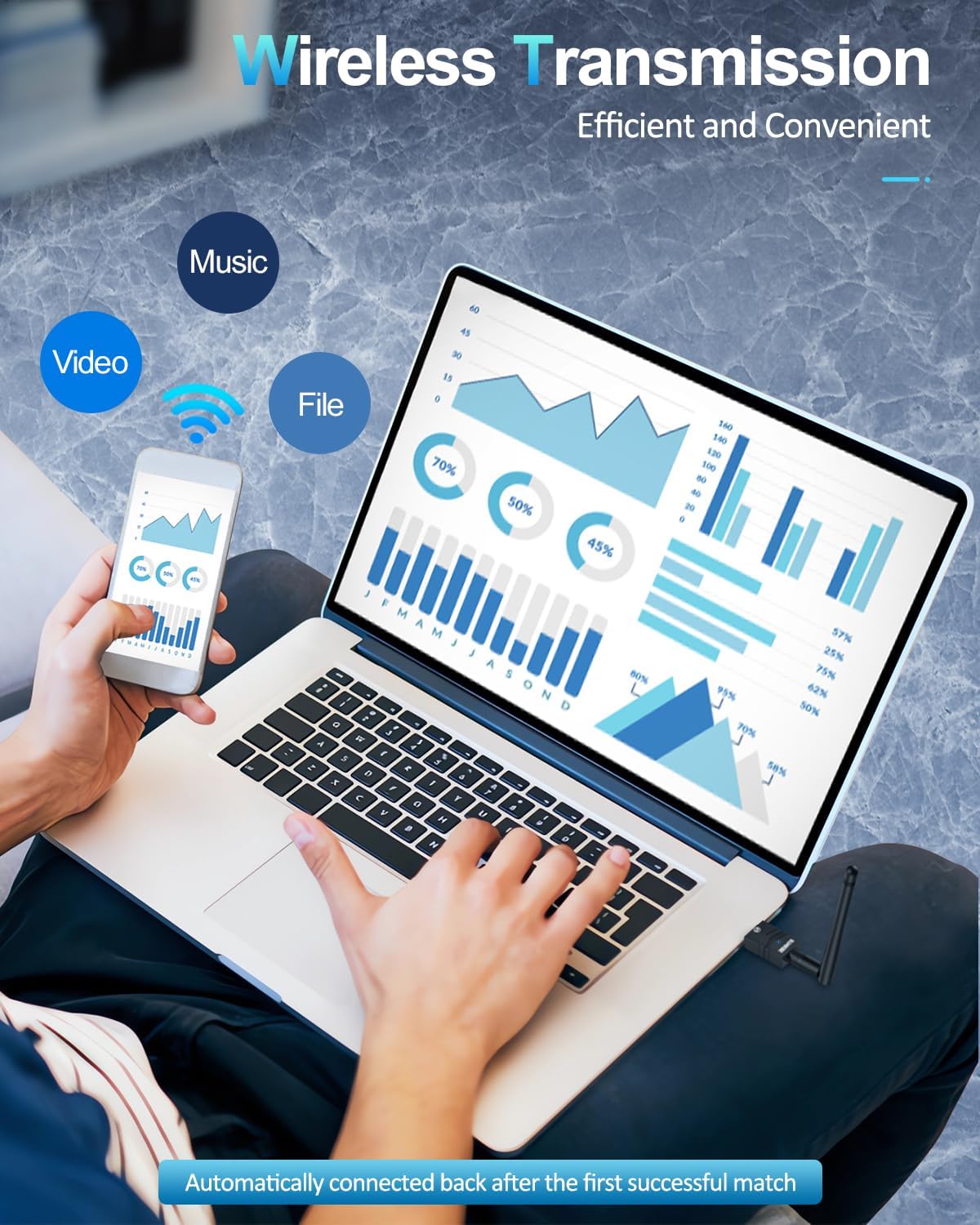
Image: A user transferring files wirelessly between a laptop and a smartphone, enabled by the Bluetooth adapter's transmission capabilities.
6. Mantentzea
- Mantendu egokitzailea garbi eta hautsik gabe.
- Saihestu egokitzailea muturreko tenperatura edo hezetasunean jartzea.
- Ez saiatu egokitzailea zeuk desmuntatzen edo konpontzen.
7. Arazoak
7.1 Device Not Recognized / No Bluetooth Option
- Egiaztatu USB ataka: Saiatu egokitzailea beste USB ataka batera konektatzen.
- Gidariaren instalazioa: For Windows 7/8.1, ensure drivers are correctly installed. For Windows 10/11, check Device Manager for any driver conflicts or unknown devices.
- Disable Internal Bluetooth: If your PC has built-in Bluetooth, ensure it is disabled to avoid conflicts.
7.2 Connection Issues / Frequent Disconnections
- Tartea: Ensure your Bluetooth device is within the adapter's operating range (up to 492ft/150m). Walls and obstacles can reduce range.
- Interferentzia: Other wireless devices (Wi-Fi routers, cordless phones) can cause interference. Try moving the adapter or device away from such sources.
- Berriro parekatu gailua: Remove the device from your PC's Bluetooth settings and re-pair it.
- Adapter Position: Adjust the antenna's position for better signal reception.
7.3 Audio Lag / Poor Quality
- Gailuaren hautaketa: Ensure your Bluetooth audio device is selected as the default playback device in your sound settings.
- Distantzia/Oztopoak: Reduce the distance between the adapter and the audio device, and minimize obstacles.
- Interferentzia: Check for potential interference sources.
8. Zehaztapenak
| Marka | ZEXMTE |
| Hardware interfazea | Bluetooth 5, USBa |
| Kolorea | Urre Beltza |
| Gailu bateragarriak | Desktop, Keyboard, Laptop, Mouse, Printer |
| Datu-loturako protokoloa | Bluetootha, USBa |
| Datuen transferentzia-tasa | 2 Megabit segundoko |
| Elementuaren pisua | 0.03 kilogramo |
| Sistema Eragile Familia Bateragarria | Leihoak |
| Minimum Required Operating System Version | Windows 10 |
9. Bermea eta Laguntza
For warranty information, technical support, and frequently asked questions, please visit the official ZEXMTE webwebgunera edo jarri harremanetan zuzenean bezeroarentzako arreta-zerbitzura. Gorde erosketa-agiria berme-erreklamazioetarako.


