
Sarrera
Eskerrik asko erosketagatik.asing the Cuifati A100 Mini Cartoon Kids Camera. This camera is designed for children aged 3-12, offering a fun and safe way to explore photography and videography. Its compact, lightweight, and durable design, made from food-grade ABS material, ensures a comfortable and secure grip for small hands. This manual provides essential information for setting up, operating, and maintaining your camera.
The camera features a 2.0-inch color display, 20MP photo resolution, 720P video recording, and includes various photo frames and filters to enhance creativity. It is equipped with a built-in 400mAh rechargeable battery for extended use.
Segurtasun Informazioa
- This product is intended for children aged 3-12. Adult supervision is recommended during use.
- The camera is made from food-grade ABS material, ensuring it is safe for children.
- Do not expose the camera to extreme temperatures, direct sunlight for prolonged periods, or moisture.
- Saihestu kamera erortzea edo kolpe gogorren eraginpean jartzea.
- Keep small parts, such as memory cards, out of reach of very young children to prevent choking hazards.
- Use only the provided charging cable or a compatible DC5V 1A charger.
- The battery is built-in and non-detachable. Do not attempt to replace it.
Paketearen edukia
Mesedez, egiaztatu paketea elementu guztiak daudela ziurtatzeko:
- 1 x Cuifati A100 Children Camera
- 1 x Finkatzeko uhala
- 1 x Anti-lost Rope
- 1 x USB kargatzeko kablea

1. irudia: Package contents including the camera, straps, and charging cable.
Produktua amaituview
The Cuifati A100 camera features a user-friendly design with a durable, rounded body for comfortable handling.

2. irudia: The camera's light and round design.
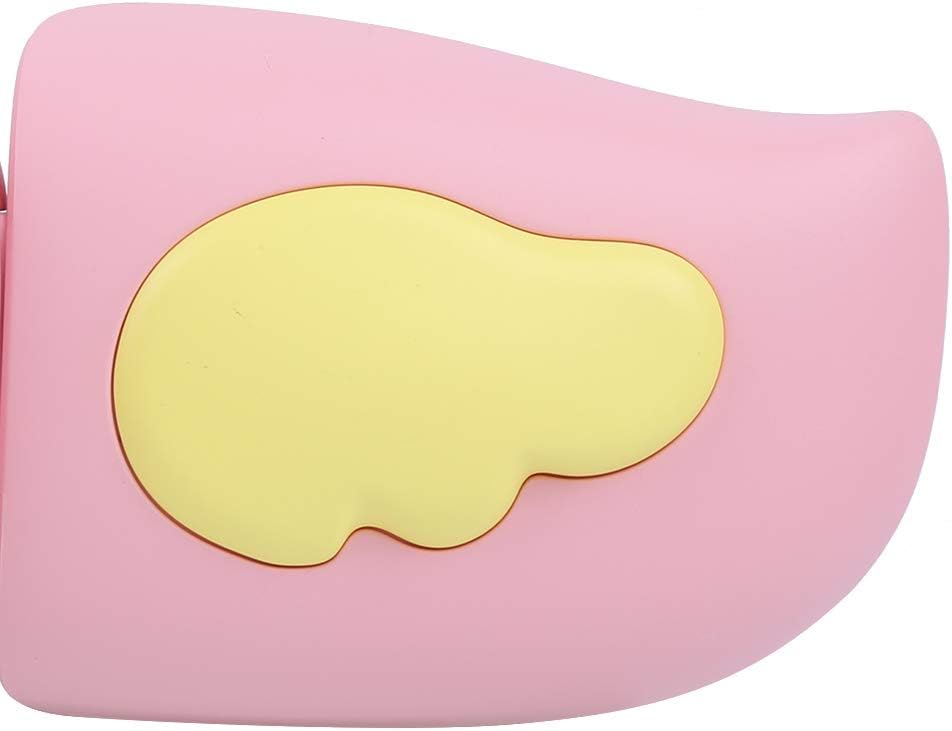
3. irudia: Detail of the camera's ergonomic design.
Ezaugarri nagusiak:
- 2.0 hazbeteko koloretako pantaila: Izan ere viewing photos, videos, and navigating menus.
- Lente finkoa: 100° viewing angle for capturing wide scenes.
- Erabiltzaileentzako egokiak diren botoiak: Intuitive controls for easy operation.
- USB interfazea: Kargatzeko eta datuak transferitzeko.
- Memoria txartelaren zirrikitua: Supports up to 32GB (card not included).
Konfigurazioa
1. Kamera kargatzea
Before first use, fully charge the camera's built-in 400mAh battery. The camera features a large capacity battery for strong endurance.
- Connect the provided USB charging cable to the camera's USB port.
- Connect the other end of the USB cable to a DC5V 1A USB power adapter (not included) or a computer's USB port.
- The charging indicator light will illuminate. Once charging is complete, the light may change color or turn off.
2. Memoria Txartela sartzea
A memory card (MicroSD card, up to 32GB) is required to save photos and videos. It is not included in the package.
- Bilatu memoria txartelaren zirrikitua kameraren alboan.
- Gently insert a MicroSD card into the slot with the metal contacts facing the front of the camera until it clicks into place.
- To remove the card, gently push it in again until it springs out.
Funtzionamendu-argibideak
1. Piztu/Itzali
- Pizteko: Sakatu eta eutsi pizteko botoiari (normalean markatuta dago Ⓜ or a similar icon) for a few seconds until the screen lights up.
- Itzaltzeko: Sakatu eta eutsi berriro pizteko botoiari pantaila itzali arte.

4. irudia: Camera in hand, showing the display and control buttons.
2. Argazkiak ateratzea
- Piztu kamera. Normalean argazki modua erabiliko du lehenespenez.
- Frame your shot using the 2.0-inch color display.
- Press the Shutter button (often a prominent button on top or side) to take a picture.
- Kamerak 20MP-ko argazki bereizmena onartzen du.
- Utilize the 4 types of photo stickers and 9 kinds of filters for creative effects.
- Time-lapse shooting for selfies can be set for 3 or 5 seconds.
3. Bideoak grabatzea
- From photo mode, navigate to video mode using the mode button (usually marked 'M' or a video camera icon).
- Sakatu obturadorearen botoia grabatzen hasteko. Grabazio-adierazle bat agertuko da pantailan.
- Sakatu Obturadorearen botoia berriro grabaketa gelditzeko.
- The camera records videos in 720P (1080x720) resolution.
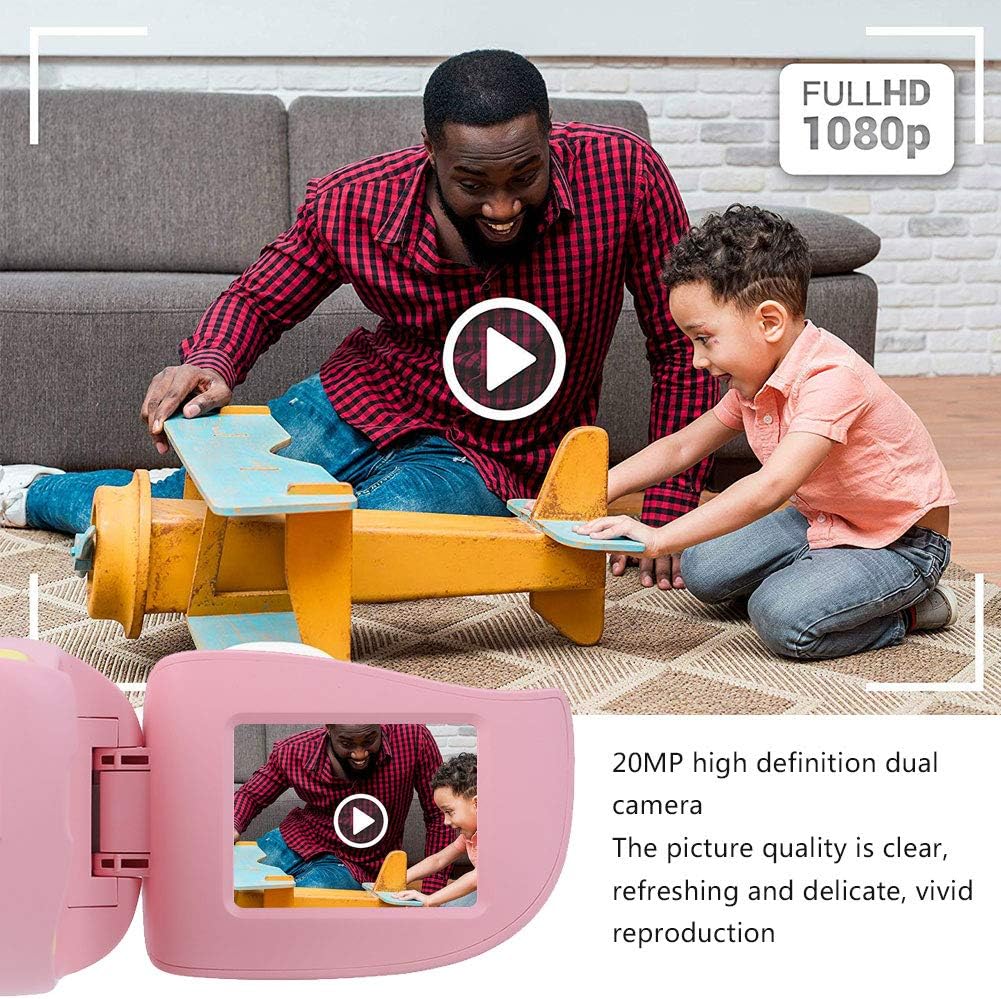
5. irudia: Illustrating the camera's 20MP photo and 720P video capabilities.
4. Erreprodukzio modua
- Enter playback mode using the mode button.
- Use the navigation buttons (up/down or left/right arrows) to browse through your photos and videos.
- Press the OK/Shutter button to view argazki bat edo bideo bat erreproduzitu.
5. Settings and Games
- Access the settings menu via the mode button or a dedicated menu button. Here you can adjust language (Chinese, English, Russian, Korean, Japanese), date/time, and other camera parameters.
- The camera supports a variety of built-in games for entertainment. Navigate to the game section through the menu.
Mantentzea
- Garbiketa: Use a soft, dry cloth to clean the camera body. For the lens, use a specialized lens cleaning cloth. Do not use liquid cleaners or abrasive materials.
- Biltegiratzea: Store the camera in a cool, dry place away from direct sunlight and moisture when not in use.
- Bateria zaintzea: Bateriaren iraupena luzatzeko, saihestu bateria maiz erabat deskargatzea. Kargatu kamera aldizka, denbora luzez erabiltzen ez baduzu ere.
Arazoak konpontzea
| Arazoa | Kausa posiblea | Irtenbidea |
|---|---|---|
| Kamera ez da pizten. | Bateria baxua edo agortuta dago. | Charge the camera using the USB charging cable. |
| Ezin dira argazkiak atera/bideoak grabatu. | No memory card inserted or card is full/corrupted. | Insert a compatible MicroSD card (up to 32GB). Check if the card has sufficient space or try formatting it (this will erase all data). |
| Images/videos are blurry. | Lens is dirty or lighting is poor. | Clean the lens with a soft cloth. Ensure adequate lighting for your shots. |
| Kamera blokeatu egiten da edo ez du erantzuten. | Softwarearen akatsa. | Press and hold the Power button for an extended period (e.g., 10-15 seconds) to force a restart. If the issue persists, ensure the battery is charged. |
Zehaztapenak
| Eredua | A100 |
| Materiala | Elikagaien kalitateko ABS |
| Pantaila | 2.0 Inch Color Display Screen (LCD) |
| Lentea | Fixed Lens, 100° Viewangelua |
| Biltegiratzeko euskarria | Memory Card (MicroSD), Maximum Support 32GB (Not Included) |
| Irudi formatua | JPG |
| Bideo formatua | JPEG |
| Bideo Ebazpena | 720P (1080x720) |
| Argazki Pixelak | 20 MP Effective Still Resolution |
| Argazki Markoak | 4 Motak |
| Iragazki-efektuak | 9 mota |
| Sarrera boltage | DC5V 1A |
| Funtzioak | Taking Pictures, Video Recording, Games |
| Onartutako hizkuntzak | Chinese, English, Russian, Korean, Japanese |
| Bateria | Built-in, Non-Detachable 400mAh Lithium Battery |
| Pisua | Gutxi gorabehera. 220 g |
| Neurriak (gutxi gorabehera) | 13 x 11 x 7 cm (Paketearen neurriak) |
| Konektibitatea | USB, Wi-Fi |
| Argazki sentsoreen teknologia | CMOS |
| Esposizio Kontrola | Eskuliburua |
| Filmatzeko moduak | Kirolak |
| Etengabeko filmaketa | 30 FPS |
| Adin tartea | Kid (3-12 years) |
Bermea eta Laguntza
Specific warranty information is not provided in this manual. For details regarding warranty coverage, technical support, or service, please refer to the documentation included with your purchase or contact the retailer where the product was acquired. You may also visit the official Cuifati brand store for additional information.
Cuifati Brand Store: Bisitatu denda