
SanDisk SDCZ96-256G-G46
SanDisk Ultra Eco USB 3.2 Gen 1 Flash Drive
Model: SDCZ96-256G-G46
Sarrera
The SanDisk Ultra Eco USB 3.2 Gen 1 Flash Drive is designed for reliable data storage and transfer, with a focus on environmental responsibility. This drive is manufactured using over 70% recycled plastic, contributing to significant reductions in CO2 emissions, fresh water usage, and energy consumption during its production. It offers high-speed performance for efficient file kudeaketa.

Image: The SanDisk Ultra Eco USB 3.2 Gen 1 Flash Drive, showcasing its blue-green casing and USB-A connector.
Konfigurazioa
- Txertatu unitatea: Locate an available USB-A port on your computer (desktop, laptop, or compatible device). Gently insert the SanDisk Ultra Eco USB Flash Drive into the port. Ensure it is fully seated.
- Aitorpen automatikoa: Most operating systems (Windows, macOS, Linux) will automatically detect and install the necessary drivers for the flash drive. A notification may appear indicating that the device is ready for use.
- Unitatera sartzea:
- Windows: Open "File Explorer" (or "My Computer"/"This PC") and look for a new drive letter under "Devices and drives" (e.g., "USB Drive (E:)").
- MacOS: The drive icon will typically appear on your desktop or in the Finder sidebar under "Locations."
- Initial Formatting (Optional/If Needed): The drive comes pre-formatted for general use. However, if you encounter issues or wish to optimize it for a specific operating system or use case (e.g., larger file sizes), you may reformat it.
- Abisua: Formatting the drive will erase all data currently on it. Back up any important filejarraitu aurretik.
- File Sistemak: Ohikoa file systems include FAT32 (most compatible), exFAT (good for large files, cross-platform), and NTFS (Windows-specific, good for large files).
- Consult your operating system's documentation for specific formatting instructions.
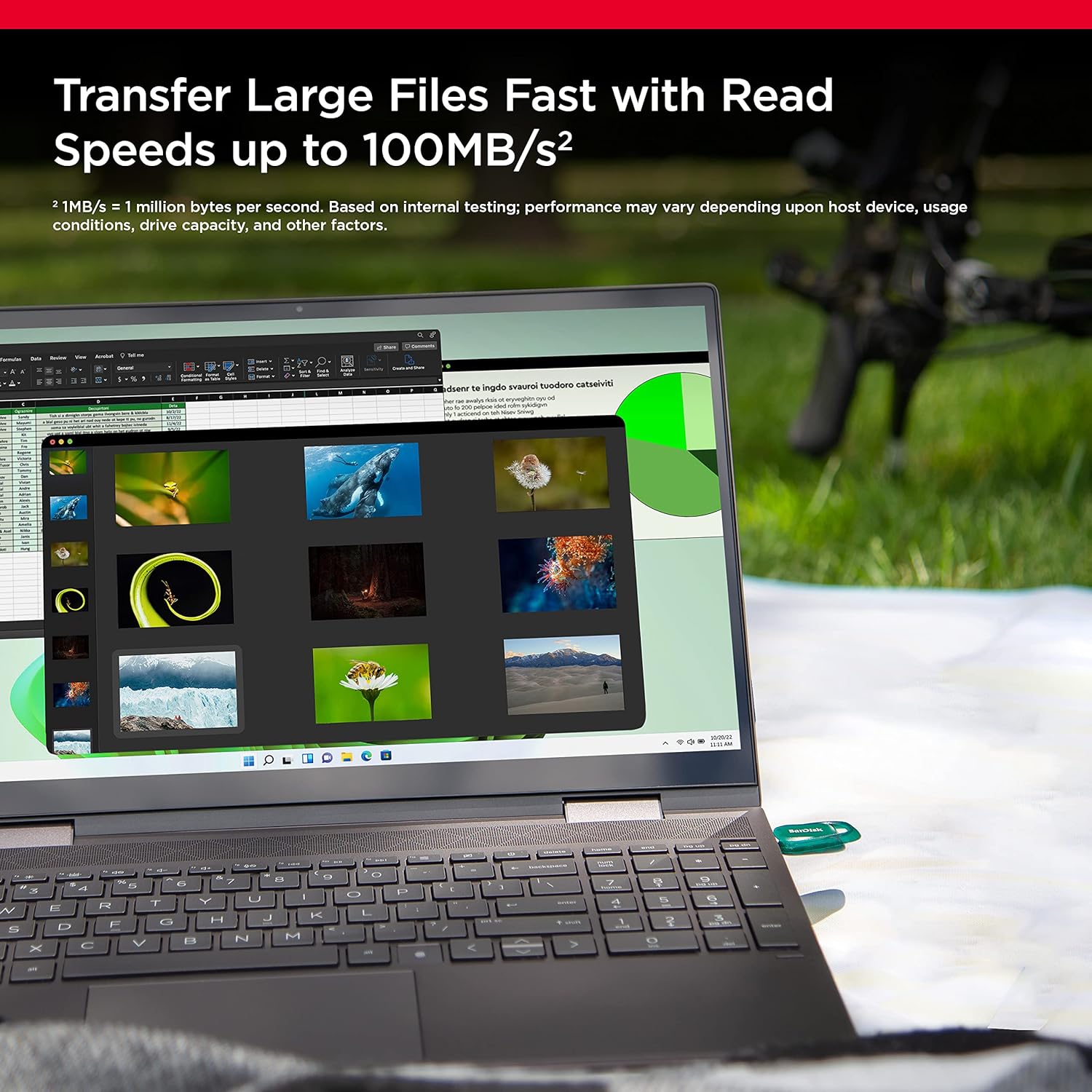
Image: The SanDisk Ultra Eco USB Flash Drive inserted into the USB port of a laptop, demonstrating its compact size and ease of connection.
Unitatearen funtzionamendua
File Transferentzia
Transferitzeko files to or from the SanDisk Ultra Eco USB Flash Drive, use your computer's file kudeaketa sistema (File Explorer on Windows, Finder on macOS). You can drag and drop files or folders directly to and from the drive's window.
- Kopiatzen Files: Hautatu files or folders you wish to copy, right-click (or Ctrl-click on Mac) and choose "Copy." Then, navigate to the destination on the flash drive, right-click, and select "Paste."
- Mugitzen Files: Similar to copying, but select "Cut" instead of "Copy" to move files from their original location.
Errendimendua
The SanDisk Ultra Eco USB 3.2 Gen 1 Flash Drive offers high-speed performance. Read speeds can reach up to 100MB/s. Actual performance may vary depending on the host device, file size, and other factors.
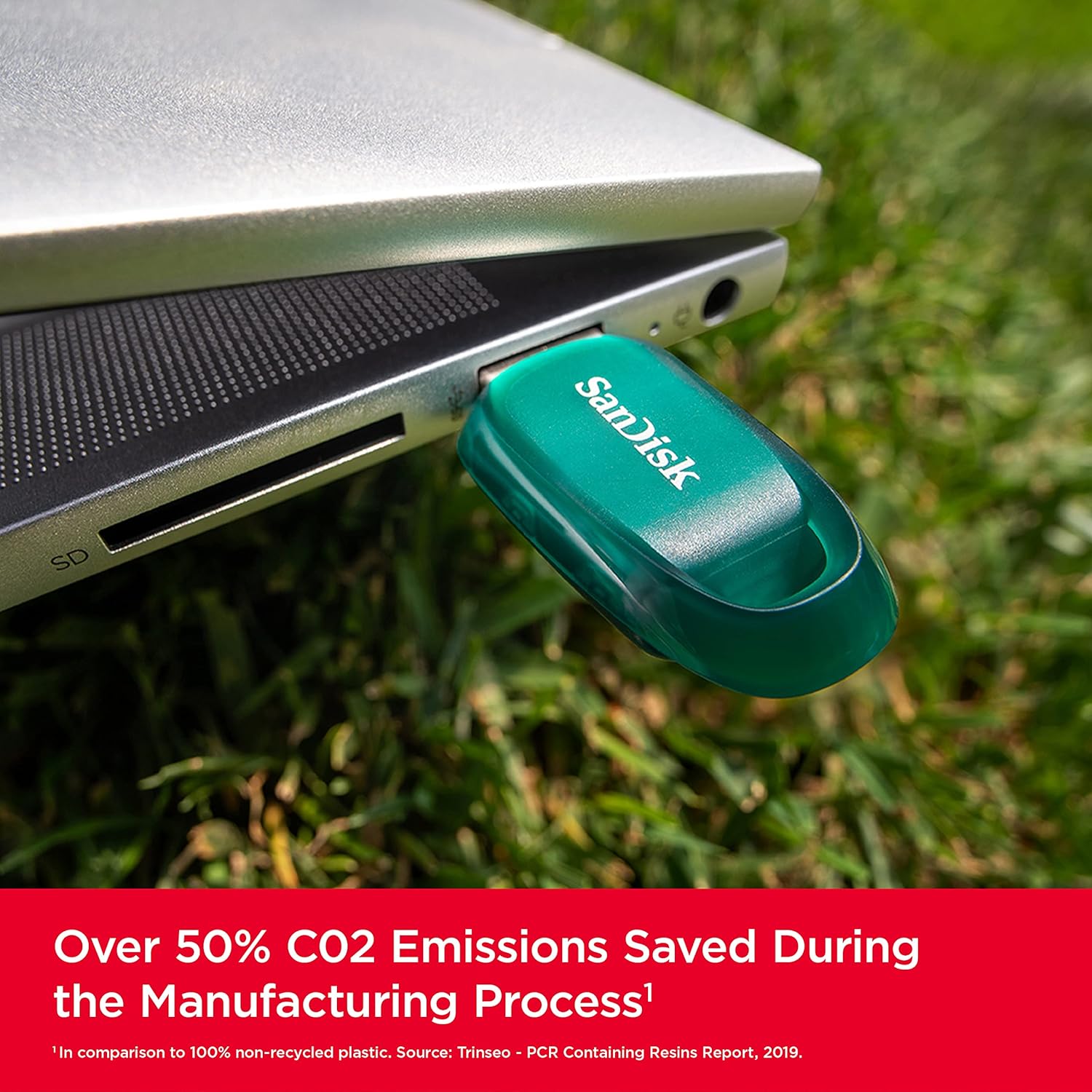
Image: The SanDisk Ultra Eco USB Flash Drive shown in a natural setting, highlighting its eco-friendly manufacturing process which saves over 50% CO2 emissions.
RescuePRO Deluxe Software
This product includes an offer for RescuePRO Deluxe data recovery software. This software can help restore accidentally deleted files, including images, documents, and videos. Registration and download are required, and terms and conditions apply. Visit the SanDisk website for details and to download the software.

Image: A visual representation of the RescuePRO Deluxe software interface, demonstrating its ability to recover deleted images, with the SanDisk Ultra Eco drive connected to a laptop.
Mantentzea
- Seguru kentzea: Always safely eject the flash drive before physically removing it from your computer. This prevents data corruption.
- Windows: Right-click the drive icon in File Explorer and select "Eject." Wait for the "Safe to Remove Hardware" message.
- MacOS: Drag the drive icon to the Trash (which changes to an Eject icon) or click the Eject button next to the drive name in Finder.
- Zaintza fisikoa: Keep the drive clean and free from dust and debris. Avoid exposing it to extreme temperatures, moisture, or strong magnetic fields. The drive features a built-in keyring loop for convenient portability.
- Datuen babeskopia: While the drive is reliable, it is always recommended to back up important data to multiple locations to prevent loss.
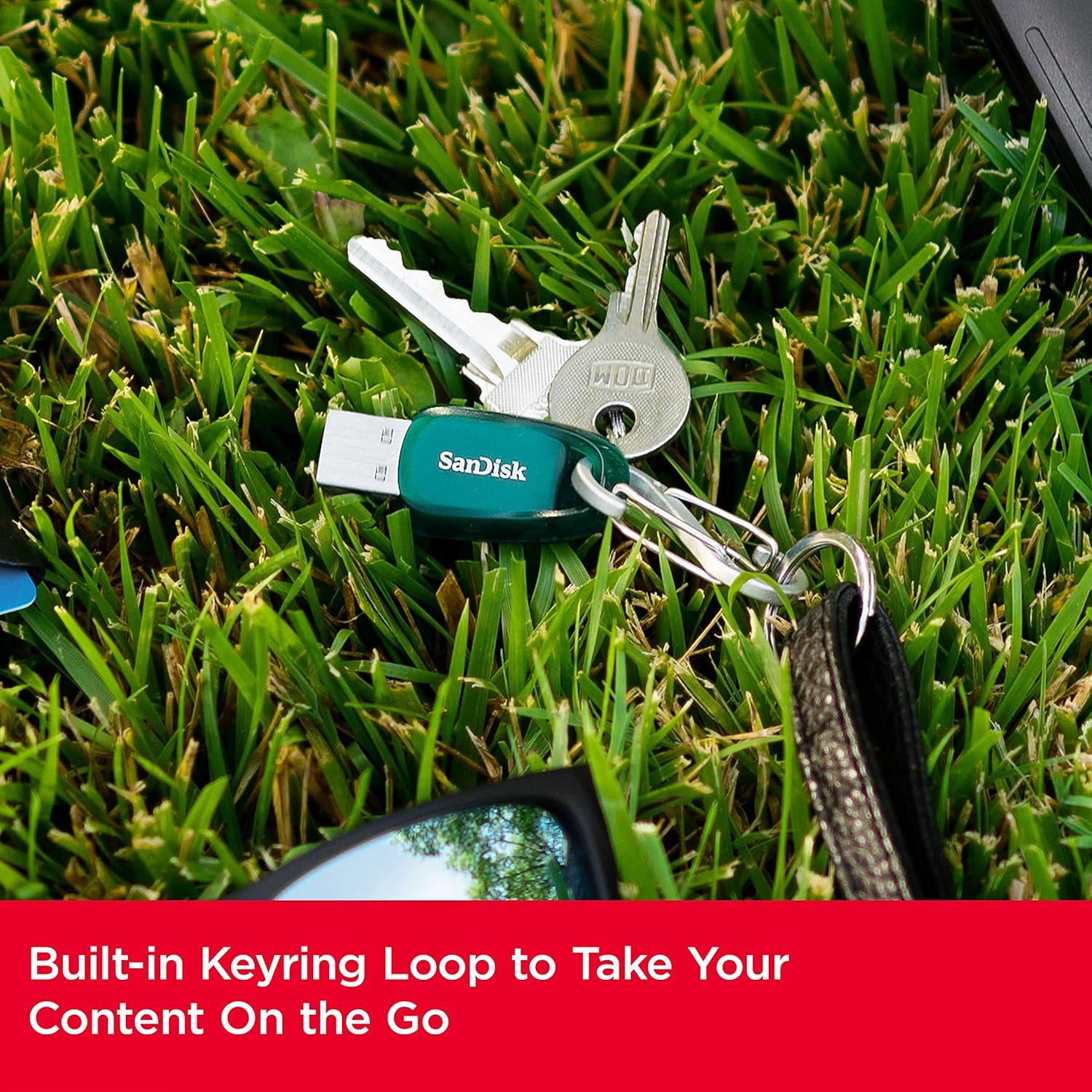
Image: The SanDisk Ultra Eco USB Flash Drive attached to a keyring with keys, illustrating its built-in loop for easy carrying.
Arazoak konpontzea
| Gaia | Kausa posiblea | Irtenbidea |
|---|---|---|
| Unitatea ez da ezagutzen | Loose connection, faulty USB port, driver issue, incorrect formatting. | Try a different USB port. Restart your computer. Check Device Manager (Windows) or System Information (macOS) for driver status. Reformat the drive if no data is present. |
| Transferentzia-abiadura motelak | Using a USB 2.0 port, large number of small files, background processes, drive fragmentation. | Ensure you are using a USB 3.0/3.1/3.2 port (often blue inside). Transfer fewer, larger files. Close unnecessary applications. Defragment the drive (Windows only, not recommended for SSDs/flash drives). |
| Ezin dut idatzi filegidatzea | Drive is read-only, full, or formatted with a file system that doesn't support large files (e.g., FAT32 for files > 4GB). | Check if the drive is write-protected. Delete unnecessary files to free space. Reformat to exFAT or NTFS if you need to store files larger than 4GB. |
| Accidental data deletion | Erabiltzailearen errorea. | Use the included RescuePRO Deluxe data recovery software. Stop using the drive immediately to prevent overwriting deleted data. |
Zehaztapenak
- Marka: SanDisk
- Seriea: SanDisk Ultra Eco USB 3.2 Gen 1 Flash Drive
- Modelo zenbakia: SDCZ96-256G-G46
- Biltegiratze digitalaren edukiera: 256 GB
- Interfazea: USB 3.2 Gen 1 (atzeranzko bateragarria USB 2.0-rekin)
- Irakurtzeko abiadura: Gehienez 100 MB/s
- Kolorea: Urdin-Berdea
- Elementuaren pisua: Gutxi gorabehera 0.352 ontza (10 gramo)
- Produktuaren neurriak (LxWxH): Gutxi gorabehera 1.81 x 0.83 x 0.36 hazbete (4.6 x 2.1 x 0.9 cm)
- Materiala: Over 70% recycled plastic
- Fabrikatzailea: Western Digital Technologies, Inc.
- Jatorrizko herrialdea: Malaysia
Bermea eta Laguntza
For warranty information and technical support, please visit the official SanDisk website. Keep your proof of purchase for warranty claims. The included RescuePRO Deluxe software is a valuable tool for data recovery, and its terms and conditions are available upon registration.
SanDisk Official Webgunea: www.sandisk.com