
1. Sarrera
Welcome to the Nokia T10 Wi-Fi Tablet user manual. This guide provides essential information to help you set up, operate, maintain, and troubleshoot your new device. The Nokia T10 is an 8-inch HD Android 12 tablet designed for everyday use, offering a balance of performance and portability.
Please read this manual carefully to ensure proper use and to maximize the lifespan of your tablet.
2. Zer dago kutxan
Upon unboxing your Nokia T10 tablet, please verify that all the following items are included:
- Nokia T10 Tablet Device
- C motako USB kablea
- Kargagailua
- Hasierako gida azkarra (QSG)
- Segurtasun Liburuxka
- User Guide Band
- Plastic Bag (packaging material)
If any items are missing or damaged, please contact your retailer or Nokia customer support immediately.
3. Konfigurazioa
3.1 Tableta kargatzea
Before first use, fully charge your Nokia T10 tablet. Connect the provided Type-C USB cable to the tablet's charging port and the other end to the charger. Plug the charger into a power outlet. The battery indicator on the screen will show the charging status.
3.2 Piztu/Itzaltzea
- Pizteko: Press and hold the Power button until the Nokia logo appears.
- Itzaltzeko: Press and hold the Power button until the power options appear on the screen. Select "Power off" and confirm.
- Berrabiarazteko: Press and hold the Power button until the power options appear. Select "Restart" and confirm.
3.3 Hasierako konfigurazioa
When you power on your tablet for the first time, you will be guided through an initial setup process:
- Hizkuntza hautaketa: Aukeratu zure hizkuntza hobetsia.
- Wi-Fi konexioa: Connect to a Wi-Fi network to access the internet. This is crucial for downloading updates and setting up your Google account.
- Google kontua: Sign in with your existing Google account or create a new one. This is necessary for accessing the Google Play Store, Gmail, and other Google services.
- Data eta ordua: Ezarri data eta ordu zuzena, edo utzi sareari automatikoki ezartzen.
- Segurtasuna: Set up a screen lock (PIN, pattern, password) and consider enabling AI Face Unlock for convenient access.
3.4 MicroSD txartel bat sartzea
The Nokia T10 supports expandable storage via a MicroSD card. Locate the SIM/SD card tray on the side of the tablet. Use the provided SIM ejector tool to open the tray. Carefully place the MicroSD card into the designated slot with the gold contacts facing down, then reinsert the tray firmly.
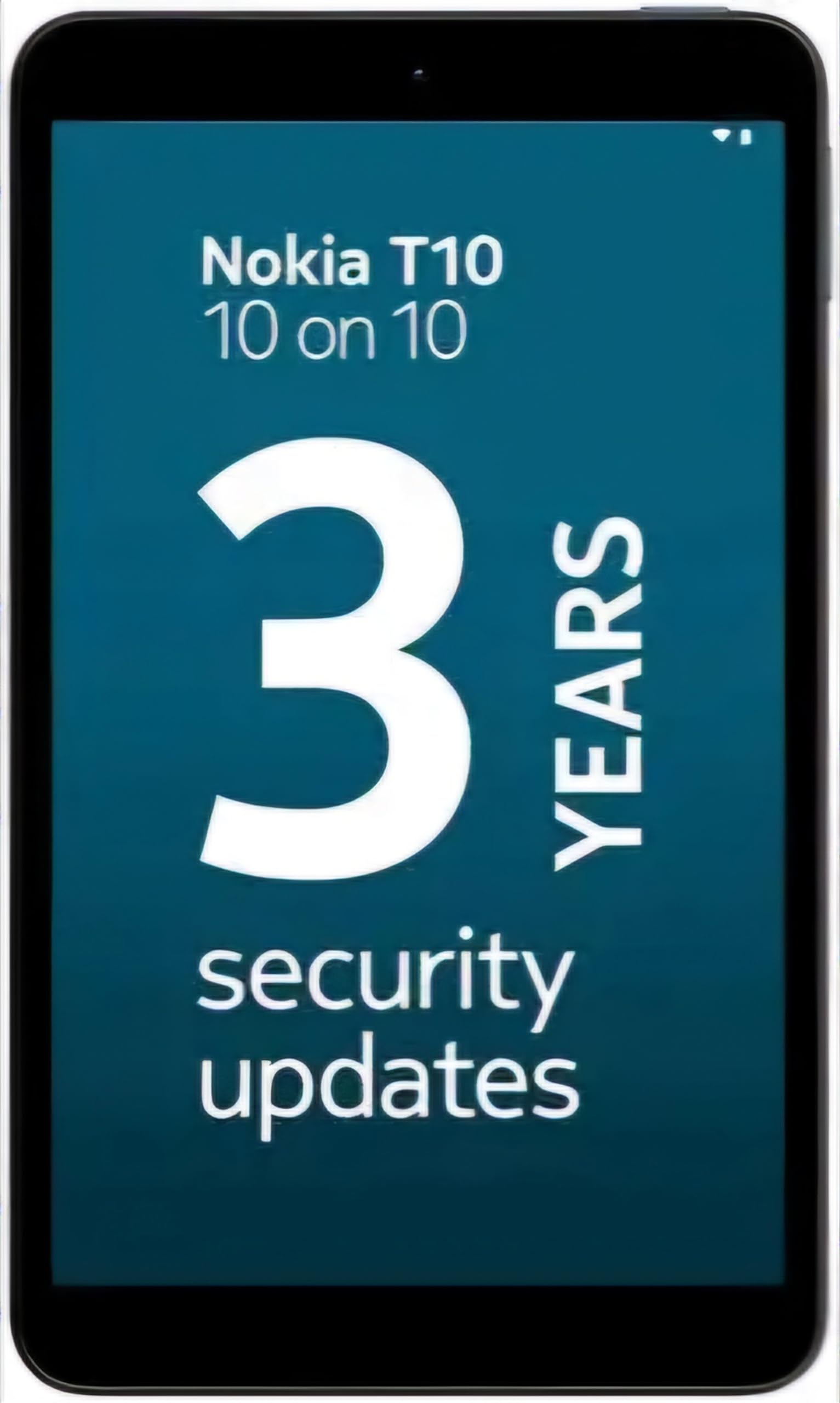
Image: Nokia T10 tablet, showcasing its sleek design and the rear camera module.
4. Funtzionamendu-argibideak
4.1 Pantaila eta nabigazioa
The Nokia T10 features an 8-inch HD display (1280x800 pixels). Navigate the interface using touch gestures:
- Sakatu: Hautatu elementu bat edo ireki aplikazio bat.
- Pasatu hatza: Joan pantailetan, zerrendetan edo edukian zehar.
- Zoom egiteko apur bat egin: Argazkiak handitu edo txikitu eta web orrialdeak.
- Prentsa luzea: Sartu testuinguru-menuetara edo mugitu aplikazioen ikonoak.
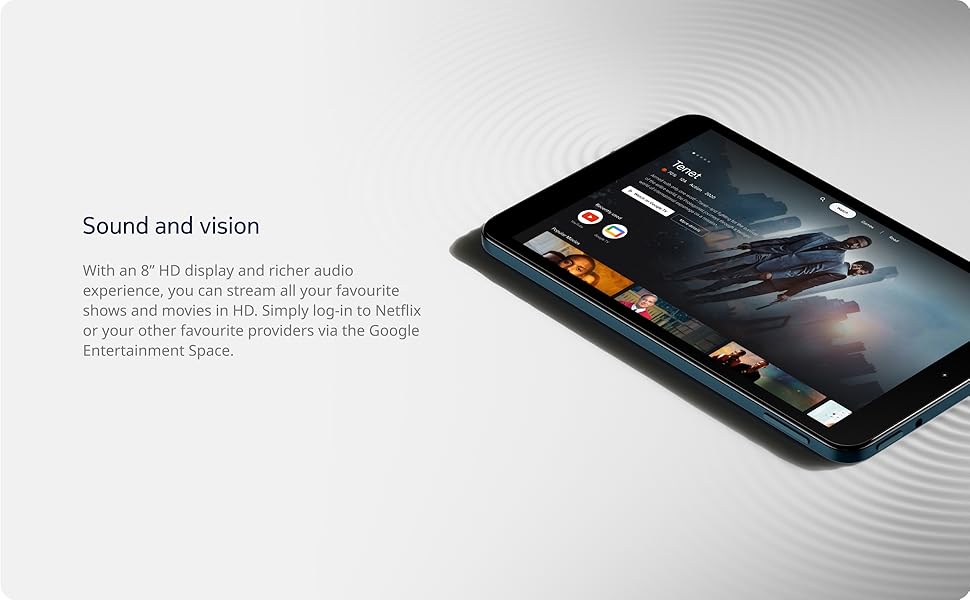
Image: The Nokia T10 tablet showcasing its 8-inch HD display with streaming video content.
4.2 Kameraren funtzioak
Your tablet is equipped with an 8MP rear camera with autofocus and flash, and a 2MP front camera.
- Argazkiak ateratzen: Ireki Kamera aplikazioa, markoztatu argazkia eta sakatu obturadorearen botoia.
- Bideoak grabatzen: Switch to video mode in the Camera app and tap the record button to start/stop. The tablet supports FHD 1080p video capture.
- Aurrealdeko kamera: Tap the camera switch icon to use the front camera for selfies or video calls.

Image: A Nokia T10 tablet displaying a video call, highlighting its front camera functionality.
4.3 Bateriaren kudeaketa
The Nokia T10 has a 5250 mAh battery designed for all-day use. To optimize battery life:
- Murriztu pantailaren distira.
- Itzali Wi-Fia eta Bluetooth erabiltzen ez dituzunean.
- Itxi atzeko planoan dauden aplikazioak.
- Enable battery saver mode in Settings.
4.4 Konektibitatea
- Wi-Fi: Connect to wireless networks via Settings > Network & internet > Wi-Fi. The tablet supports 802.11a/b/g/n/ac standards.
- Bluetootha: Pair with Bluetooth devices (headphones, speakers) via Settings > Connected devices > Bluetooth. The tablet features Bluetooth 5.0.
- USB C mota: Erabili USB-C ataka kargatzeko eta datuak transferitzeko.
4.5 AI Face Unlock
For quick and secure access, set up AI Face Unlock:
- Go to Settings > Security > Face unlock.
- Jarraitu pantailako argibideei zure aurpegia erregistratzeko.
- Ensure you are in a well-lit environment during setup and use.
4.6 Softwarea eta eguneraketak
The Nokia T10 runs on Android 12. Nokia provides 2 years of OS updates and 3 years of monthly security updates to keep your device secure and up-to-date. You will receive notifications when updates are available. It is recommended to install updates over a Wi-Fi connection.
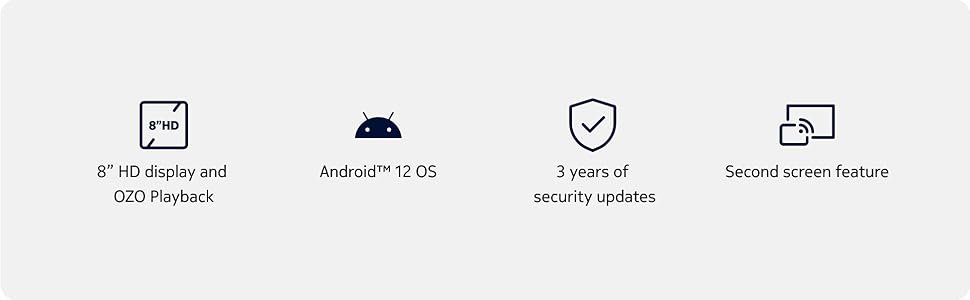
Image: Visual representation of Nokia T10 features including Android 12 OS and 3 years of security updates.
5. Mantentzea
5.1 Tableta garbitzea
- Erabili zapi leun eta lihorik gabeko bat pantaila eta gorputza garbitzeko.
- Saihestu produktu kimiko gogorrak, garbitzaile urratzaileak edo aerosolak erabiltzea.
- Do not expose the tablet to excessive moisture.
5.2 Software eguneraketak
Egiaztatu eta instalatu software eguneraketak aldizka errendimendu eta segurtasun optimoa bermatzeko. Joan Ezarpenak > Sistema > Sistemaren eguneraketa atalera.
5.3 Biltegiratze kudeaketa
To maintain performance, periodically manage your tablet's storage:
- Delete unnecessary apps and files.
- Mugitu handia files (photos, videos) to a MicroSD card or cloud storage.
- Clear app cache regularly via Settings > Apps > [App Name] > Storage & cache.
6. Arazoak
If you encounter issues with your Nokia T10 tablet, try the following solutions:
| Arazoa | Irtenbidea |
|---|---|
| Tableta ez da pizten | Ziurtatu bateria kargatuta dagoela. Konektatu kargagailua eta itxaron minutu batzuk berriro pizten saiatu aurretik. |
| Wi-Fi konexio arazoak | Restart your Wi-Fi router. Go to Settings > Network & internet > Wi-Fi, turn Wi-Fi off and then on again. Forget the network and reconnect. |
| Errendimendu motela | Close unused apps. Clear app caches. Restart the tablet. Check for available software updates. |
| Aplikazioak huts egiten edo blokeatzen | Force stop the app (Settings > Apps > [App Name] > Force stop). Clear the app's cache and data. Reinstall the app. |
| Bateria azkar agortzen da | Reduce screen brightness. Disable unnecessary features like GPS, Bluetooth, and Wi-Fi when not in use. Check battery usage in Settings to identify power-hungry apps. |
If the problem persists after trying these steps, please contact Nokia customer support.
7. Zehaztapenak
Below are the key technical specifications for the Nokia T10 Wi-Fi Tablet:
- Ereduaren izena: Nokia T10 TA-1472 WIFI 3/32
- Sistema eragilea: Android 12
- Prozesadorea: Unisoc T606 (Octa-core, 1.6 GHz)
- Koprozesadore grafikoa: Mali-G57
- RAM: 3 GB
- Barne biltegiratzea: 32 GB
- Biltegiratze zabalgarria: Yes, via MicroSD card (up to 512GB, sold separately)
- Pantaila: 8-inch HD (1280 x 800 pixels) TFT, 16:10 aspect ratio
- Atzeko kamera: 8 MP with AF and Flash
- Aurrealdeko kamera: 2 MP
- Bideoa ateratzeko ebazpena: FHD 1080p at 30 fps
- Bateria: 5250 mAh litio-polimeroa
- Konektibitatea: Wi-Fi (802.11a/b/g/n/ac), Bluetooth 5.0, USB Type-C, 3.5mm Audio Jack
- Segurtasun Ezaugarriak: AI aurpegia desblokeatzea
- Audioa: Stereo Speakers, OZO Playback
- Dimensions (L x W x Thickness): 20.8L x 12.3W x 0.9Th Centimeters
- Pisua: 375 gramo
- Kolorea: Urdina
8. Bermearen informazioa
The Nokia T10 tablet comes with a 1 urteko fabrikatzailearen bermea for the device and battery from the date of purchase. In-box accessories are covered by a 6 hilabeteko fabrikatzailearen bermea from the date of purchase. Please retain your proof of purchase for warranty claims. For detailed terms and conditions, refer to the warranty card included in your product packaging or visit the official Nokia support webgunea.
9. Laguntza
For further assistance, technical support, or to find service centers, please visit the official Nokia support website or contact their customer service. You can typically find support contact information on the Nokia website or in the safety booklet provided with your tablet.
Lineako laguntza: Nokiaren laguntza Webgunea