
Sarrera
This manual provides essential information for setting up, operating, maintaining, and troubleshooting your CUPEISI 7-inch Android 14 Tablet. Please read this guide thoroughly to ensure proper use and to maximize your tablet's performance and longevity.
Kutxan dagoena
Egiaztatu elementu guztiak daudela kutxa irekitzean:
- CUPEISI 7-inch Android 14 Tablet
- C motako kablea
- Erabiltzailearen eskuliburua (dokumentu hau)
Produktua amaituview
The CUPEISI Q2S tablet features a 7-inch HD IPS display, powered by a 1.6GHz Quad-core processor and running Android 14. It includes 8GB RAM (4GB physical + 4GB virtual) and 32GB internal storage, expandable up to 1TB via microSD card. The tablet is equipped with dual cameras and supports Wi-Fi and Bluetooth connectivity.
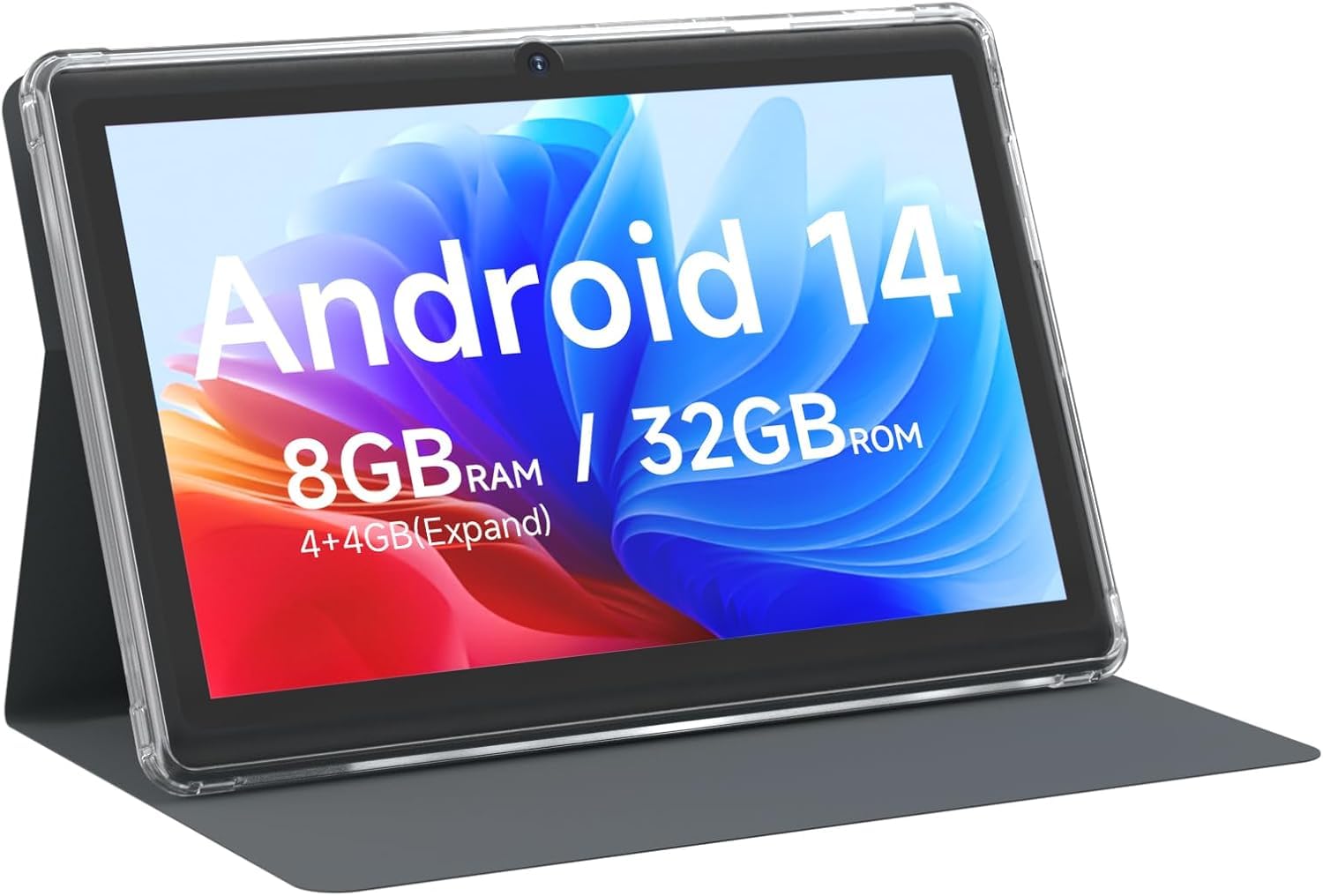
CUPEISI 7-inch Android 14 Tablet, front view.

Amaituview of CUPEISI 7-inch Android 14 Tablet features including OS, CPU, RAM, ROM, Screen, Camera, Battery, and WiFi.
Konfigurazioa
1. Tableta kargatzea
Before first use, fully charge the tablet. Connect the provided Type-C cable to the tablet's charging port and the other end to a compatible USB power adapter (not included) or a computer's USB port. The battery indicator on the screen will show charging status.
2. Piztea eta hasierako konfigurazioa
- Eduki sakatuta pizteko botoia pantaila argitu arte.
- Follow the on-screen prompts to select your language, region, and other initial settings.
3. Wi-Fira konektatzen
- Joan zaitez Ezarpenak > Sarea eta Internet > Wi-Fi.
- Wi-Fia aktibatu/desaktibatu On.
- Hautatu nahi duzun Wi-Fi sarea zerrendatik.
- Sareko pasahitza idatzi behar baduzu, eta ondoren sakatu Konektatu.
4. Google kontuaren konfigurazioa
A Google account is required to download apps from Google Play Store and access Google services. You can sign in with an existing account or create a new one during the initial setup or later via Ezarpenak > Kontuak.
Tableta erabiltzea
1. Basic Navigation and Gestures
- Sakatu: Hautatu elementu bat edo ireki aplikazio bat.
- Pasatu hatza: Pantailetan edo zerrendetan zehar joan.
- Pixka bat: Irudiak handitu edo txikitu eta web orrialdeak.
- Prentsa luzea: Sartu testuinguru-menuetara edo mugitu ikonoak.
2. Aplikazioak kudeatzea

Tablet screen showing various application icons, illustrating the 8GB RAM and 32GB ROM storage capacity.
- Instalatu aplikazioak: Open the Google Play Store app, search for your desired app, and tap Instalatu.
- Desinstalatu aplikazioak: Long-press an app icon on the home screen or app drawer, then drag it to the Desinstalatu aukera, edo joan honera Ezarpenak > Aplikazioak > select the app > Desinstalatu.
3. Biltegiratze kudeaketa
The tablet has 32GB of internal storage. You can expand this by inserting a microSD card (up to 1TB) into the designated slot. To manage storage, go to Ezarpenak > Biltegiratzea.
4. Kamera erabiliz
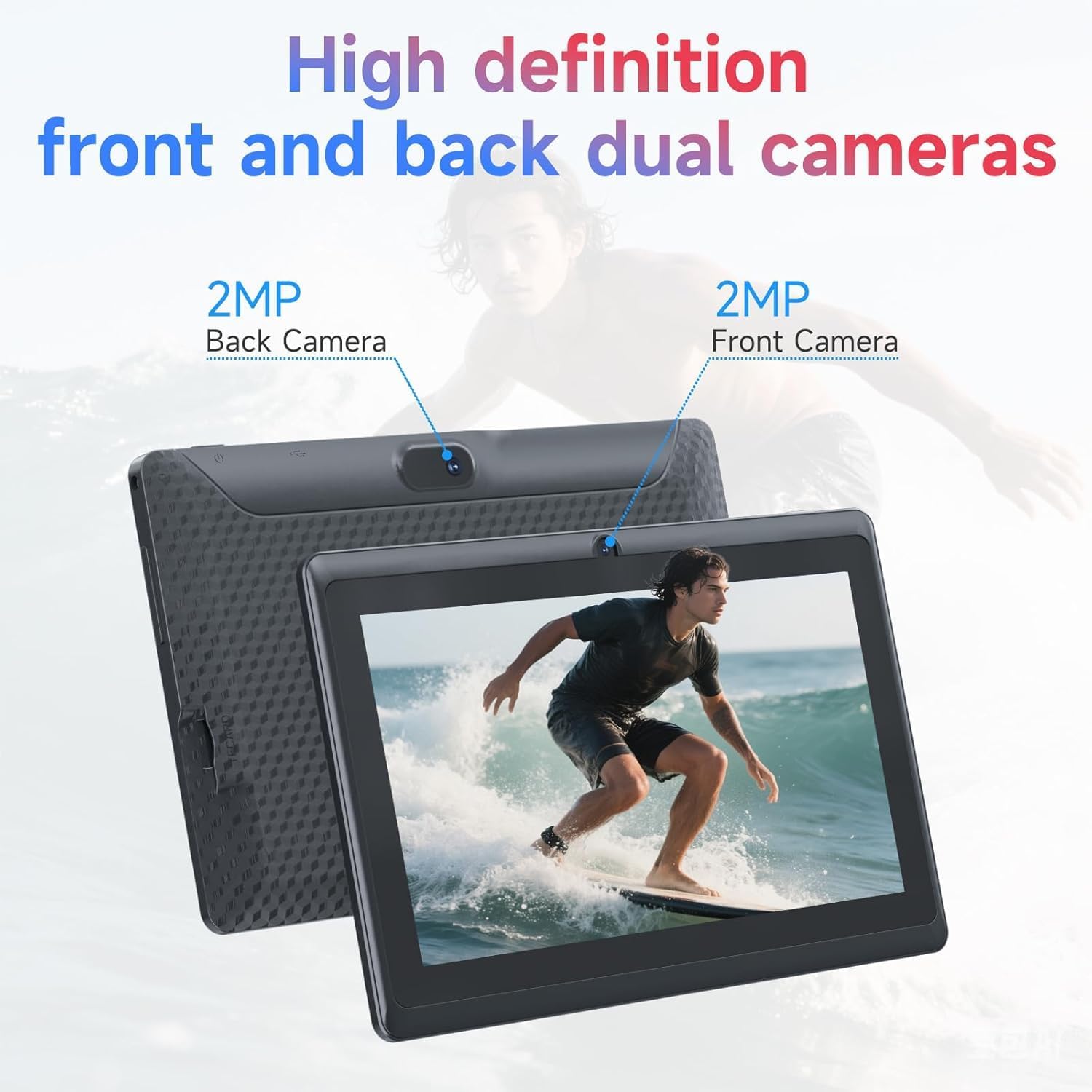
Illustration of the tablet's dual cameras, featuring a 5MP front camera and an 8MP rear camera.
The tablet features a 5MP front camera and an 8MP rear camera. Open the Kamera app to take photos or record videos. Tap the camera icon to switch between front and rear cameras.
5. Connectivity (Bluetooth)
Bluetooth gailuak konektatzeko:
- Joan zaitez Ezarpenak > Konektatutako gailuak > Bluetootha.
- Aktibatu Bluetooth-a On.
- Hautatu Parekatu gailu berria eta aukeratu zure gailua zerrendatik.
6. Eye Protection Mode

The 7-inch IPS HD screen of the tablet displaying a colorful image, highlighting its 1024x600 resolution.
The tablet's display is designed to reduce blue light emission for eye comfort. You can enable or adjust eye protection settings in Ezarpenak > Bistaratzea.

A user engaged in a video conference on the tablet, demonstrating its suitability for work and study.
Mantentzea
1. Garbiketa eta Zainketa
- Erabili zapi leun eta lihorik gabeko bat tabletaren pantaila eta gorputza garbitzeko.
- Saihestu produktu kimiko gogorrak edo material urratzaileak erabiltzea.
- Mantendu tableta muturreko tenperaturetatik, eguzki-argitik eta hezetasunetik urrun.

An image depicting the tablet's drop protection feature, showing it withstands impacts.
2. Software eguneraketak
Egiaztatu eta instalatu software eguneraketak aldizka errendimendu eta segurtasun optimoa bermatzeko. Joan honera Ezarpenak > Sistema > Sistema eguneratzea.
3. Bateriaren optimizazioa
- To prolong battery life, reduce screen brightness, disable Wi-Fi/Bluetooth when not in use, and close background apps.
- Saihestu bateria maiz erabat deskargatzea.
Arazoak konpontzea
| Gaia | Irtenbide posiblea |
|---|---|
| Tableta ez da pizten | Ensure the tablet is charged. Connect to a power source and wait a few minutes before attempting to power on again. |
| Wi-Fi konexio arazoak | Check if Wi-Fi is enabled in settings. Restart your router and the tablet. Ensure you have entered the correct password. |
| Errendimendu motela | Close unnecessary background applications. Clear cache from apps in Settings > Apps. Consider performing a factory reset if issues persist (back up data first). |
| Aplikazioak huts egiten edo blokeatzen | Update the app to the latest version. Clear the app's cache and data in Settings > Apps. Reinstall the app. |
Zehaztapenak
| Marka | CUPEISI |
| Modelo zenbakia | Q2S |
| Sistema eragilea | Android 14 |
| Prozesadorea | 1.6 GHz Quad-core (ARM Cortex) |
| RAM | 8 GB (4GB fixed + 4GB virtual) |
| Barne Biltegiratzea | 32 GB |
| Biltegiratze zabalgarria | Gehienez 1 TB microSD txartelaren bidez |
| Pantailaren tamaina | 7 hazbete |
| Bistaratzeko ebazpena | 1024 x 600 Pixels IPS HD |
| Aurrealdeko kamera | 5 MP |
| Atzeko kamera | 8 MP |
| Bateria Edukiera | 3000 mAh |
| Bateriaren batez besteko iraupena | 6 ordu |
| Konektibitatea | Wi-Fi (802.11g), Bluetooth |
| Interfazea | USB C motakoa |
| Neurriak (L x Z x L) | 7.5" x 4.3" x 0.3" |
| Elementuaren pisua | 0.38 kilogramo |
Bermearen informazioa
The CUPEISI Q2S Tablet comes with a 1-year limited warranty from the date of purchase. This warranty covers manufacturing defects and workmanship under normal use. It does not cover damage caused by misuse, accidents, unauthorized modifications, or external factors. Please retain your proof of purchase for warranty claims.
Bezeroarentzako Arreta
For further assistance, technical support, or warranty inquiries, please refer to the contact information provided with your product packaging or visit the official CUPEISI website. When contacting support, please have your tablet model number (Q2S) and proof of purchase ready.