
1. Sarrera
Thank you for choosing the FULLJA 11 Inch WiFi Digital Picture Frame. This smart cloud digital photo frame is designed to help you easily share and display your cherished photos and videos with family and friends. Featuring a vibrant IPS touch screen and smart motion sensor, it offers a user-friendly experience for preserving and reliving your precious memories.
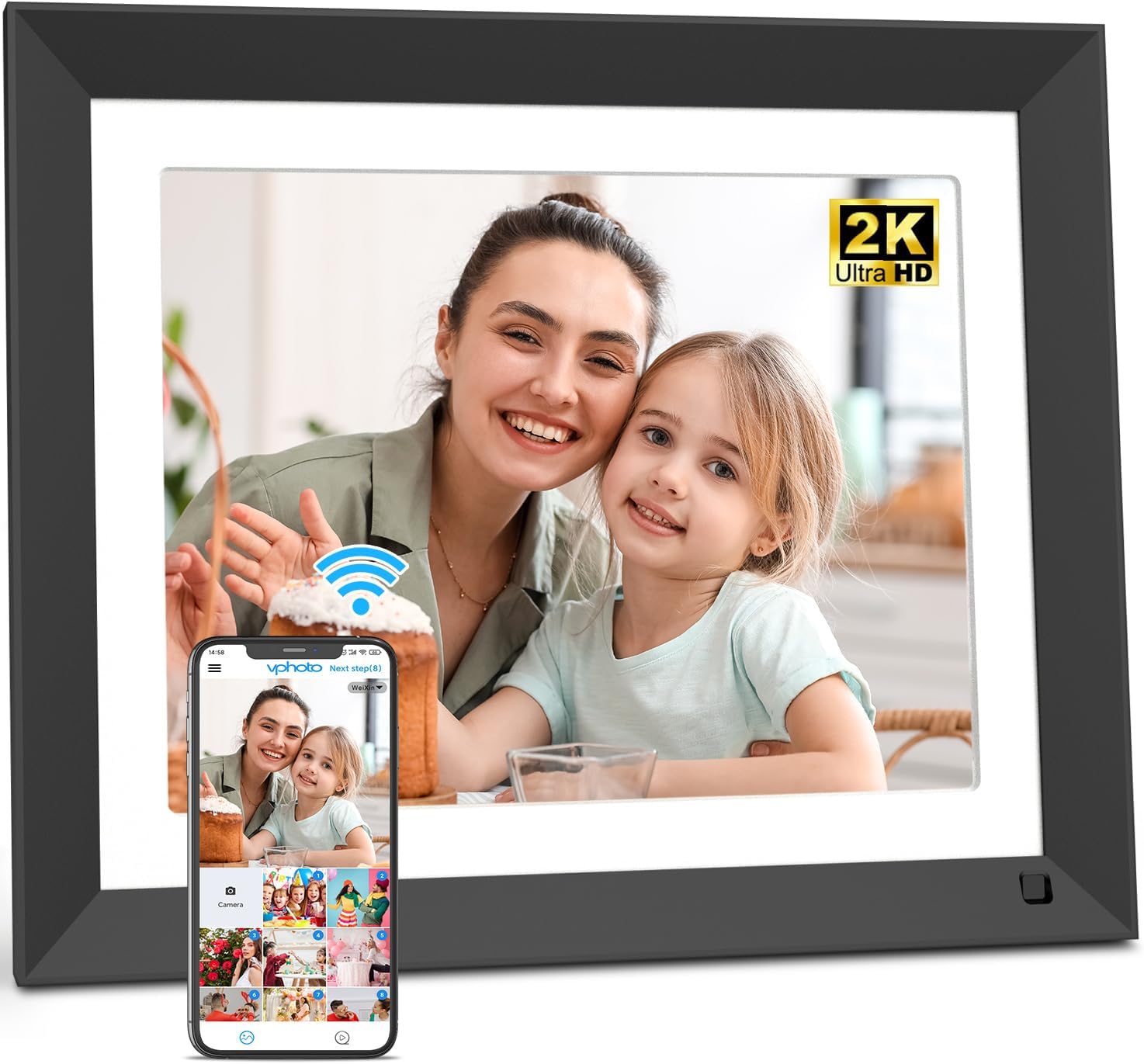
The FULLJA 11 Inch WiFi Digital Picture Frame, showcasing its sleek design and the Vphoto app for easy photo sharing.
2. Konfigurazio gida
Follow these steps to set up your FULLJA Digital Picture Frame and begin sharing memories:
- Konektatu: Konektatu korronte-egokitzailea markora eta entxufe batera. Markoa automatikoki piztuko da.
- Konektatu WiFira: On the frame's touch screen, navigate to settings and connect to your home WiFi network. The frame supports both 2.4 GHz and 5GHz networks.
- Deskargatu Vphoto aplikazioa: Deskargatu "Vphoto" aplikazioa zure telefonoaren aplikazio dendatik (iOS eta Androiderako eskuragarri).
- Bind Frame to App: Open the Vphoto app and follow the on-screen instructions to scan the QR code displayed on your frame. This will bind your app to the frame. Alternatively, you can use a connection code for remote binding.
- Share via Vphoto: Once bound, you can easily upload photos and videos directly from your smartphone to the frame using the Vphoto app.
- Alternative Sharing: Photos and videos can also be sent to the frame via email (the frame's unique email address is found in settings) or by connecting a computer via Micro USB cable. The frame also supports direct media playback from a TF/Micro SD memory card.
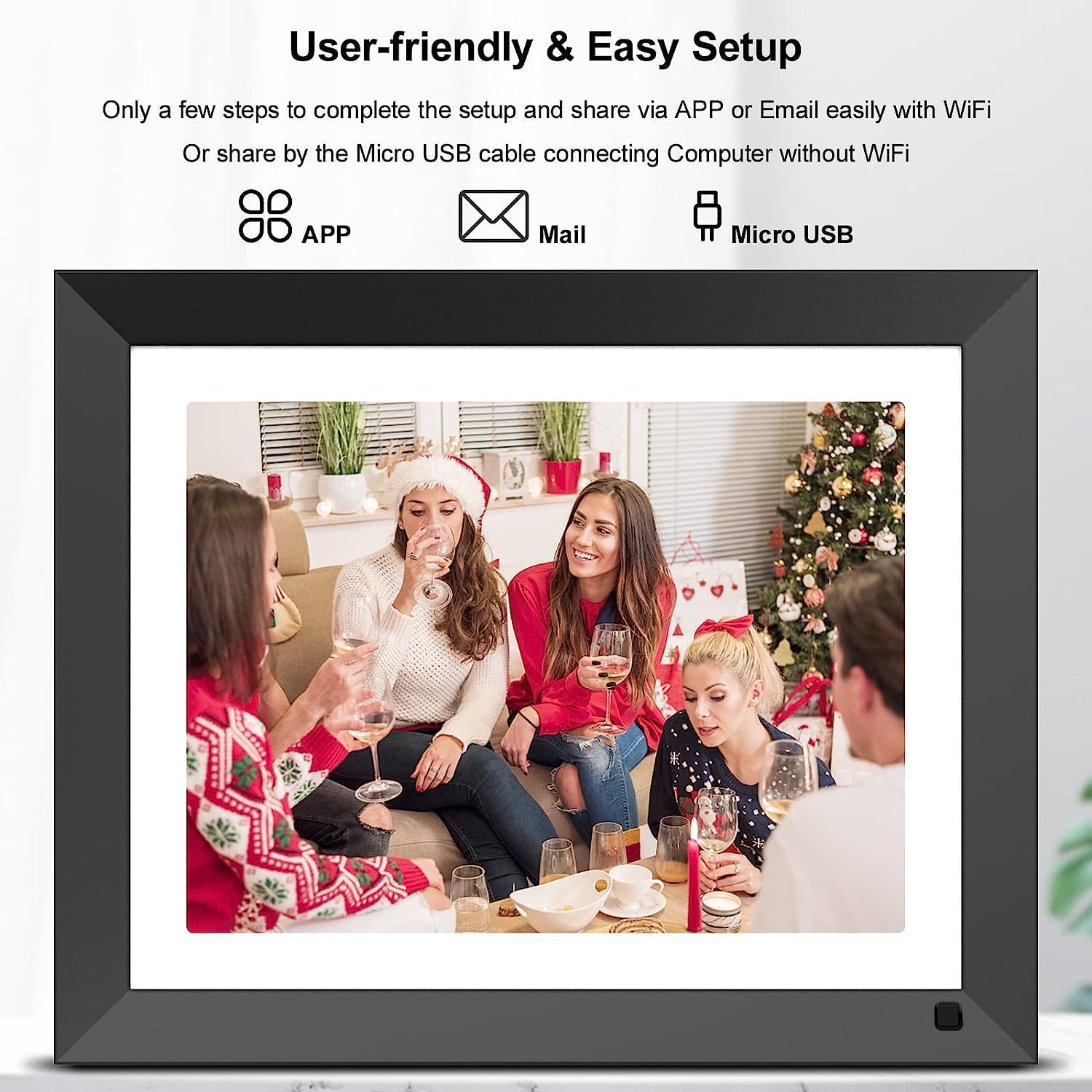
User-friendly setup allows sharing via app, email, or Micro USB connection.

Visual representation of the five key setup steps for the digital frame.
3. Funtzionamendu-argibideak
3.1 Ukipen-pantailaren nabigazioa
The frame features an intuitive touch screen interface. You can easily browse through photos and videos, delete files, adjust brightness, or pause the slideshow with a simple tap of your finger.
3.2 Photo and Video Display
The 2K (2176x1600 resolution) IPS display ensures clear and vivid photo quality with wide viewing angles and accurate color reproduction. You can customize slideshow modes, sorting options, and choose to display captions for your memories.

The 2K IPS display provides a wide full viewing angle, ensuring clear images from any perspective.
3.3 Mugimendu-sentsore adimenduna
The integrated motion sensor allows the digital frame to automatically turn on when you approach and turn off when you leave, contributing to energy saving.
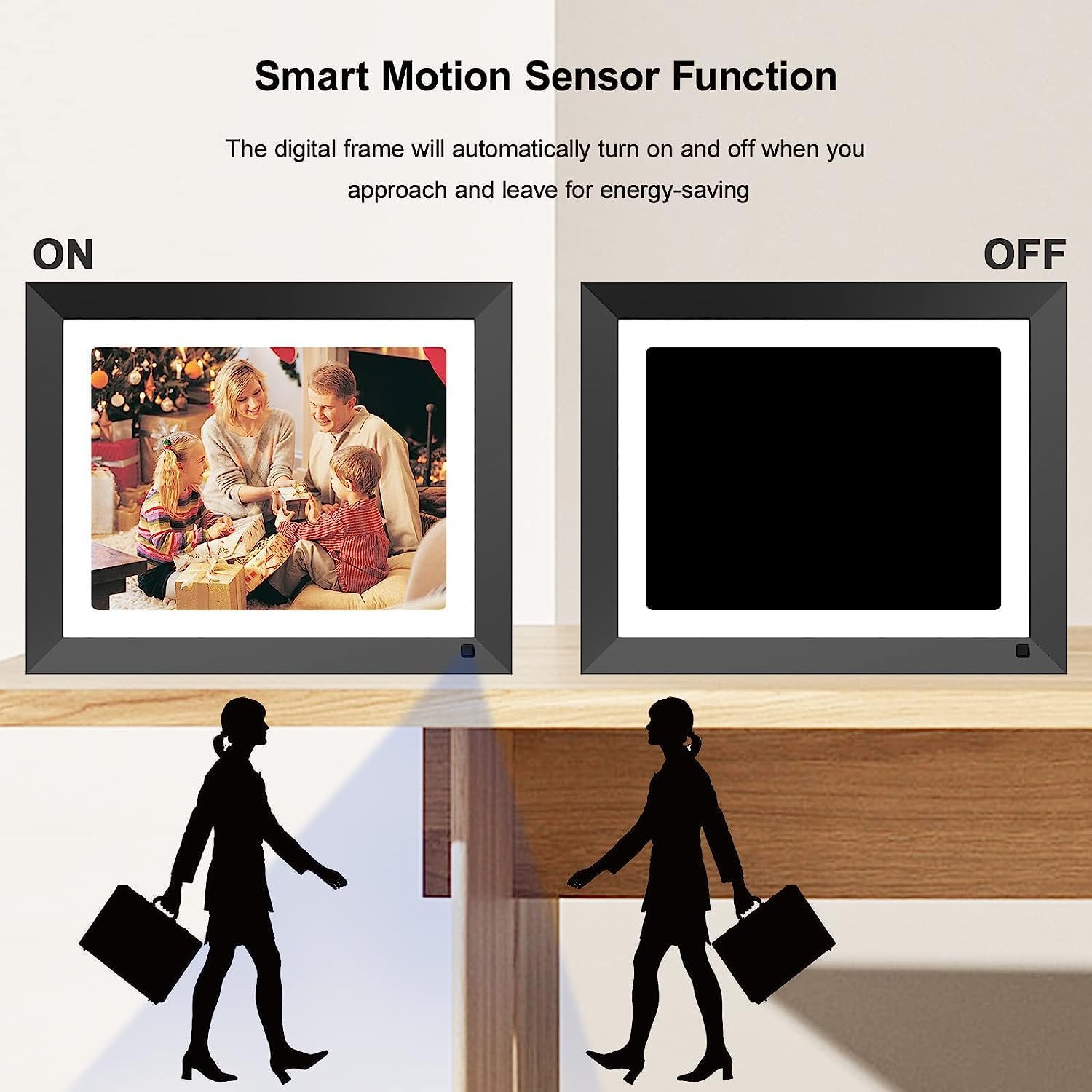
The smart motion sensor function automatically turns the frame display on or off.
3.4 Ezaugarri gehigarriak
- Erlojua eta egutegia: The frame can display the current time and date, and includes an alarm clock function.
- Musika erreprodukzioa: Music can be played in the background during slideshows.
- Lo egiteko modua: Schedule specific times for the frame to automatically turn off its display.
- Jakinarazpenak: Receive an audible chime when new pictures are received.
4. Mantentzea
Zure argazki-marko digitalaren iraupena eta errendimendu optimoa bermatzeko, jarraitu mantentze-jarraibide hauek:
- Pantaila garbitzea: Use a soft, dry, lint-free cloth to gently wipe the screen. Avoid using abrasive cleaners, solvents, or spray directly onto the screen.
- Markoaren gorputza garbitzea: Wipe the frame body with a soft, slightly damp cloth. Ensure no moisture enters the device.
- Biltegiratzea: Denbora luzez erabiltzen ez baduzu, gorde markoa leku fresko eta lehor batean, eguzki-argitik eta muturreko tenperaturetatik babestuta.
- Itzali: Always power off the device properly before unplugging or performing any cleaning.
5. Arazoak
If you encounter any issues with your FULLJA Digital Picture Frame, please refer to the following common solutions:
- Frame Does Not Power On:
- Ziurtatu korronte-egokitzailea ondo konektatuta dagoela bai markoari bai funtzionatzen duen korronte-entxufe bati.
- Egiaztatu entxufea funtzionatzen duela beste gailu bat konektatuz.
- Ezin da WiFira konektatu:
- Egiaztatu berriro zure WiFi pasahitza.
- Ensure the frame is within range of your WiFi router.
- Restart your WiFi router and the digital frame.
- Confirm your router supports 2.4 GHz or 5GHz networks, and that the frame is attempting to connect to a compatible band.
- Photos/Videos Not Appearing on Frame:
- Ensure the frame is connected to WiFi if sharing via app or email.
- Verify that the Vphoto app is correctly bound to your frame (check the connection code/QR code).
- When transferring via app, note that some apps may have limits (e.g., 50 photos at a time).
- If using email, ensure the connection code is in the subject line unless the sender's email is already approved.
- For Micro USB or TF/SD card, ensure files are in supported formats and the storage device is properly inserted/connected.
- Videos Do Not Sync with Pictures in Slideshow:
- The frame is designed to play videos and pictures separately. Videos typically need to be watched individually and do not seamlessly integrate into a continuous photo slideshow.
- Initial Setup Issues (Frame Locks Up):
- During initial setup, ensure you complete the steps (device name, location, time zone) in the exact order presented on the screen.
- If the frame locks up, perform a factory reset (refer to the settings menu for this option) and restart the setup process, carefully following the on-screen prompts in sequence.
- Power Cord Appears Short:
- If the provided power cord is too short for your desired placement, consider using a compatible extension cord or sourcing a longer 5V/2A power cable with the correct connector tip.
- App Progress Bar in Chinese:
- This is a known minor display issue within the app's interface. It does not affect the functionality of the transfer process.
6. Zehaztapenak
| Marka | FULLJA |
| Modelo zenbakia | 222 |
| Pantailaren tamaina | 11 hazbete |
| Ebazpena | 2176 x 1600 (2K Ultra HD) |
| Bistaratzeko mota | IPS ukipen pantaila |
| Barne Biltegiratzea | 16 GB |
| Konektibitatea | Dual WiFi (2.4 GHz & 5GHz), Micro USB, TF/Micro SD Card Slot |
| Gailu bateragarriak | Ordenagailu pertsonala, telefono adimenduna, tableta |
| Kolorea | Beltza |
| Produktuaren neurriak | 9.84 x 12.2 x 0.99 hazbete |
| Elementuaren pisua | 1.83 kilo |
7. Bermea eta Laguntza
Your FULLJA Digital Picture Frame comes with a 12 hilabeteko bermea from the date of purchase. This warranty covers manufacturing defects and ensures product quality. For technical support, after-sales service, or any inquiries regarding your product, please contact FULLJA customer support through the contact information provided in your product packaging or on the official FULLJA webgunea.
Mesedez, gorde zure erosketa-froga berme-erreklamazioetarako.