
Sarrera
This manual provides comprehensive instructions for the setup, operation, and maintenance of your SMPL Big Button Corded Phone for Seniors, Model 56020. Designed with ease of use in mind, this phone features large buttons, amplified sound, and photo memory keys to enhance communication for individuals with hearing, vision, or dexterity challenges.
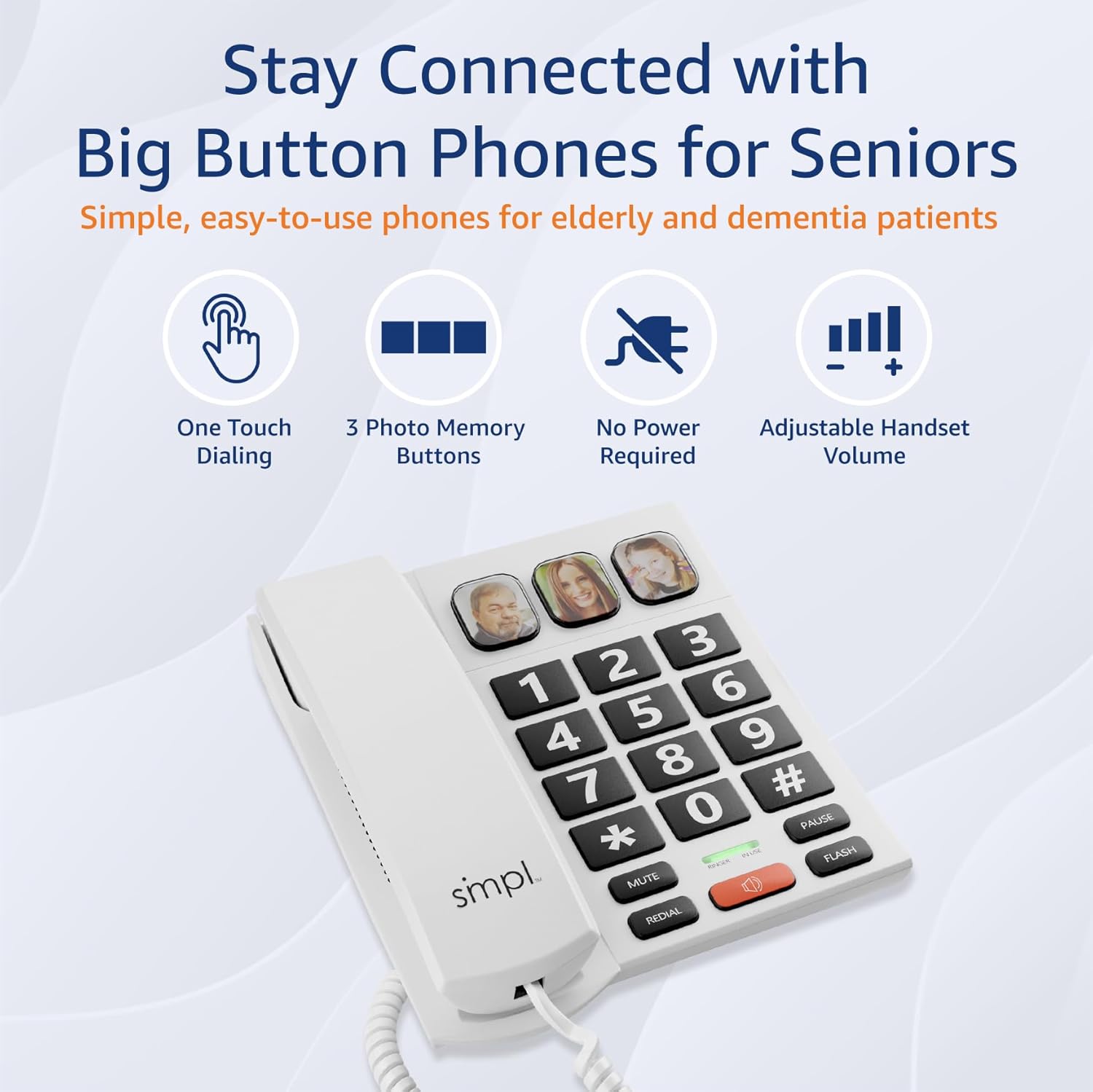
Image: The SMPL Big Button Corded Phone, showcasing its large keypad and three photo memory buttons.
Paketearen edukia
Mesedez, egiaztatu behean zerrendatutako elementu guztiak zure paketean sartuta daudela:
- 1 x Telephone Base
- 1 x Telefonoa
- 1 x Handset Cord
- 1 x Phone Line Cord
- 1 x Erabiltzailearen eskuliburua
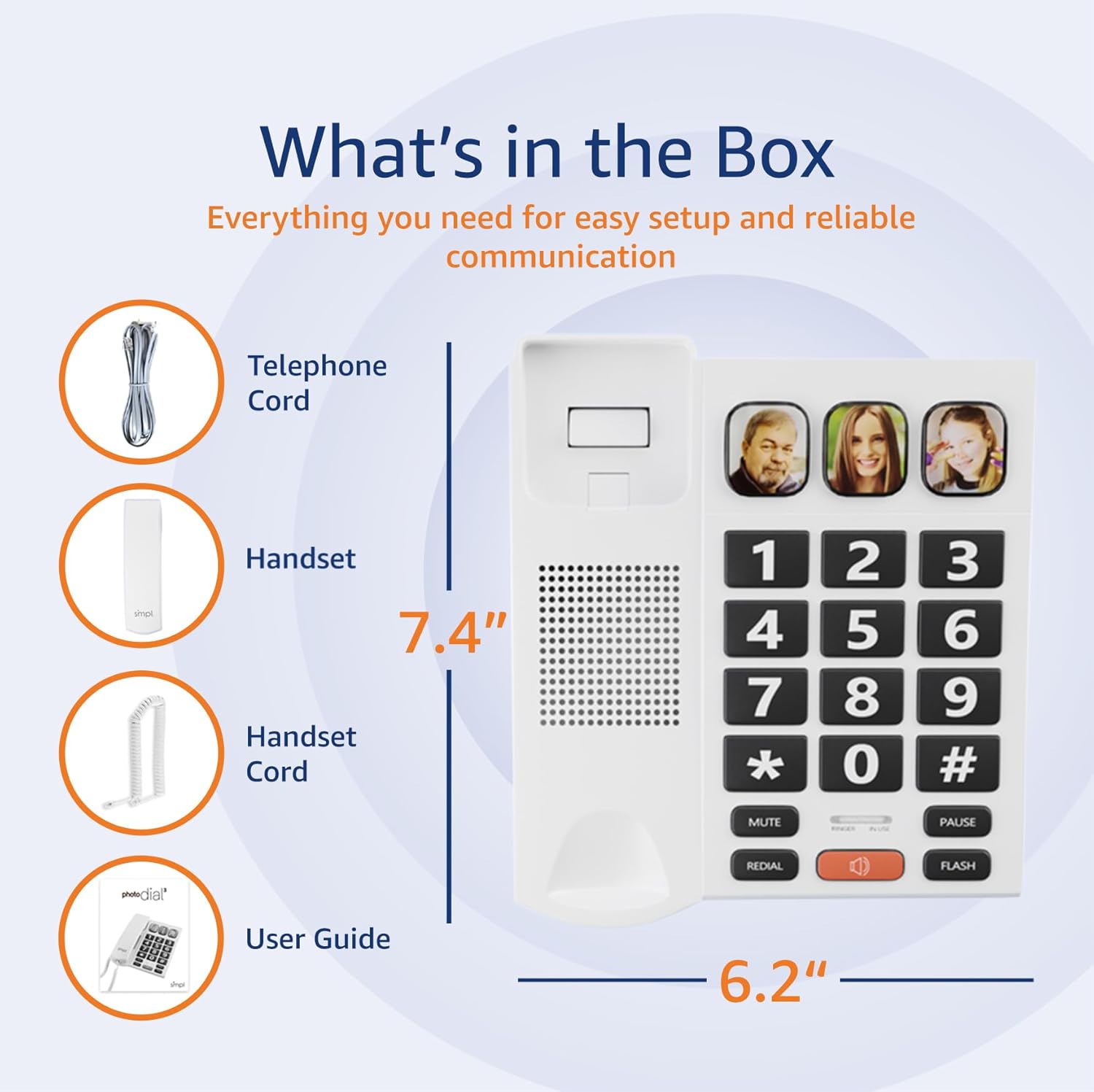
Image: A visual representation of the phone's components, including the telephone base, handset, cords, and user guide, laid out next to the packaging.
Konfigurazio Argibideak
- Konektatu telefonoa: Plug one end of the coiled handset cord into the handset and the other end into the designated port on the left side of the telephone base. Ensure a secure connection.
- Telefono-lineara konektatu: Plug one end of the phone line cord into the "LINE" port on the back of the telephone base. Plug the other end into your wall phone jack.
- Power (Optional for VoIP): This phone operates on traditional landlines without external power. If you are using a VoIP service (Internet with voice), an optional power adapter (Model 56021, sold separately) may be required for full functionality. Check your service bill if unsure.
- Adjust Ringer Volume: Locate the "LOW HI RINGER" switch on the back of the phone. Adjust to your preferred volume setting (Low or High).
- Adjust Handset Volume: Locate the "MED HI VHI HANDSET VOLUME" switch on the back of the phone. Adjust to your preferred listening level (Medium, High, or Very High).

Irudia: Atzealdea view of the phone base, highlighting the ports for the phone line and handset, along with the adjustable switches for ringer and handset volume.
Ezaugarriak amaitu diraview
- Botoi handiak: Oversized, high-contrast buttons for easy visibility and dialing, reducing errors for users with visual impairments or dexterity issues.
- Three Photo Memory Keys: Dedicated buttons (M1, M2, SOS) allow users to program frequently called numbers with corresponding photos for one-touch dialing.
- Amplified Handset & Ringer Volume: Adjustable volume levels for both the handset (up to 85 dB) and ringer (over 75 dB) to accommodate varying degrees of hearing loss.
- Flasher bisuala: An integrated visual alert flashes during incoming calls, providing an additional notification for users who may not hear the ringer.
- Bozgorailua: Hands-free communication option for convenience and group conversations.
- Berriro markatzeko funtzioa: Quickly redial the last number called.
- Flash botoia: Used for call waiting or transferring calls (if supported by your phone service).

Image: A close-up of the phone's large, easy-to-read buttons and the visual flasher, emphasizing its user-friendly design.
Funtzionamendu-argibideak
Dei bat egitea:
- Standard Dialing: Altxa telefonoa edo sakatu HIZLARIA button. Dial the desired phone number using the large keypad.
- Photo Memory Key Dialing:
- Programazioa:
- Altxatu telefonoa.
- Sakatu DENDA botoia.
- Dial the phone number you wish to save.
- Sakatu DENDA botoia berriro.
- Press one of the photo memory keys (M1, M2, or SOS) to assign the number.
- Jarri telefonoa.
- Markatzea: Altxa telefonoa edo sakatu HIZLARIA button, then simply press the desired photo memory key (M1, M2, or SOS). The phone will automatically dial the stored number.
- Programazioa:
Video: This video demonstrates how to add a phone number to a picture button on a similar Easyfone T6 model, illustrating the process of programming speed dial keys with associated images.
Video: This video illustrates how to dial numbers using the standard keypad function on a similar Easyfone T6 model, for calls not assigned to photo buttons.
Dei bat jasotzea:
- Telefonoak jotzen duenean, altxatu telefonoa edo sakatu tekla HIZLARIA erantzuteko botoia.
- Deia amaitzeko, jarri telefonoa berriro edo sakatu tekla HIZLARIA button again if using hands-free mode.
Adjusting Volume During a Call:
- While on a call, use the VOL+ eta Boluntario buttons (if available on your model) or the handset volume switch on the back of the phone to adjust the listening volume.
Mantentzea
- Garbiketa: Garbitu telefonoa zapi leun batekin,amp oihal. Ez erabili produktu kimiko gogorrak edo garbitzaile urratzaileak.
- Biltegiratzea: Gorde telefonoa leku fresko eta lehor batean, eguzki-argitik eta muturreko tenperaturetatik babestuta.
- Kablearen zainketa: Avoid tangling or excessive pulling of the cords to prevent damage.
Arazoak konpontzea
| Arazoa | Irtenbide posiblea |
|---|---|
| Markatze-tonurik ez |
|
| Ezin dut deitzailea entzun / Deitzaileak ezin nau entzun |
|
| Telefonoak ez du jotzen |
|
| Photo memory keys not working |
|
Zehaztapenak
- Modelo zenbakia: 56020
- Produktuaren neurriak: 19.1 x 20.7 x 6.4 cm
- Pisua: 581 g
- Kolorea: Zuria
- Materiala: Plastikoa
- Telefono mota: corded
- Energia iturria: Corded Electric (operates on landline power; optional adapter for VoIP)
- Markagailu mota: Teklatu bakarra
- Erantzungailu mota: Digital (Recording Capacity: 24 Minutes)
- Gailu bateragarriak: Audifonoa
- Lerro anitzeko eragiketa: Lerro bakarreko eragiketa
- Deitzailearen IDa: Ez
- UPC: 628857560203
Bermea eta Laguntza
For warranty information or technical support, please refer to the contact details provided with your purchase documentation or visit the official SMPL webgunea. Gorde erosketa-agiria erosketaren frogagiri gisa berme-erreklamazioetarako.