
1. Sarrera
This user manual provides essential information for the safe and efficient operation of your ZTE Grand X View 4 tablet. Please read this manual thoroughly before using the device to ensure proper functionality and to prevent damage. Keep this manual for future reference.
2. Produktua amaitu daview
The ZTE Grand X View 4 is an 8-inch Android tablet designed for multimedia consumption, browsing, and light productivity. It features an HD display, a Qualcomm Quad-core processor, and connectivity options including Wi-Fi and 4G LTE (GSM Unlocked).
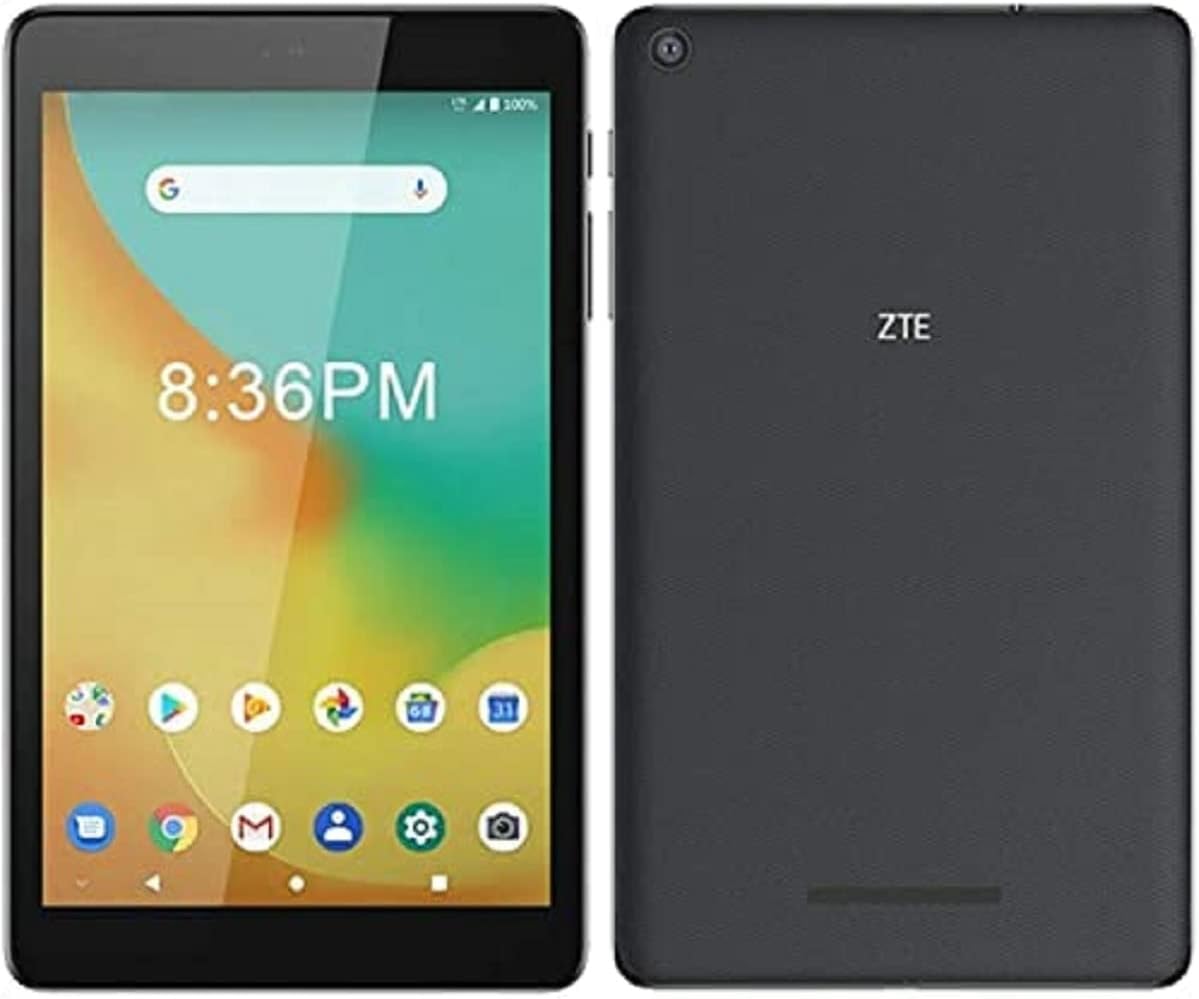
2.1. irudia: Aurretik eta atzetik view of the ZTE Grand X View 4 tablet. The front shows the display with app icons and time, while the back displays the ZTE logo and camera lens.
2.1 Ezaugarri nagusiak
- Pantaila: Brilliant 8-inch Corning Gorilla Glass HD display (1280x800 pixels).
- Prozesadorea: Qualcomm Quad-core Processor (1300 MHz, ARM Cortex-A7, 32-bit).
- Sistema eragilea: Android.
- Konektibitatea: UMTS B2/4/5, LTE B2/4/5/7/12(MFBI)/13/66(MFBI), Wi-Fi 802.11b/g/n, Bluetooth.
- Kamera: 5 MP Atzekoa Webkamara.
- Biltegiratzea: 32 GB barne memoria.
- GSM Unlocked: Compatible with various GSM providers (check compatibility).
2.2 Gailuaren diseinua
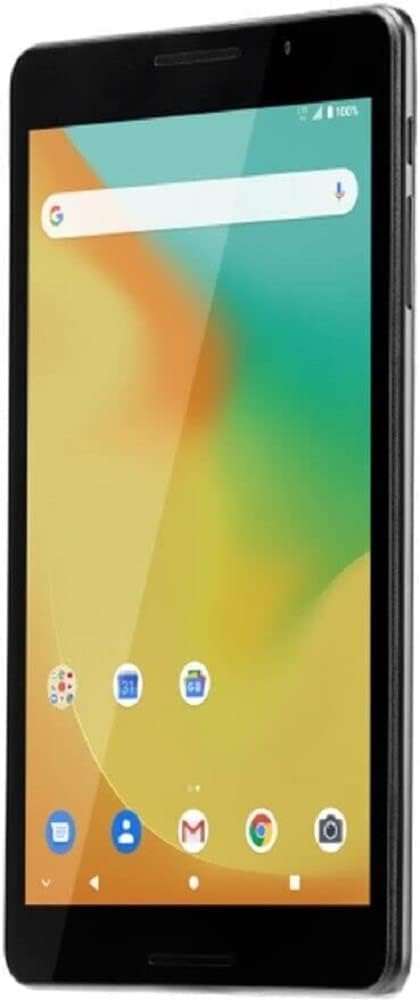
2.2. irudia: Aurrealde angeluatua view of the ZTE Grand X View 4 tablet, showing the screen and side buttons.
- Aurrealdea: 8-inch HD display, front camera, light sensor.
- Aldeak: Power button, Volume buttons, SIM/microSD card slot, USB port, 3.5mm audio jack.
- Itzuli: Rear camera, ZTE logo, speaker grille.
3. Zer dago kutxan
Upon unboxing your ZTE Grand X View 4 tablet, ensure all the following items are present:
- ZTE Grand X View 4 Tableta
- Kargagailua
- USB kablea
- Hasiera Azkarreko Gida (eskualdearen arabera alda daiteke)
If any items are missing or damaged, please contact your retailer or ZTE customer support immediately.
4. Konfigurazioa
4.1 Bateria kargatzea
Before first use, fully charge the tablet's battery. Connect the USB cable to the tablet's USB port and the other end to the charger. Plug the charger into a power outlet. The charging indicator will appear on the screen.
Oharra: Use only the charger and USB cable provided with your tablet or approved by ZTE to avoid damage to the device.
4.2 Inserting a SIM Card (Optional)
If you plan to use cellular data, you may need to insert a SIM card. Locate the SIM card slot on the side of the tablet. Use the provided SIM ejector tool (if included) or a paperclip to open the tray. Insert the SIM card into the tray with the gold contacts facing down, then gently push the tray back into the slot.
Garrantzitsua: This device does not function as a phone. It is designed for data connectivity. For GSM providers, you may need to adjust the APN settings after inserting the SIM card. Consult your carrier for specific APN settings.
4.3 Hasierako piztea eta konfigurazio-morroia
Press and hold the Power button until the ZTE logo appears. The tablet will guide you through the initial setup wizard, which includes:
- Hizkuntza hautatzea
- Wi-Fi sareko konexioa
- Google kontuaren saioa hastea edo sortzea
- Data eta orduaren ezarpenak
- Segurtasun ezarpenak (PINa, eredua, pasahitza)
5. Tabletaren erabilera
5.1 Oinarrizko nabigazioa
- Ukitu: Sakatu ikono edo aukera bat hautatzeko.
- Eduki sakatuta: Press and hold an item to access more options.
- Pasatu hatza: Arrastatu hatza pantailan zehar pantailen artean mugitzeko edo nabigatzeko.
- Pixka bat: Erabili bi hatz irudiak handitu edo txikitzeko edo web orrialdeak.
5.2 Wi-Fira konektatzea
- Joan zaitez Ezarpenak > Sarea eta Internet > Wi-Fi.
- Wi-Fia aktibatu/desaktibatu On.
- Hautatu nahi duzun Wi-Fi sarea zerrendatik.
- Eskatzen bazaizu, idatzi pasahitza eta, ondoren, sakatu Konektatu.
5.3 Aplikazioak kudeatzea
You can download and install applications from the Google Play Store. To manage installed apps, go to Ezarpenak > Aplikazioak eta jakinarazpenak. From here, you can uninstall apps, clear data, or manage permissions.
5.4 Kameraren erabilera
The tablet features a 5MP rear camera. Open the Camera app from the home screen or app drawer. Tap the shutter button to take a photo. You can switch between photo and video modes within the app.
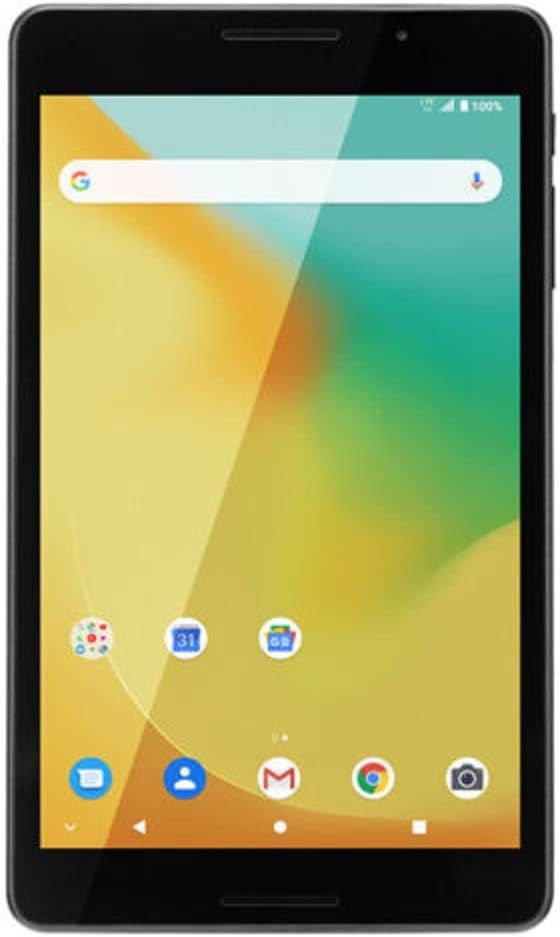
5.1. irudia: Aurrealdea view of the ZTE Grand X View 4 tablet, showing the vibrant home screen with various app icons.
6. Mantentzea
6.1 Tableta garbitzea
Use a soft, lint-free cloth to clean the screen and body of the tablet. Do not use abrasive cleaners, alcohol, or solvents, as these can damage the device's finish and screen coating.
6.2 Bateria zaintzea
- Saihestu tableta tenperatura altuetan jartzea.
- Ez utzi bateria maiz erabat deskargatzen.
- If the tablet will not be used for an extended period, charge it to about 50% before storing.
6.3 Software eguneraketak
Periodically check for software updates to ensure your tablet has the latest features and security patches. Go to Ezarpenak > Sistema > Sistema eguneratzea.
7. Arazoak
| Arazoa | Irtenbide posiblea |
|---|---|
| Tableta ez da pizten. | Ziurtatu bateria kargatuta dagoela. Konektatu kargagailua eta itxaron minutu batzuk berriro pizten saiatu aurretik. |
| Ezin da wifira konektatu. | Check if Wi-Fi is enabled in settings. Restart your Wi-Fi router. Ensure you are entering the correct password. |
| Errendimendu motela. | Close unused applications. Clear cache and data for frequently used apps. Consider performing a factory reset as a last resort (Oharra: This will erase all data). |
| Cellular data not working. | Ensure SIM card is properly inserted. Check APN settings (Settings > Network & internet > Mobile network > Access Point Names). Contact your carrier for correct APN settings. |
If you encounter issues not listed here, please refer to the ZTE support webwebgunean edo jarri harremanetan bezeroarentzako zerbitzuarekin.
8. Zehaztapenak
| Ezaugarri | Xehetasuna |
|---|---|
| Ereduaren izena | X handia View 4 (K87) |
| Bistaratzeko tamaina | 8 hazbete |
| Pantailaren bereizmena | 1280 x 800 pixel |
| Prozesadorea | Qualcomm Quad-core, 1300 MHz |
| Sistema eragilea | Android |
| Memoria Biltegiratzeko Ahalmena | 32 GB |
| RAM (Flash Memory Size) | 1 GB |
| Atzeko kameraren bereizmena | 5 MP |
| Haririk gabeko mota | 802.11n (Wi-Fi), Bluetooth |
| Banda Zelularrak | UMTS B2/4/5, LTE B2/4/5/7/12(MFBI)/13/66(MFBI) |
| Elementuaren pisua | 1.43 kilo |
| Produktuaren neurriak | 4.02 x 7.99 x 0.51 hazbete |
| Kolorea | Grisa |
| Pilak | Bateria ez-estandarra 1 (barne) |

8.1. irudia: Screen displaying regulatory labels for the ZTE Grand X View 4 tablet, including Model: K87, FCC ID: SRQ-K87CA, and IC: 5200E-K87CA.
9. Bermea eta Laguntza
This product is offered as a renewed item. Renewed products are professionally inspected and tested to work and look like new. If not satisfied with the purchase, renewed products are eligible for replacement or refund under the Amazon Renewed Guarantee.
For specific warranty details, return policies, or technical support, please refer to the Amazon Renewed program terms or contact the seller directly. The seller for this product is eKings.
For general ZTE product information, you may visit the official ZTE website. For issues related to the renewed product, please contact the Amazon Renewed support or the seller.