
1. Sarrera eta Overview
The ARZOPA 15.6" Digital Picture Frame is designed to display your cherished photos and videos with stunning clarity. Featuring a 1920x1080 FHD touchscreen with anti-glare technology, it offers a vibrant and immersive viewing experience. With built-in Wi-Fi connectivity and a dedicated mobile application, sharing memories with family and friends has never been easier. This manual provides comprehensive instructions for setting up, operating, and maintaining your digital picture frame.
2. Zer dago kutxan
Please check the contents of your ARZOPA Digital Picture Frame package. If any items are missing or damaged, please contact customer support.
- ARZOPA 15.6" Digital Picture Frame
- Elikatze-moldagailua
- Detachable Stand/Support
- Erabiltzailearen eskuliburua

Image: The Arzopa 15.6 inch Digital Picture Frame alongside a smartphone displaying its companion app.
3. Konfigurazio gida
- Deskargatu eta ikuskatu: Carefully remove all components from the packaging. Ensure the frame and accessories are free from any visible damage.
- Lotu standa: Locate the detachable stand. Insert the stand into the designated hole on the back of the frame and screw it in securely. The frame can be placed horizontally or vertically, and the stand can be adjusted accordingly. Alternatively, the frame supports wall mounting.
- Konektatu energia: Plug the power adapter into the DC power port on the frame. Then, plug the adapter into a standard electrical outlet. The frame requires continuous power to operate.
- Hasierako piztea: The frame will automatically power on once connected to electricity. Follow the on-screen prompts to select your preferred language.
- Konektatu wifira: Select your 2.4GHz Wi-Fi network from the list and enter the password. A stable Wi-Fi connection is essential for app functionality and remote content sharing.
- Download the ARZOPA App: Scan the QR code displayed on the frame's screen or search for "ARZOPA" in your mobile device's App Store (iOS) or Google Play Store (Android) to download the companion application.
- Parekatu zure markoa: Open the ARZOPA app on your smartphone. Follow the app's instructions to pair your device with the digital picture frame, typically by scanning a unique QR code displayed on the frame.
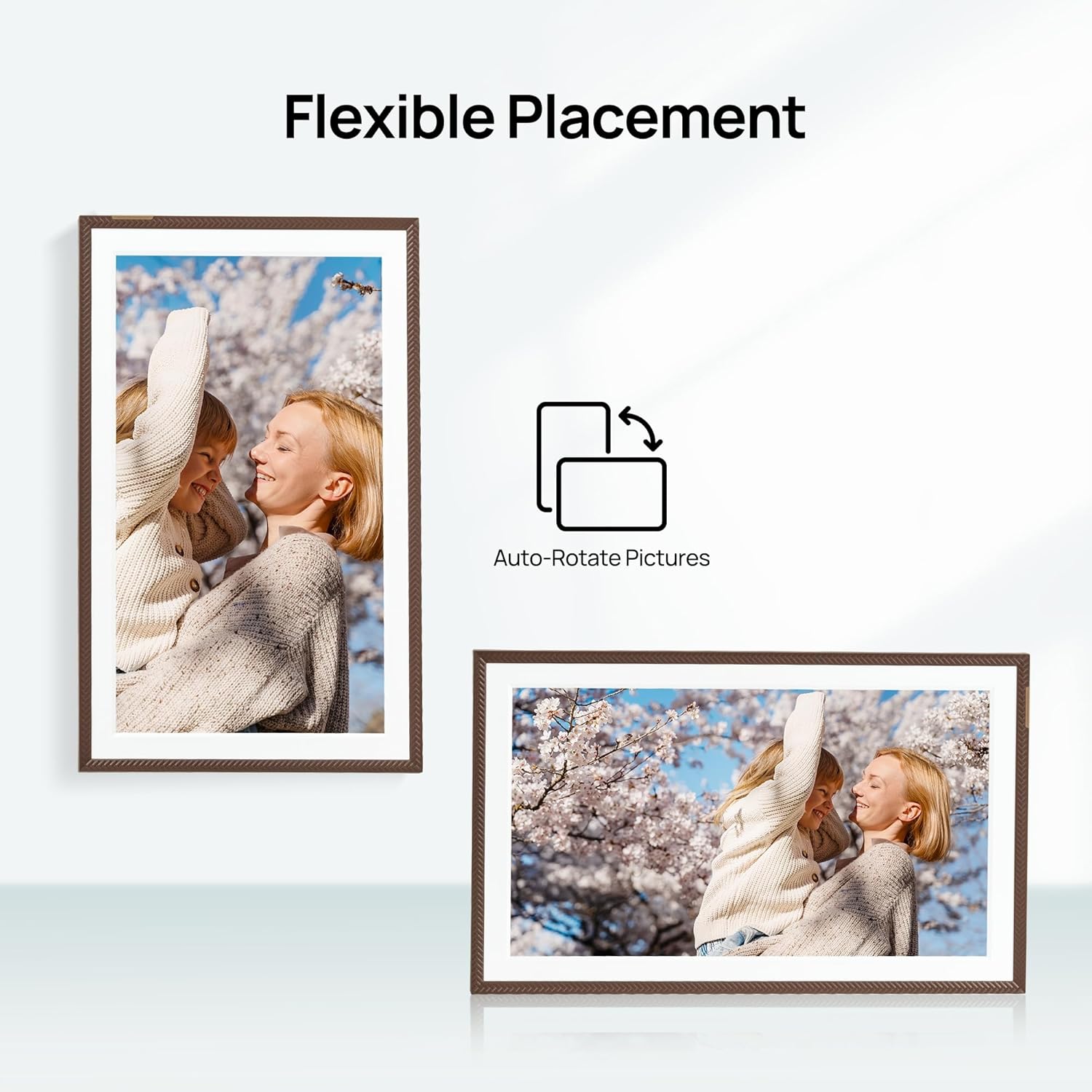
Image: The Arzopa Digital Picture Frame demonstrating its flexible placement options, including auto-rotation between portrait and landscape modes.
4. Funtzionamendu-argibideak
Your ARZOPA Digital Picture Frame features an intuitive touchscreen interface for easy navigation.
Oinarrizko nabigazioa:
- Pasatu hatza: Swipe left or right on the screen to manually switch between photos or videos.
- Sakatu: Tap the screen once to bring up the menu options or to pause/play media.
- Zoom egiteko apur bat egin: Use a two-finger pinch gesture to zoom in or out on photos.
Ezarpenak eta pertsonalizazioa:
Access the frame's settings menu by tapping the screen and selecting the 'Settings' icon. Here you can adjust:
- Distira: Manually adjust screen brightness for optimal viewargiztapen baldintza desberdinetan.
- Lo egiteko modua: Configure automatic on/off times to save energy and avoid screen light during sleep.
- Data eta ordua: Set the current date and time, or enable automatic synchronization via the internet.
- Aurkezpenaren tartea: Customize the duration each photo is displayed before transitioning to the next.
- Argazkien ordena: Choose sequential, random, or other display orders for your media.
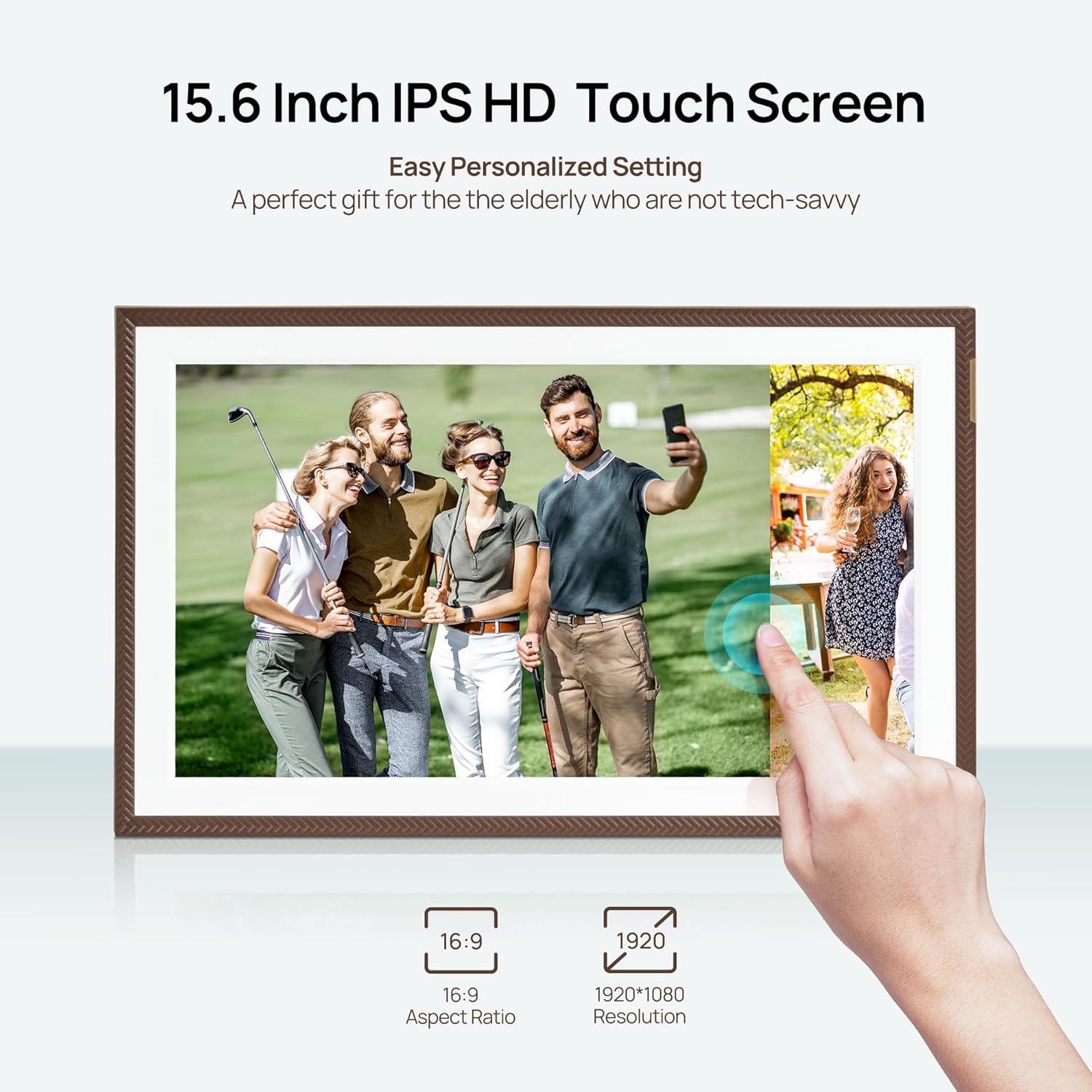
Image: A hand interacting with the touchscreen of the Arzopa Digital Picture Frame, highlighting its responsive interface.
5. Media Management (Photos & Videos)
Your ARZOPA Digital Picture Frame offers multiple ways to upload and manage your media.
Wireless Sharing via ARZOPA App:
The most convenient way to add content is through the ARZOPA mobile app. Once your frame is paired:
- Open the app and select the frame you wish to send media to.
- Choose photos and videos from your phone's gallery.
- Upload them directly to the frame. The app supports unlimited single-upload photos (e.g., 100 photos in 60 seconds) and 2-minute HD video transmissions.
- You can invite family and friends to share their photos and videos to your frame by sharing a unique code from the app.
Using External Storage:
The frame supports expandable memory up to 128GB via a TF (microSD) card (not included) and USB drives.
- TF txartela: Insert a formatted TF card (FAT32/NTFS) into the designated slot on the frame. You can directly play media from the card or import it to the frame's internal 32GB storage.
- USB unitatea: Connect a USB drive to the USB-A port. You can browse and import media from the drive to the frame.
Onartutako formatuak:
- Irudiak: JPG, JPEG, WEBP, PNG
- Bideoak: MP4, M4V, 3GP, MOV
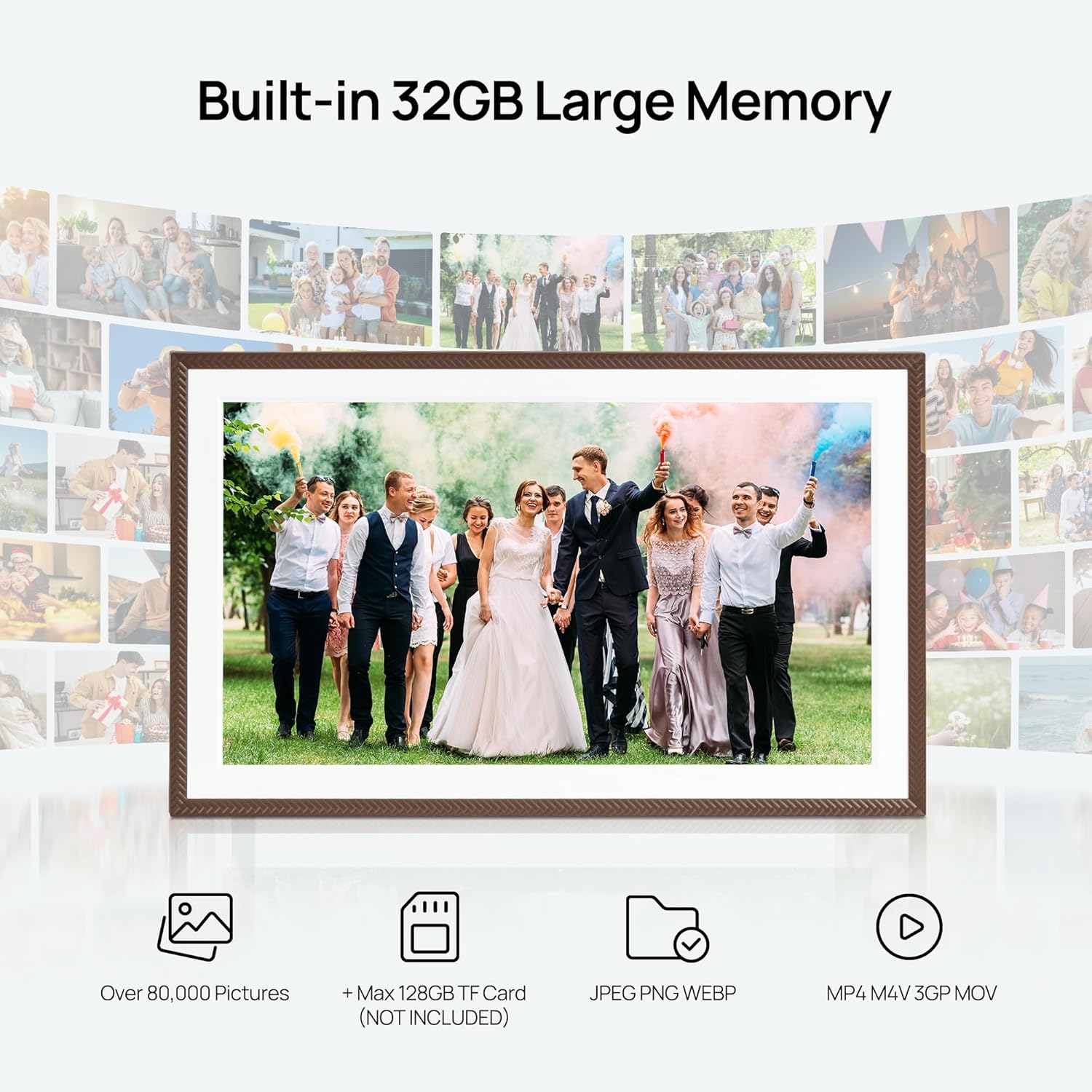
Image: The Arzopa Digital Picture Frame showcasing its 32GB built-in memory and the option for 128GB expandable storage via TF card.

Image: A smartphone screen displaying the Arzopa app, illustrating the instant and unlimited photo and video sharing capabilities to the digital picture frame.
6. Ezaugarri bereziak
Custom Gift Mode:
The innovative preset function allows you to set up the Wi-Fi and upload content to the frame before gifting it. This means the recipient can simply plug it in and enjoy the pre-loaded memories immediately, making it a perfect personalized gift.
Errotazio automatikoa:
Equipped with a precision gravity sensor, the frame automatically rotates the display between portrait and landscape modes to match the orientation of the frame, ensuring your photos are always displayed correctly.
Kokapen malgua:
The frame is designed for versatile placement. It can be easily set up on a desktop using its stand or mounted on a wall to save space and integrate seamlessly into your home decor.

Image: The Arzopa Digital Picture Frame in a bedroom, illustrating its personalized sleep mode feature with a partially dimmed screen for energy saving and minimal sleep disruption.
7. Mantentze-lanak eta zainketa
- Garbiketa: Use a soft, dry, lint-free cloth to clean the screen and frame. For stubborn smudges, lightly dampen the cloth with water; avoid harsh chemicals or abrasive materials.
- Lekua: Avoid placing the frame in direct sunlight, near heat sources, or in areas with high humidity to prevent damage.
- Software eguneraketak: Ensure your frame's software is up to date by checking the ARZOPA app regularly. Updates often include performance improvements and new features.
- Potentzia: Erabili beti markoarekin batera datorren jatorrizko korronte-egokitzailea.
8. Arazoak
Ohiko arazoak eta irtenbideak:
- Markoa ez da pizten:
- Ensure the power adapter is securely plugged into both the frame and a working electrical outlet.
- Check if the power outlet is functional. - Wi-Fi konexioaren arazoak:
- Verify that your Wi-Fi network is 2.4GHz. The frame does not support 5GHz networks.
- Restart your Wi-Fi router.
- Re-enter the Wi-Fi password on the frame to ensure it's correct.
- Ensure the frame is within range of your Wi-Fi router. - Photos/Videos Not Displaying:
- Check if the media files are in supported formats (JPG, JPEG, WEBP, PNG for photos; MP4, M4V, 3GP, MOV for videos).
- Ensure the TF card or USB drive is properly inserted and formatted (FAT32/NTFS).
- If sharing via app, confirm the frame is successfully paired and connected to Wi-Fi. - Pantailak ez du erantzuten:
- Try restarting the frame by unplugging and re-plugging the power adapter.
- Ensure the screen is clean and free from debris.
If you encounter persistent issues, please refer to the contact information in the Support section.
9. Zehaztapenak
| Ezaugarri | Xehetasuna |
|---|---|
| Pantailaren tamaina | 15.6 hazbete |
| Ebazpena | 1920x1080 FHD |
| Barne Biltegiratzea | 32 GB |
| Biltegiratze zabalgarria | Up to 128GB via TF Card (not included) |
| Konektibitatea | Wi-Fi (2.4GHz), USB-A, USB-C, SD Card Slot |
| Produktuaren neurriak | 10 x 15 x 0.99 hazbete |
| Elementuaren pisua | 2.49 kilo |
| Potentzia Sarrera | 5V-2A |
10. Bermea eta laguntza
ARZOPA is committed to providing high-quality products and excellent customer service.
Bermea:
Your ARZOPA Digital Picture Frame comes with a 1 urteko doako bermea erosketa-datatik aurrera, fabrikazio-akatsak estaliz.
Bezeroarentzako laguntza:
Should you have any questions, concerns, or require technical assistance, please do not hesitate to contact our dedicated customer support team. We aim to respond within 48 hours.
Posta elektronikoa: support@arzopa.com
For more information and additional resources, please visit our official webgunea: www.arzopa.com