
Sarrera
This manual provides detailed instructions for the installation, operation, and maintenance of your Mars Gaming MARSGAMING MCX ATX PC Gaming Case, Model MCF. Please read this manual thoroughly before beginning assembly to ensure proper setup and optimal performance.

Figure 1: Mars Gaming MARSGAMING MCX ATX PC Gaming Case (Model MCF)
Ezaugarri nagusiak
- Advanced Gaming Lighting: Features triple vented front and rear fans with ARGB lighting, complemented by a Metal-Mesh front design and tempered glass side window.
- Diseinu aerodinamikoa: Sophisticated look with pure geometric lines and premium finishes. The aerodynamically designed front panel enhances ventilation and airflow.
- Full ARGB Compatibility: ARGB lighting with multiple preset effects, controllable via an ARGB connector or motherboard for extensive aesthetic customization.
- Gehienezko hozte-ahalmena: Includes a triple front fan system and a 120mm rear fan. Supports up to 6 x 120mm fans, removable magnetic top and bottom filters, and dual chamber design. Full support for up to 360mm liquid cooling.
- Maximum Internal Capacity: Supports ATX, micro-ATX, and mini-ITX motherboards, up to 5 hard drives, and efficient internal cable management. Accommodates VGAs up to 305mm long (330mm without front fan) and 167mm wide, and heatsinks up to 177mm high.
Paketearen edukia
Instalazioarekin jarraitu aurretik, egiaztatu osagai guztiak paketean daudela.
- Mars Gaming MARSGAMING MCX ATX PC Gaming Case (Model MCF)
- 4 x 120mm ARGB Fans (pre-installed)
- Osagarrien kita (torlojuak, euskarriak, kable-bridak)
- Erabiltzailearen eskuliburua (dokumentu hau)
Konfigurazio Argibideak
1. Kasua prestatzea
Place the case on a stable, flat surface. Remove the tempered glass side panel by unscrewing the thumb screws at the rear of the case and carefully sliding the panel off.
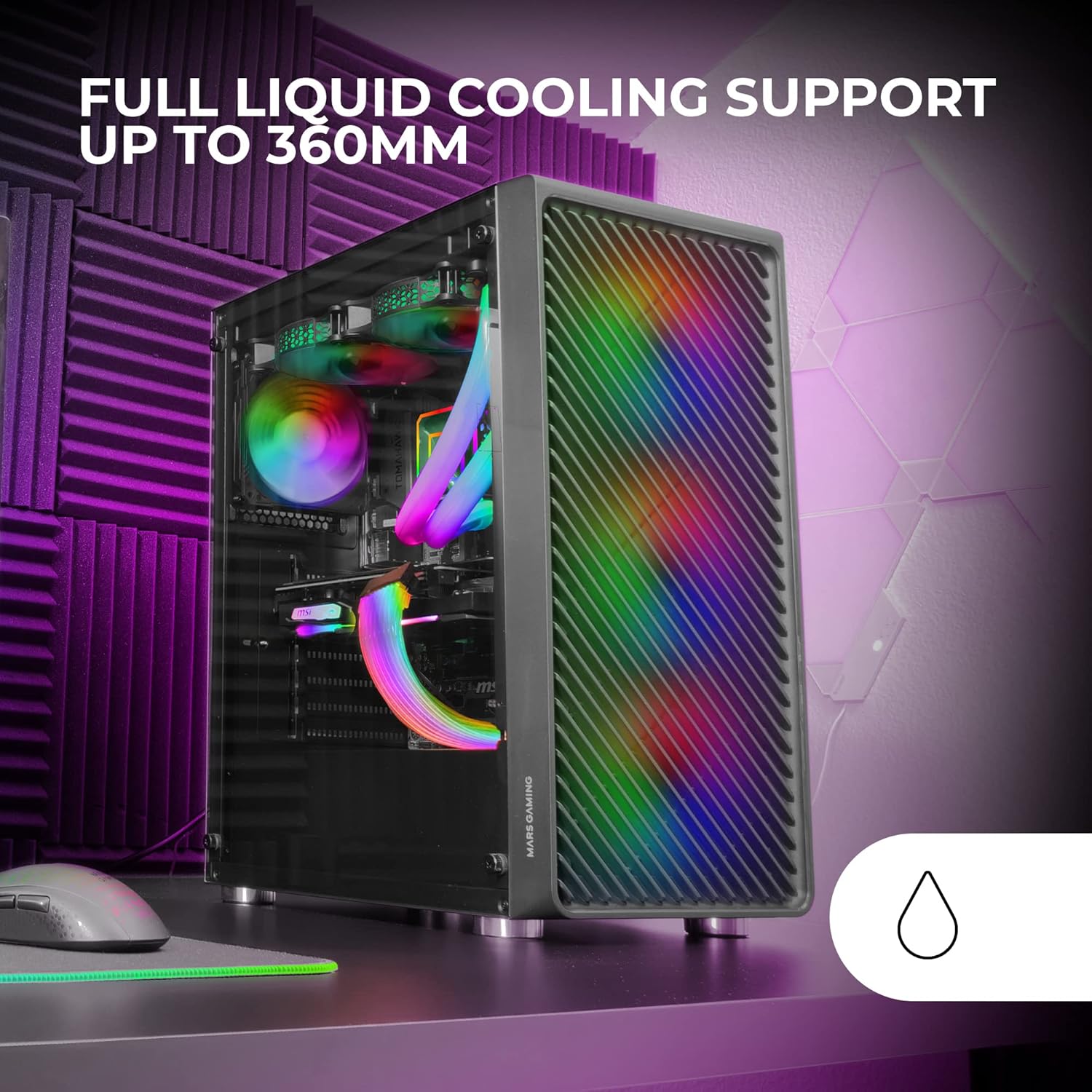
Figure 2: Tempered Glass Side Window
The front panel features a Metal-Mesh design for optimal airflow.

Figure 3: Metal-Mesh Front Panel
2. Plaka amaren instalazioa
Install the appropriate standoffs for your ATX, Micro-ATX, or Mini-ITX motherboard. Carefully place the motherboard into the case, aligning it with the standoffs and the I/O shield opening. Secure the motherboard with screws from the accessory kit.
3. Elikatze-iturriaren (PSU) instalazioa
The case features a bottom-mount power supply design. Slide your PSU into its designated compartment at the bottom rear of the case and secure it with screws. Route the necessary cables through the cable management cutouts.
4. Biltegiratze unitatearen instalazioa
Install your 3.5-inch hard drives and 2.5-inch solid-state drives into the available drive bays. The case supports up to 5 hard drives. Refer to the internal layout diagram for bay locations.
5. Txartel grafikoaren (VGA) instalazioa
Remove the necessary PCI-E slot covers. Insert your graphics card into the appropriate PCI-E slot on your motherboard and secure it with screws. The case supports VGAs up to 305mm long (330mm without a front fan) and 167mm wide.
6. Cooling System Installation (Fans & Liquid Cooling)
The case comes with four pre-installed 120mm ARGB fans (three front, one rear). Additional fans can be installed as follows:
- Goia: Gehienez 2 x 120 mm edo 2 x 140 mm-ko haizagailu.
- Aurrealdea: Up to 3 x 120mm or 2 x 140mm fans (pre-installed).
- Atzekoa: 1 x 120 mm-ko haizagailu bat (aurrez instalatuta).
For liquid cooling, the case supports radiators up to 360mm.

Figure 4: Pre-installed 4x 120mm ARGB Fans

Figure 5: Internal Layout and Cooling Support
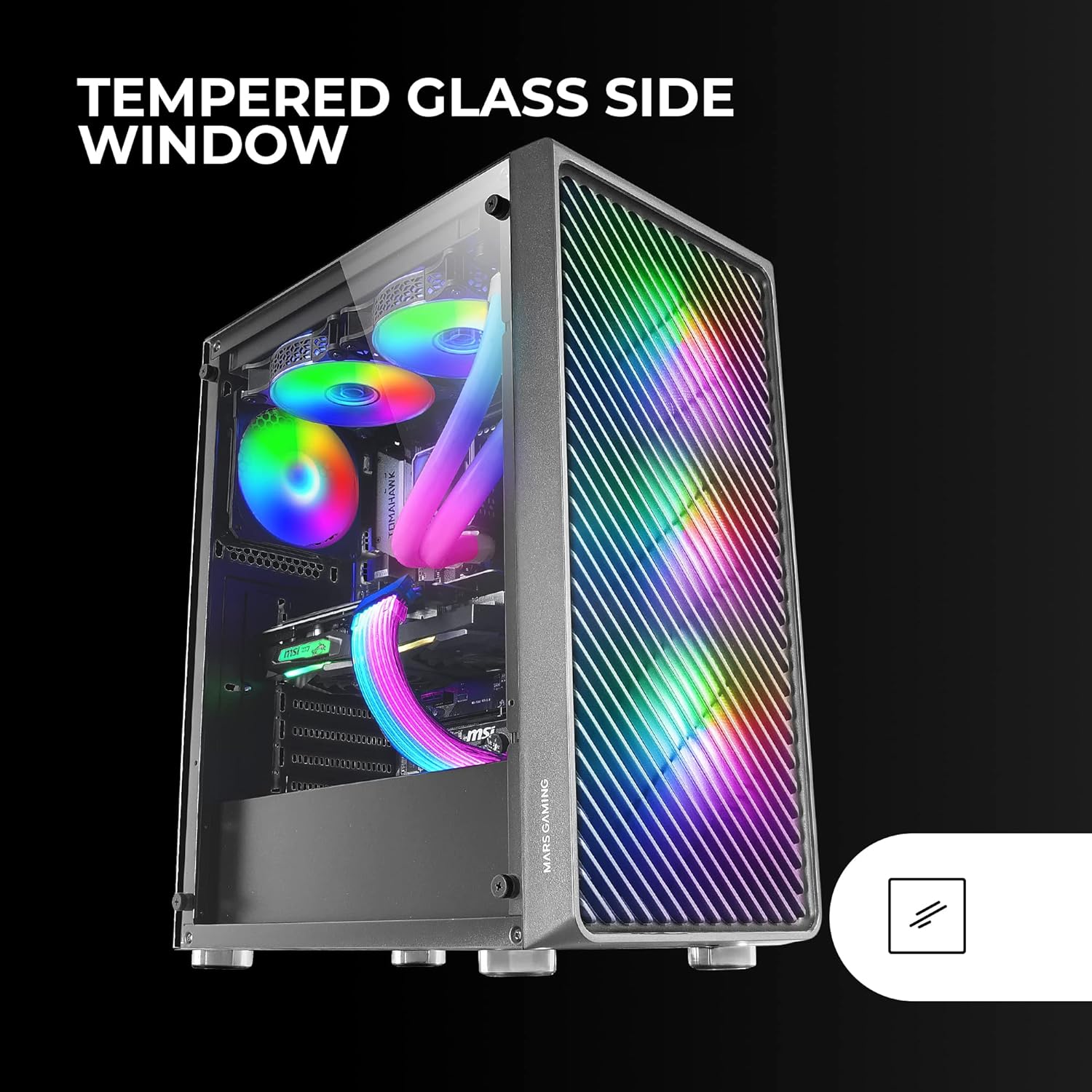
Figure 6: Liquid Cooling Support
7. Kableen kudeaketa
Erabili plaka basearen atzean dauden kableen kudeaketarako ebakiak eta lotura puntuak kableak bideratzeko eta finkatzeko. Horrek aire-fluxua eta estetika hobetzen ditu.
8. Azken Batzarra
Osagai guztiak instalatu eta kableak kudeatu ondoren, berriro jarri beira tenplatuko alboko panela eta finkatu torlojuekin.
Funtzionamendu-argibideak
Piztea
Connect your power supply to a wall outlet. Press the power button located on the top panel of the case to turn on your system.
ARGB Argiztapen Kontrola
The pre-installed ARGB fans can be controlled via your motherboard's ARGB software (if connected to an ARGB header) or through the integrated controller (if applicable). Refer to your motherboard manual for specific ARGB software instructions. The case offers multiple preset lighting effects.
Mantentzea
Kasua garbitzea
Garbitu aldizka kaxaren kanpoaldea zapi leun eta lehor batekinamp cloth. Avoid abrasive cleaners. For interior cleaning, use compressed air to remove dust from components and fans.
Hauts iragazkiaren mantentze-lanak
The case features removable magnetic dust filters on the top and bottom. Periodically remove and clean these filters to maintain optimal airflow and prevent dust buildup inside the system. Wash with water and mild soap, then dry completely before reattaching.
Arazoak konpontzea
Haizagailuak ez dira biratzen / RGBak ez du funtzionatzen
- Check all fan and ARGB connections to the motherboard or controller.
- Ensure the power supply is providing adequate power.
- Verify that ARGB software or physical controls are correctly configured.
Poor Airflow / Overheating
- Clean all dust filters and fans.
- Ensure proper fan orientation for intake and exhaust.
- Verify that no cables are obstructing airflow.
- Consider adding additional fans if temperatures remain high.
System Not Powering On
- Egiaztatu PSUtik plaka nagusira eta osagaietara doazen elikatze-konexio guztiak.
- Ziurtatu aurrealdeko paneleko pizteko botoiaren kablea plaka basera behar bezala konektatuta dagoela.
- Verify the PSU is switched on.
Zehaztapenak
| Ezaugarri | Xehetasuna |
|---|---|
| Marka | Mars Gaming |
| Ereduaren izena | MCF |
| Kasu mota | Mid dorrea |
| Plaka amaren bateragarritasuna | ATX, Mikro ATX, Mini-ITX |
| Materiala | Metala |
| Kolorea | Beltza |
| Elementuaren neurriak (L x W x H) | 14.96" L x 8.5" W x 18.11" H |
| Elementuaren pisua | 4.7 kilogramo |
| Internal Bays Quantity | 5 (for 3.5" Hard Disk Form Factor) |
| GPUaren gehienezko luzera | 305mm (330mm without front fan) |
| CPU hozgailuaren altuera maximoa | 177 mm |
| Aurrez instalatutako zaleak | 4 x 120 mm ARGB zale |
| Hozteko metodoa | Airea, Ura |
| Likidoa hozteko euskarria | Up to 360mm radiator |
| Elikatze-iturriaren muntaketa mota | Beheko mendia |
| USB portuak guztira | 2 (USB 2.0) |
| Ezaugarri bereziak | RGB Lighting, Tempered Glass Side Panel, Metal-Mesh Front Panel |
Bermea eta Laguntza
For warranty information and technical support, please refer to the official Mars Gaming webwebgunera edo jarri harremanetan bezeroarentzako arreta-zerbitzuarekin. Gorde erosketaren frogagiria berme-erreklamazioetarako.
Fabrikatzailea: Mars Gaming