1. Sarrera
Thank you for choosing the EBTOOLS A9 Magnetic 1080P Mini Camera. This compact and versatile camera is designed for home, office, or courtyard monitoring, offering 1080P high-resolution video recording and Wi-Fi connectivity. This manual provides essential information for setting up, operating, and maintaining your camera to ensure optimal performance.
2. Segurtasun informazioa
Abisua: Do not attempt to disassemble, modify, or repair the product yourself to avoid personal injury or equipment damage.
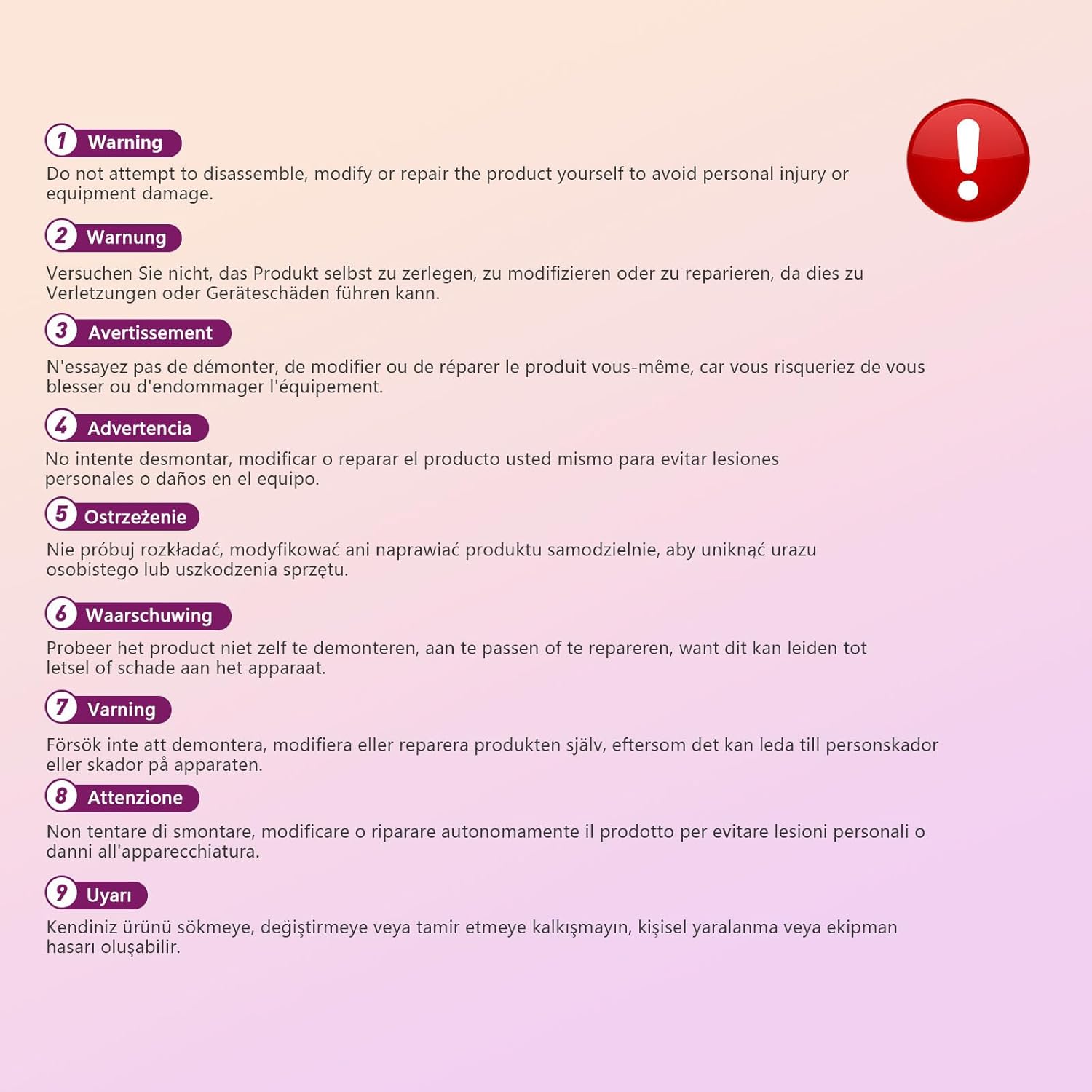
This image displays a warning message in multiple languages, advising users not to disassemble, modify, or repair the product themselves to prevent personal injury or damage to the device.
3. Paketearen edukia
Mesedez, egiaztatu paketea elementu hauek dituen:
- EBTOOLS A9 Mini Camera
- Muntaia magnetikoa
- USB kargatzeko kablea
- Adhesive Pad (for mount)

This image shows the EBTOOLS A9 Mini Camera, a magnetic mount, and a USB charging cable, which are typically included in the product package.
4. Produktua amaitu daview
Kameraren osagaiak ezagutu:

This image displays the front of the EBTOOLS A9 Mini Camera, highlighting the lens, the ON/OFF button, and the MODE button on the top surface.
- Lentea: The primary camera lens for video capture.
- ON/OFF botoia: Kamera piztu edo itzaltzen du.
- MODE botoia: Funtzionamendu modu desberdinen artean aldatzen du.
- Argi adierazlea: Provides status feedback (e.g., charging, recording, Wi-Fi status).

Irudi honek albo bat erakusten du view of the camera, clearly indicating the Micro USB charging port.

This image displays another side view of the camera, highlighting the Micro SD card slot for local storage.
5. Konfigurazioa
5.1 Kamera kargatzea
Before first use, fully charge the camera. Connect the supplied USB cable to the camera's Micro USB port and a 5V USB power adapter (not included). The indicator light will show charging status and turn off when fully charged. The built-in 240 mAh battery provides approximately 45 minutes of continuous operation.
5.2 Mikro SD txartela sartzea
To store recordings, insert a Micro SD card (up to 128GB, not included) into the Micro SD card slot. Ensure the card is inserted correctly with the contacts facing the camera's front. The camera supports continuous recording and motion-activated recording to the card.

This image shows the EBTOOLS A9 Mini Camera with a Micro SD card partially inserted into its slot, alongside a Wi-Fi signal icon, indicating its storage and connectivity features.
5.3 Aplikazioaren instalazioa eta Wi-Fi konexioa
The camera connects via Wi-Fi and is controlled using a smartphone app (compatible with Android devices). Refer to the quick start guide or packaging for the specific app name and download instructions. Once the app is installed:
- Piztu kamera.
- Ireki aplikazioa eta jarraitu pantailako argibideei gailu berri bat gehitzeko.
- Connect the camera to your home Wi-Fi network.
- Konektatu ondoren, egin dezakezu view bizi footage, adjust settings, and access recordings remotely.
6. Funtzionamendu-argibideak
6.1 Piztu/Itzaltzea
- Pizteko: Press and hold the ON/OFF button until the indicator light illuminates.
- Itzaltzeko: Press and hold the ON/OFF button until the indicator light turns off.
6.2 Grabaketa moduak
The camera typically supports two main recording modes:
- Grabaketa jarraitua: Records video continuously to the Micro SD card.
- Mugimendua detektatzeko grabazioa: Records only when motion is detected, saving storage space and battery life.
Use the MODE button or the smartphone app to switch between these modes. Refer to the app's instructions for detailed mode configuration.
6.3 Motion Detection Alerts
When motion detection is enabled, the camera will send alerts to your smartphone via the app when movement is detected within its field of view. This feature is useful for security monitoring.
6.4 Aplikazioen kontrola
The dedicated app allows you to:
- View zuzeneko bideo jarioa kameratik.
- Access and playback recorded footage.
- Adjust camera settings (e.g., resolution, recording mode, motion detection sensitivity).
- Receive push notifications for motion alerts.
7. Mantentzea
- Garbiketa: Erabili zapi leun eta lehor bat kameraren lentea eta gorputza garbitzeko. Saihestu garbitzaile likidoak edo material urratzaileak erabiltzea.
- Biltegiratzea: Denbora luzez erabiltzen ez duzunean, gorde kamera leku fresko eta lehor batean, eguzki-argitik eta muturreko tenperaturetatik babestuta.
- Bateria zaintzea: Recharge the battery periodically if stored for a long time to maintain its lifespan.
8. Arazoak
If you encounter issues with your camera, refer to the following table:
| Arazoa | Kausa posiblea | Irtenbidea |
|---|---|---|
| Kamera ez da pizten | Low battery; Faulty power button | Charge the camera fully; Contact support if issue persists |
| Ezin da wifira konektatu | Incorrect Wi-Fi password; Camera too far from router; Router issues | Verify password; Move camera closer to router; Restart router |
| Ez dago SD txartelean grabaziorik | SD card not inserted; SD card full or corrupted; Incorrect recording mode | Insert SD card; Format or replace SD card; Check app settings for recording mode |
| Bideoaren kalitate eskasa | Dirty lens; Low light conditions; App resolution settings | Clean the lens; Ensure adequate lighting; Adjust resolution in app |
| App not receiving alerts | Motion detection off; App notifications disabled; Poor Wi-Fi connection | Enable motion detection in app; Check phone notification settings; Ensure stable Wi-Fi |
9. Zehaztapenak
| Ezaugarri | Xehetasuna |
|---|---|
| Modelo zenbakia | EBTOOLSzi9gg2t6c1-12 |
| Bideo Harrapaketa Ebazpena | 1080p, 720p |
| Konektibitate Teknologia | Haririk gabeko (WiFi) |
| Energia iturria | Battery Powered (Built-in 240 mAh) |
| Materiala | Akrilonitrilo Butadieno Estirenoa (ABS) |
| Muntatze Mota | Wall Mount (Magnetic) |
| Kontrol-metodoa | Aplikazioa |
| Gailu bateragarriak | Smartphone (Android) |
| Alerta mota | Mugimendua bakarrik |
| Barruko/Kanpoko erabilera | Barruan |
| Elementuaren pisua | 2.08 ontza |
10. Bermea eta Laguntza
For warranty information and technical support, please refer to the product packaging or contact EBTOOLS customer service directly. Keep your purchase receipt for warranty claims.