
Jectse Jectsehtin20gcvm-11
Jectse MP3 Player with Bluetooth User Manual
Model: Jectsehtin20gcvm-11
1. Sarrera
This manual provides detailed instructions for the operation and maintenance of your Jectse MP3 Player. This portable device features a 2.4-inch full-touch screen, 4GB internal storage, Bluetooth 5.0 connectivity, FM radio, E-book reader, and voice recording capabilities. Please read this manual thoroughly before using the device to ensure proper functionality and longevity.
2. Segurtasun informazioa
- Ez jarri gailua tenperatura altuen, eguzki-argiaren eraginpean edo hezetasun handiaren eraginpean.
- Saihestu gailua kolpe gogorrak erortzea edo jasaten.
- Ez desmuntatu edo konpontzen saiatu gailua zeuk. Horrek bermea baliogabetuko du.
- Use only the provided charging cable and certified power adapters.
- Entzun bolumen moderatuan entzumen-kalteak saihesteko.
- Mantendu gailua uretatik eta beste likidoetatik urrun.
3. Paketearen edukia
Egiaztatu elementu guztiak paketean daudela:
- Jectse MP3 Player
- Entzungailu kabledunak
- USB kargatzeko kablea

Image: The Jectse MP3 Player, along with its included wired headphones and USB charging cable, laid out on a surface.
4. Produktua amaitu daview
The Jectse MP3 Player features a compact design with a 2.4-inch touch screen for intuitive navigation. The device includes physical buttons on the side for power, volume control, and other functions. A built-in speaker is located on the back.

Irudia: Aurrealdea view of the Jectse MP3 Player displaying its colorful touch screen interface with icons for Music, Video, Dictionary, Recorder, Settings, Applications, Folder, Listening, FM Radio, and Ebook.
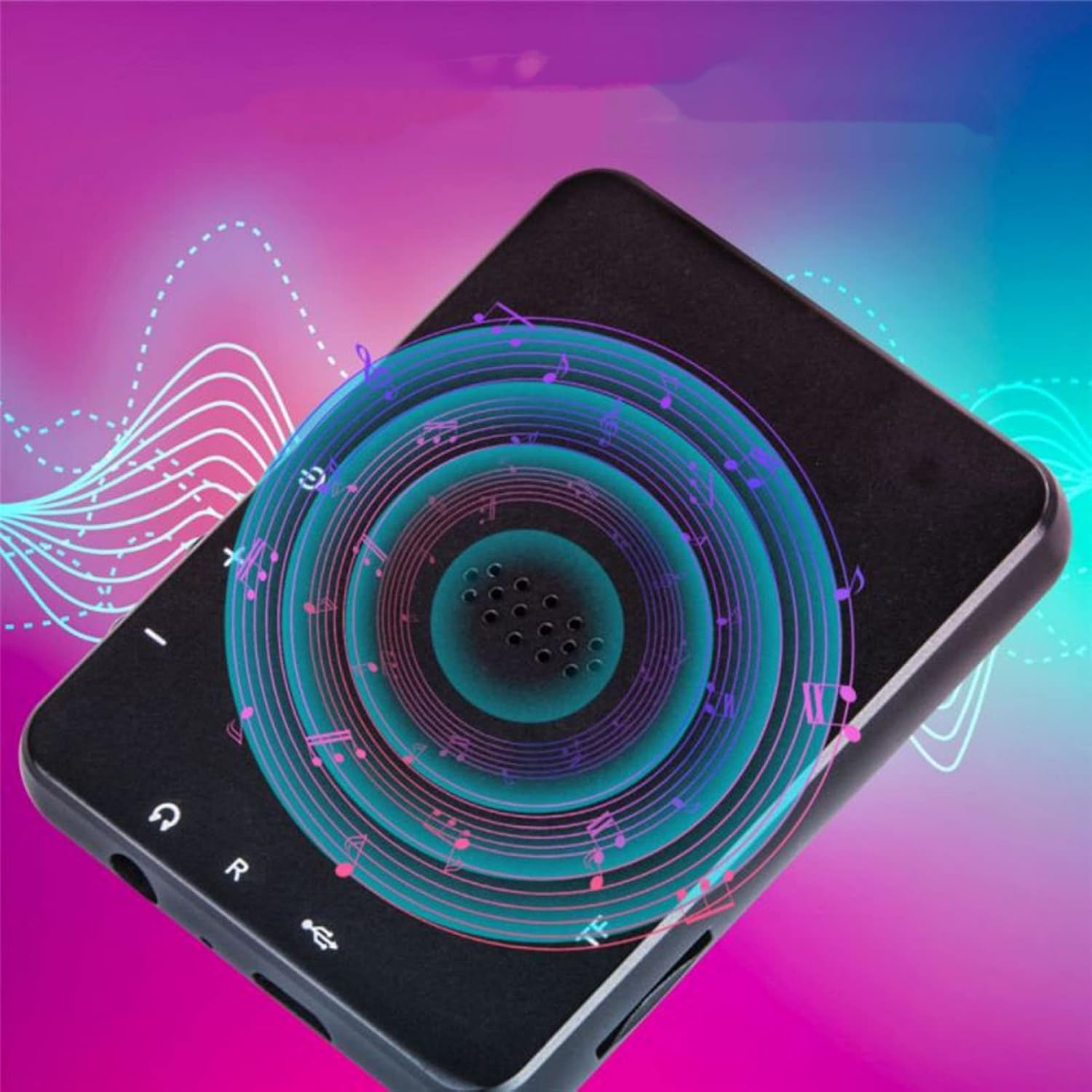
Irudia: Atzealdea view of the Jectse MP3 Player, showing the speaker grille and side buttons for power and volume, with a visual representation of sound waves emanating from the speaker.
5. Konfigurazioa
5.1. Gailua kargatzea
Before first use, fully charge the MP3 player. Connect the provided USB charging cable to the device's charging port and plug the other end into a USB power adapter (not included) or a computer's USB port. The battery indicator on the screen will show charging status.
5.2. Memoria txartel bat sartzea (aukerakoa)
The device has 4GB of internal storage. To expand storage, insert a microSD card (up to 256GB, not included) into the memory card slot. Ensure the card is inserted correctly until it clicks into place.
5.3. Entzungailuak konektatzea
Plug the wired headphones into the 3.5mm audio jack on the device. Alternatively, you can connect Bluetooth headphones (see section 6.2).
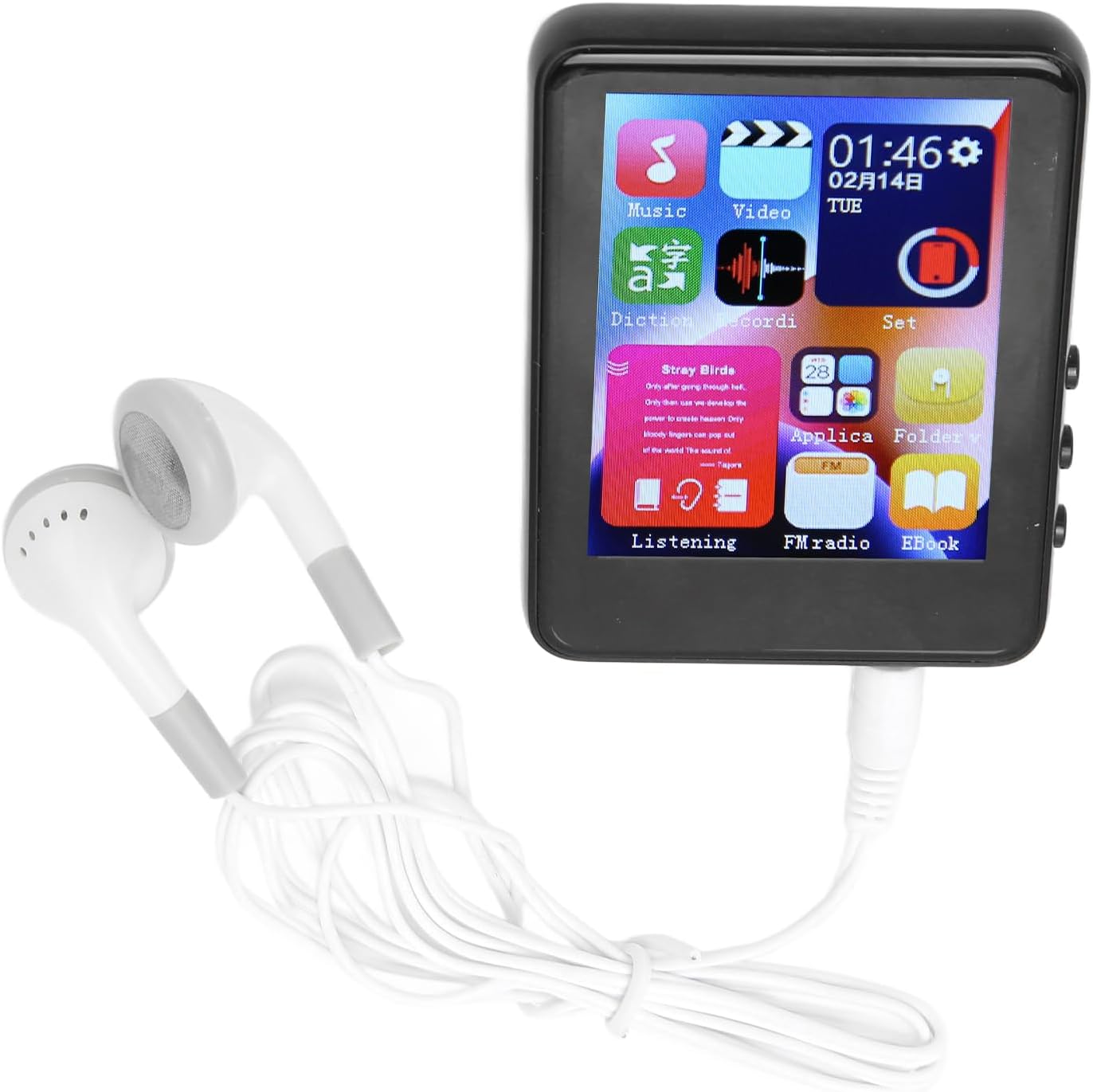
Image: The Jectse MP3 Player with white wired headphones plugged into its audio jack, ready for use.
5.4. Piztu/Itzaltzea
- Pizteko: Sakatu eta eutsi gailuaren alboko pizteko botoiari pantaila piztu arte.
- Itzaltzeko: Sakatu eta eutsi pizteko botoia pantailan itzaltzeko aukera agertu arte, eta ondoren baieztatu.
6. Funtzionamendu-argibideak
6.1. Nabigazioa
The device features a full-touch screen. Swipe left/right or up/down to navigate through menus and applications. Tap an icon to open an application or select an option. Use the back arrow or swipe gestures (if available) to return to the previous screen.
6.2. Musika erreproduzitzea
The player supports MP3, APE, FLAC, WMA, WAV, and AAC audio formats. Transfer music files from your computer to the device's internal storage or an inserted memory card.
- Sakatu 'Musika' ikonoa hasierako pantailan.
- Arakatu zure musika liburutegia artistaren, albumaren, generoaren edo karpetaren arabera.
- Sakatu abesti bat erreprodukzioa hasteko.
- Erabili pantailako kontrolak erreproduzitzeko/pausatzeko, abestiak saltatzeko eta bolumena doitzeko.

Image: The Jectse MP3 Player showing a music playback screen with album art and controls, while a person enjoys music with wireless earbuds.
6.3. Bluetooth konexioa
Connect your MP3 player to Bluetooth headphones or speakers for wireless audio.
- Joan 'Ezarpenak' atalera eta hautatu 'Bluetooth'.
- Piztu Bluetooth-a.
- Ziurtatu zure Bluetooth audio gailua parekatze moduan dagoela.
- Hautatu zure gailua parekatzeko eskuragarri dauden gailuen zerrendatik.
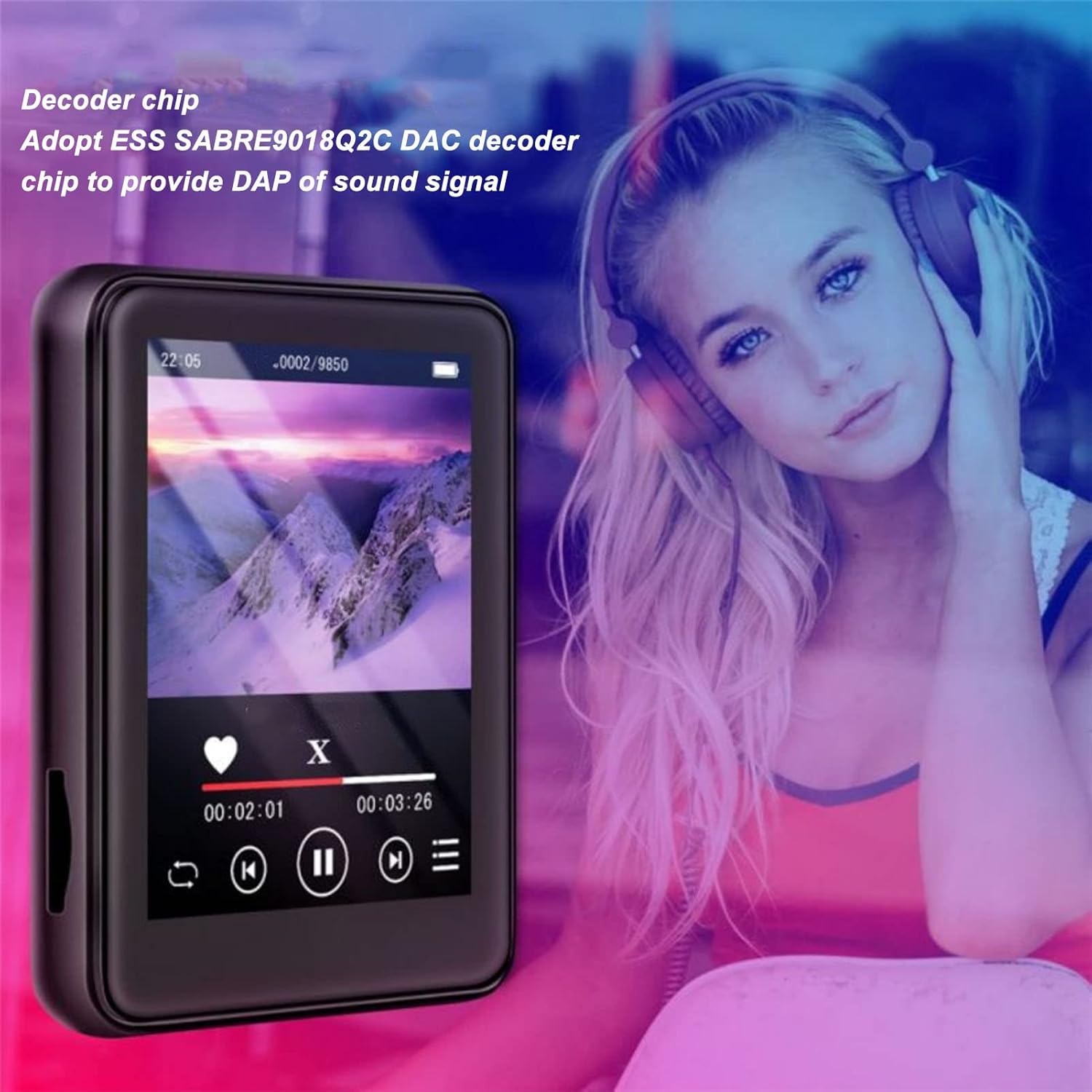
Image: The Jectse MP3 Player displaying a video or music interface, with text highlighting its ESS SABRE9018Q2C DAC decoder chip for high-quality sound. A person wearing over-ear headphones is visible in the background.
6.4. FM Irratia
Listen to FM radio stations using the built-in tuner. Wired headphones must be connected as they act as the antenna.
- Tap the 'FM Radio' icon.
- Perform an automatic scan to find available stations.
- Tune to your desired station using the on-screen controls.
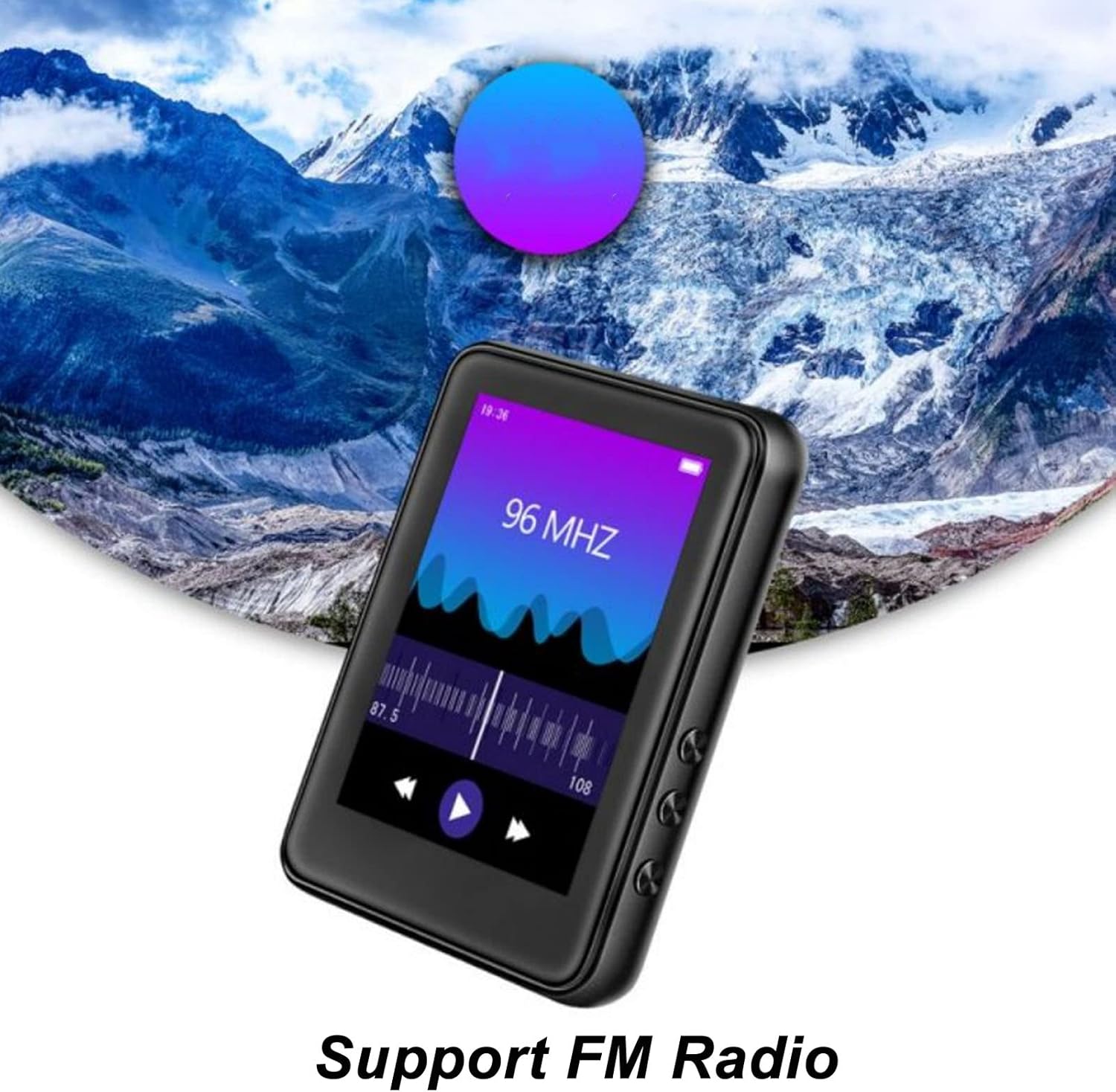
Image: The Jectse MP3 Player showing its FM Radio interface, tuned to 96 MHz, with a visual representation of radio waves and controls.
6.5. Liburu elektronikoak
Read TXT and LRC format e-books on your device.
- Tap the 'Ebook' icon.
- Select the e-book you wish to read.
- Irristatu pantaila orrialdeak pasatzeko.
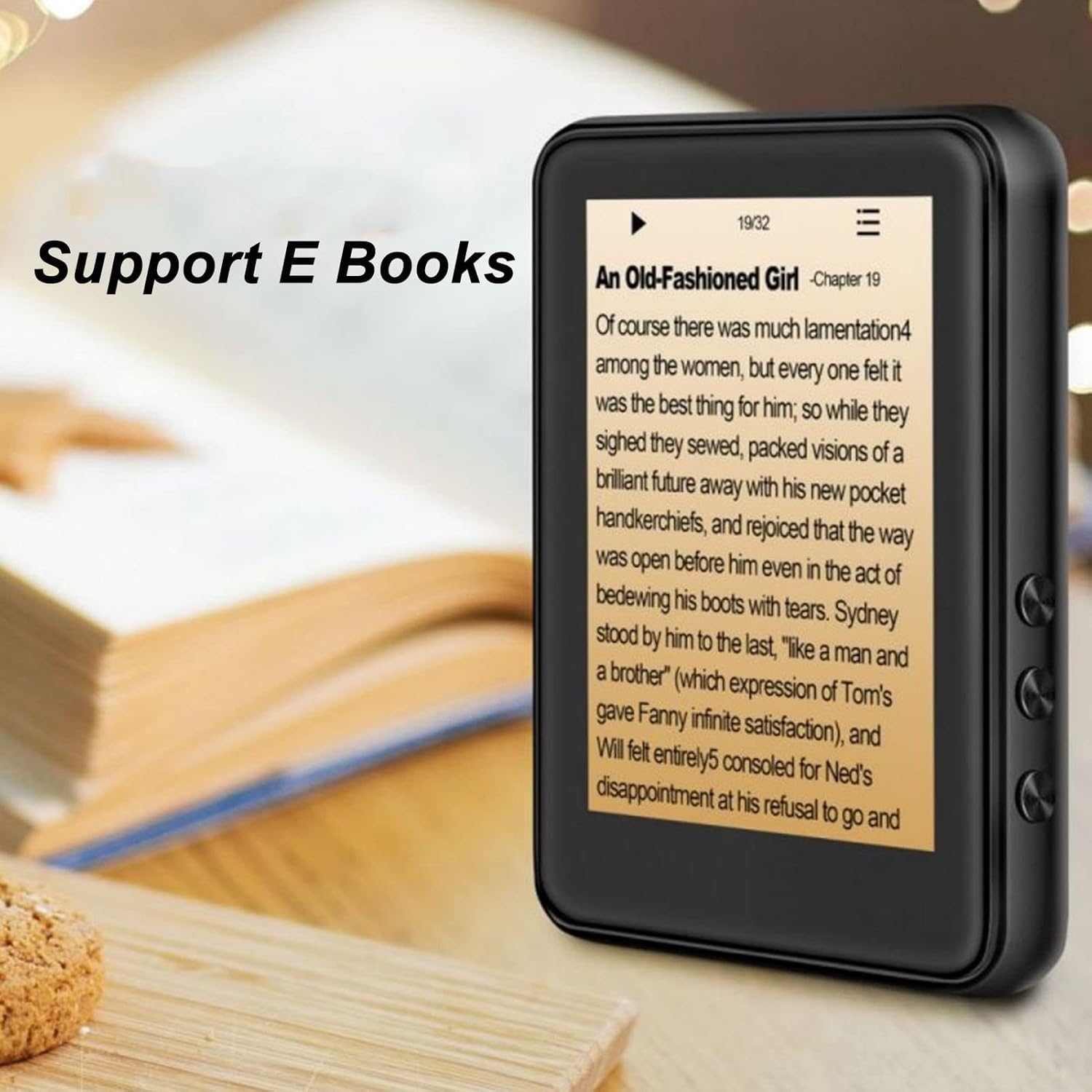
Image: The Jectse MP3 Player displaying an e-book titled 'An Old-Fashioned Girl - Chapter 19' on its screen, with text content visible.
6.6. Ahots-grabagailua
Grabatu audioa barneko mikrofonoa erabiliz.
- Tap the 'Recorder' icon.
- Sakatu grabazio botoia grabatzen hasteko.
- Tap the stop button to end and save the recording.

Image: The Jectse MP3 Player showing its voice recorder interface with a red record button and a timer, positioned in a meeting room setting.
6.7. Bideo erreprodukzioa
The device supports MP4 video playback. Transfer compatible video files to the device's storage.
- Tap the 'Video' icon.
- Hautatu bideoa file jolastu nahi duzu.
- Use the on-screen controls for playback.
7. Mantentzea
- Garbiketa: Erabili zapi leun eta lehor bat gailua garbitzeko. Ez erabili garbitzaile likidorik edo material urratzailerik.
- Biltegiratzea: Gorde gailua leku fresko eta lehor batean erabiltzen ez duzunean.
- Bateria zaintzea: Bateriaren iraupena luzatzeko, saihestu bateria maiz erabat deskargatzea. Kargatu gailua aldizka, denbora luzez erabiltzen ez baduzu ere.
- Software eguneraketak: Egiaztatu fabrikatzailearena webwebgunea, eskuragarri dauden firmware eguneratzeen bila, errendimendu optimoa bermatzeko.
8. Arazoak
-
Gailua ez da pizten:
Ensure the battery is charged. Connect the device to a charger for at least 30 minutes before attempting to power on again.
-
Soinurik ez:
Check the volume level. Ensure headphones are properly connected or Bluetooth headphones are paired and connected. Test with different headphones if possible.
-
Ezin da Bluetooth-era konektatu:
Ensure Bluetooth is enabled on both the MP3 player and the target device. Make sure the target device is in pairing mode and within range. Try restarting both devices.
-
Gailua blokeatu egiten da edo ez du erantzuten:
Berrabiarazteko, sakatu eta eutsi pizteko botoia 10-15 segundo inguru.
-
Fileez da gailuan agertzen:
Ziurtatu files are in supported formats. Verify that files were transferred correctly to the internal storage or memory card. Check if the memory card is properly inserted.
9. Zehaztapenak
| Ezaugarri | Zehaztapena |
|---|---|
| Eredua | Jectsehtin20gcvm-11 |
| Pantaila | 2.4 Inches TFT Screen |
| Onboard biltegiratzea | 4 GB |
| Memoria Txartelaren euskarria | Up to 256GB (microSD, not included) |
| Bluetooth bertsioa | Bluetooth 5.0 |
| Onartutako audio formatuak | MP3, APE, FLAC, WMA, WAV, AAC |
| Onartutako argazki formatuak | JPEG, BMP |
| Supported E-Book Formats | TXT, LRC |
| FM Irrati Maiztasuna | 87Hz-108Hz |
| Seinaleen eta zarataren arteko erlazioa | ≥ 90 db |
| Bateria mota | 500mAh polimerozko litiozko bateria integratua |
| Sistema eragileen bateragarritasuna | Windows 98/ME/2K/XP/Vista/Win7, OS X 10 |
| Elementuaren pisua | 4.5 ontza |
| Paketearen neurriak | 5.12 x 3.15 x 1.18 hazbete |
10. Bermea eta Laguntza
For warranty information and technical support, please refer to the documentation provided with your purchase or visit the official Jectse webgunea. Gorde erosketaren egiaztagiria bermearen erreklamazioetarako.
Ask a question about this manual
Ask about setup, troubleshooting, compatibility, parts, safety, or missing instructions. Manuals+ will review the question and use this page’s manual context to help answer it.