
Sarrera
Thank you for choosing the XtremeMac Wireless 5000 mAh Power Bank. This compact and powerful portable charger is designed to provide convenient wireless and wired charging for your compatible devices, especially optimized for iPhone models with MagSafe technology. Please read this manual thoroughly before using the product to ensure safe and optimal performance.
Paketearen edukia
- XtremeMac Wireless 5000 mAh Power Bank (Model: XWH-PMS2-13)
- USB-C kargatzeko kablea
- Erabiltzailearen eskuliburua (dokumentu hau)
Produktua amaituview
Familiarize yourself with the components of your XtremeMac Wireless Power Bank.

1. irudia: XtremeMac Wireless Power Bank - Front, Back, and Side Views. This image illustrates the device's compact design, the magnetic charging area on the front, the USB-C port, and the power button on the side.
- Magnetic Charging Surface: For wireless charging of compatible devices.
- USB-C ataka: For charging the power bank and for wired output charging.
- Pizteko botoia: Activates wireless charging and checks battery level.
- LED adierazleak: Erakutsi bateriaren maila eta kargatze egoera.
Konfigurazioa
1. Bateriaren kargatze hasiera
Before first use, fully charge your XtremeMac Wireless Power Bank.
- Konektatu emandako USB-C kablea power bank-aren USB-C atakara.
- Konektatu USB-C kablearen beste muturra USB elikatze-egokitzaile bateragarri batera (ez dago barne).
- LED adierazleak piztuko dira kargatzen ari den aurrerapena erakusteko. LED guztiak finko egongo dira guztiz kargatuta daudenean.
2. Attaching to Your iPhone (MagSafe)
The power bank is designed for seamless magnetic attachment to MagSafe-compatible iPhones (iPhone 12, 13, 14, and 15 series).

2. irudia: Magnetic Attachment for iPhone. This image demonstrates how the power bank securely clicks onto the back of a compatible iPhone for wireless charging.
- Align the power bank with the back of your MagSafe-compatible iPhone.
- The magnets will automatically snap the power bank into place, ensuring proper alignment for wireless charging.
Funtzionamendu-argibideak
1. Wireless Charging (MagSafe)
To charge your iPhone wirelessly:

3. irudia: Wireless Charging in Progress. This image shows an iPhone receiving a wireless charge from the power bank, indicated by the charging animation on the phone screen.
- Attach the power bank to the back of your MagSafe-compatible iPhone.
- Press the power button on the side of the power bank. Wireless charging will begin within 5 seconds.
- The LED indicators on the power bank will show its remaining charge. Your iPhone screen will also indicate charging.
- To stop charging, simply detach the power bank or press the power button again.
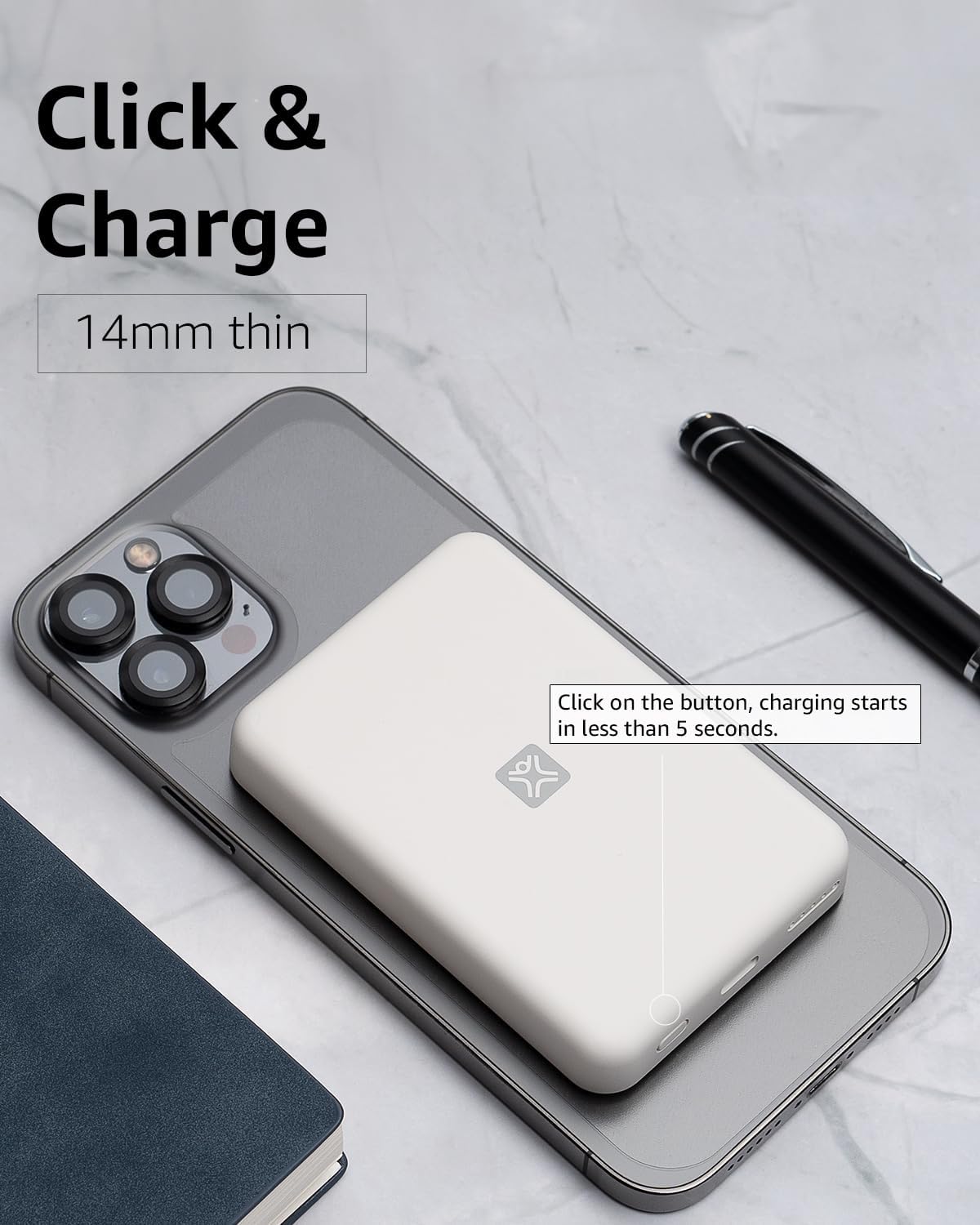
4. irudia: Activating Wireless Charge. This image highlights the power button and the quick activation of wireless charging.
2. Wired Charging (USB-C PD)
For faster charging or to charge non-wireless devices, use the USB-C port.

5. irudia: Wired Charging via USB-C. This image shows the power bank connected to a phone using a USB-C cable, demonstrating its faster wired charging capability.
- Connect one end of a USB-C cable (or a compatible cable for your device) to the USB-C port on the power bank.
- Konektatu beste muturra zure gailuaren kargatzeko atakara.
- Charging will typically begin automatically. If not, press the power button on the power bank.
3. Bateriaren maila egiaztatzea
Press the power button once to check the remaining battery level indicated by the LED lights.
Mantentzea
- Garbiketa: Erabili zapi leun eta lehor bat bateria eramangarriaren gainazala garbitzeko. Ez erabili garbitzaile likidorik edo aerosolik.
- Biltegiratzea: Gorde bateria eramangarria leku fresko eta lehor batean, eguzki-argitik eta muturreko tenperaturetatik babestuta.
- Bateria zaintzea: Bateriaren iraupena luzatzeko, kargatu guztiz bateria elektrikoa gutxienez hiru hilabetean behin, ohiko erabilerarik ez baduzu.
Arazoak konpontzea
| Arazoa | Kausa posiblea | Irtenbidea |
|---|---|---|
| Energia-bankua ez da kargatzen. | Cable not connected properly; faulty cable/adapter; power bank fully charged. | Ensure cable is securely connected. Try a different USB-C cable and power adapter. Check LED indicators; if all are solid, it's fully charged. |
| Gailua ez da haririk gabe kargatzen. | Device not MagSafe compatible; misaligned; power bank low on charge; power button not pressed. | Ensure your device is MagSafe compatible (iPhone 12/13/14/15 series). Realign the power bank. Recharge the power bank. Press the power button to activate. |
| Device not charging via cable. | Cable not connected properly; faulty cable/device; power bank low on charge. | Ensure cable is securely connected. Try a different cable. Recharge the power bank. |
| Karga motela. | Using a non-PD charger/cable; device case interfering with wireless charging. | For wired charging, ensure you are using a USB-C PD compatible charger and cable. For wireless, remove thick or metallic phone cases. |
Zehaztapenak
| Ezaugarri | Xehetasuna |
|---|---|
| Modelo zenbakia | XWH-PMS2-13 |
| Bateria Edukiera | 5000 mAh |
| Haririk gabeko irteera | 7.5W arte (MagSafe-rekin bateragarria) |
| Wired Output/Input | USB-C (Power Delivery compatible) |
| Neurriak | Gutxi gorabehera 17.1 x 8.9 x 2.2 cm (6.7 x 3.5 x 0.9 hazbete) |
| Pisua | 85 g (3 oz) gutxi gorabehera |
| Bateria mota | Litio ioia |
| Bateragarritasuna | MagSafe compatible iPhones (12, 13, 14, 15 series) for wireless charging; USB-C devices for wired charging. |

6. irudia: 5000 mAh Capacity and Charge Estimates. This image provides an overview of the power bank's capacity and estimated number of full charges for various iPhone models.
Segurtasun Informazioa
- Ez jarri bateria eramangarria muturreko tenperaturen, eguzki-argiaren eraginpean edo hezetasun handiaren eraginpean.
- Ez desmuntatu, aldatu edo saiatu gailua konpontzen.
- Mantendu haurren eskura.
- Saihestu potentzia-bankua erortzea edo eragin gogorrak jasan behar izatea.
- Ez erabili bateria eramangarria hondatuta edo puztuta badago.
- Bota ezazu produktua arduraz tokiko araudiaren arabera.
Bermea eta Laguntza
For warranty information, technical support, or customer service inquiries, please refer to the official XtremeMac webwebgunera edo jarri harremanetan bezeroarentzako arreta-zerbitzuarekin zuzenean. Gorde erosketa-agiria erosketaren frogagiri gisa.