
1. Sarrera
Eskerrik asko erosketagatik.asing the CUPEISI YQ11M Android 13 10.1-inch Tablet. This manual provides essential information for setting up, operating, maintaining, and troubleshooting your device. Please read this manual thoroughly to ensure proper use and to maximize your tablet's performance.
2. Segurtasun informazioa
To prevent damage to your device or injury to yourself and others, please observe the following safety precautions:
- Ez jarri tableta tenperatura altuen, eguzki-argiaren eraginpean edo hezetasun handiaren eraginpean.
- Saihestu tableta erortzea edo kolpe gogorren eraginpean jartzea.
- Mantendu tableta uretatik eta beste likido batzuetatik urrun.
- Erabili onartutako osagarriak eta kargagailuak soilik.
- Ez saiatu tableta zeuk desmuntatzen edo konpontzen. Jarri harremanetan zerbitzu-langile kualifikatuekin.
Kargatzeko neurriak
When charging your CUPEISI YQ11M tablet, it is crucial to use a charger with a 5V / 2.0A irteera. Using chargers with different output specifications may lead to device malfunction or damage. The tablet supports both Type-A and Type-C charging terminals. However, chargers with Type-C on both ends may not be compatible. Avoid using multi-type chargers with outputs exceeding 2.0A, chargers that automatically detect current, fast chargers, or chargers specifically designed for other brands (e.g., Apple, Docomo, au).

Irudia: Charging precautions and pre-applied protective film.
3. Paketearen edukia
Mesedez, markatu laukitxoa elementu hauetarako:
- CUPEISI YQ11M Android 13 Tablet
- USB kargatzeko kablea
- Elikatze-moldagailua
- Erabiltzailearen eskuliburua (dokumentu hau)
4. Gailua amaitu daview
Familiarize yourself with the physical features of your CUPEISI YQ11M tablet.
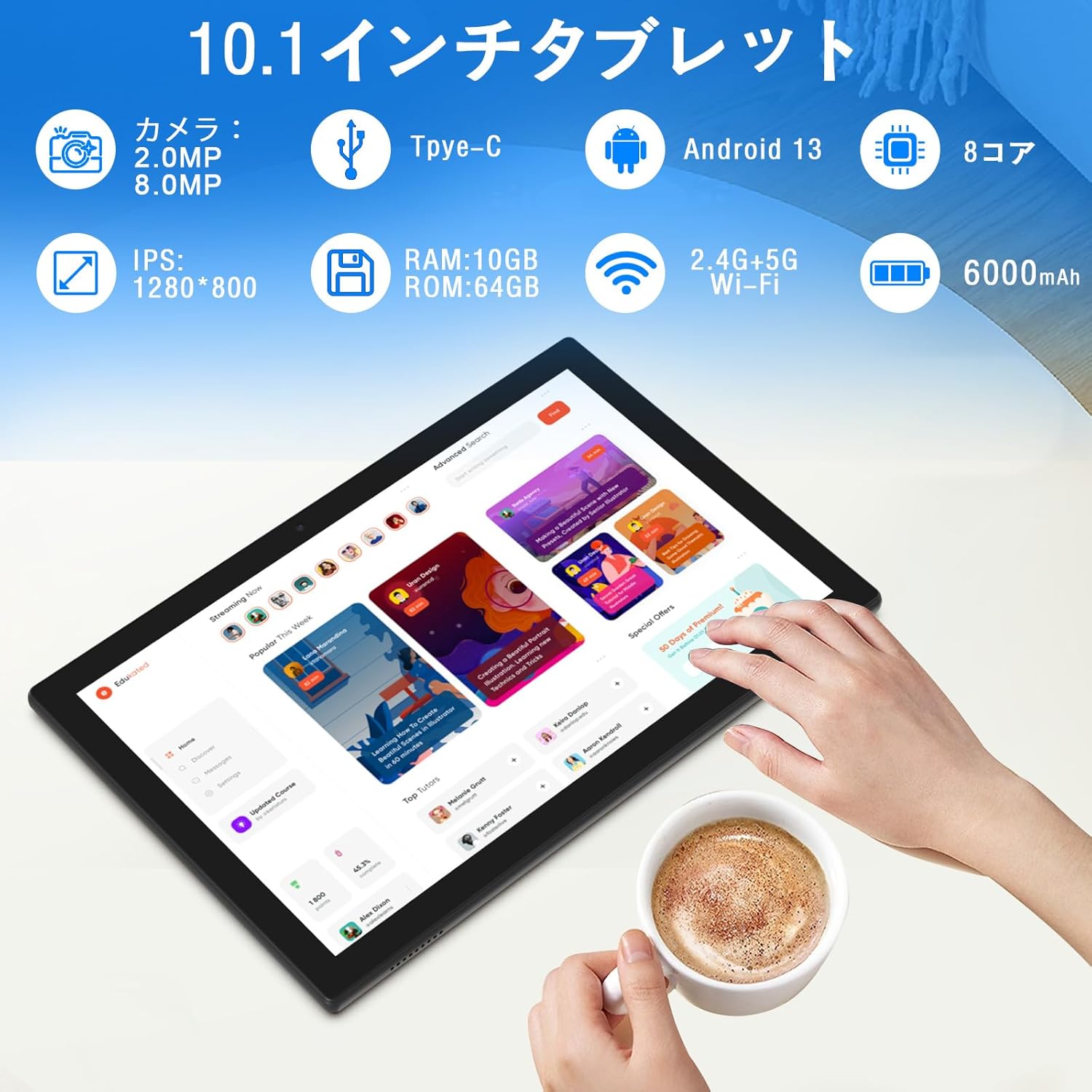
Irudia: Amaituview of tablet features and specifications.
- Aurrealdeko kamera: 2MP bideo-deietarako eta selfieetarako.
- Atzeko kamera: 8MP argazkiak eta bideoak ateratzeko.
- Pantaila: 10.1-inch IPS HD screen (1280x800 resolution).
- Hizlariak: Bi bozgorailu audio esperientzia hobetzeko.
- Kargatzeko ataka: Type-C port for charging and data transfer.
- Pizteko botoia: Alboan dago gailua pizteko/itzaltzeko eta pantaila blokeatzeko.
- Bolumen-botoiak: Located on the side for adjusting volume.
- MicroSD txartelaren zirrikitua: 1 TB-rainoko biltegiratze zabalgarrirako.

Irudia: Aurretik eta atzetik view of the CUPEISI YQ11M tablet.
5. Konfigurazioa
5.1 Hasierako piztea
- Eduki sakatuta pizteko botoia pantaila argitu arte.
- Jarraitu pantailan agertzen diren argibideei zure hizkuntza eta eskualdea hautatzeko eta baldintzak eta zehaztapenak onartzeko.
5.2 Wi-Fi konexioa
- During the initial setup, select your preferred Wi-Fi network from the list.
- Enter the Wi-Fi password if prompted and tap 'Connect'.
- The tablet supports both 2.4G and 5G Wi-Fi for stable and fast connections.
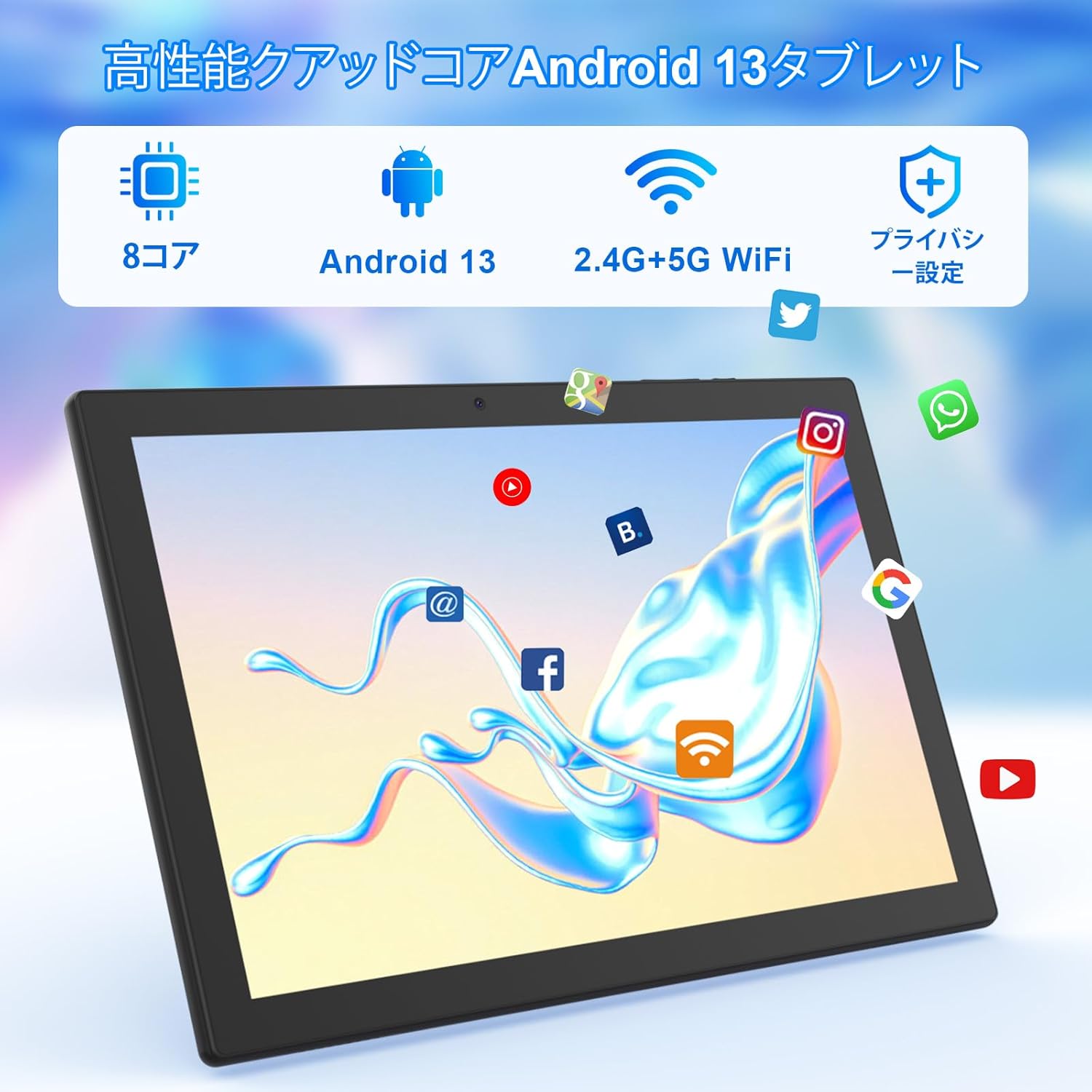
Irudia: Tablet screen showing app icons and connectivity features.
5.3 Google kontuaren konfigurazioa
Sign in with your Google account or create a new one to access Google Play Store, Gmail, and other Google services.
5.4 Babes-filma
The tablet comes with a simple transparent PET protective film pre-applied. You may choose to keep it on or remove it according to your preference. It is designed for easy application without air bubbles or dust.
6. Funtzionamendu-argibideak
6.1 Oinarrizko nabigazioa
The CUPEISI YQ11M tablet features a 10.1-inch FHD in-cell touchscreen with wide viewing angles and 1280x800 high resolution, offering a clear and vibrant visual experience.

Irudia: Tablet display features.
- Sakatu: Select an item or activate a function.
- Pasatu hatza: Nabigatu pantailetan zehar edo mugitu edukian.
- Pixka bat: Irudiak handitu edo txikitu eta web orrialdeak.
6.2 Aplikazioen kudeaketa
The tablet comes with Google Play pre-installed, allowing you to download and use popular applications such as Facebook, Twitter, YouTube, Line, and Instagram. To install apps:
- Open the 'Play Store' app.
- Bilatu the desired app.
- Tap 'Install' to download and set up the app.
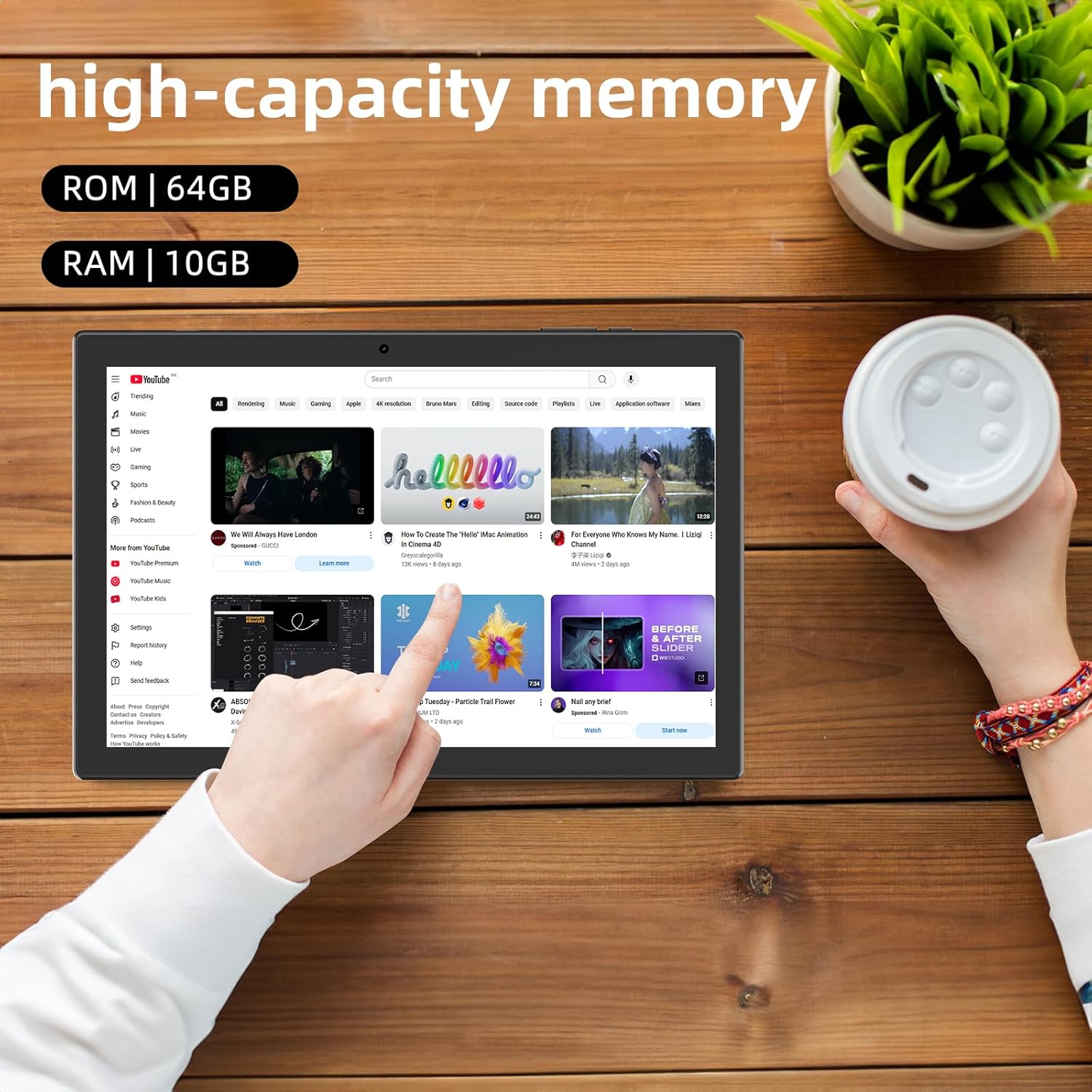
Irudia: Tablet displaying high-capacity memory and app usage.
6.3 Kameraren erabilera
The tablet is equipped with an 8MP main camera and a 2MP front camera. You can use them for capturing beautiful moments, participating in web conferences, or online classes.
- Ireki 'Kamera' aplikazioa.
- Aldatu aurreko eta atzeko kameren artean behar den moduan.
- Tap the shutter button to take a photo or start recording a video.
6.4 GPSaren funtzionaltasuna
With built-in GPS functionality, you can download offline maps to your tablet and use it for navigation, even without an internet connection.
6.5 Bateriaren kudeaketa
The tablet features a large 6000mAh battery and AI intelligent power management, allowing for extended use for movies, reading, and browsing.

Irudia: Tablet highlighting its 6000mAh battery capacity.

Irudia: Tablet showing Type-C charging and various entertainment uses.
7. Mantentzea
7.1 Gailua garbitzea
Use a soft, lint-free cloth to gently wipe the screen and body of the tablet. Avoid using harsh chemicals or abrasive materials.
7.2 Software eguneraketak
Periodically check for system updates in the tablet's settings to ensure optimal performance and security.
7.3 Biltegiratze kudeaketa
The tablet comes with 64GB of internal storage (ROM) and supports MicroSD cards up to 1TB for additional storage. Regularly manage your files and uninstall unused apps to free up space and maintain smooth operation.
8. Arazoak
- Gailua ez da pizten: Ziurtatu bateria kargatuta dagoela. Konektatu tableta kargagailura eta itxaron minutu batzuk berriro pizten saiatu aurretik.
- Wi-Fi konexio arazoak: Egiaztatu Wi-Fia gaituta dagoen ezarpenetan. Berrabiarazi bideratzailea eta tableta. Ziurtatu Wi-Fi seinalearen eremuan zaudela.
- Errendimendu motela: Close unused applications. Clear cache and data for frequently used apps. Consider uninstalling unnecessary apps or moving large files to a MicroSD card.
- Pantailak ez du erantzuten: Restart the tablet by holding down the power button. If the issue persists, contact support.
9. Zehaztapenak
| Marka | CUPEISI |
| Eredua | YQ11M (Note: Some specifications may refer to CP31 or UMIDIGI G2 Tab, but YQ11M is the primary model for this product.) |
| Sistema eragilea | Android 13 (GMS ziurtagiria) |
| CPU | MediaTek MTK8768 Octa-core, 2.3 GHz |
| RAM | 10 GB (4 GB + 6 GB hedapena) |
| Barne biltegiratzea (ROM) | 64 GB |
| Biltegiratze zabalgarria | MicroSD 1 TB arte |
| Pantailaren tamaina | 10.1 hazbetekoa |
| Bistaratzeko ebazpena | 1280x800 pixels HD IPS |
| Aurrealdeko kamera | 2MP |
| Atzeko kamera | 8MP |
| Wi-Fi | 2.4G + 5G Dual-band (802.11ac/b/g/n) |
| Bluetootha | Bai |
| GPSa | Bai |
| Bateria Edukiera | 6000mAh (22.8 Watt-hours) |
| Kargatzeko ataka | C motakoa |
| Hizlariak | 2 Kanalaren bozgorailuak |
| Elementuaren pisua | 516 g |
| Paketearen neurriak | 30.9 x 19.3 x 2.9 cm |
10. Bermea eta Laguntza
Produktu hau a urtebeteko kalitate-bermea. In the unlikely event that you encounter any issues or defects with your product, please do not hesitate to contact us via email. We are committed to providing a prompt response within 24 hours to address your concerns.
Returns and refunds are also possible for customer convenience. Please purchase with confidence.
For support inquiries, please refer to the contact information provided with your purchase or visit the official CUPEISI webgunea.