
1. Sarrera
This manual provides detailed instructions for the installation, operation, and maintenance of your Real HD A-Series 16 Channel PoE IP Camera System. This system includes the ARN-1610S 4K H.265 NVR and 12 ANV-L7012R 4MP IP Dome Weatherproof Cameras. Please read this manual thoroughly before using the product to ensure proper setup and functionality.
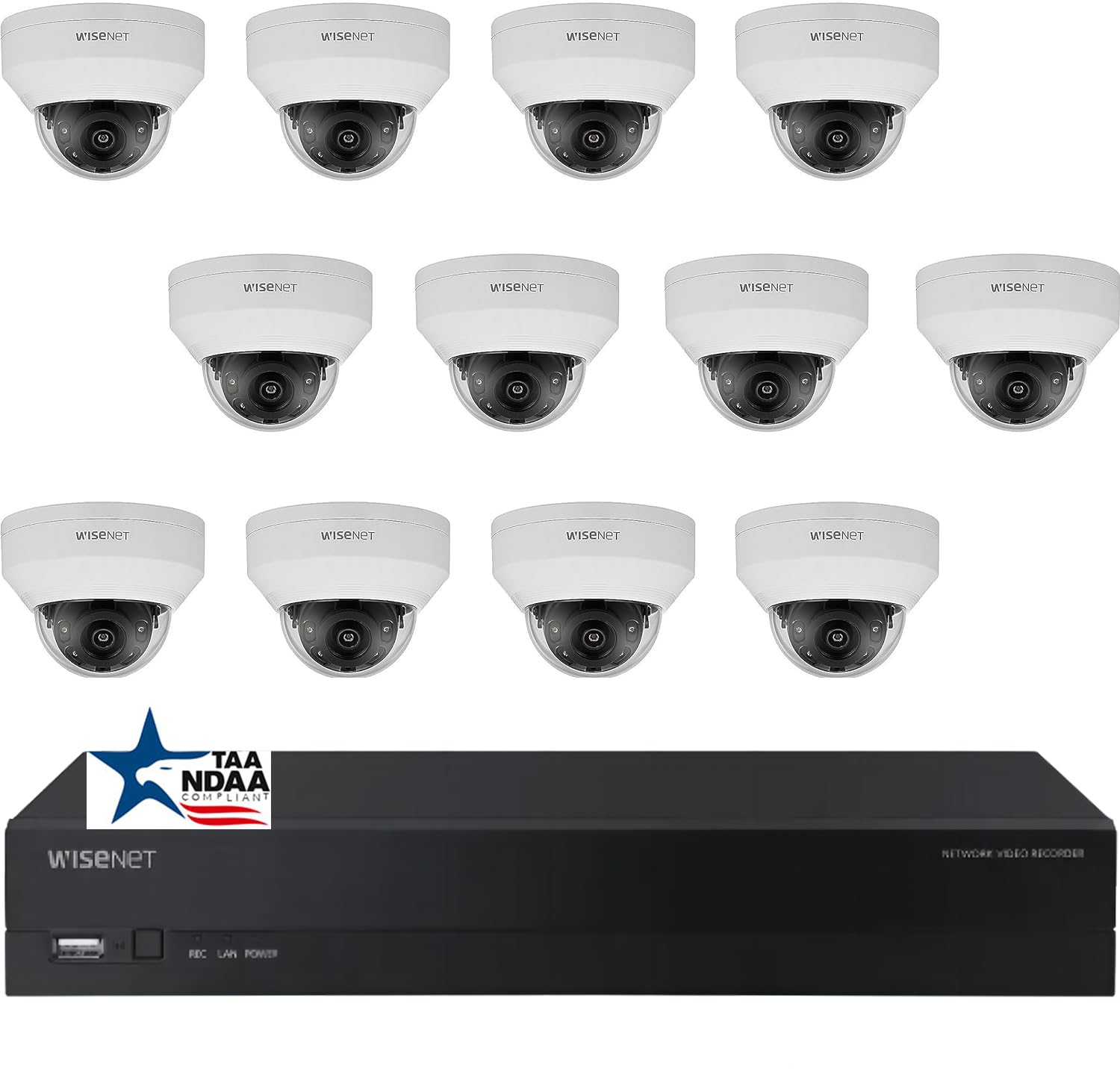
Irudia: Gainetikview of the Real HD A-Series 16 Channel PoE IP Camera System, showing the NVR and dome cameras.
2. Segurtasun informazioa
Beti jarraitu oinarrizko segurtasun neurriak produktu hau erabiltzean, sute, deskarga elektriko eta pertsonen lesio arriskua murrizteko. Gorde eskuliburu hau etorkizunean erreferentzia gisa.
- Erabili gailu honetarako zehaztutako energia-egokitzailea soilik.
- Do not expose the NVR to rain or moisture.
- Bermatu NVRaren aireztapen egokia gehiegi berotzea saihesteko.
- Ez saiatu produktua desmuntatzen edo aldatzen.
- Installation should be performed by qualified personnel if you are unsure about any steps.
3. Paketearen edukia
Egiaztatu behean zerrendatutako elementu guztiak zure paketean sartuta daudela. Elementuren bat falta bada edo hondatuta badago, jarri harremanetan zure saltzailearekin.
- 1 x ARN-1610S 16 Channel PoE NVR with 4TB HDD
- 12 x ANV-L7012R 4MP IP Dome Weatherproof Cameras
- NVRrako korronte egokitzailea
- USB sagua
- Hasierako gida azkarra
- Mounting Screws and Plugs for Cameras
Oharra: Ethernet cables for connecting cameras to the NVR are not included and must be purchased separately.
4. Konfigurazioa
4.1 NVR baino gehiagoview

Irudia: Aurrealdea view of the ARN-1610S NVR, showing LED indicators and USB ports.

Irudia: Atzealdea view of the ARN-1610S NVR, displaying PoE ports, VGA, HDMI, LAN, and power input.
4.2 Kamera amaituview

Irudia: Aurrealdea view of the ANV-L7012R 4MP IP Dome Camera.
4.3 Sistemaren konexioa
Follow these steps to connect your NVR and cameras:
- Connect Monitor/TV: Connect a monitor or TV to the NVR's HDMI or VGA port. For optimal performance, a 1080P monitor/TV is recommended.
- Sagua konektatu: Konektatu barneko USB sagua NVRaren USB ataka batera.
- Konektatu kamerak: Connect the IP cameras to the NVR's PoE ports using Ethernet cables. The NVR provides power and data through these ports.
- Connect Router (Optional for Remote Access): Connect the NVR's LAN port to your network router using an Ethernet cable for remote viewgaitasunak.
- Konektatu energia: Plug the NVR's power adapter into the NVR and then into a power outlet.

Image: Connection diagram illustrating how to connect the NVR to a monitor, mouse, cameras, router, and power source.
4.4 Mobile App Setup (Wisenet Mobile)
To access your surveillance system remotely, download the Wisenet Mobile app:
- Eskaneatu beheko QR kodea zure telefonoarekin edo tabletarekin.
- Download and install the Wisenet Mobile app from Google Play Store or Apple App Store.
- Follow the in-app instructions to add your NVR by scanning the QR code displayed on the NVR's monitor interface.

Image: QR codes for downloading the Wisenet Mobile app from Google Play eta Apple App Store.
5. Funtzionamendu-argibideak
5.1 NVR Interface Basics
Upon powering on, the NVR will boot up and display the live view from connected cameras. Use the USB mouse to navigate the on-screen menus. Right-click to access the main menu, which includes options for live view, playback, recording settings, system configuration, and more.
5.2 Grabaketa moduak
NVR-ak hainbat grabazio modu onartzen ditu:
- Grabaketa jarraitua: Erregistroak 24/7.
- Mugimendua detektatzeko grabazioa: Kameraren mugimendua detektatzen denean bakarrik grabatzen du. view.
- Programatutako grabazioa: Eguneko edo asteko ordu zehatzetan grabaketak.
- Alarma grabaketa: Records when an alarm event (e.g., sensor trigger) occurs.
Configure these settings in the NVR's menu under Record > Schedule or Event > Motion Detection.
5.3 Advanced Image Features
Your cameras are equipped with advanced image processing features to enhance video quality:
- WDR (barruti dinamiko zabala): Balances extremely bright and dark areas in the same scene to provide clear images.
- 3DNR (3D Digital Noise Reduction): Reduces image noise, especially in low-light conditions, for clearer video.
- BLC (Backlight Compensation): Improves the visibility of objects in front of a strong backlight.
- IR adimenduna: Automatically adjusts the intensity of the infrared LEDs to prevent overexposure of objects close to the camera, ensuring clear night vision.

Image: Visual comparison demonstrating the effects of WDR, 3DNR, and BLC on video quality.

Image: Comparison illustrating the improved clarity and balanced illumination provided by Smart IR compared to ordinary IR night vision.
6. Mantentzea
6.1 Garbiketa
- Kamerak: Aldian-aldian garbitu kameraren lentea zapi leun eta lehor batekinamp oihal. Saihestu garbitzaile urratzaileak.
- NVR: Keep the NVR free from dust. Ensure ventilation openings are not blocked.
6.2 Firmware eguneraketak
Egiaztatu fabrikatzailearena website periodically for firmware updates. Firmware updates can improve performance, add new features, or fix bugs. Follow the instructions provided with the firmware update carefully.
6.3 Disko gogorraren kudeaketa
The NVR is equipped with a 4TB surveillance-grade hard drive. The system is configured to overwrite the oldest recordings when the hard drive is full. You can adjust recording retention settings in the NVR menu.
7. Arazoak
| Arazoa | Kausa posiblea | Irtenbidea |
|---|---|---|
| Ez dago bideorik monitorearen bistaratzerik | Loose cable connection, incorrect input source, NVR not powered on. | Check HDMI/VGA cable, ensure monitor is on correct input, verify NVR power. |
| Kamerak ez du bideoa erakusten | Ethernet cable issue, camera not powered, camera fault. | Check Ethernet cable connection to NVR PoE port, try a different port/cable. |
| Ezin da NVRra urrunetik sartu | NVR not connected to router, network configuration issues, app setup error. | Ensure NVR is connected to router, check network settings on NVR, re-add NVR to mobile app. |
| Gaueko ikusmen eskasa | Dirty lens, IR obstruction, camera placement. | Clean camera lens, ensure no objects are blocking the IR illuminators, adjust camera angle. |
8. Zehaztapenak
ARN-1610S NVR
- Kanalak: 16 Channel PoE
- Bideo-konpresioa: H.265
- Bideo irteera: 4K (3840 x 2160 pixel)
- Biltegiratzea: 4TB Surveillance Hard Drive (Pre-installed)
- USB atakak: 2
- Hardware Interfazea: Ethernet
- Sistema eragilea: Hanwha A Series NVR OS
- Energia iturria: Kable elektrikoa
- Neurriak: 18 x 20 x 16 hazbete
ANV-L7012R IP Dome Camera
- Ebazpena: 4 MP (2560 x 1440 pixel)
- Lentea: 2.8mm Lente finkoa
- ren eremua View: 100° Horizontal Field of View (HFoV), 108° Viewangelua
- Gaueko ikuspegia: Gehienez 65 oin
- Eguraldiaren aurkako balorazioa: IP67
- Ezaugarri bereziak: Night Vision, Built-in Microphone, WDR, 3DNR, BLC, Smart IR
- Funtzionamendu-tenperatura: -30 °C eta 60 °C artean (-22 °F eta 140 °F)
- Sentsore optikoen teknologia: CMOS
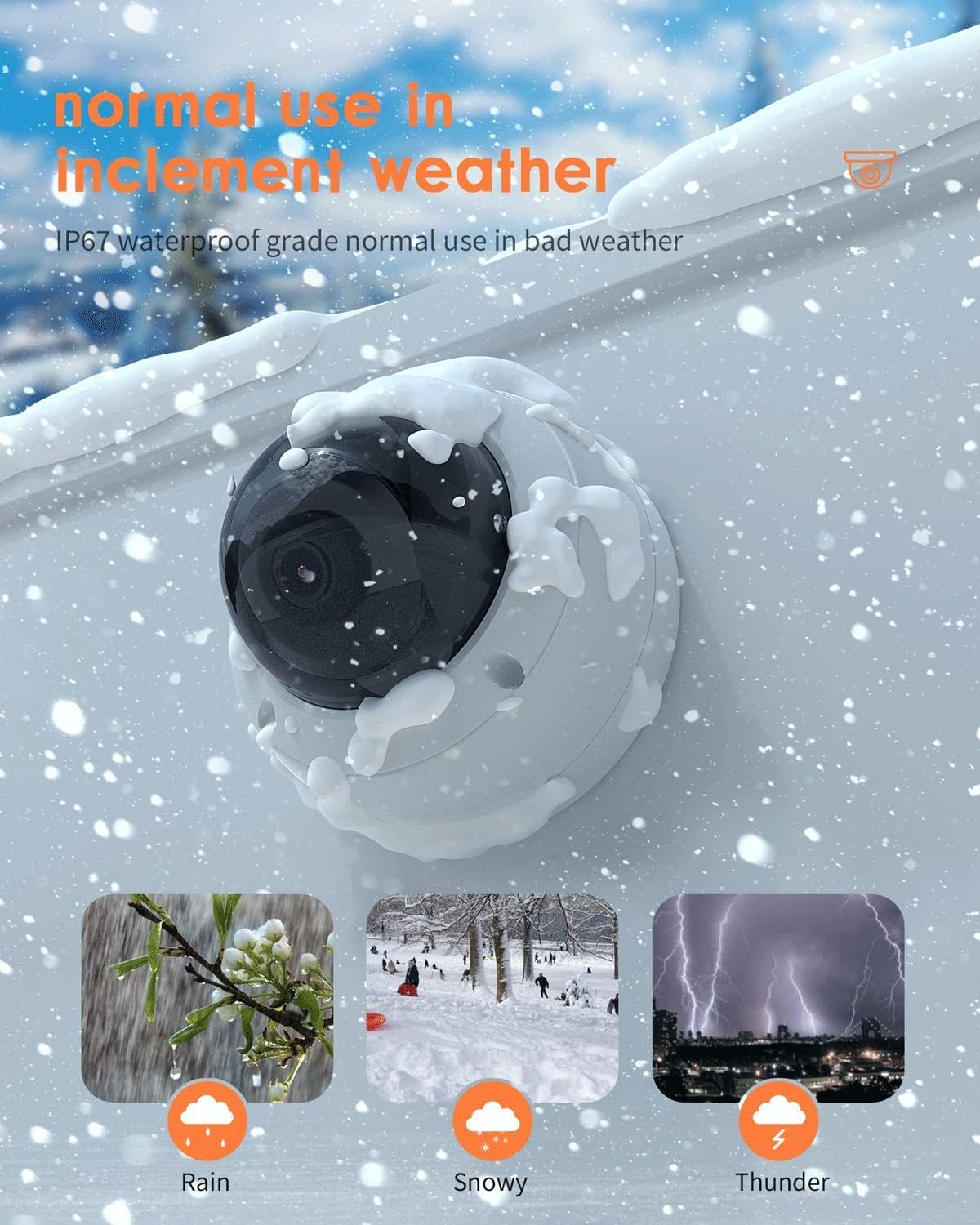
Image: The ANV-L7012R camera demonstrating its IP67 weatherproof capability in various conditions including rain, snow, and thunder.
9. Bermea eta Laguntza
9.1 Bermearen informazioa
This product comes with a standard manufacturer's warranty. Please refer to the warranty card included in your package or visit the Real HD official webwebgunean bermearen baldintza zehatzak ikusteko. Gorde erosketa-agiria erosketaren frogagiri gisa bermearen erreklamazioetarako.
9.2 Laguntza Teknikoa
If you encounter any issues that cannot be resolved using the troubleshooting guide, please contact Real HD customer support. Contact information can be found on the Real HD webgunean edo zure produktuaren ontzian.