
PRUNUS C20 Plus
PRUNUS C20 Mini Karaoke Machine User Manual
Modeloa: C20 Plus
Marka: PRUNUS
Sarrera
The PRUNUS C20 Mini Karaoke Machine is a portable Bluetooth speaker system designed for an enjoyable singing experience. It features dual wireless microphones and various sound modes, making it ideal for gatherings, family fun, and travel. This manual provides comprehensive instructions for setup, operation, and maintenance to ensure optimal performance and longevity of your device.

Figure 1: PRUNUS C20 Mini Karaoke Machine with its two wireless microphones.
Kutxan dagoena
Mesedez, egiaztatu paketearen edukia kutxa irekitzean:
- Mini Karaoke Machine (Speaker) x 1
- Haririk gabeko mikrofonoa x 2
- USB Cable x 1 (for charging)
- Erabiltzailearen eskuliburua x 1

Figure 2: Illustration of the charging port, TF card slot, and included accessories.
Konfigurazio Argibideak
- Hasierako karga: Before first use, fully charge the karaoke machine speaker and both wireless microphones using the provided USB-C cable. The charging port for the speaker is located on the side, and the microphones also have a charging port. A full charge provides up to 4 hours of playtime.
- Piztu: Press and hold the power button on the karaoke machine speaker and each microphone until the indicator lights illuminate. The speaker and microphones will automatically pair with each other.
- Bluetooth konexioa: To play music from your phone, activate Bluetooth on your device and search for "PRUNUS C20" (or similar model name). Select it to pair. Once connected, music played on your phone will stream through the karaoke machine speaker.
- TF txartelaren erreprodukzioa: Alternatively, insert a TF (microSD) card loaded with music into the designated slot on the speaker for direct music playback without needing a Bluetooth connection.
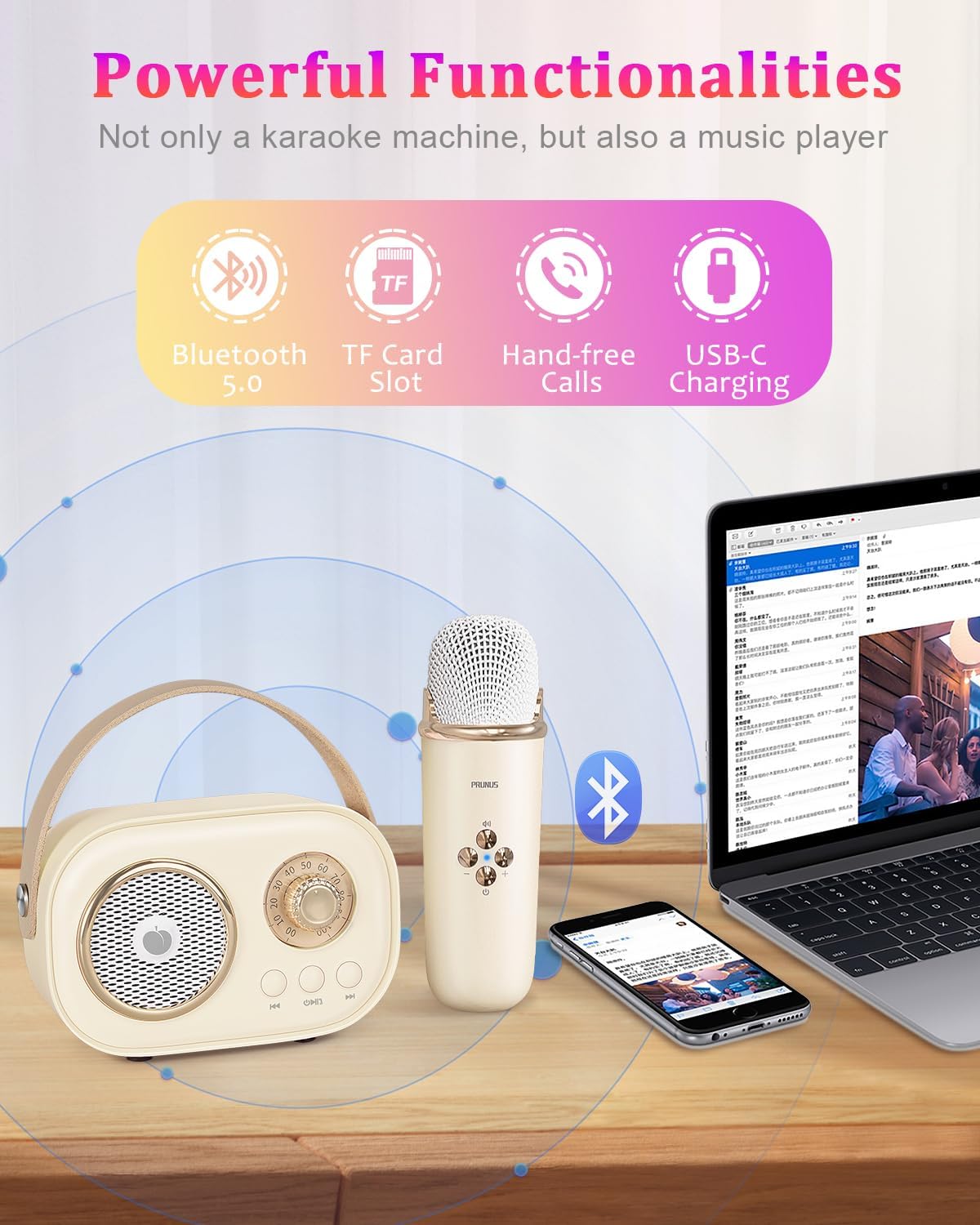
Figure 3: The karaoke machine supports Bluetooth 5.0, TF card playback, and USB-C charging.
Funtzionamendu-argibideak
Bozgorailuaren kontrolak:
- Piztu/Erreproduzitu/Pausatu: The central button on the speaker controls power on/off (long press) and play/pause (short press) for music playback.
- Aurreko/Hurrengo Pista: Use the left and right arrow buttons on the speaker to navigate between music tracks.
- Bolumen kontrola: Rotate the large dial on the speaker to adjust the overall volume.
Mikrofonoaren kontrolak:
- Potentzia/Bolumena: The central button on the microphone powers it on/off (long press). Short presses adjust the microphone volume.
- Sound Effect Switch: The microphone features unique sound settings including Original, KTV Mode, Female Voice, Male Voice, Children's Voice, and Magical Sound Effects. Press the dedicated button to cycle through these modes.
- Original Voice/Accompaniment Mode: Easily switch between singing with the original vocal track or just the instrumental accompaniment.
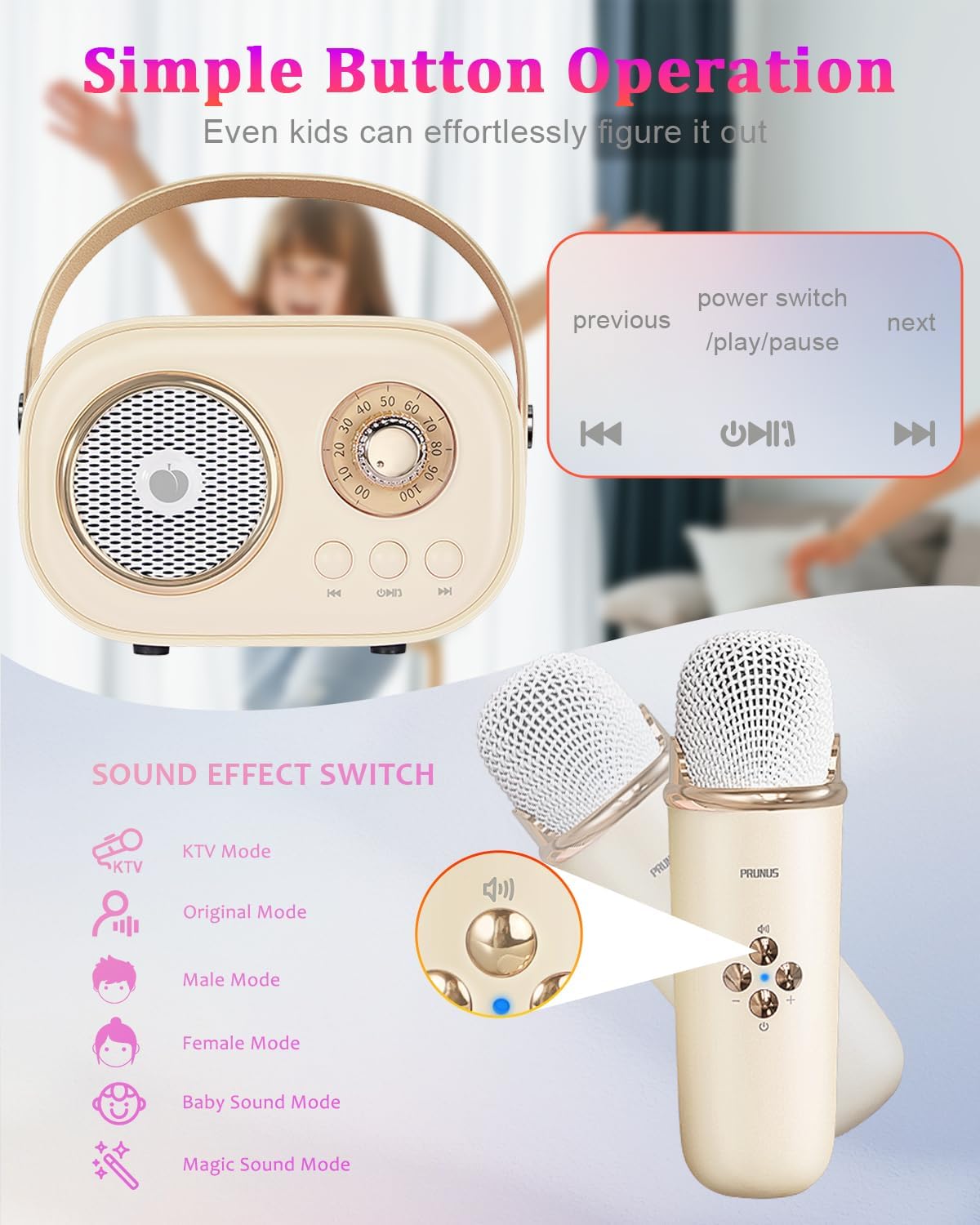
4. irudia: Xehetasuna view of the speaker and microphone controls, highlighting sound effect options.

Figure 5: Explore various fun voice effects available on the microphone.
Audioaren kalitatea:
The PRUNUS C20 features a bass diaphragm and digital signal processor for rich, clear-crystal sound with deep bass. It minimizes noise and interference for a high-fidelity audio experience.
Note: To prevent howling sounds, avoid placing the microphone and speaker too close to each other when the speaker volume is loud.

Figure 6: Internal design of the speaker for robust sound quality.
Produktuen bideoak
Video 1: Official product video from Prunus Store showcasing the Mini Karaoke Machine with 2 Wireless Mics.
Video 2: Official product video from Prunus Store demonstrating the PRUNUS C20 Karaoke Machine.
Mantentzea
- Garbiketa: Use a soft, dry cloth to clean the exterior of the speaker and microphones. Do not use liquid cleaners or abrasive materials.
- Biltegiratzea: Gorde gailua leku fresko eta lehor batean, eguzki-argitik eta muturreko tenperaturetatik babestuta.
- Bateria zaintzea: Bateriaren iraupena luzatzeko, saihestu gailua maiz erabat deskargatzea. Kargatu aldizka, denbora luzez erabiltzen ez baduzu ere.
Arazoak konpontzea
| Arazoa | Kausa posiblea | Irtenbidea |
|---|---|---|
| Argindarrik ez / Gailua ez da pizten | Bateria baxua | Charge the speaker and microphones fully. |
| Bozgorailutik soinurik ez | Volume too low; Not connected via Bluetooth/TF card; Microphones not paired | Increase volume. Ensure proper Bluetooth connection or TF card insertion. Power on and pair microphones. |
| Mikrofonoa ez dabil | Microphone not powered on; Not paired with speaker; Too far from speaker | Ensure microphone is powered on. Re-pair with speaker. Keep microphone within operating range. |
| Howling/Feedback sound | Microphone too close to speaker; Volume too high | Increase distance between microphone and speaker. Lower speaker volume. |
| Bluetooth konexioa ezegonkorra | Interference; Device too far from source | Move closer to the connected device. Avoid obstacles. Disconnect and reconnect Bluetooth. |
Zehaztapenak
| Ezaugarri | Xehetasuna |
|---|---|
| Modelo zenbakia | C20Plus |
| Produktuaren neurriak | 4.09 x 1.97 x 2.8 hazbete |
| Elementuaren pisua | 12.3 ontza |
| Kolorea | Beixa |
| Bateria | 1 A battery required (internal, rechargeable) |
| Jolas-ordua | Up to 4 hours (speaker) |
| Konektibitatea | Bluetooth 5.0, TF Card Slot |
| Ezaugarri bereziak | Lightweight, Portable, Mini, Voice Changer, Rechargeable |
| Erabilera gomendatua | Barruan/Kanpoan |

Figure 7: Product dimensions for the speaker and microphone.
Bermea eta Laguntza
PRUNUS products are manufactured with high-quality standards. For any product-related inquiries, technical support, or warranty claims, please refer to the contact information provided on the product packaging or visit the official PRUNUS webgunea. Gorde erosketaren egiaztagiria bermearen ondorioetarako.
Ask a question about this manual
Ask about setup, troubleshooting, compatibility, parts, safety, or missing instructions. Manuals+ will review the question and use this page’s manual context to help answer it.