
Sarrera
Thank you for choosing the JSAUX 10000mAh Battery Pack. This device is designed to extend the playtime of your VR headset, such as the Oculus Quest 3, and provide portable power for other USB-C compatible devices. This manual will guide you through the setup, operation, maintenance, and troubleshooting of your new battery pack.
Segurtasun Informazioa
- Do not expose the battery pack to extreme temperatures, direct sunlight, or fire.
- Ez desmuntatu, aldatu edo saiatu gailua konpontzen.
- Mantendu gailua uretatik eta beste likidoetatik urrun.
- Erabili emandako USB-C kablea edo baliokide ziurtatu bat kargatzeko.
- Mantendu haurren eskura.
- Dispose of the battery pack according to local regulations.

Irudia: Barnekoa view of the JSAUX battery pack, illustrating its multiple protection features including over-charge, over-voltage, over-power, and over-temperature protection.
Paketearen edukia
Egiaztatu elementu guztiak zure paketean daudela:
- JSAUX 10000mAh Battery Pack (x1)
- USB-C kargatzeko kablea (x1)
Produktuaren Ezaugarriak
- Extended VR Playtime: Provides an additional 6-8 hours of VR gaming, depending on usage.
- Ergonomic Neck-Worn Design: Unique design for comfortable wear, reducing head-mounted weight and cable interference.
- Karga azkarra: Supports up to 20W Power Delivery (PD) fast charging for efficient power delivery to your devices.
- USB-C bateragarritasun unibertsala: Works seamlessly with Meta Quest 3, Meta Quest 2, Pico 4, Pico 4 Pro, HTC Vive, PSVR 2, and other USB-C enabled phones, tablets, and laptops.
- Malgua eta Iraunkorra: Constructed with skin-friendly, bendable, and twistable materials for enhanced comfort and longevity.
- Babes adimenduna: Built-in chip automatically detects optimal charging performance and protects against over-charge, over-voltage, over-power, and over-temperature.

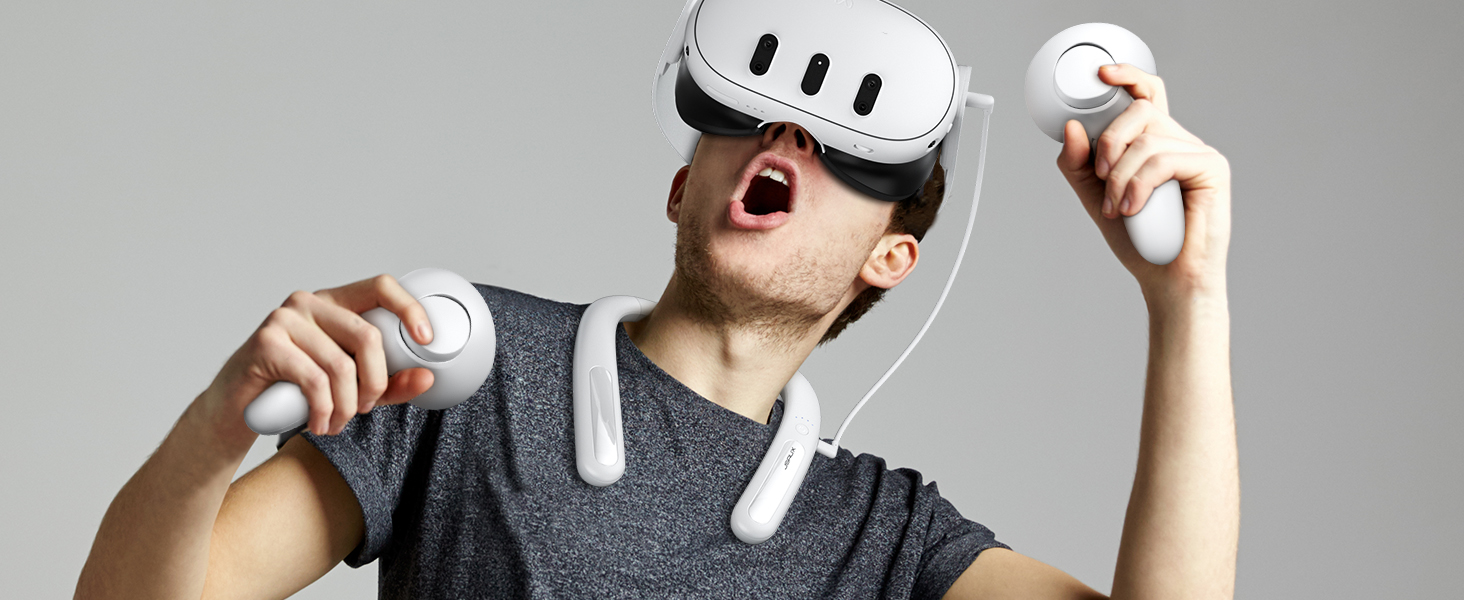
Image: A user enjoying VR with the JSAUX 10000mAh battery pack, highlighting its capacity to extend playtime.

Image: The JSAUX battery pack shown alongside multiple USB-C devices, including VR headsets, phones, and handheld consoles, emphasizing its broad compatibility.
Konfigurazioa
- Charge the Battery Pack: Before first use, fully charge the JSAUX battery pack using the provided USB-C cable and a compatible power adapter (not included). Connect the cable to the Type-C1 (Input/Output) port on the battery pack. The indicator lights will show charging progress.
- Wear the Battery Pack: Gently bend the battery pack to fit comfortably around your neck. The flexible design allows for a custom fit.
- Connect to VR Headset: Use the provided USB-C cable to connect the Type-C2 (Output) port of the battery pack to your VR headset's charging port.
- Kable seguruak: Ensure cables are routed safely to avoid entanglement during VR use.

Image: A user wearing the JSAUX battery pack, illustrating its adjustable and comfortable fit around the neck while using a VR headset.

Image: A visual comparison highlighting how the JSAUX neck-worn design reduces strain on the cervical spine compared to traditional head-mounted battery solutions.
Funtzionamendu-argibideak
Bateria paketea kargatzen
- Connect the provided USB-C cable to the Type-C1 (Input/Output) port on the battery pack.
- Plug the other end of the cable into a USB power adapter (e.g., wall charger, computer USB port). For optimal charging speed, use a PD compatible charger.
- The indicator lights will illuminate to show the charging status.

Image: The JSAUX battery pack connected to a power source via its Type-C1 port, demonstrating the PD fast charging capability.
Power Bank gisa erabiltzea
- Connect your device (VR headset, phone, etc.) to the Type-C2 (Output) port of the battery pack using a USB-C cable.
- The battery pack will automatically begin charging your device.
- Adierazle-argiek power bank-aren bateria-maila erakutsiko dute.
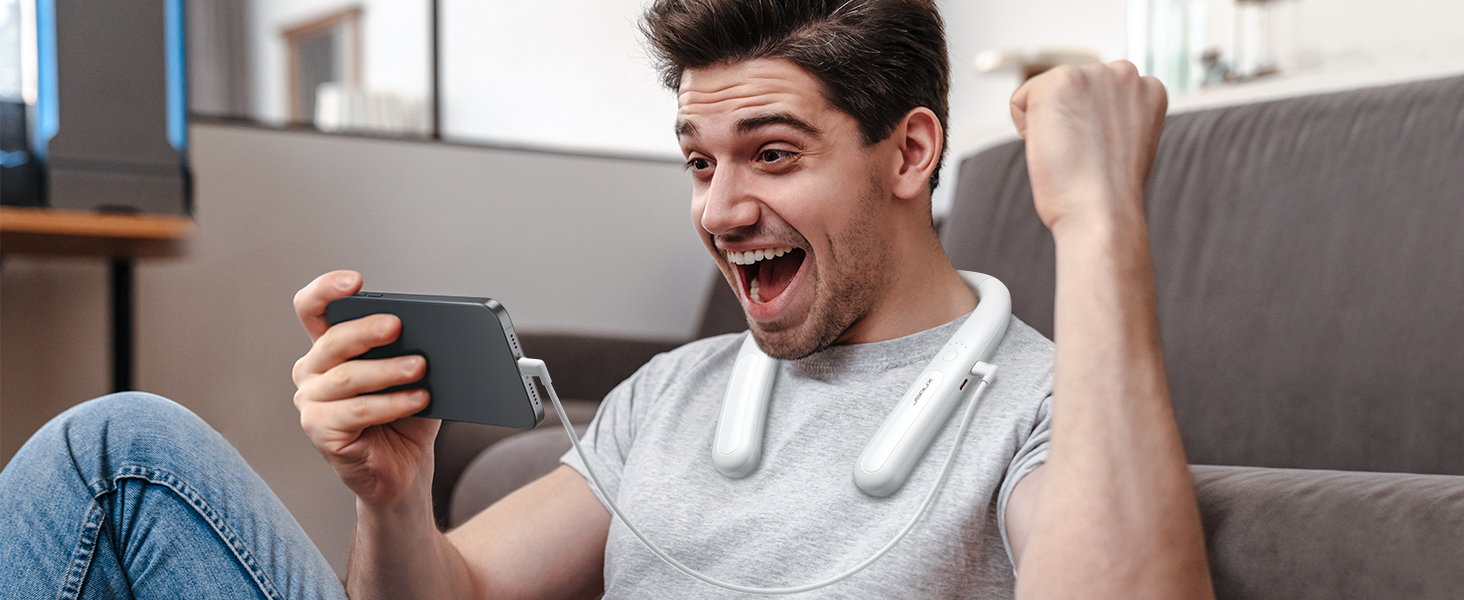
Image: The JSAUX battery pack connected to and charging a smartphone, demonstrating its versatility as a portable power bank.
Argi adierazleak
The battery pack features indicator lights to display its charge status:
- Four Lights Solid: %100 kobratuta
- Three Lights Solid: > %75 kobratuta
- Two Lights Solid: > %50 kobratuta
- One Light Solid: > %25 kobratuta
- All Four Lights Flashing Simultaneously: Input/Output Anomaly (Error)
Irudia: Xehetasun handikoa view of the JSAUX battery pack's indicator lights, explaining what each light pattern signifies regarding battery level and potential anomalies.
Mantentzea
- Garbiketa: Garbitu gailua zapi leun eta lehor batekin. Ez erabili produktu kimiko gogorrik edo material urratzailerik.
- Biltegiratzea: Store the battery pack in a cool, dry place away from direct sunlight and extreme temperatures. For long-term storage, charge the battery to about 50-75% every three months to maintain battery health.
- Kableen zainketa: Kalteak ekiditeko, saihestu USB-C kablea gehiegi tolestea edo bihurritzea.
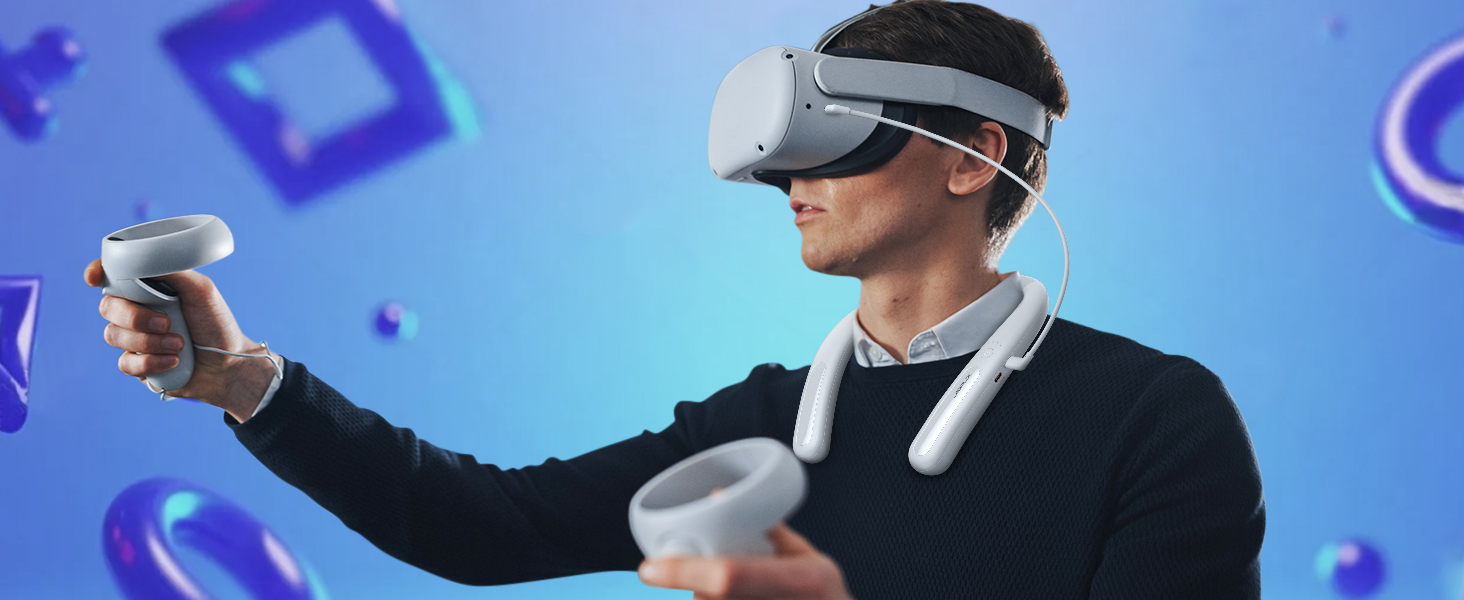
Image: The JSAUX battery pack shown in a flexible, twisted state, highlighting its durable and adaptable material for comfortable use and storage.
Arazoak konpontzea
- Device not charging from battery pack:
- Ensure the battery pack is sufficiently charged.
- Verify the USB-C cable is securely connected to both the battery pack's Type-C2 (Output) port and your device.
- Try a different USB-C cable to rule out cable malfunction.
- Check if your device is compatible with USB-C charging.
- Battery pack not charging:
- Ensure the USB-C cable is connected to the Type-C1 (Input/Output) port.
- Verify the power adapter is working and properly connected to a power source.
- Saiatu beste USB-C kable eta korronte egokitzaile batekin.
- If all four indicator lights are flashing, there might be an input anomaly. Disconnect and reconnect the charger.
- Reduced playtime extension:
- The actual playtime extension depends on the power consumption of the VR game or application. More demanding games consume more power.
- Ziurtatu bateria guztiz kargatuta dagoela erabili aurretik.
- Over time, all rechargeable batteries experience some capacity degradation.
Zehaztapenak
| Modelo zenbakia | PB2004A |
|---|---|
| Bateria Edukiera | 10000mAh |
| Bateriaren konposizioa | Litioa |
| Irteera Wattage | 20 watt (gehienez) |
| Konektore mota | USB C motakoa |
| Pisua | 137 gramo |
| Fabrikatzailea | JSAUX |
| Jatorrizko Herrialdea | Txina |
Bermea eta Laguntza
JSAUX provides an 18-month worry-free period for this product. If you encounter any issues or have questions, please contact our 24/7 bezeroarentzako arreta. We are committed to resolving your concerns within 24 hours.
For support, please visit the official JSAUX website or contact us through your purchase platform.
Produktuen Bideoa
Bideoa: Amaiera batview of the JSAUX 10000mAh Battery Pack, demonstrating its features, ergonomic design, and compatibility with VR headsets and other USB-C devices.